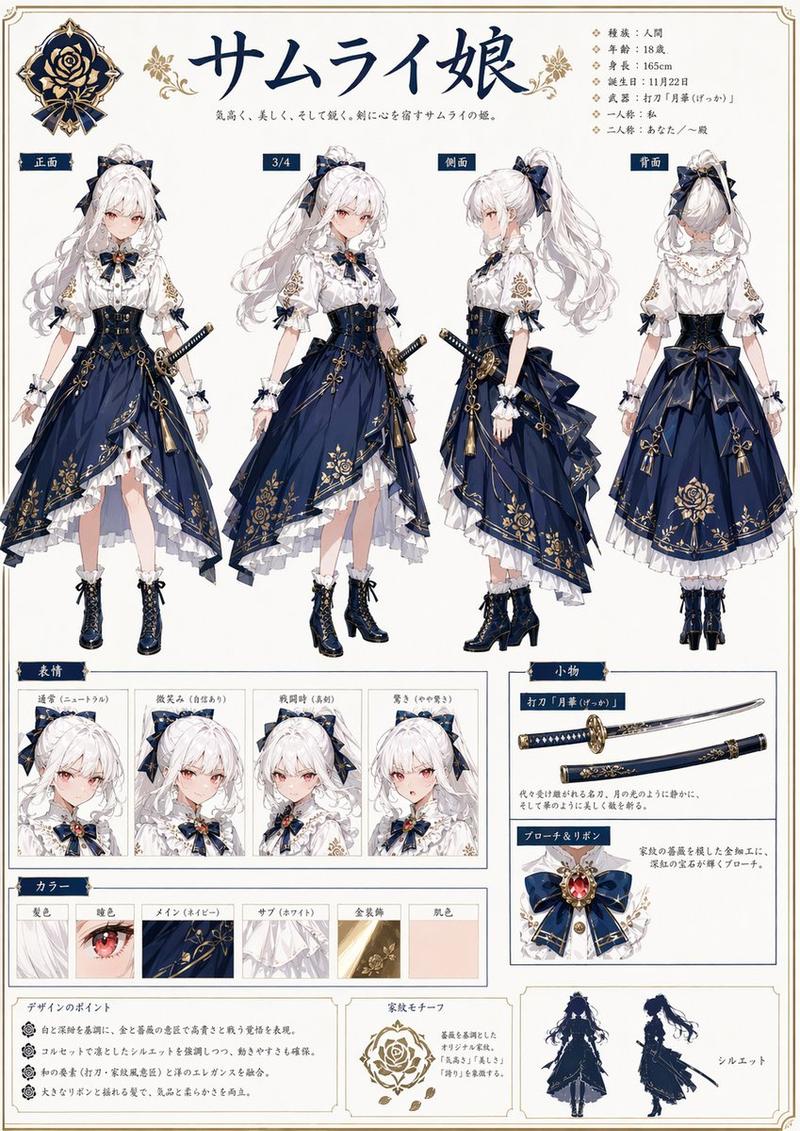
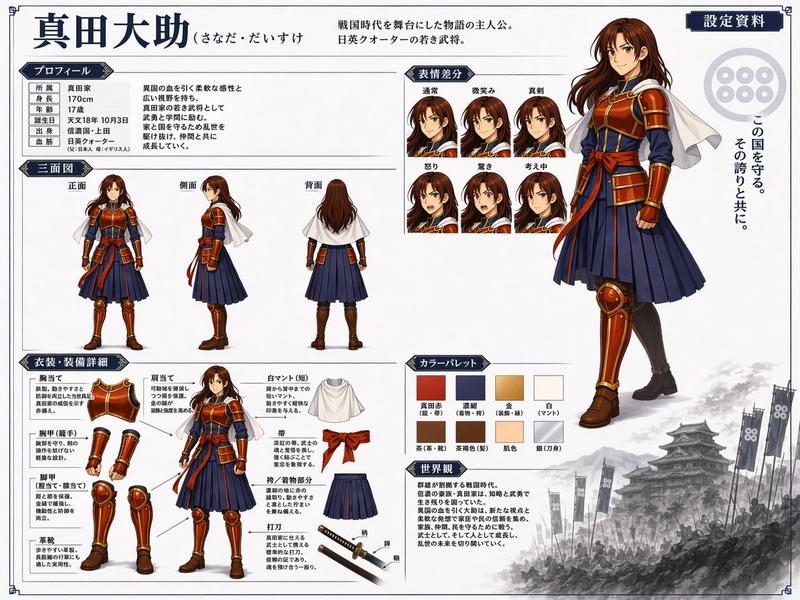
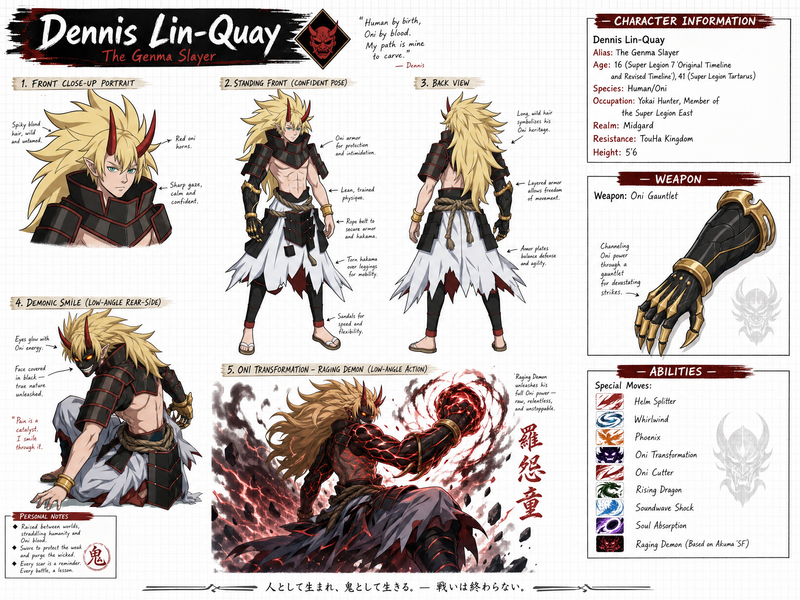
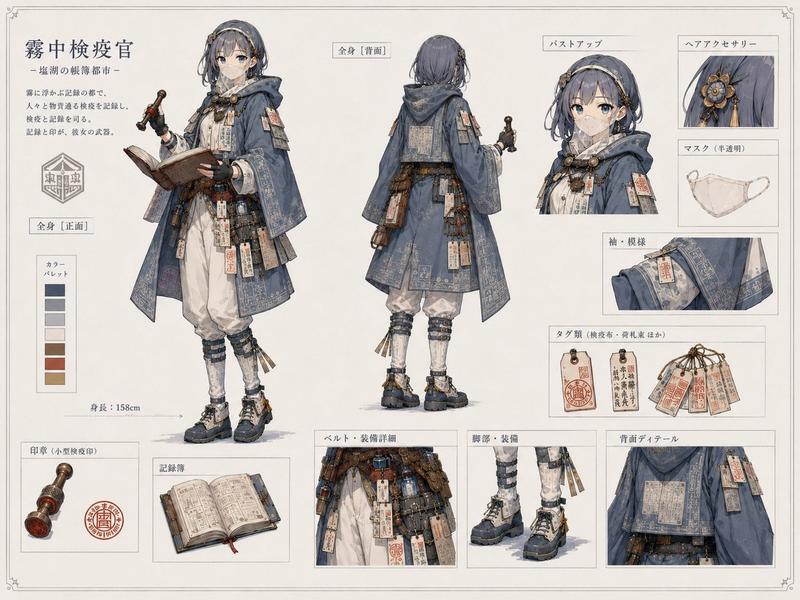
动漫角色设定集生成器
Prompt
{
  "instruction": "Using REFERENCE_0 as the base design, generate a comprehensive anime character reference sheet (settei) on a clean off-white background. Keep the core character design intact but extract and present her in various standard reference formats.",
  "header": {
    "character_name": "{argument name=\"character name\" default=\"クロエ・アストラル\"}",
    "subtitle": "Chloe Astral",
    "document_title": "キャラクター設定資料",
    "quote": "{argument name=\"character quote\" default=\"「時の歯車は、今日も私の魔法と踊ってくれる」\"}"
  },
  "layout": {
    "left_column": {
      "section_title": "全身イラスト",
      "description": "The original complex character art from REFERENCE_0, accompanied by vertical descriptive text."
    },
    "top_right": {
      "section_title": "三面図",
      "count": 3,
      "description": "Full-body standing turnaround views (FRONT, SIDE, BACK) of the character, removing the original gear background."
    },
    "far_right": {
      "section_title": "表情集",
      "count": 4,
      "labels": ["通常", "微笑み", "驚き", "考え中"],
      "description": "Square headshot panels showing different facial expressions."
    },
    "middle_right": {
      "section_title": "武器・アイテム",
      "count": 3,
      "items": ["Scythe from reference", "New starry spellbook addition", "Bird from reference with spread wings"],
      "description": "Isolated props with accompanying text descriptions."
    },
    "bottom_row": [
      {
        "section_title": "プロフィール",
        "description": "Data table with 7 stat rows and a short biography paragraph."
      },
      {
        "section_title": "カラーパレット",
        "count": 10,
        "description": "Circular color swatches divided into 5 main colors and 5 accent colors."
      },
      {
        "section_title": "ディテール",
        "count": 3,
        "labels": ["帽子デザイン", "衣装ディテール(柄)", "靴デザイン"],
        "description": "Close-up rectangular detail crops of the hat, outfit pattern, and shoes."
      },
      {
        "section_title": "設定メモ",
        "count": 4,
        "description": "Text box containing 4 bullet points of design notes."
      }
    ]
  }
}- Category
- Charts & Infographics
- Model
- GPT Image 2
- Creator
- minesan
- Source ID
- 14060
- Published
- Apr 15, 2026
Views4