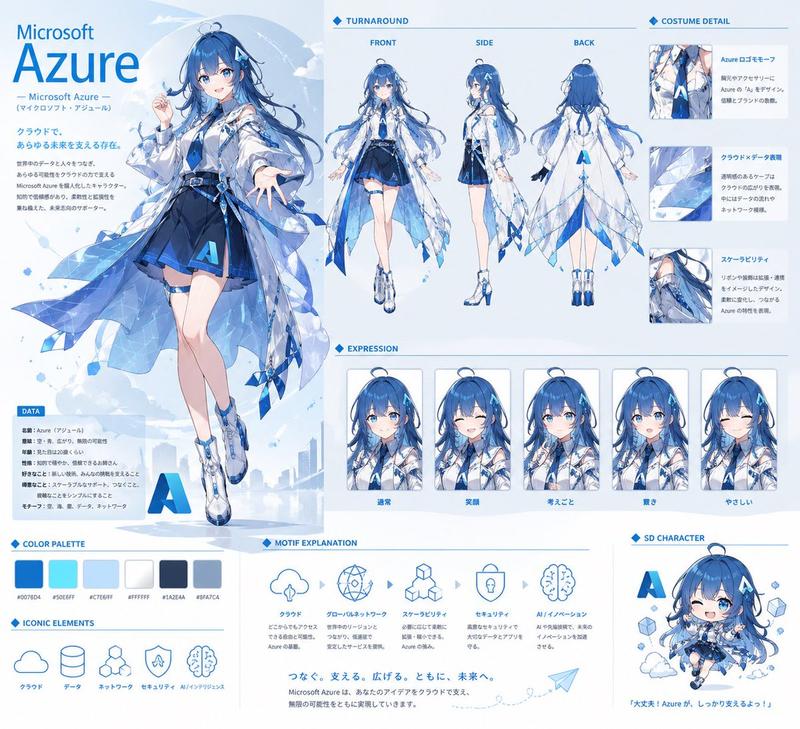
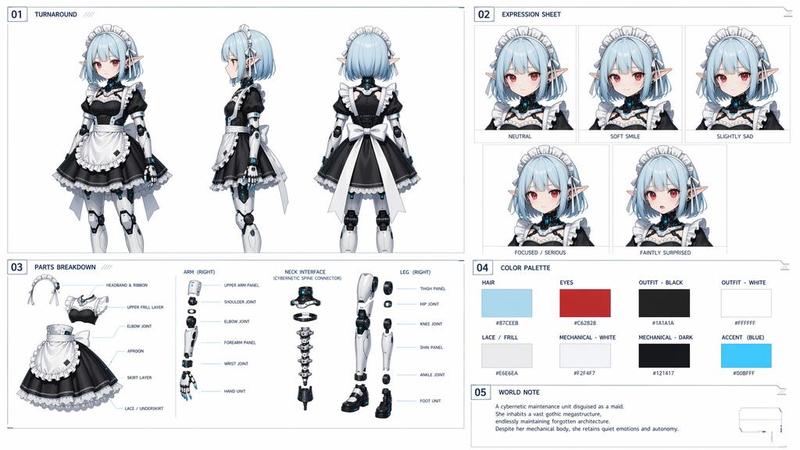
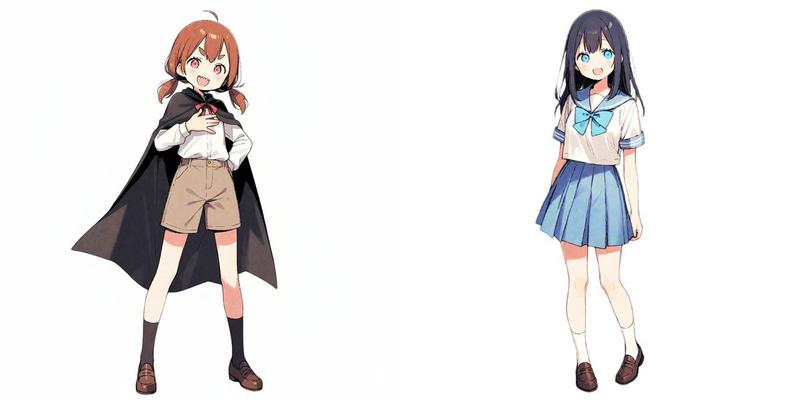
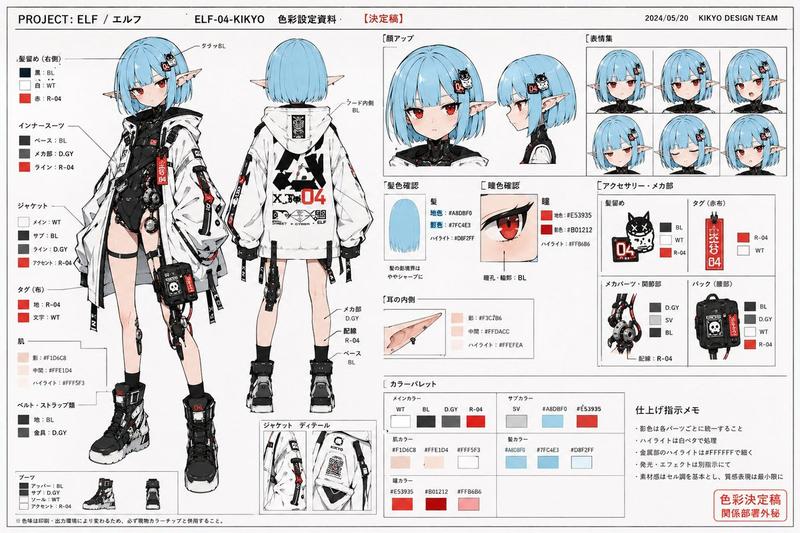
VTuber 角色设定参考图
Prompt
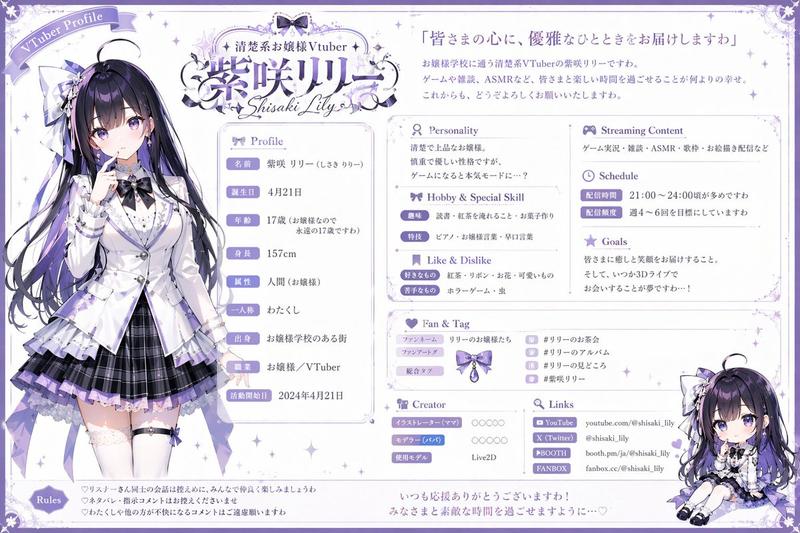
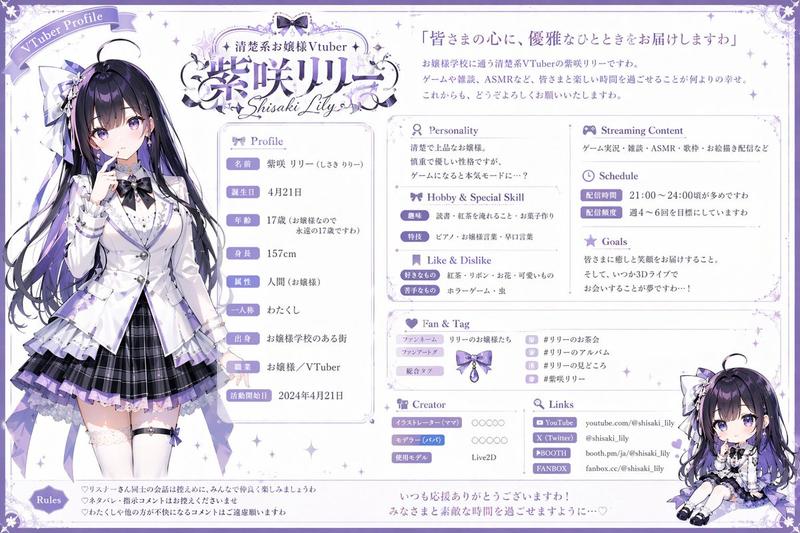
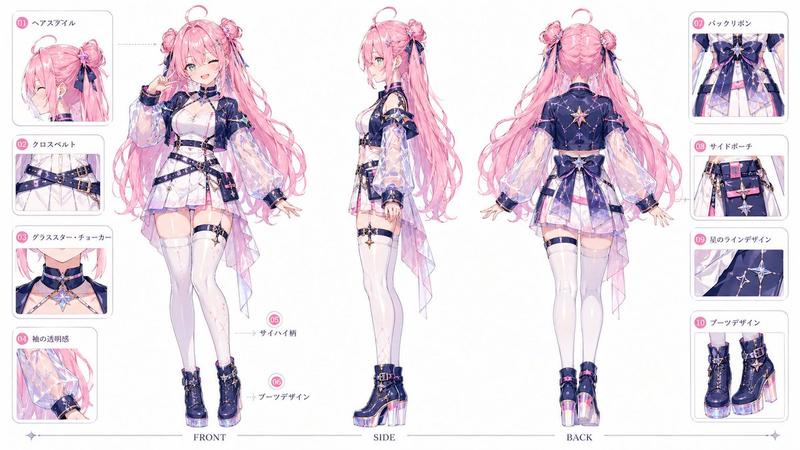
{"type":"anime VTuber character reference sheet","style":"clean polished Japanese character design document, white background, pale blue ornamental border, elegant fantasy-idol presentation, high-detail anime rendering, soft cel shading, crisp line art, delicate sparkles and star motifs","subject":{"name":"{argument name=\"character name\" default=\"蒼空なつみ\"}","romanized_name":"SORA NATSUMI","age":"18","school_year":"high school senior","birthday":"July 7","height":"145 cm","theme":"sky, stars, clouds, sailor-inspired magical idol","hair":{"color":"{argument name=\"hair color\" default=\"pastel sky blue gradient\"}","style":"very long wavy twin-tail-like side sections with a rounded crown loop bun, soft bangs, gradient ends, star accessories, long back hair flowing to the waist"},"eyes":{"color":"{argument name=\"eye color\" default=\"blue\"}","style":"large gentle anime eyes with bright highlights"},"outfit":{"silhouette":"short layered idol dress with sheer draped overskirt panels","pieces":["small sailor hat tilted to one side","white off-shoulder blouse with voluminous sleeves","large navy chest ribbon with gold star brooch","navy corset-style bodice with gold trim","short pleated layered skirt in navy and blue","translucent light-blue side and back drapes with constellation pattern","star charm waist compass ornament","blue choker with star charm","thigh garter on one leg","frilled ankle socks","white lace-up ankle boots with blue gradient and gold details"]}},"layout":{"canvas":"landscape reference sheet","sections":[{"title":"FRONT","position":"upper center-left","count":1,"labels":["full-body front view"]},{"title":"SIDE","position":"upper center","count":1,"labels":["full-body side view"]},{"title":"BACK","position":"upper center-right","count":1,"labels":["full-body back view"]},{"title":"ディテール&パーツ","position":"upper right","count":9,"labels":["胸元ブローチ(拡大)","ウエストコンパス(拡大)","袖の刺繍(拡大)","ヘアクリップ(拡大)","帽子(サイド)","背面リボン(拡大)","まももベルト(拡大)","靴デザイン(拡大)","靴底(拡大)"]},{"title":"表情バリエーション","position":"lower left-middle","count":6,"labels":["通常","笑顔","照れ","怒り","悲しみ","ウィンク"]},{"title":"カラーイメージ","position":"bottom left","count":5,"labels":["#7EC6FF","#B7E3FF","#1C2A6B","#FFFFFF","#FFD97A"]},{"title":"モチーフ・イメージ","position":"bottom center-left","count":5,"labels":["空","雲","星","星座","コンパス"]},{"title":"設定小物・備品","position":"mid-right lower","count":5,"labels":["星雲モチーフランプ","お供のぬいぐるみ『くもりん』","星空タブレット","魔法のステッキ","ドリンクボトル"]},{"title":"ロゴデザイン(活動名義)","position":"bottom center","count":1,"labels":["蒼空なつみ / SORA NATSUMI"]},{"title":"Live2D・その他設定","position":"bottom right","count":1,"labels":["notes block"]}],"left_info_panel":{"count":10,"labels":["年齢","誕生日","身長","体重","血液型","所属","活動内容","ファンネーム","配色タグ","切り抜きタグ"]}},"composition":"three large full-body views dominate the center, surrounded by neatly boxed information panels and detail callouts with fine Japanese annotation lines","text_treatment":"most labels and notes in elegant Japanese editorial typography with blue headings and serif accents","color_palette":"{argument name=\"primary color palette\" default=\"sky blue, navy blue, white, and pale gold\"}","quality":"high resolution, professional character sheet, visually balanced, extremely detailed costume design, suitable for VTuber branding and Live2D model planning"}- Category
- Charts & Infographics
- Model
- GPT Image 2
- Creator
- はげあたま
- Source ID
- 14445
- Published
- Apr 21, 2026
Views16