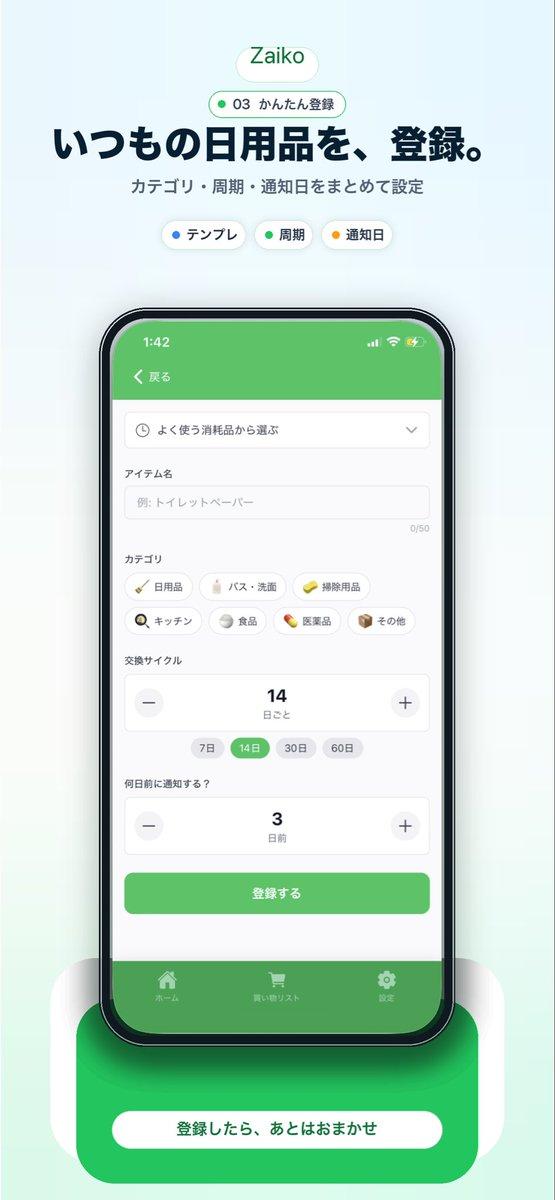
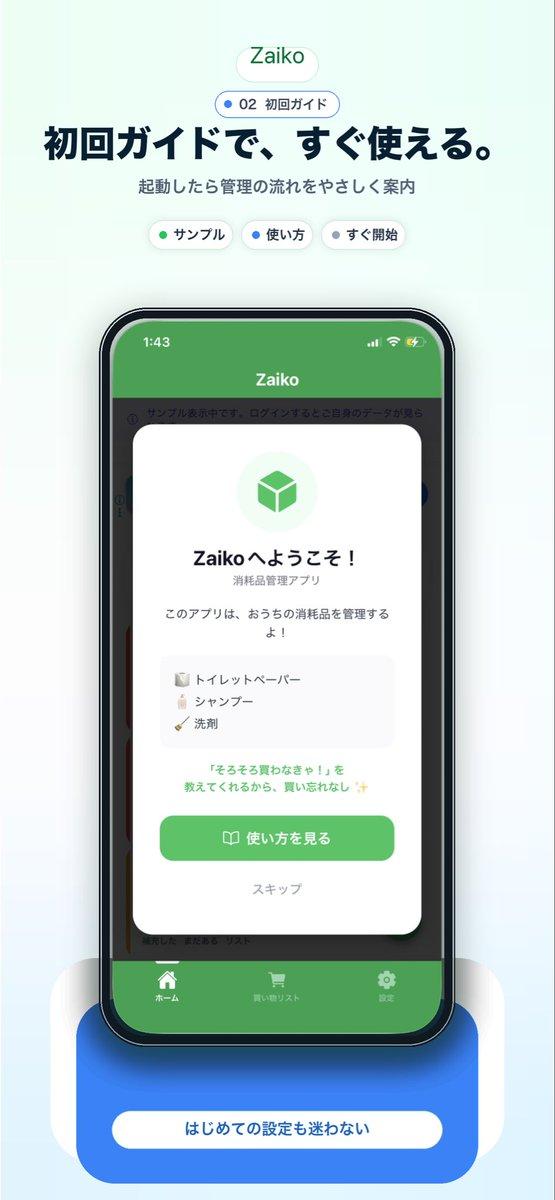
日语版 Pro 计划 App 推广图
Prompt
Create a clean modern promotional hero image for a Japanese inventory management app landing page on a soft warm off-white background with a subtle pale mint gradient rising from the bottom. Center the composition vertically. At the top, place a rounded white pill logo with the text "Zaiko" in green. Directly below it, add a small rounded badge with a tiny yellow dot and the text "05 Proで拡張". Then add a large bold Japanese headline in dark navy reading "管理をもっと、快適に。" and a smaller gray subheadline reading "無制限登録・分析・広告なしのProプラン". Under that, show exactly 3 small rounded feature chips in one row: a white chip with a green dot and the label "無制限", a white chip with a yellow dot and the label "分析", and a white chip with a red dot and the label "広告なし". In the center, display a large realistic iPhone front view with thin black bezel, rounded corners, subtle reflections, and a soft shadow. On the phone screen, show an app subscription page in Japanese with the top bar time 1:44, back chevron, a left tab label "(tabs)", and the centered title "Proプラン". The page content should feature a pale gold circular icon with a gold star, the title "Zaiko Pro", and the subtitle "もっと便利に、もっと快適に". Below that, include a rounded white comparison card with 3 feature rows and 3 column headers "機能", "Free", "Pro". The 3 rows should be: "アイテム無制限" with "3個まで" under Free and "無制限" in green under Pro; "消費ベース分析" with "-" under Free and "OK" in green under Pro; "広告非表示" with "広告あり" under Free and "広告なし" in green under Pro. Beneath the card, add a section title "プランを選択" and exactly 2 stacked plan options: a selected annual plan outlined in green with a green radio button, the label "年額プラン", a small red badge "お得", and the price line "¥2,000/年 (月あたり約¥167)"; then an unselected monthly plan with a gray radio button, the label "月額プラン", and the price "¥300/月". Under the plans, place a large rounded green call-to-action button reading "Proにアップグレード". Below it, add a centered text link "以前の購入を復元" and several lines of tiny gray subscription disclaimer text. At the very bottom behind the phone, add a large rounded orange pedestal card with a white pill label containing the text "Proなら広告なしでスムーズ" in green. Use a polished startup-app marketing style, soft shadows, airy spacing, rounded UI, crisp Japanese typography, and a premium minimal aesthetic.
- Category
- Charts & Infographics
- Model
- GPT Image 2
- Creator
- 夜な夜ナ#個人開発
- Source ID
- 17169
- Published
- Apr 29, 2026
Views2