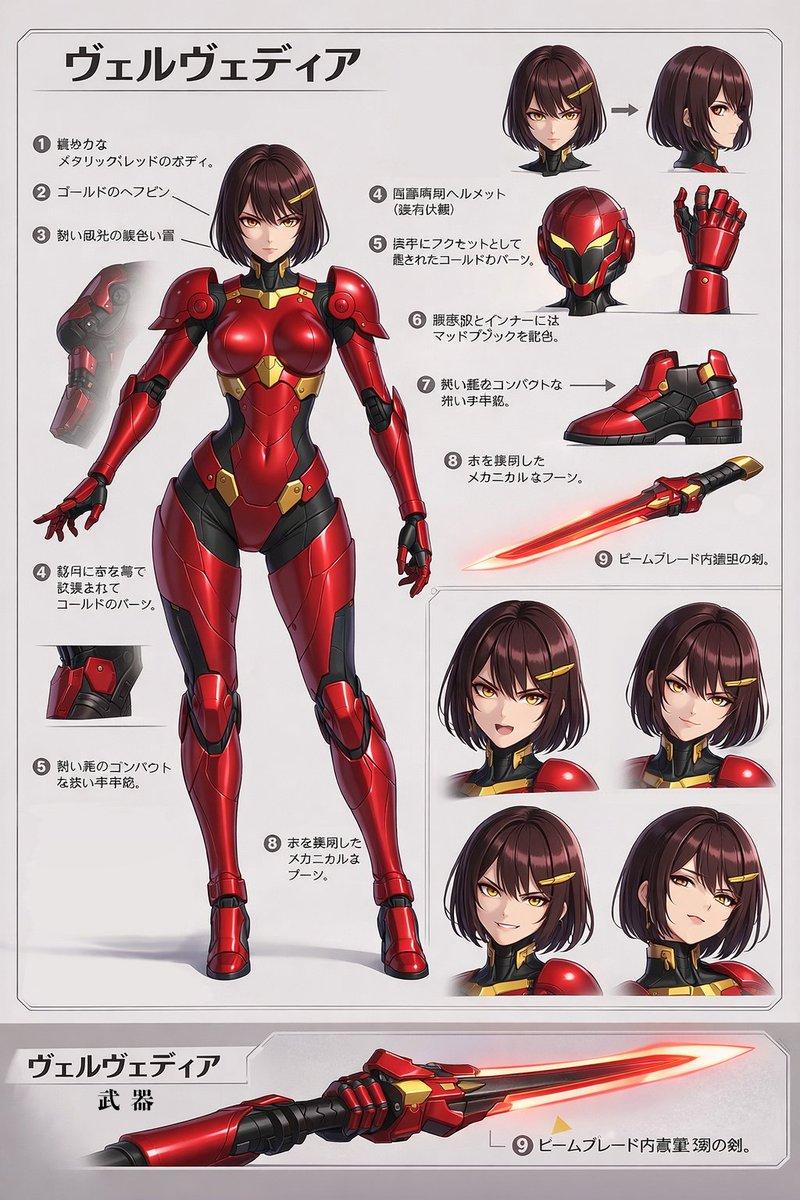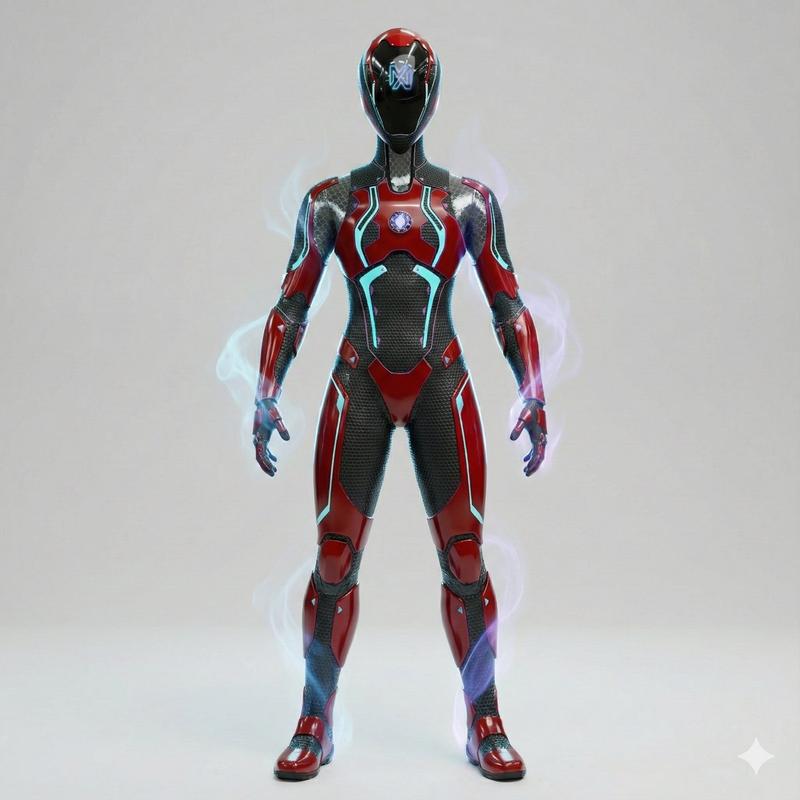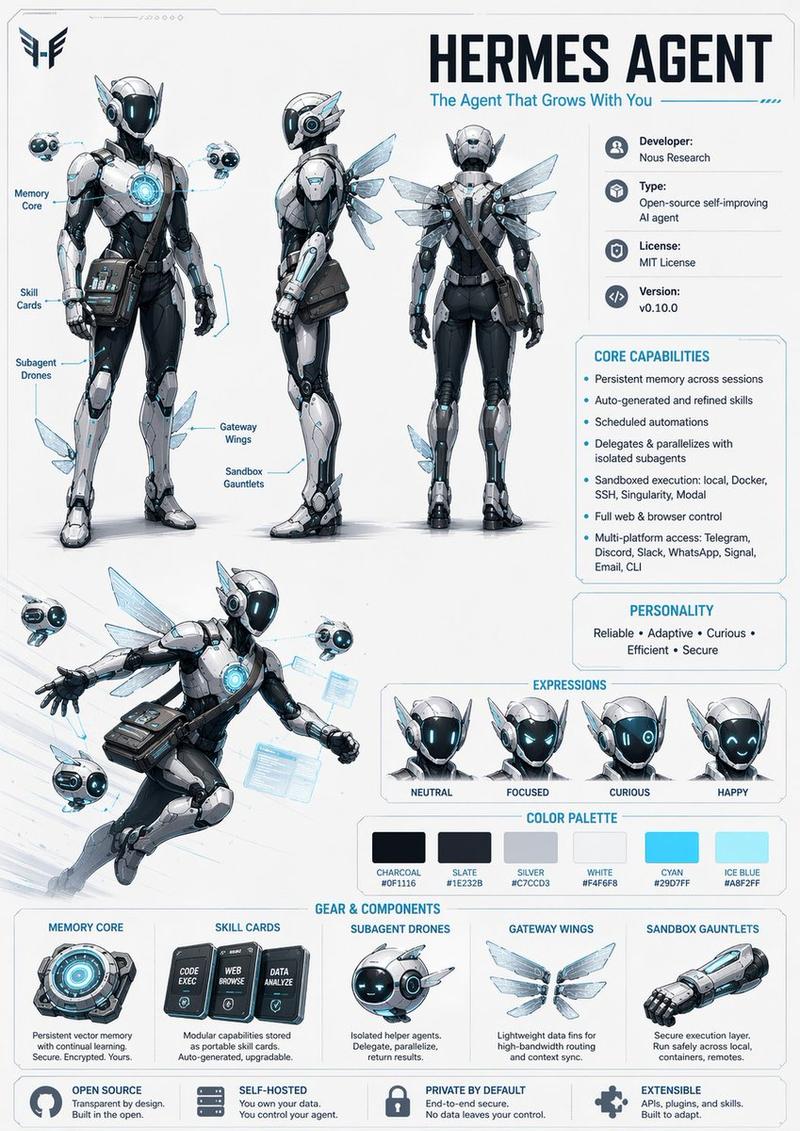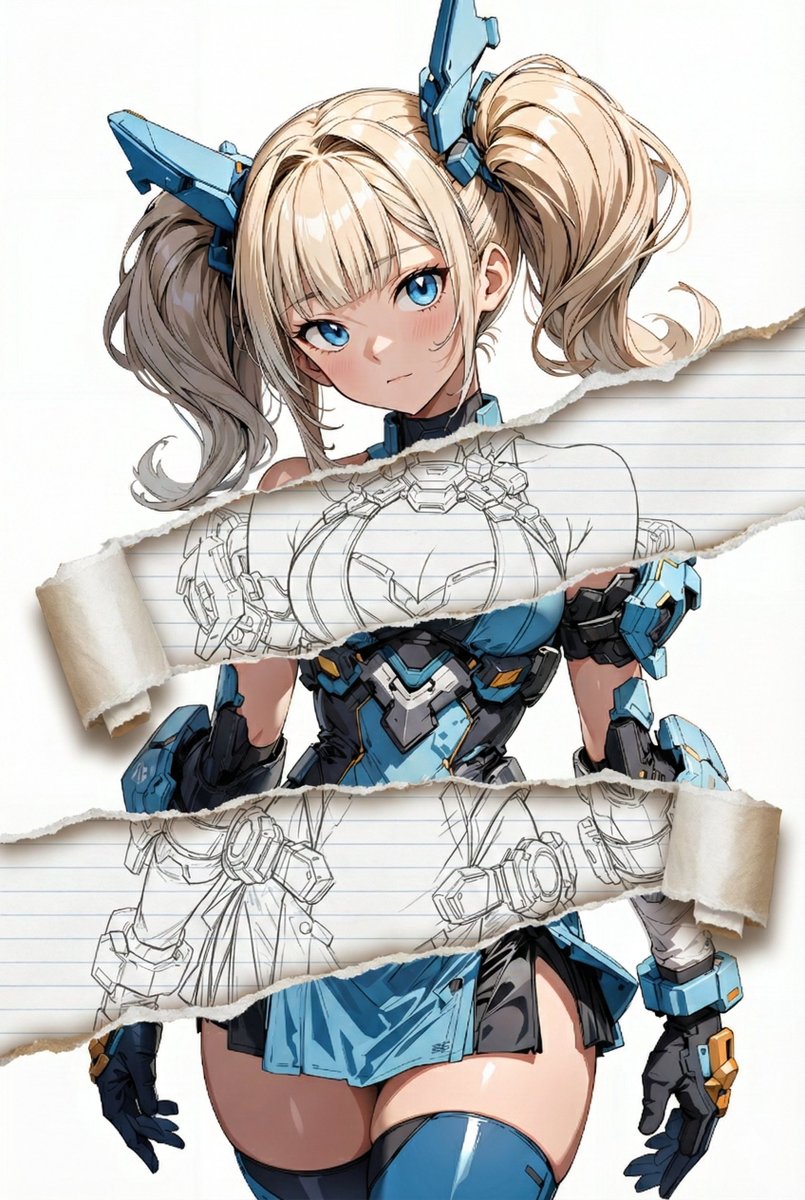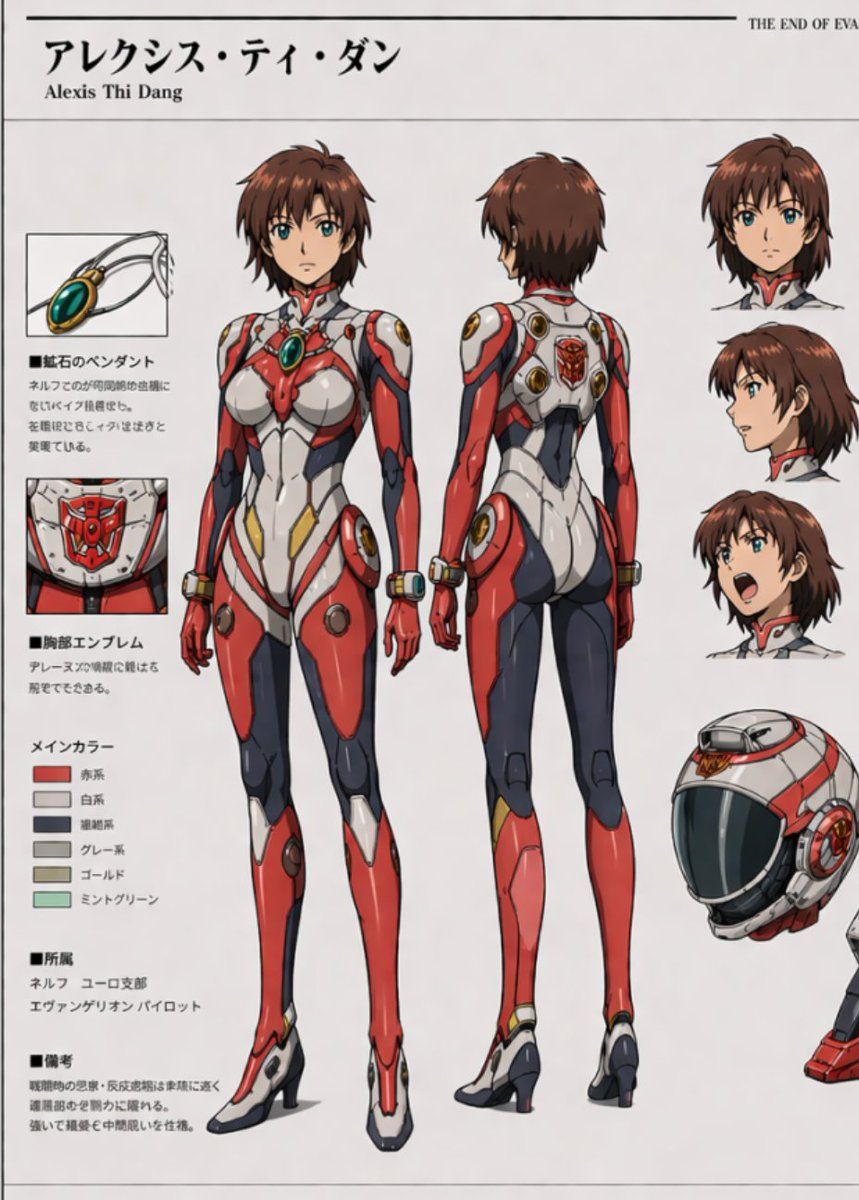
动漫驾驶员参考图
Prompt
{"type":"anime character reference sheet","style":"clean official mecha-anime design sheet, white background, thin black border lines, polished cel-shaded illustration, highly detailed plugsuit materials and seams, similar to a production model sheet","franchise vibe":"Evangelion-inspired pilot character sheet","character":{"name":"{argument name=\"character name\" default=\"アレクシス・ティ・ダン\"}","romanized name":"Alexis Thi Dang","gender presentation":"young woman","age appearance":"late teenager to young adult","hair":{"color":"{argument name=\"hair color\" default=\"auburn brown\"}","style":"short layered bob with soft outward flips, slightly messy ends, side-swept bangs"},"eyes":{"color":"teal blue","style":"large anime eyes"},"expression vibe":"confident, energetic pilot"},"outfit":{"type":"futuristic pilot plugsuit","primary colors":["red","white","dark navy","gray-black","gold","mint green"],"design":"skin-tight biomechanical suit with glossy and matte paneling, white torso armor, red chest and limb plating, dark navy inner leg and side panels, gold accent inserts near hips and joints, mint-green oval chest jewel pendant embedded at the upper chest, circular mechanical ports at shoulders, hips and wrists, high sculpted collar, integrated high-heeled boot shape"},"layout":{"canvas":"vertical portrait sheet","sections":[{"title":"main full-body views","position":"center","count":2,"labels":["front view","back view"]},{"title":"顔アップ","position":"right side upper column","count":3,"labels":["front neutral head","side profile head","shouting expression head"]},{"title":"detail insets","position":"left side column","count":2,"labels":["pendant close-up","chest emblem close-up"]},{"title":"helmet","position":"right side lower area","count":1,"labels":["pilot helmet three-quarter view"]},{"title":"メインカラー","position":"left lower-middle","count":6,"labels":["赤系","白系","紺色系","グレー系","ゴールド","ミントグリーン"]},{"title":"text info blocks","position":"left column","count":4,"labels":["■藍石のペンダント","■胸部エンブレム","■所属","■備考"]}],"header":{"large_name":"{argument name=\"header name\" default=\"アレクシス・ティ・ダン\"}","subtitle":"Alexis Thi Dang","top_right_small_text":"THE END OF EVA"}},"composition":{"centerpiece":"two full-body character turnarounds occupying most of the page, front view on the left and back view on the right","right_column":"three floating head studies stacked vertically plus a large helmet rendering below","left_column":"two boxed detail callouts with Japanese explanatory text, a 6-swatch color palette, and two additional Japanese info paragraphs","margins":"generous white margins with technical-sheet spacing"},"rendering notes":"sharp anime line art, subtle shadows, glossy highlights on suit, precise seam lines, realistic panel joins, elegant proportions, high-fashion stance, feet slightly apart, arms relaxed at sides","negative prompts":"no background scene, no extra characters, no messy sketch lines, no photorealism, no 3D render look, no heavy texture, no watermark"}- Category
- Charts & Infographics
- Model
- GPT Image 2
- Creator
- スターシュレッダ
- Source ID
- 17173
- Published
- Apr 29, 2026
Views4