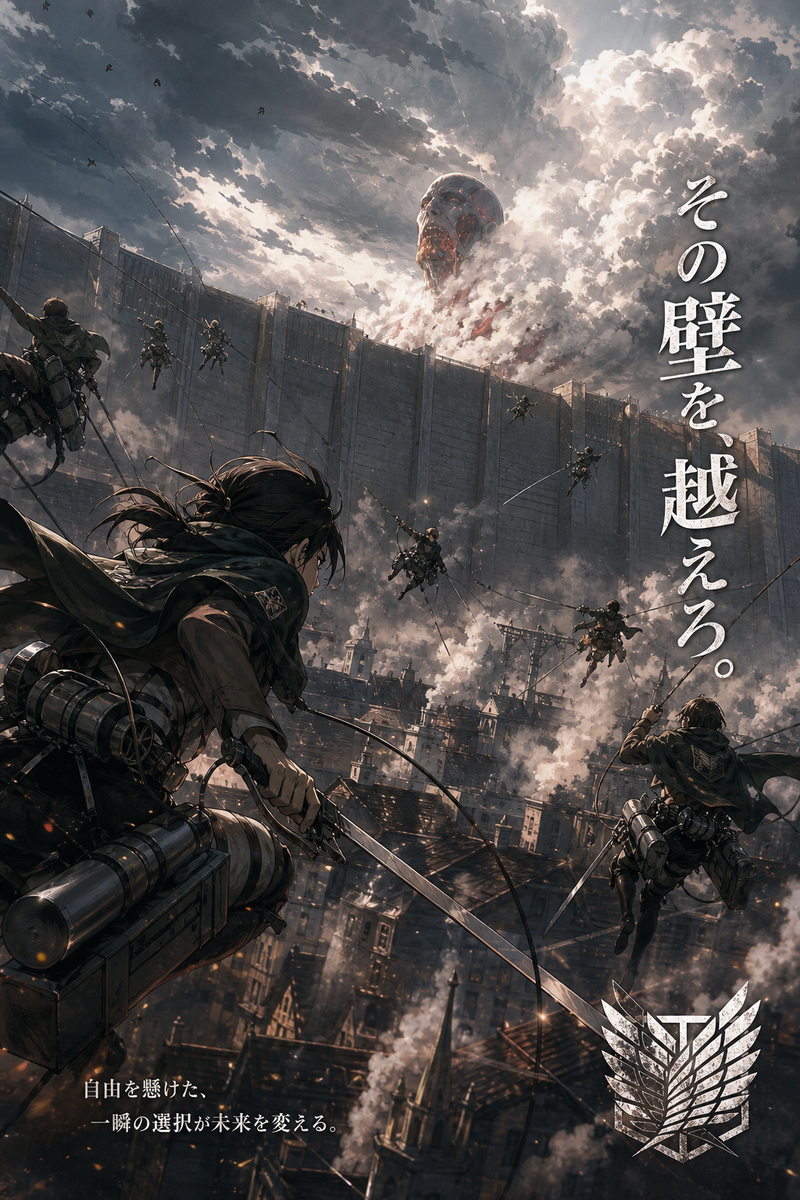
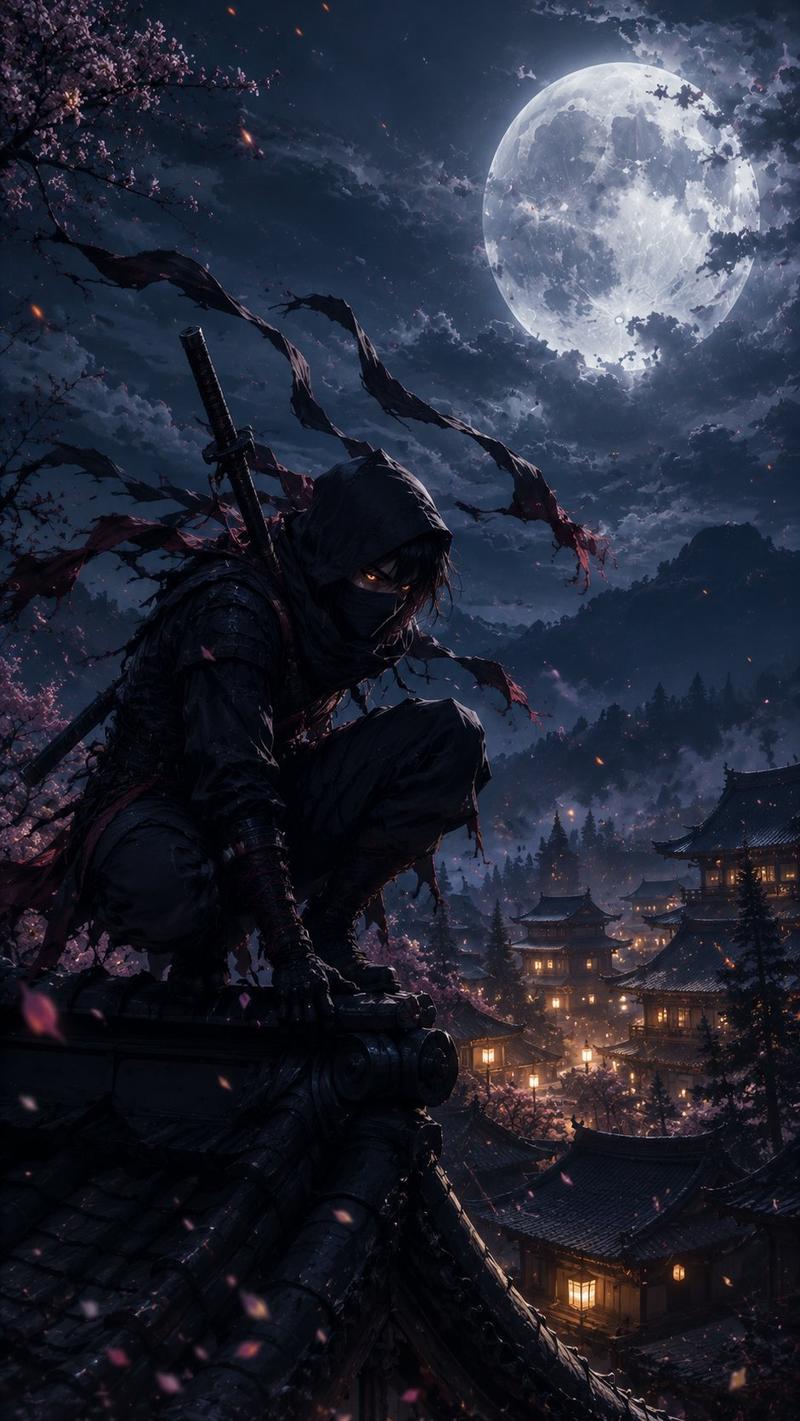
动漫忍者动作三联画
Prompt
{"type":"cinematic anime triptych action storyboard","style":"ultra-detailed anime illustration, dramatic lighting, painterly effects, high contrast, dynamic motion blur, glossy wet surfaces, cinematic composition","subject":{"character":"{argument name=\"character type\" default=\"masked ninja swordsman\"}","gender_presentation":"androgynous young adult","outfit":["black shinobi hood and face covering","dark layered tactical kimono-style clothing","fingerless gloves or wrapped hands","black boots","katana at the waist or in hand"],"features":["long dark hair tied in a high ponytail whipping in the wind","intense glowing eyes visible above the mask","low agile combat posture"]},"setting":{"location":"{argument name=\"setting\" default=\"old Kyoto street\"}","environment":["traditional wooden machiya buildings on both sides","hanging paper lanterns","wet reflective stone pavement","cherry blossom trees arching overhead","five-story pagoda centered in the distant background"],"time":"full moon night transitioning into radiant dawn-like bloom light","weather":"light wind with dense falling sakura petals"},"layout":{"format":"3 stacked horizontal panels separated by thin borders","sections":[{"title":"0-5秒","subtitle":"緊張(構え)","position":"top","count":1,"labels":["0-5秒","緊張(構え)"],"scene":"the character crouches low in the middle of the street with one hand touching the wet ground, preparing to strike; moon overhead, lantern glow, deep indigo and violet palette, tense stillness"},{"title":"5-10秒","subtitle":"爆発(疾走+一撃)","position":"middle","count":1,"labels":["5-10秒","爆発(疾走+一撃)"],"scene":"the character lunges forward in a burst of speed and slashes with a katana; explosive motion lines, bright pink-white sword arc, sparks and petals flying outward, heavy radial blur, orange lanterns streaking past"},{"title":"10-15秒","subtitle":"カタルシス(世界が変わる)","position":"bottom","count":1,"labels":["10-15秒","カタルシス(世界が変わる)"],"scene":"rear view of the character standing still at the center of the street holding the sword down, facing the pagoda; the whole world transformed into a glowing storm of pink blossoms and warm light, petals filling the sky, serene victorious atmosphere"}],"section_count":3},"text":{"visible_text_count":6,"items":["0-5秒","緊張(構え)","5-10秒","爆発(疾走+一撃)","10-15秒","カタルシス(世界が変わる)"]},"color_script":{"panel_1":"midnight blue, violet, black, lantern amber, moonlit silver","panel_2":"crimson, magenta, orange, hot pink, white energy","panel_3":"luminous pink, peach, lavender, gold, soft white"},"composition_notes":["low camera angle in the first two panels","strong central vanishing point toward the pagoda in all 3 panels","petals used as a recurring visual motif across all panels","progression from tension to explosive action to emotional release","highly cinematic anime key visual quality"],"quality":"masterpiece, ultra high detail, sharp focus on character, rich atmosphere, visually spectacular"}- Category
- Posters & Typography
- Model
- GPT Image 2
- Creator
- 猫の手も借りたい
- Source ID
- 17712
- Published
- May 1, 2026
Views6