18

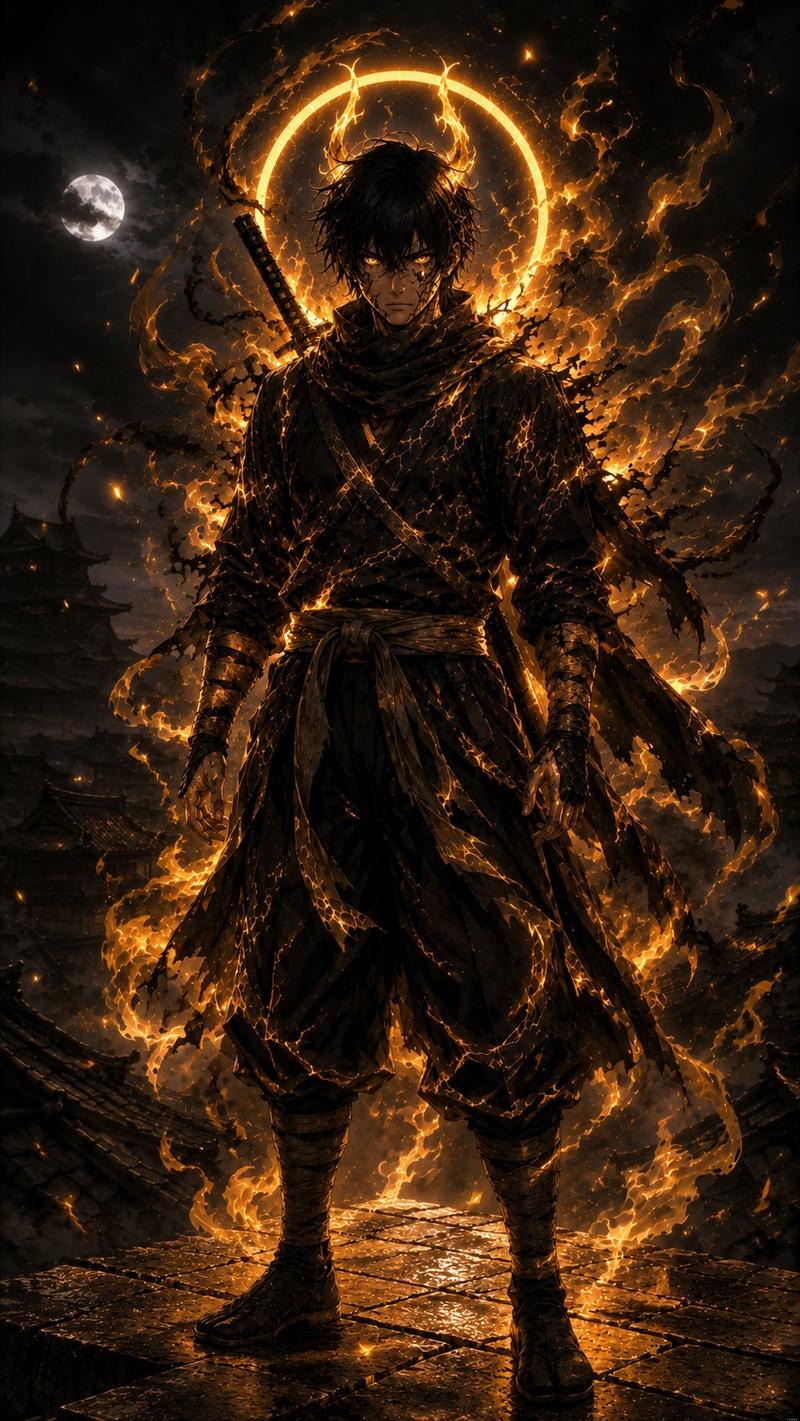
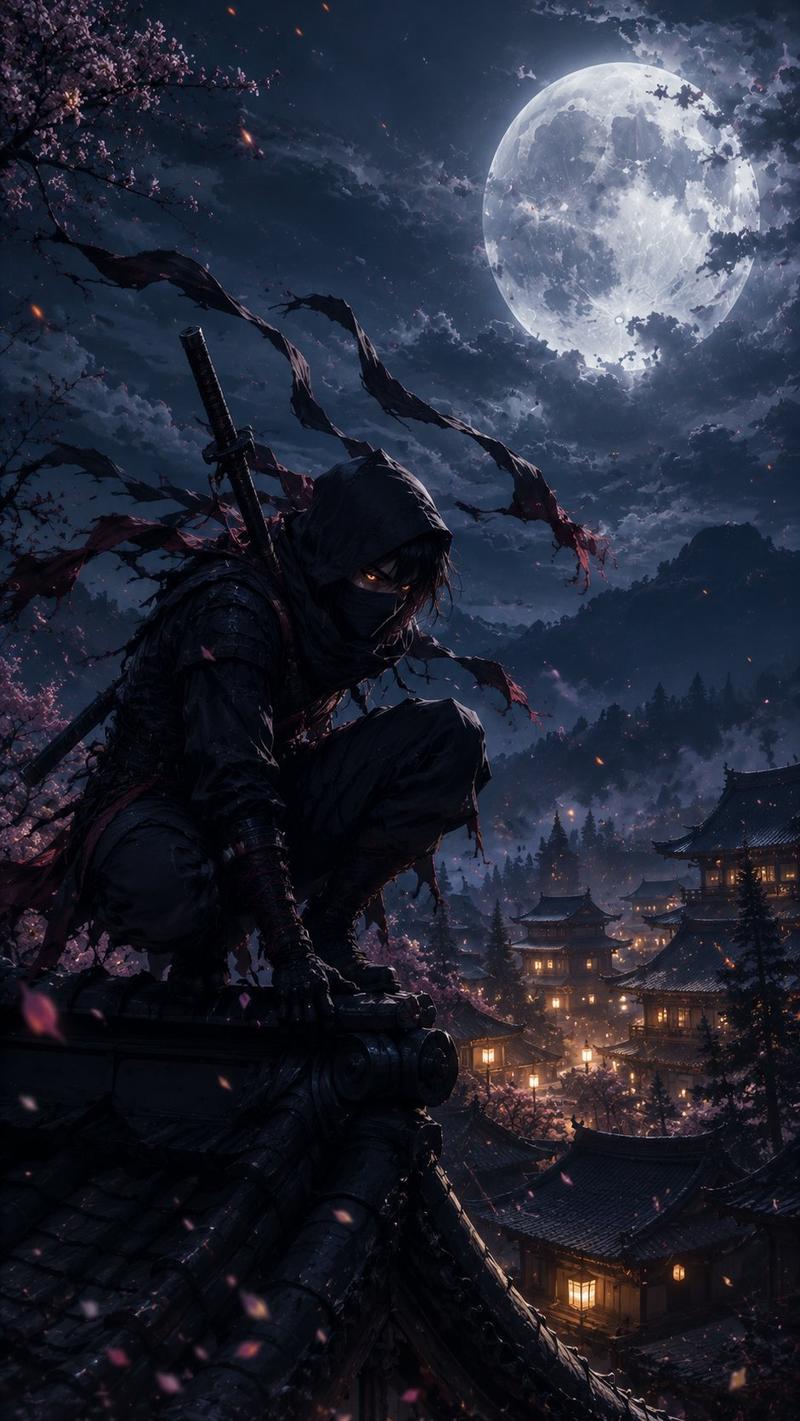
月下暗影忍者屋顶
Enlarge

月下暗影忍者屋顶

Prompt
Create a dark cinematic full-body portrait of {argument name="character name" default="a lone ninja shinobi"} standing on a wet stone rooftop at night, centered and facing forward in a powerful still pose. The figure wears layered black Japanese shinobi clothing: loose hakama-style pants, wrapped forearms and calves, tabi boots, a tied waist sash with hanging fabric strips, crossed chest straps, and a dark scarf or cloak with long torn ribbons blowing to the right. A sheathed katana is strapped diagonally across the back, with the handle visible over the left shoulder. The face should be intentionally obscured in deep shadow, unreadable and featureless, while messy {argument name="hair color" default="black"} hair is rim-lit by moonlight. Background: a misty feudal Japanese castle town with tiled rooftops and pagoda silhouettes fading into fog, a bright full moon on the upper left behind thin clouds, stormy blue-black sky, low drifting smoke, and distant mountain shapes. Style: ultra-detailed dark fantasy realism, moody samurai/ninja concept art, dramatic moonlit rim lighting, high contrast, wet reflective stone textures, desaturated navy and charcoal palette with subtle silver highlights. Composition: vertical 9:16 poster crop, full body visible from head to feet, low-angle heroic framing, subject occupying the center, atmospheric depth, no text, no logo, no extra characters.
Category
Posters & Typography
Model
GPT Image 2
Creator
Shara
Views1
Source ID
26171
Published
Jun 18, 2026

Guide

About "月下暗影忍者屋顶"

What is this prompt for?

"月下暗影忍者屋顶" AI image prompt for GPT Image 2 (Posters & Typography). 生成一张电影感暗黑奇幻肖像,描绘一名面部隐于阴影的忍者,伫立在满月下雾气缭绕的日本封建城镇上方。 Copy it on Picva and recreate the look in o…

The full copyable prompt and example visuals above are ready for AI image generation or one-click recreate in Picva.

How to use this prompt

  1. Step 1

    Open the prompt detail

    Review the example visuals, category, and full prompt text for "月下暗影忍者屋顶".

  2. Step 2

    Copy the prompt

    Copy the prompt body from this page, or load it directly in Studio.

  3. Step 3

    Pick a model (GPT Image 2)

    Prefer GPT Image 2. If you switch models, keep subject and composition and tweak style terms.

  4. Step 4

    Generate and export

    Recreate the look in Picva, or export into your workflow for editing and publishing.

FAQ

What is the "月下暗影忍者屋顶" prompt?
It is an AI image-generation prompt for GPT Image 2 in the Posters & Typography category. This page includes the full prompt text, example visuals, and a one-click recreate path in Picva.
How do I use this prompt to generate an image?
Copy the prompt from this page, or use Generate / Studio. Paste it into a compatible image model, or recreate the look in Picva with optional reference images.
Which model is this prompt for?
This page lists GPT Image 2. Most descriptive prompts also transfer to nearby image models such as GPT Image, Flux, or Midjourney with light style tweaks.
Can I use the result commercially?
You can usually copy the prompt for creation, but commercial use of the final image depends on the model terms, reference-image rights, and the generated content. Follow the source author and platform rules.