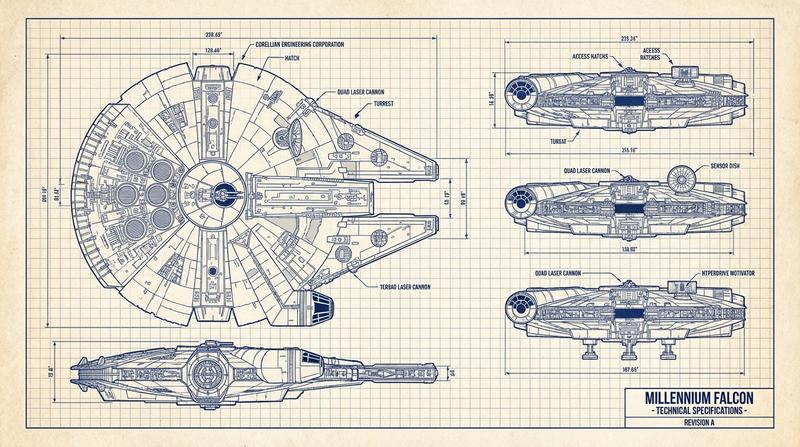
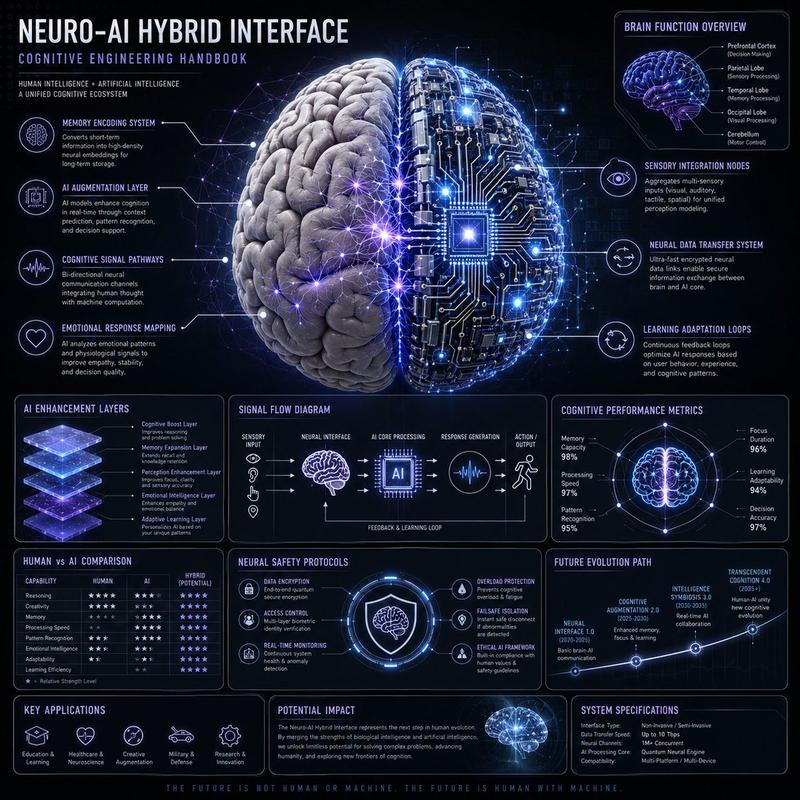
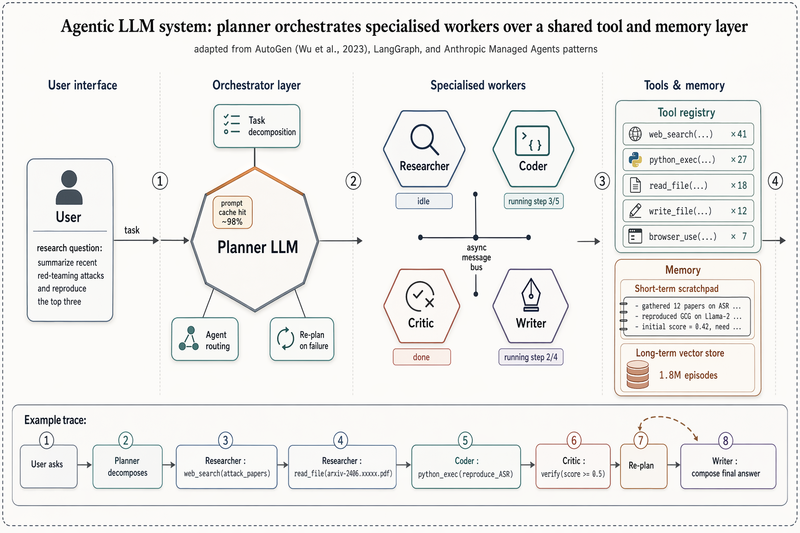
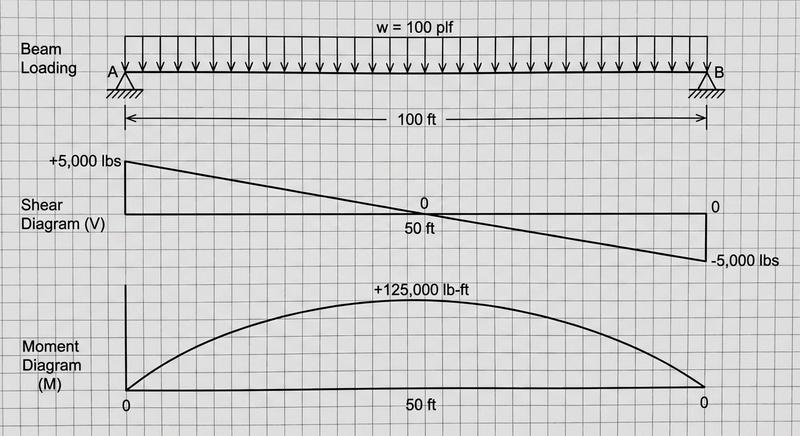
科幻轻型货船原理图 HUD
Prompt
{"type":"futuristic spaceship technical schematic dashboard","style":"high-contrast sci-fi HUD interface, black background with faint grid, thin neon linework, blueprint-like wireframe rendering, minimalist aerospace UI, crisp vector graphics","subject":{"vehicle":"compact light freighter spacecraft","model":"{argument name=\"ship model\" default=\"RAVEN-03\"}","class":"light freighter","manufacturer":"Gradient Bang","views":[{"name":"top view","position":"upper center","render":"detailed wireframe spacecraft outline with internal structure and glowing blue engine thrusters"},{"name":"side view","position":"lower center","render":"wireframe side profile of the same spacecraft on landing gear with a highlighted midship cargo or power compartment and blue rear thrusters"}],"callouts":{"count":5,"items":[{"label":"01","color":"cyan","target":"forward cockpit or nose section"},{"label":"02","color":"yellow-green","target":"central reactor or power core module"},{"label":"03","color":"cyan","target":"rear maneuvering or thruster systems"},{"label":"04","color":"yellow-green","target":"main engines at the stern"},{"label":"05","color":"cyan","target":"lower cargo bay or ventral module"}]},"specs":{"count":8,"items":["length: 28.7 m","beam: 14.2 m","height: 8.6 m","mass: 32,650 kg","crew: 2","cargo capacity: 96 SCU","max velocity: 420 m/s","range: 1.3 AU"]}},"layout":{"header":{"position":"top full width","elements":["Gradient Bang // Technical Diagram","class: light freighter","designation: Raven-03","schematic version: 1.4.7","date: 2045-05-14","3 small square control icons at top right"]},"left_panel":{"position":"left column","sections":[{"title":"model info","count":1,"content":"large ship name block with bold lime text for {argument name=\"ship name\" default=\"RAVEN-03\"} and smaller subtitle LIGHT FREIGHTER plus the 8-line specification list"},{"title":"system legend","count":5,"labels":["01 cockpit","02 power core","03 maneuver thrusters","04 main engines","05 cargo bay"]}]},"center_panel":{"position":"center wide","sections":[{"title":"top view","count":1},{"title":"side view","count":1}]},"right_panel":{"position":"right column","sections":[{"title":"power distribution","count":4,"labels":["42% engines","28% weapons","20% life support","10% reserves"],"graphic":"donut chart in blue and yellow-green"},{"title":"shield coverage","count":4,"labels":["front 85%","left 70%","right 70%","rear 60%"],"graphic":"radar chart over a small ship outline"},{"title":"cargo bay","count":3,"labels":["72 / 96 SCU","75% capacity","16 slot configuration, 2 SCU unit size"],"graphic":"grid of cargo cells with most squares filled"}]},"footer":{"position":"bottom full width","elements":["status: operational","location: orbit // Perseus sector","clearance level: green"]}},"color_palette":{"background":"deep black","grid":"dark charcoal","primary_lines":"cool gray","accent_1":"neon yellow-green","accent_2":"electric cyan-blue","text":"muted white and gray"},"composition":"16:9 widescreen interface screenshot, balanced three-column layout, left data column, central spacecraft schematics, right analytics panels, clean margins, angular panel borders, cinematic monitor display","quality":"ultra-clean, precise, polished, game UI concept art, high detail"}- Category
- Charts & Infographics
- Model
- GPT Image 2
- Creator
- kwindla
- Source ID
- 17732
- Published
- May 1, 2026
Views2