17

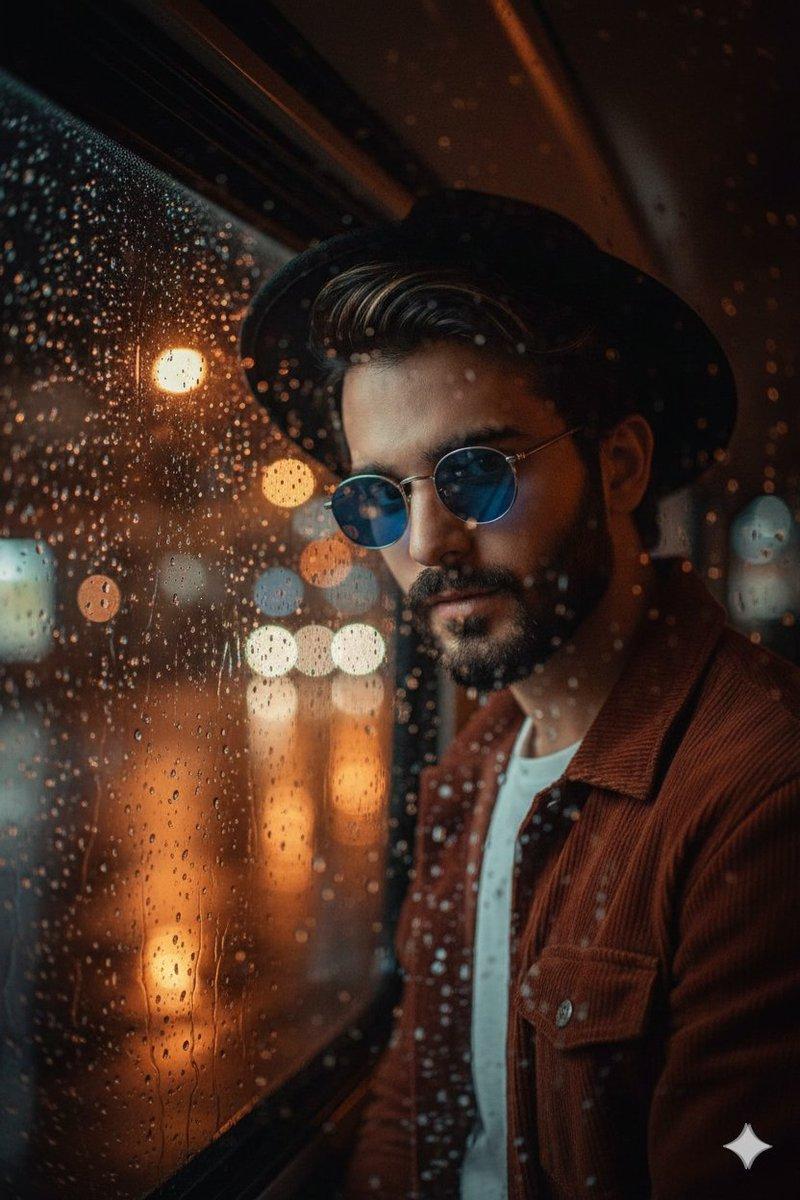
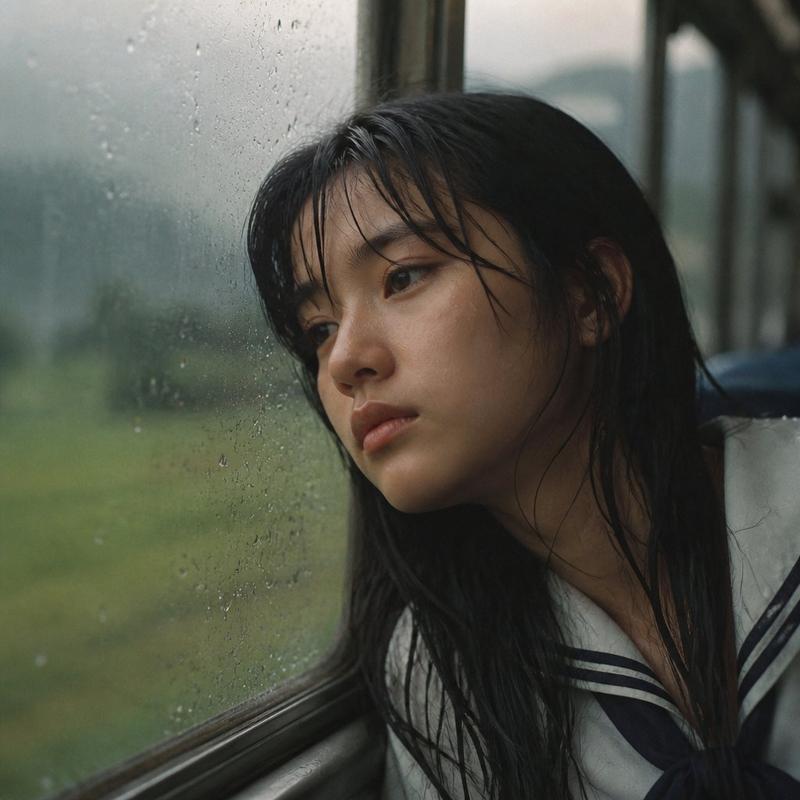
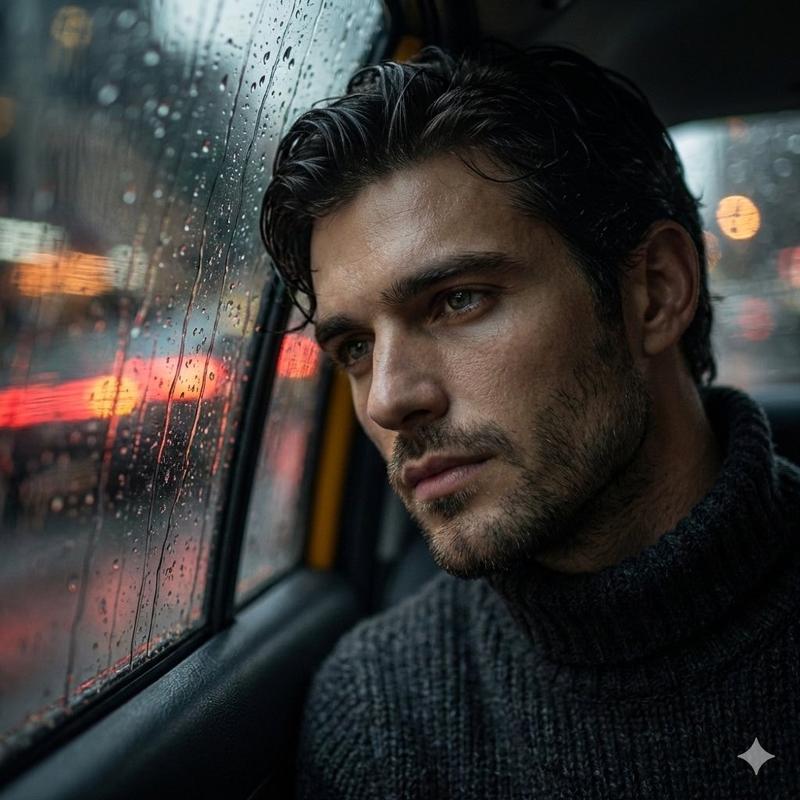
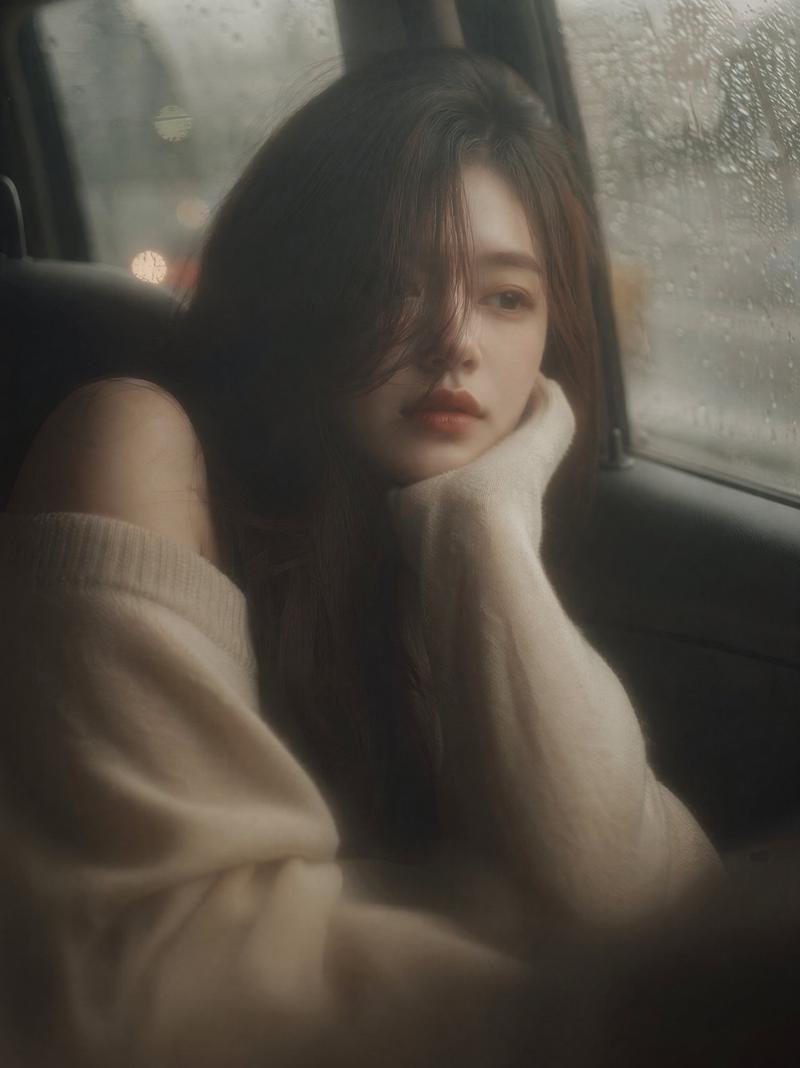
忧郁雨夜巴士肖像
Enlarge

忧郁雨夜巴士肖像

Prompt
Ultra-realistic cinematic portrait of a {argument name="subject" default="young woman"} sitting by a {argument name="setting" default="rain-covered bus window at night"}, softly leaning her head against the glass. She has a melancholic, distant expression, eyes slightly downcast, conveying quiet sadness and introspection.
Her hair is loosely tied in a messy bun with a few damp strands falling naturally around her face. Skin appears natural and slightly dewy, with soft imperfections and realistic texture. She wears a {argument name="clothing" default="dark oversized coat or hoodie"}, wrapped around herself for warmth.
The window beside her is covered in raindrops, with blurred city lights outside creating warm golden and green bokeh reflections. Streetlights and passing traffic glow softly through the glass, adding depth and atmosphere.

Lighting is low-key and moody, with soft warm highlights from outside lights and gentle shadows shaping her face. The scene has a cinematic color grade, teal and orange tones, slightly desaturated, film-like.

Shot with shallow depth of field, sharp focus on her face, background softly blurred. Composition is intimate and slightly angled, as if captured candidly.

Style: hyper-realistic, cinematic photography, 85mm lens, f/1.8, film grain, soft glow, emotional storytelling, 8K detail.

Optional add-ons (if your tool supports it):
“rainy night aesthetic”
“cinematic bus interior”
“emotional portrait photography”
“moody lighting, volumetric light”
Category
Charts & Infographics
Model
GPT Image 2
Creator
Johnn
Views5
Source ID
17829
Published
May 2, 2026

Guide

About "忧郁雨夜巴士肖像"

What is this prompt for?

"忧郁雨夜巴士肖像" AI image prompt for GPT Image 2 (Charts & Infographics). 一幅电影质感的肖像,描绘了一位女子在夜晚倚靠在布满雨滴的巴士车窗旁,背景是温暖的城市光斑反射。 Copy it on Picva and recreate the look in o…

The full copyable prompt and example visuals above are ready for AI image generation or one-click recreate in Picva.

How to use this prompt

  1. Step 1

    Open the prompt detail

    Review the example visuals, category, and full prompt text for "忧郁雨夜巴士肖像".

  2. Step 2

    Copy the prompt

    Copy the prompt body from this page, or load it directly in Studio.

  3. Step 3

    Pick a model (GPT Image 2)

    Prefer GPT Image 2. If you switch models, keep subject and composition and tweak style terms.

  4. Step 4

    Generate and export

    Recreate the look in Picva, or export into your workflow for editing and publishing.

FAQ

What is the "忧郁雨夜巴士肖像" prompt?
It is an AI image-generation prompt for GPT Image 2 in the Charts & Infographics category. This page includes the full prompt text, example visuals, and a one-click recreate path in Picva.
How do I use this prompt to generate an image?
Copy the prompt from this page, or use Generate / Studio. Paste it into a compatible image model, or recreate the look in Picva with optional reference images.
Which model is this prompt for?
This page lists GPT Image 2. Most descriptive prompts also transfer to nearby image models such as GPT Image, Flux, or Midjourney with light style tweaks.
Can I use the result commercially?
You can usually copy the prompt for creation, but commercial use of the final image depends on the model terms, reference-image rights, and the generated content. Follow the source author and platform rules.