19

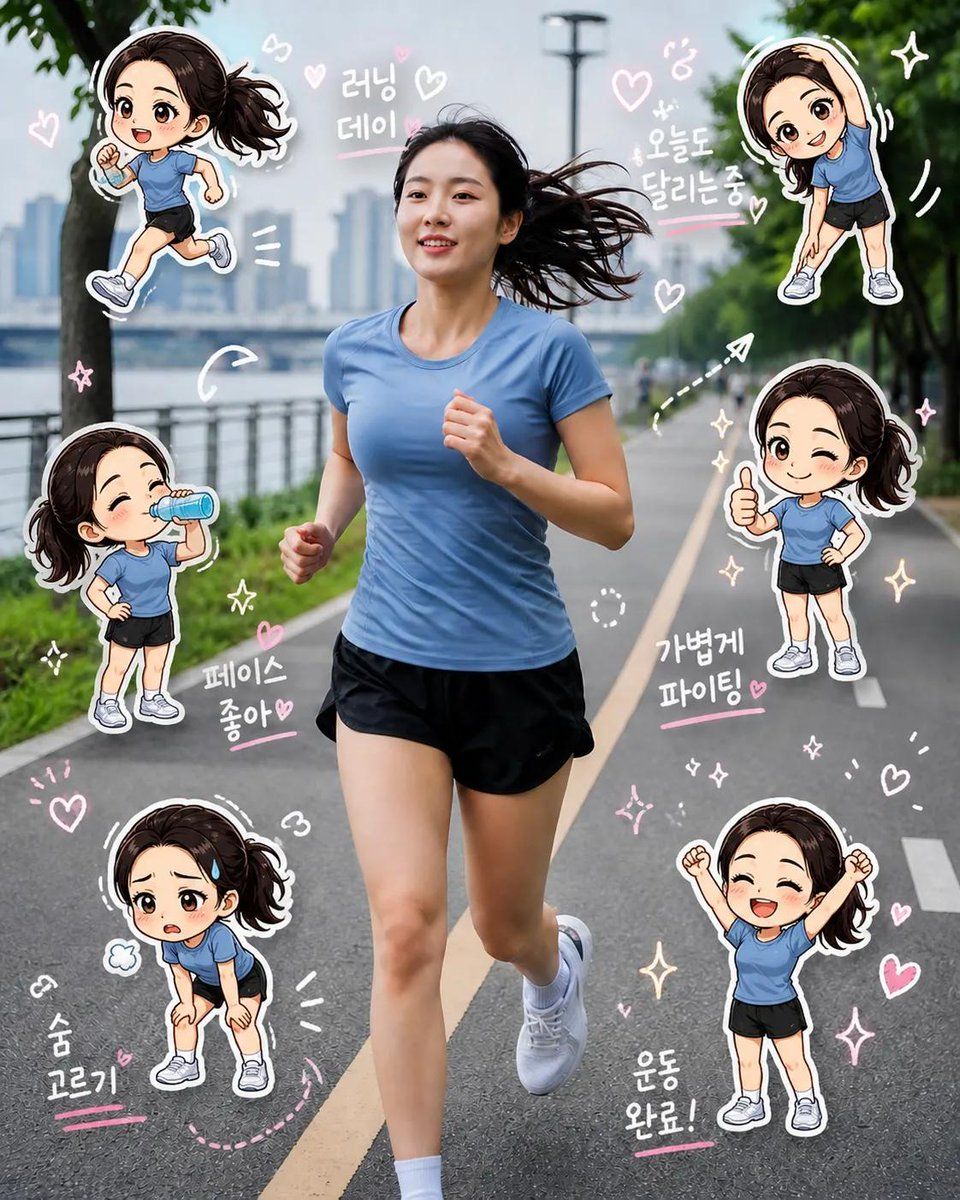
Chibi Clone Sticker Diary
Enlarge

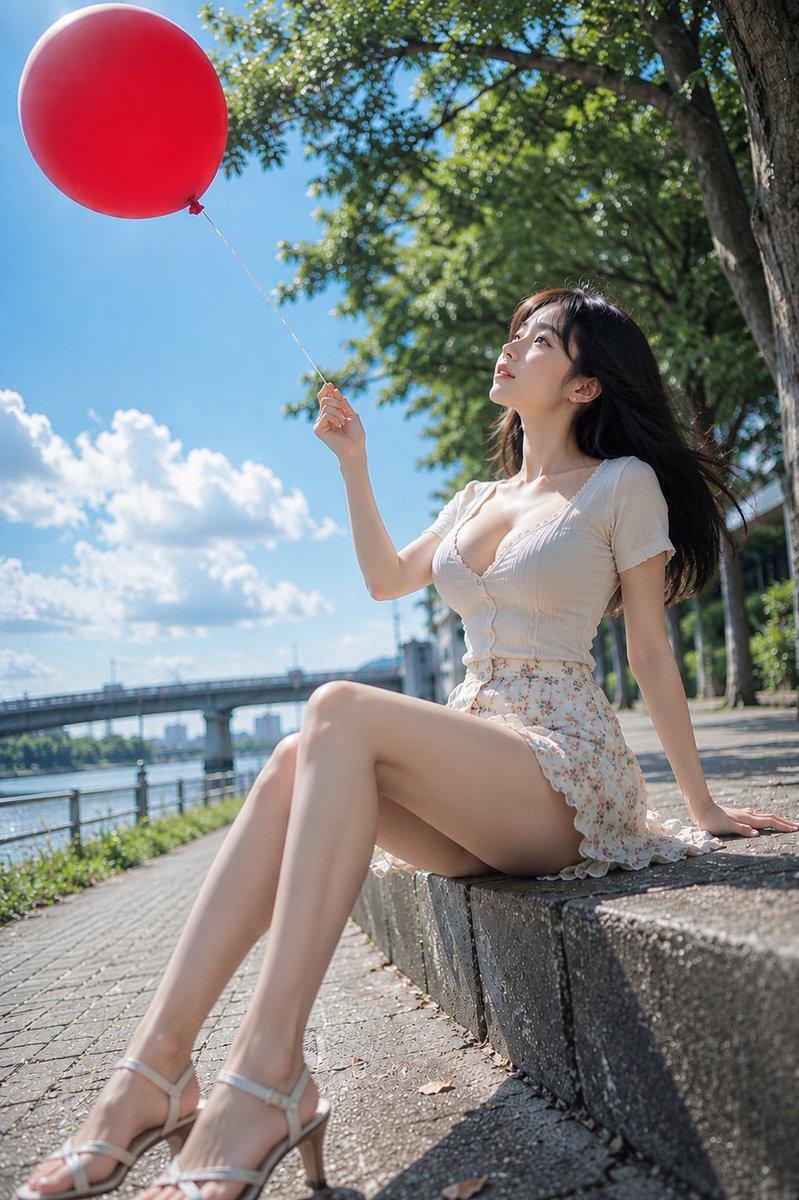
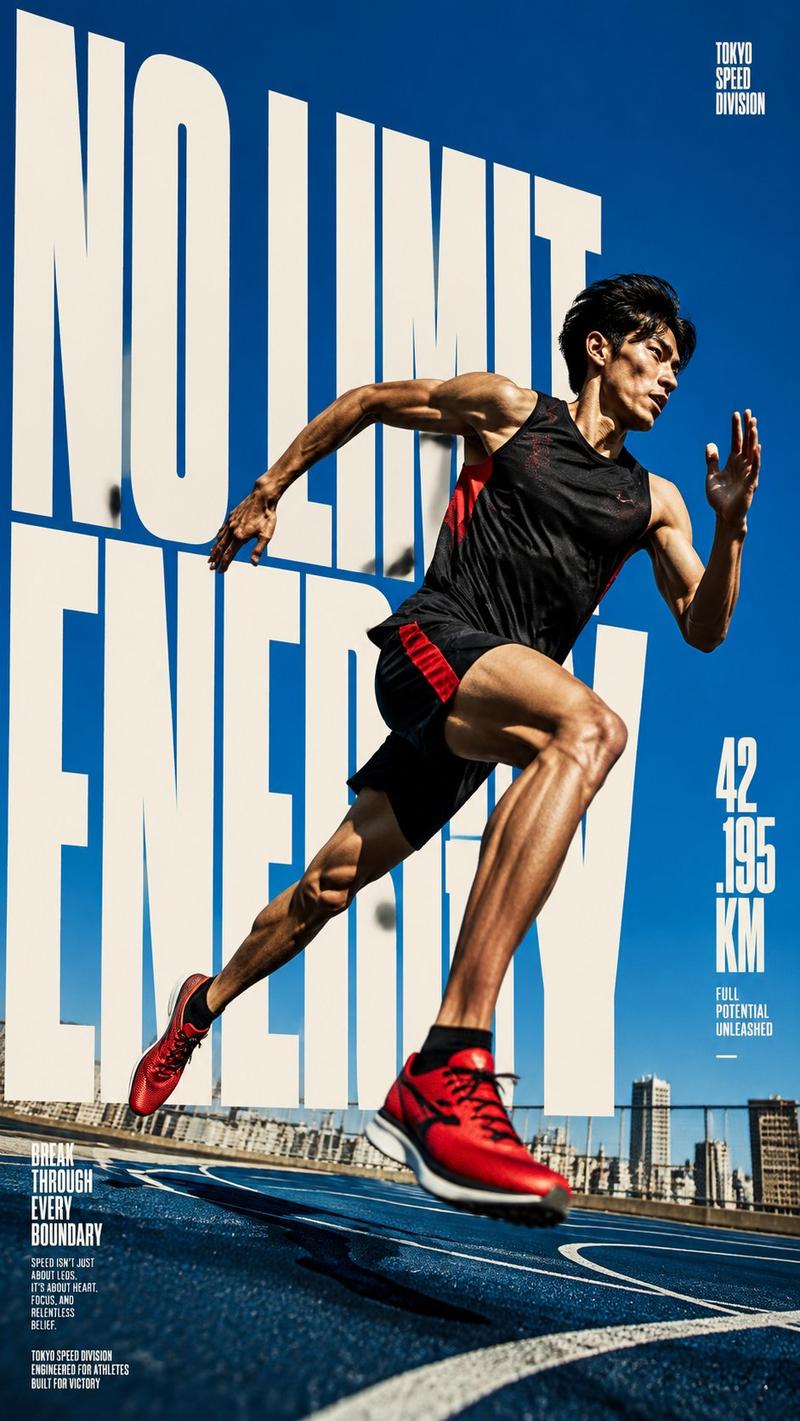
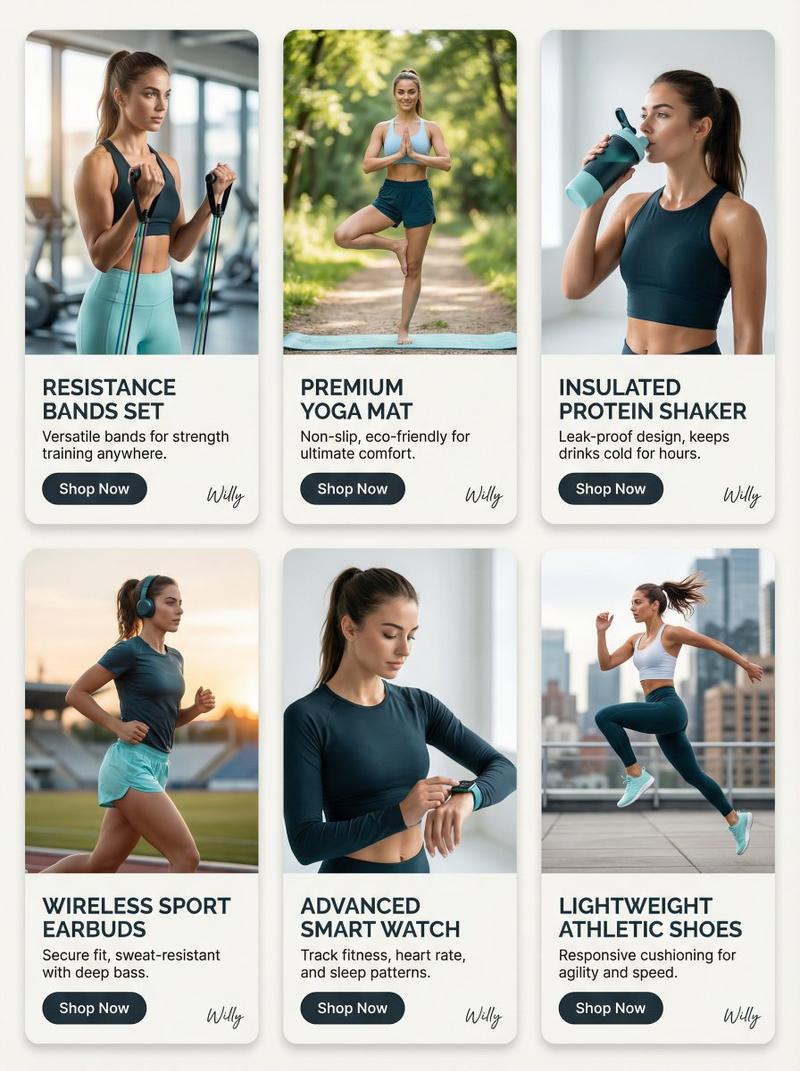
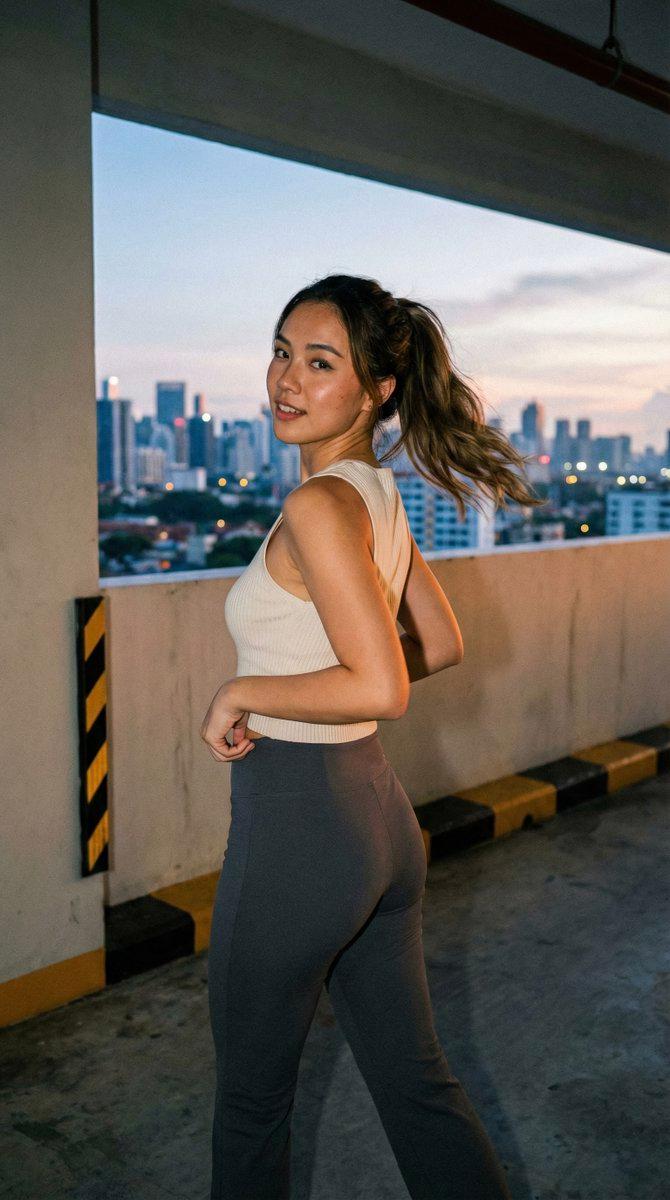
Example images

Chibi Clone Sticker Diary

Prompt
Create a high-quality “{argument name="style" default="chibi clone sticker diary photo"}” based on the uploaded real-life image. Preserve the original person’s identity, face, hairstyle, hair color, outfit, body proportions, pose, lighting, and background. Do not alter facial features or turn the subject into a full illustration—maintain a realistic photo look. Analyze the scene as a {argument name="theme" default="fitness/running lifestyle moment"}. Add 5–8 chibi mini clones of the same person around the subject, designed in a consistent kawaii sticker style (big head, small body, large expressive eyes, clean digital finish). Each clone must clearly resemble the real person (same hair, outfit, colors). Design each chibi with different theme-related actions and emotions. Render each chibi as a sticker with white outlines, soft shadows, and a slightly floating effect. Arrange them around the subject and edges without covering the face or main body. Add light hand-drawn doodles in white with {argument name="accent color" default="subtle pink accents"}, keeping a clean scrapbook diary feel. Include 5–8 short handwritten-style phrases matching the mood. Composition: keep the real person as the central focus, surrounded by chibi stickers and doodles. The result should feel like a polished, playful, high-resolution social media lifestyle diary image.
Category
Posters & Typography
Model
GPT Image 2
Creator
Kashberg
Views1
Source ID
18048
Published
May 3, 2026

Guide

About "Chibi Clone Sticker Diary"

What is this prompt for?

"Chibi Clone Sticker Diary" AI image prompt for GPT Image 2 (Posters & Typography). A fun, lifestyle-oriented prompt that adds miniature 'chibi' versions of a…

The full copyable prompt and example visuals above are ready for AI image generation or one-click recreate in Picva.

How to use this prompt

  1. Step 1

    Open the prompt detail

    Review the example visuals, category, and full prompt text for "Chibi Clone Sticker Diary".

  2. Step 2

    Copy the prompt

    Copy the prompt body from this page, or load it directly in Studio.

  3. Step 3

    Pick a model (GPT Image 2)

    Prefer GPT Image 2. If you switch models, keep subject and composition and tweak style terms.

  4. Step 4

    Generate and export

    Recreate the look in Picva, or export into your workflow for editing and publishing.

FAQ

What is the "Chibi Clone Sticker Diary" prompt?
It is an AI image-generation prompt for GPT Image 2 in the Posters & Typography category. This page includes the full prompt text, example visuals, and a one-click recreate path in Picva.
How do I use this prompt to generate an image?
Copy the prompt from this page, or use Generate / Studio. Paste it into a compatible image model, or recreate the look in Picva with optional reference images.
Which model is this prompt for?
This page lists GPT Image 2. Most descriptive prompts also transfer to nearby image models such as GPT Image, Flux, or Midjourney with light style tweaks.
Can I use the result commercially?
You can usually copy the prompt for creation, but commercial use of the final image depends on the model terms, reference-image rights, and the generated content. Follow the source author and platform rules.