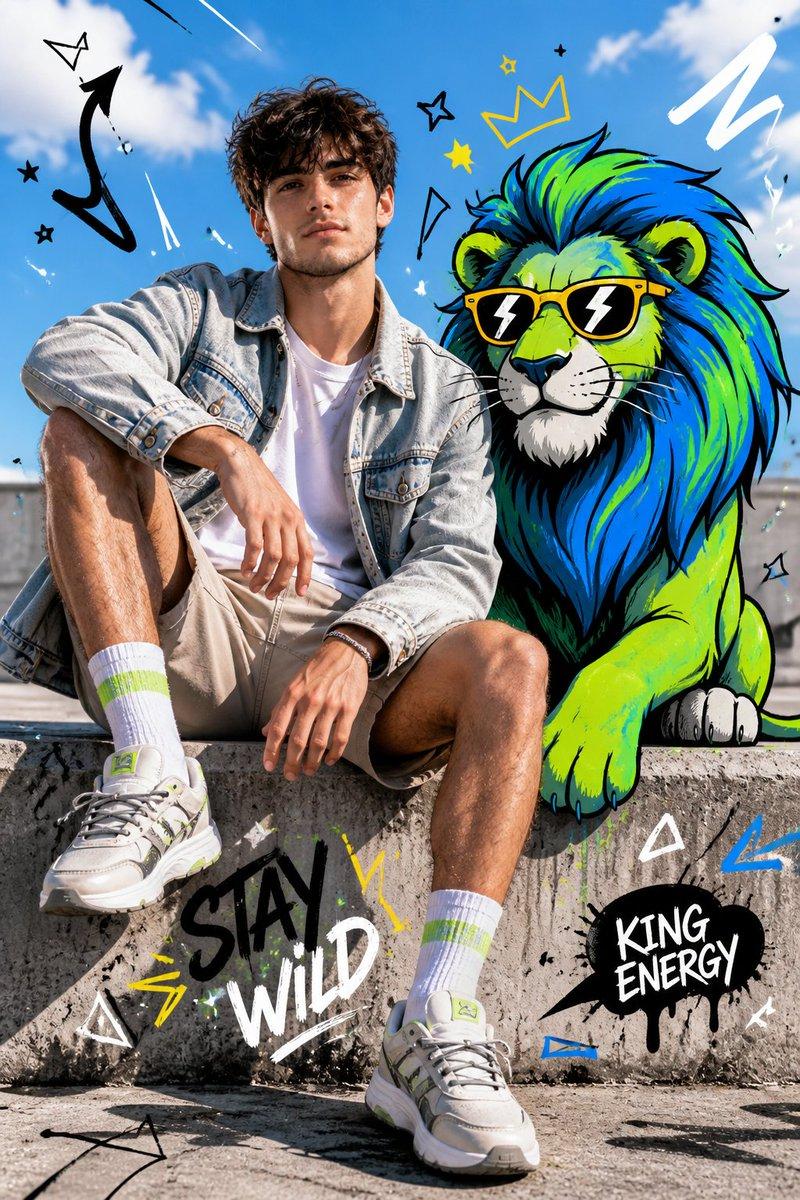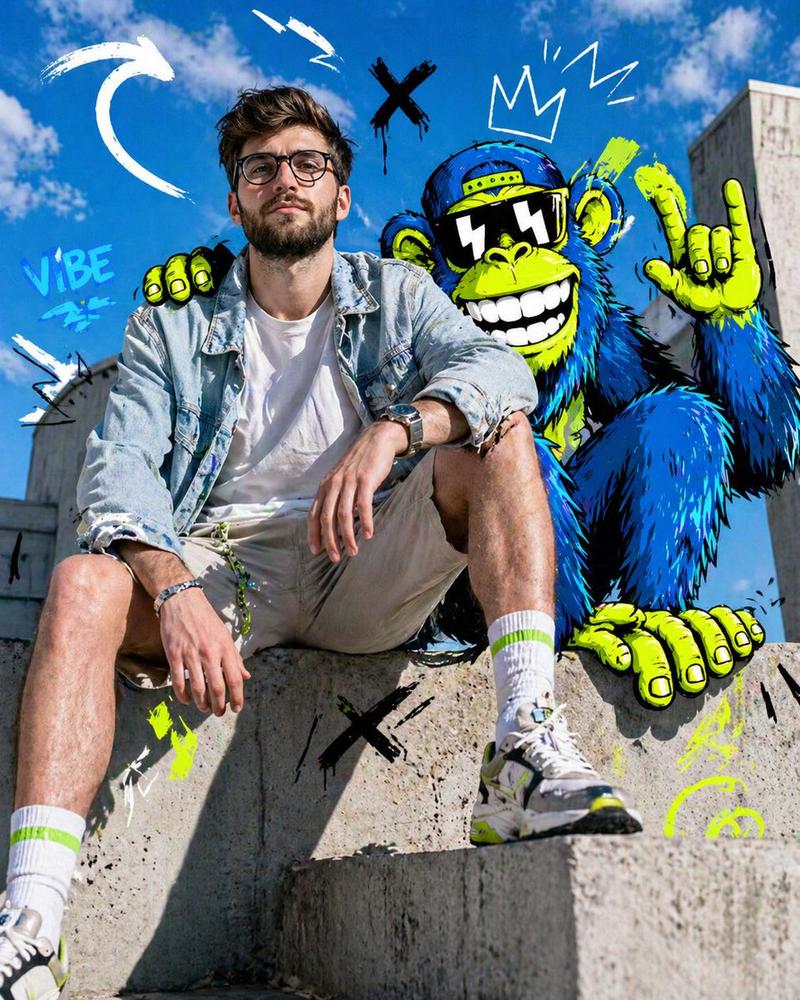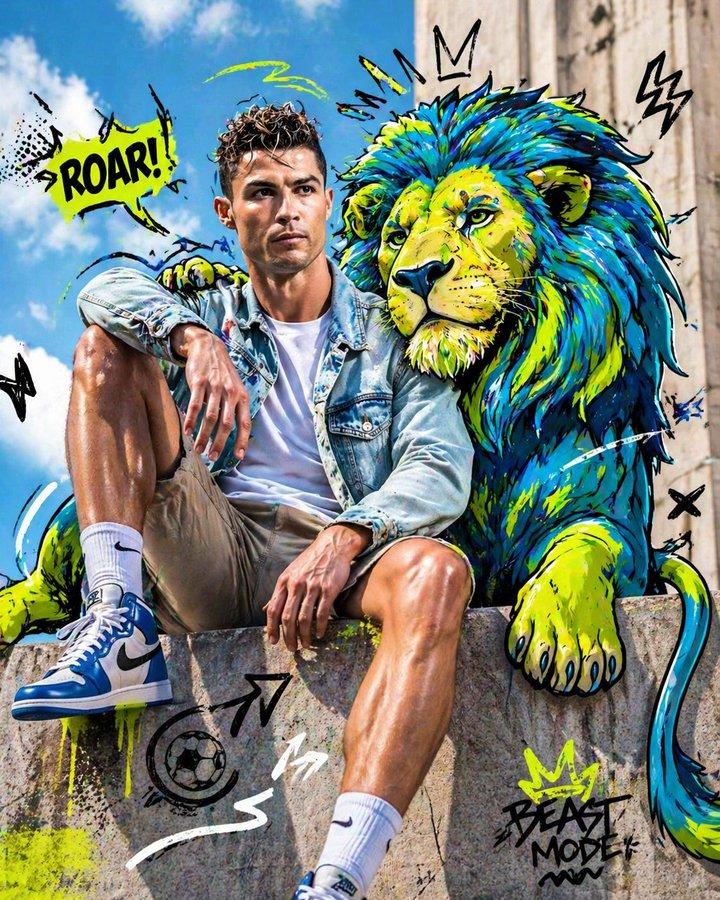
Street Fashion Panther Graffiti
Prompt
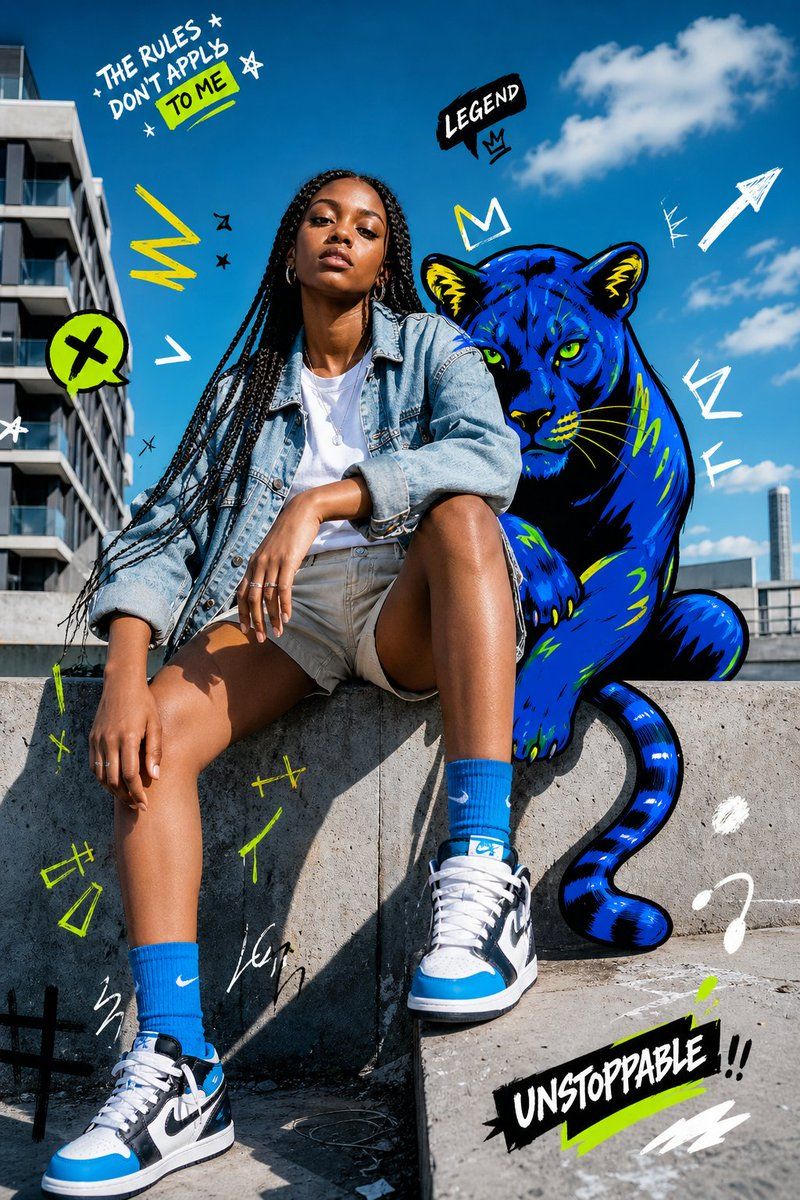
Create a vibrant street-fashion editorial photo-illustration in bright midday sunlight: a confident young woman with {argument name="hair style" default="long black box braids"} sits casually on a concrete ledge in an urban rooftop or plaza setting, modern apartment buildings on the left and a deep blue sky with scattered white clouds behind her. Her face is intentionally covered by a soft rectangular blur for anonymity. She wears an oversized light-wash denim jacket over a white T-shirt, beige shorts, bright blue crew socks, and blue-black-white high-top sneakers, posed with one knee raised and one leg dropped forward, relaxed hands and silver rings visible. Behind her, add a bold graffiti-style illustrated blue panther with neon green eyes, black outlines, yellow-green accents, rounded ears, visible paws, and a curling tail, positioned like a powerful companion sitting just over her shoulder. Overlay energetic hand-drawn doodles in white, black, neon yellow, and lime green around the scene: exactly 3 readable text graphics, with the top-left handwritten phrase “THE RULES DON’T APPLY” plus a highlighted lime box reading “TO ME,” a black speech bubble above the panther reading “LEGEND” with a small crown, and a bottom-right black brush-stroke sticker reading “UNSTOPPABLE !!” underlined in lime. Also include lightning bolts, arrows, stars, scribbles, crowns, exclamation marks, abstract marks, and paint strokes scattered across the sky and concrete, blending real photography with edgy graphic street art. Use crisp high-resolution detail, saturated colors, hard sunlight shadows, wide-angle fashion framing, playful rebellious youth-culture energy, and a Nike-adjacent sneaker editorial aesthetic without adding extra logos beyond the visible sportswear styling.- Category
- Charts & Infographics
- Model
- GPT Image 2
- Creator
- Daniel Madudu
- Source ID
- 18104
- Published
- May 3, 2026
Views1