17

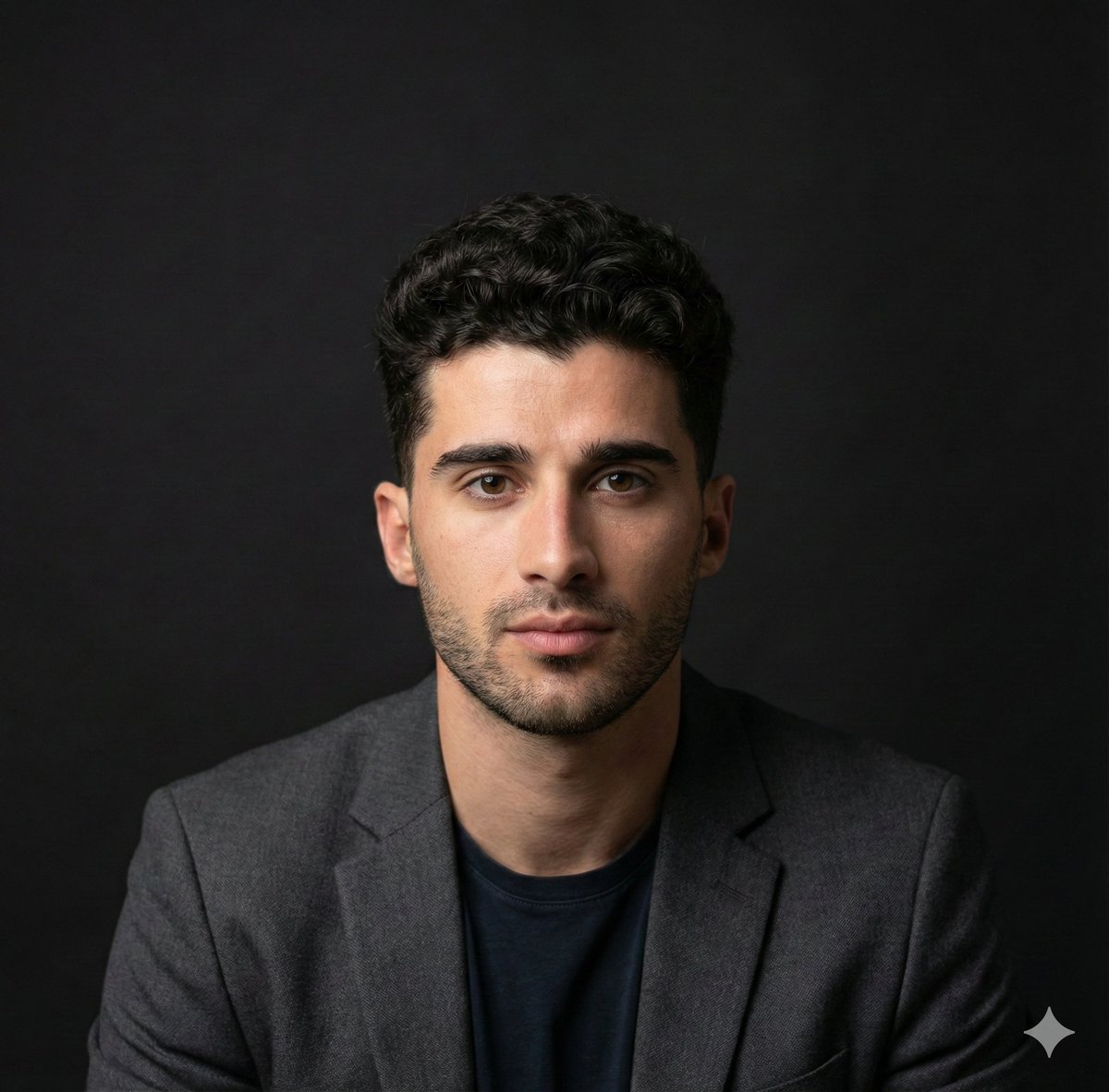
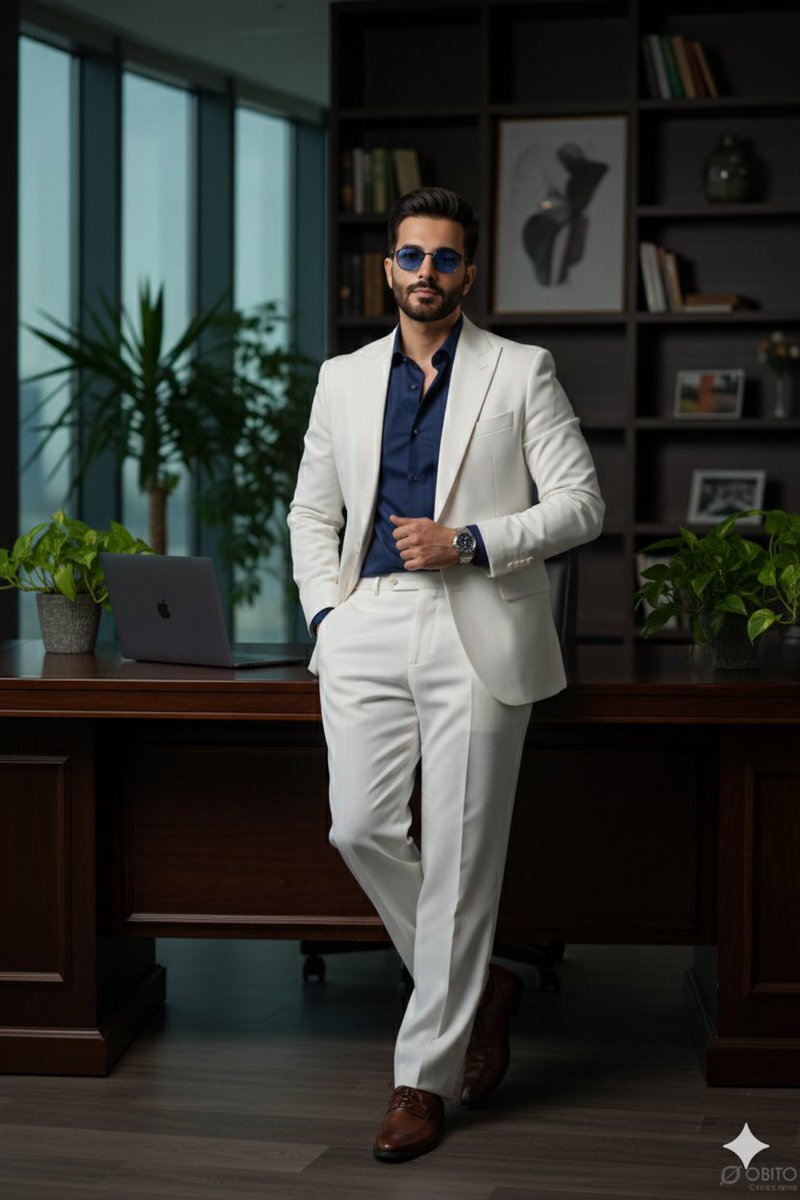
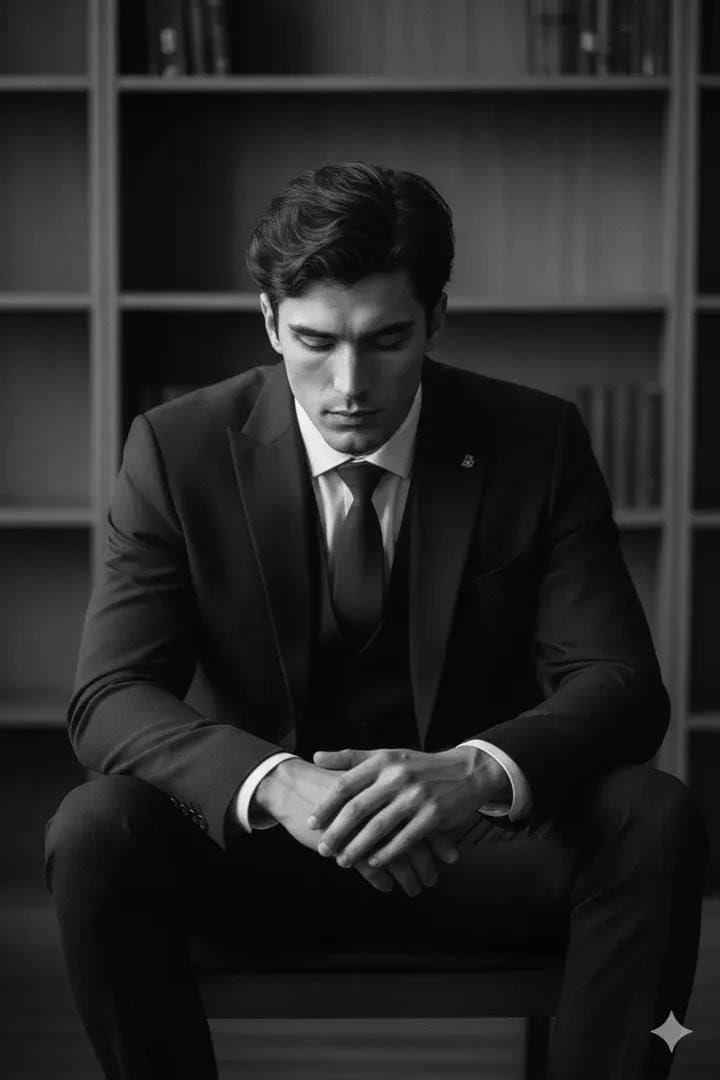
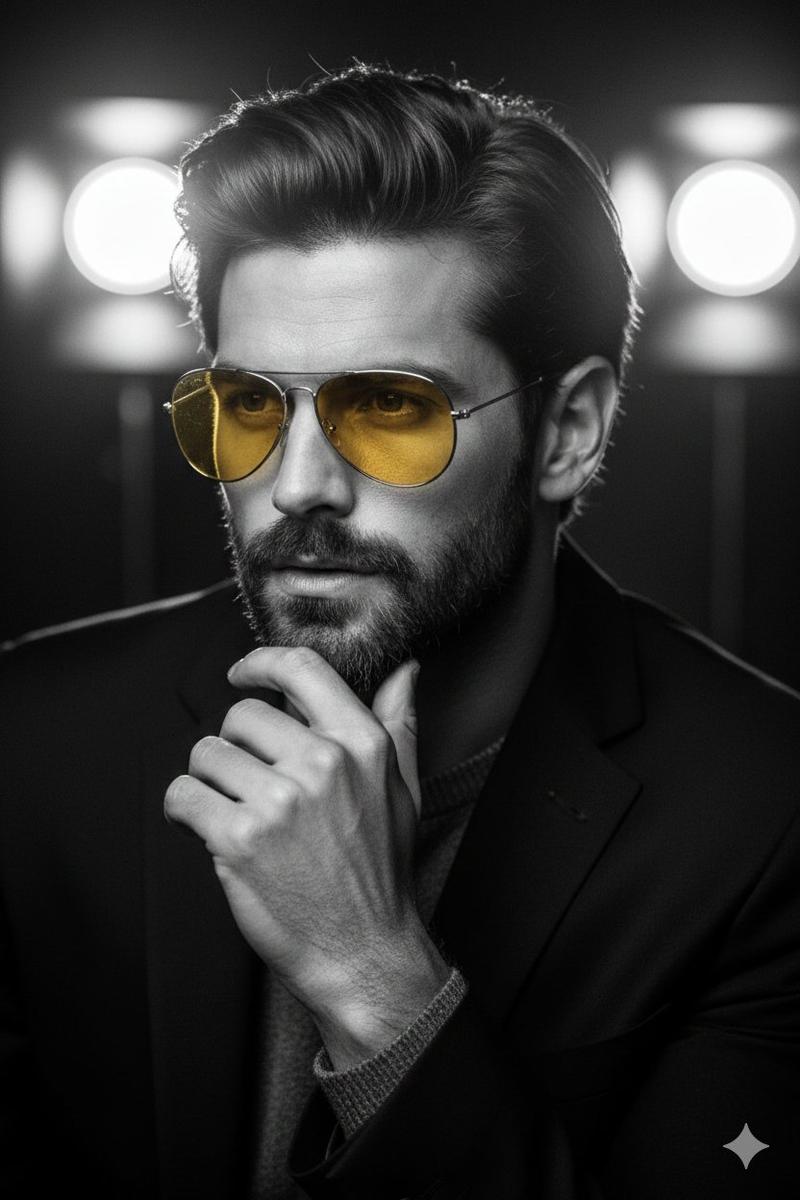
Cinematic Tech Entrepreneur Portrait
Enlarge

Cinematic Tech Entrepreneur Portrait

Prompt
Create a cinematic vertical portrait of a confident male tech entrepreneur seated at a dark desk in a modern studio office, centered in the frame from mid-torso up. He wears a textured {argument name="blazer color" default="charcoal gray"} blazer over a black button-up shirt, with neatly slicked-back black hair, hands clasped around a smartphone at the bottom center. The face area should be covered by a plain rectangular skin-tone placeholder block, as if reserved for a face-swap or uploaded portrait. The background is a moody black shelving wall with teal cyan LED strip lights: one long horizontal light behind the head, another on a left shelf, and two on the right shelves. Include visible studio props on the shelves: one large podcast microphone on the upper left, one camera on the middle left, one camera lens on the lower left, a camera and small plant on the upper right, two awards/trophies on the middle right, and a small metallic desk object on the lower right. Use dramatic low-key lighting, teal rim light, realistic shadows, glossy highlights, shallow depth of field, premium corporate branding aesthetic, ultra-realistic photography, sharp focus on the suit and hands. Add a bold glowing name title in the lower-right corner reading {argument name="name text" default="DILSHAD\nHUSSAIN"}, in large condensed white uppercase sans-serif letters with a cyan neon glow, thin cyan horizontal line above and below the text, and a small triangular accent under the lower line. Aspect ratio 9:16, high resolution, social-media poster style.
Category
Charts & Infographics
Model
GPT Image 2
Views2
Source ID
18109
Published
May 3, 2026

Guide

About "Cinematic Tech Entrepreneur Portrait"

What is this prompt for?

"Cinematic Tech Entrepreneur Portrait" AI image prompt for GPT Image 2 (Charts & Infographics). Generates a dramatic vertical executive portrait poster with te…

The full copyable prompt and example visuals above are ready for AI image generation or one-click recreate in Picva.

How to use this prompt

  1. Step 1

    Open the prompt detail

    Review the example visuals, category, and full prompt text for "Cinematic Tech Entrepreneur Portrait".

  2. Step 2

    Copy the prompt

    Copy the prompt body from this page, or load it directly in Studio.

  3. Step 3

    Pick a model (GPT Image 2)

    Prefer GPT Image 2. If you switch models, keep subject and composition and tweak style terms.

  4. Step 4

    Generate and export

    Recreate the look in Picva, or export into your workflow for editing and publishing.

FAQ

What is the "Cinematic Tech Entrepreneur Portrait" prompt?
It is an AI image-generation prompt for GPT Image 2 in the Charts & Infographics category. This page includes the full prompt text, example visuals, and a one-click recreate path in Picva.
How do I use this prompt to generate an image?
Copy the prompt from this page, or use Generate / Studio. Paste it into a compatible image model, or recreate the look in Picva with optional reference images.
Which model is this prompt for?
This page lists GPT Image 2. Most descriptive prompts also transfer to nearby image models such as GPT Image, Flux, or Midjourney with light style tweaks.
Can I use the result commercially?
You can usually copy the prompt for creation, but commercial use of the final image depends on the model terms, reference-image rights, and the generated content. Follow the source author and platform rules.