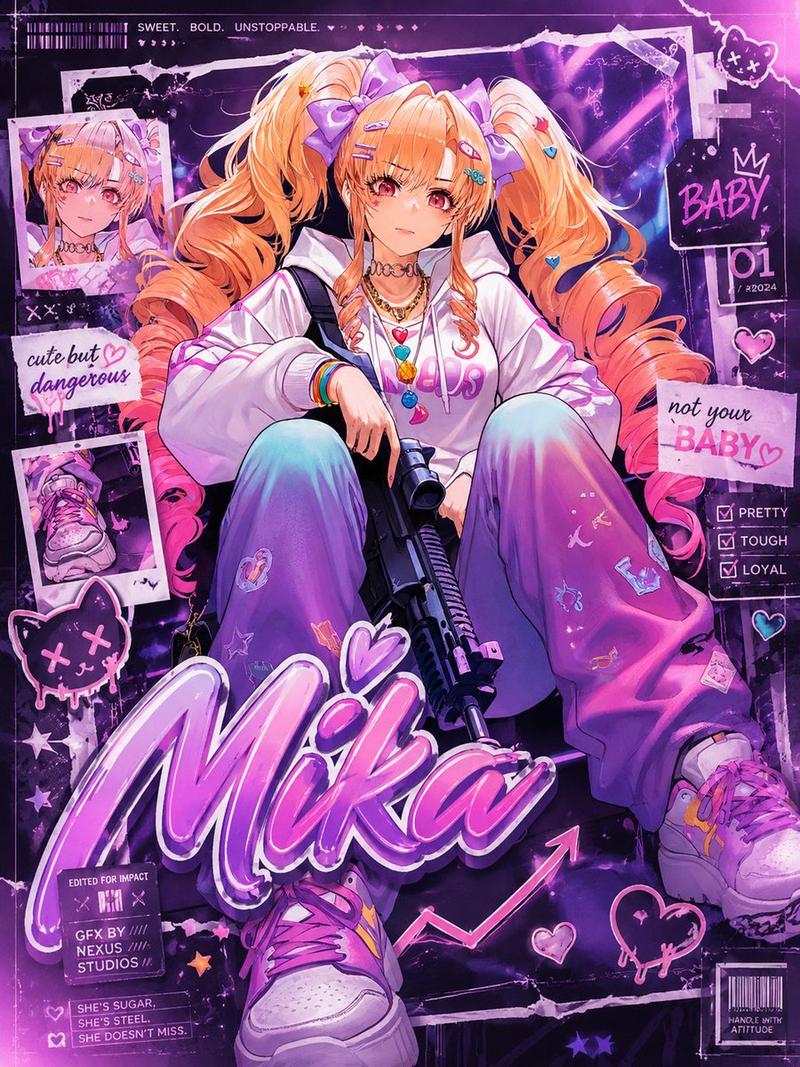
动漫风格艺术家头像(已遮挡面部)
Prompt
Create a dynamic single-panel anime illustration of a stylish young man with messy, voluminous {argument name="hair color" default="black hair with faint purple highlights"}, shown from the waist up on a clean white background. His face is intentionally covered by a large centered square privacy block with a muted dark-to-warm gray gradient, obscuring all facial features. He reaches toward the viewer with one hand in strong foreshortened perspective, holding a sleek black pen or stylus between his fingers as if drawing in midair. Dress him in an oversized glossy {argument name="jacket color" default="white"} techwear jacket layered over a black shirt and hoodie, with visible straps, buckles, zippers, black lining, and several silver chain necklaces with small pendants. Add thin silver rings on his extended fingers. Use energetic sketchy linework, semi-realistic anime rendering, high detail in the hair and hand, soft lavender and pale pink accent strokes, and a fashionable urban sci-fi mood. Surround him with hand-drawn doodles and abstract design marks: exactly 1 small ringed planet near the upper left, 1 pink lightning bolt near the upper right, 2 wireframe geometric polyhedrons near the lower left and right edges, multiple small star sparkles, scattered black dots, diagonal ink splashes, and constellation-like connecting lines. The composition should feel like a modern digital artist avatar or profile illustration, with the pen tip and hand closest to the camera, crisp black-and-white contrast, loose manga sketch textures, and no text.- Category
- Posters & Typography
- Model
- GPT Image 2
- Creator
- ヤノ(Ryuki_Yano)
- Source ID
- 18407
- Published
- May 4, 2026
Views22

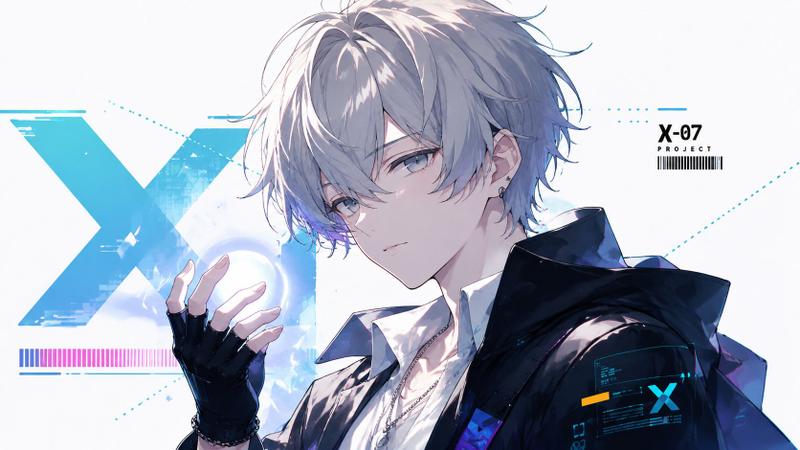
![Create a premium collector-edition character poster of [五条悟] from [franchise]](https://i.pixshop.app/storage/v1/render/image/public/prompt-source-media/promptsref/work-14179/image-1-e226ee654eda2755.png?width=800&quality=75&resize=contain)