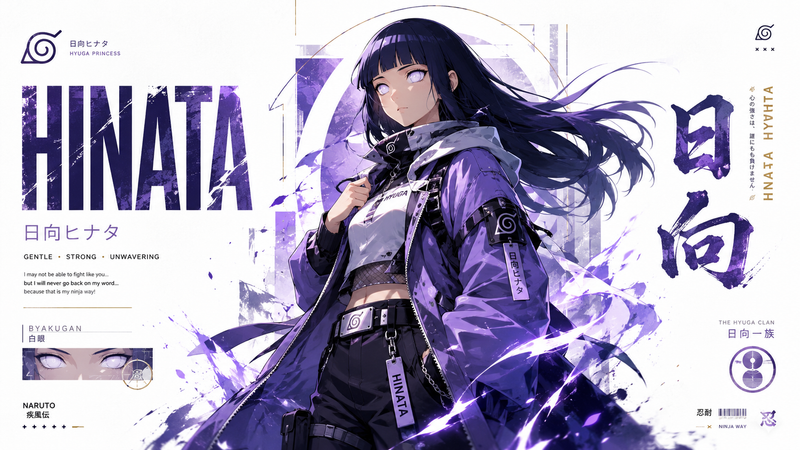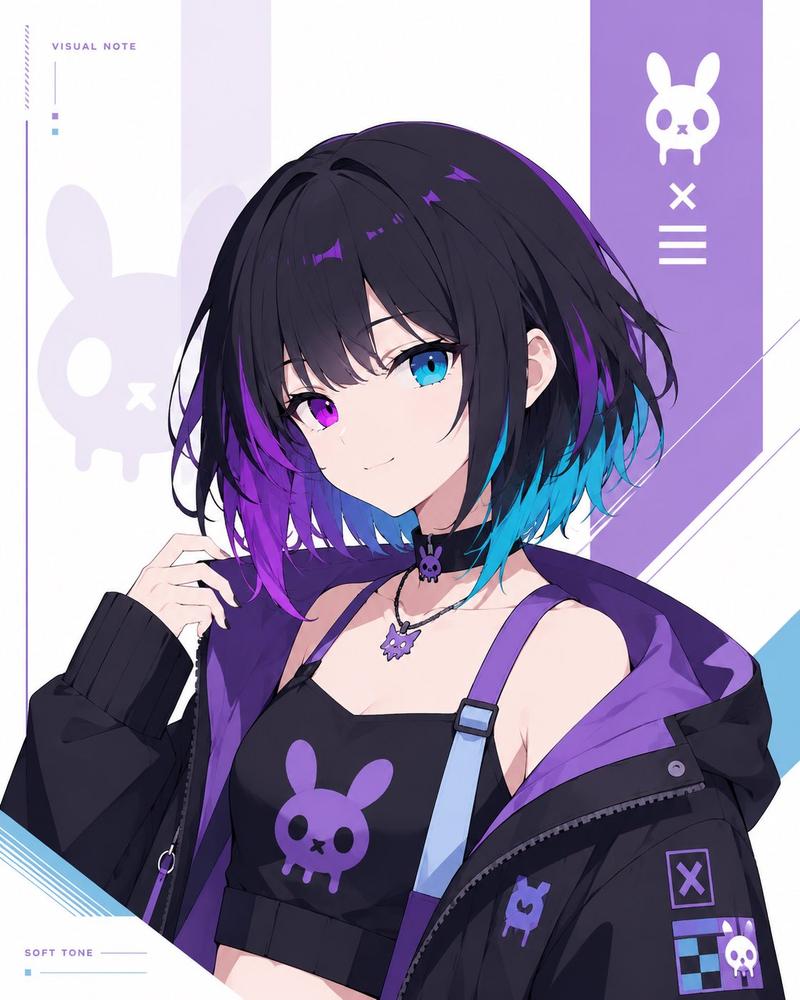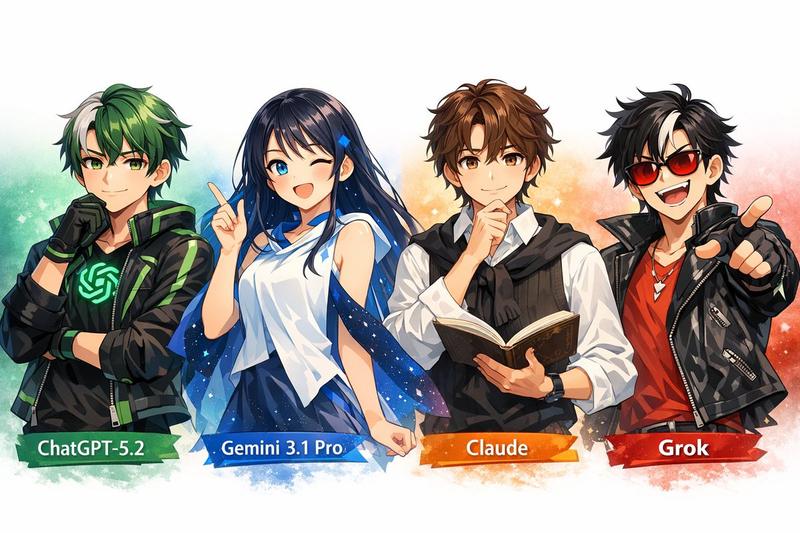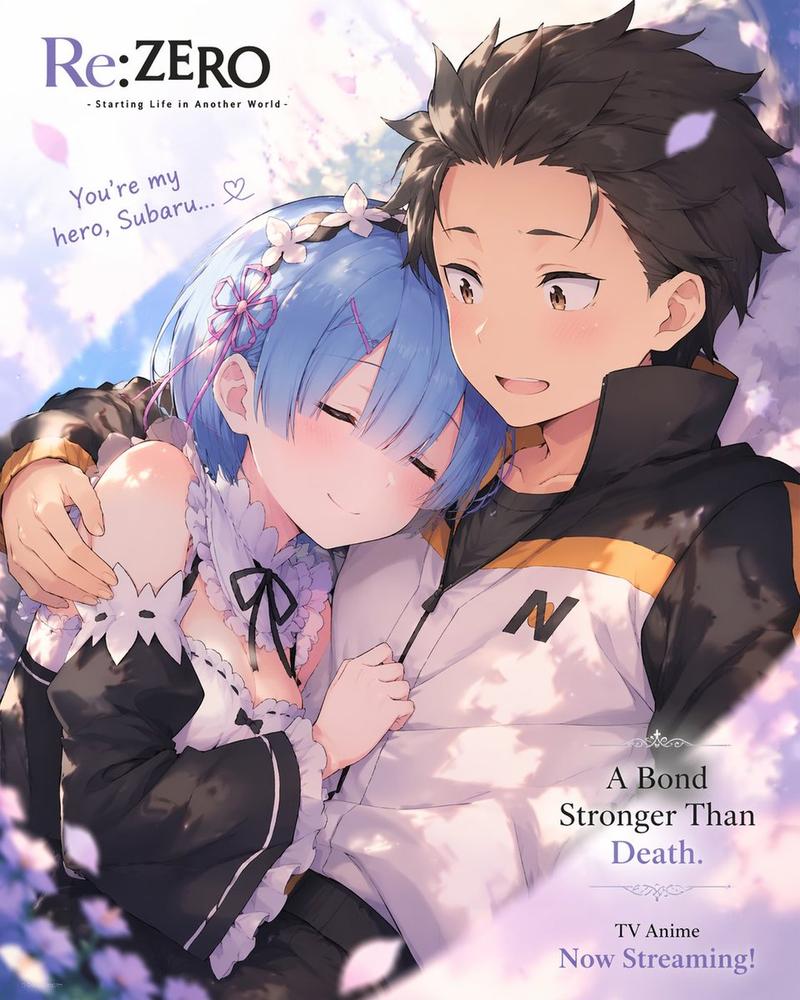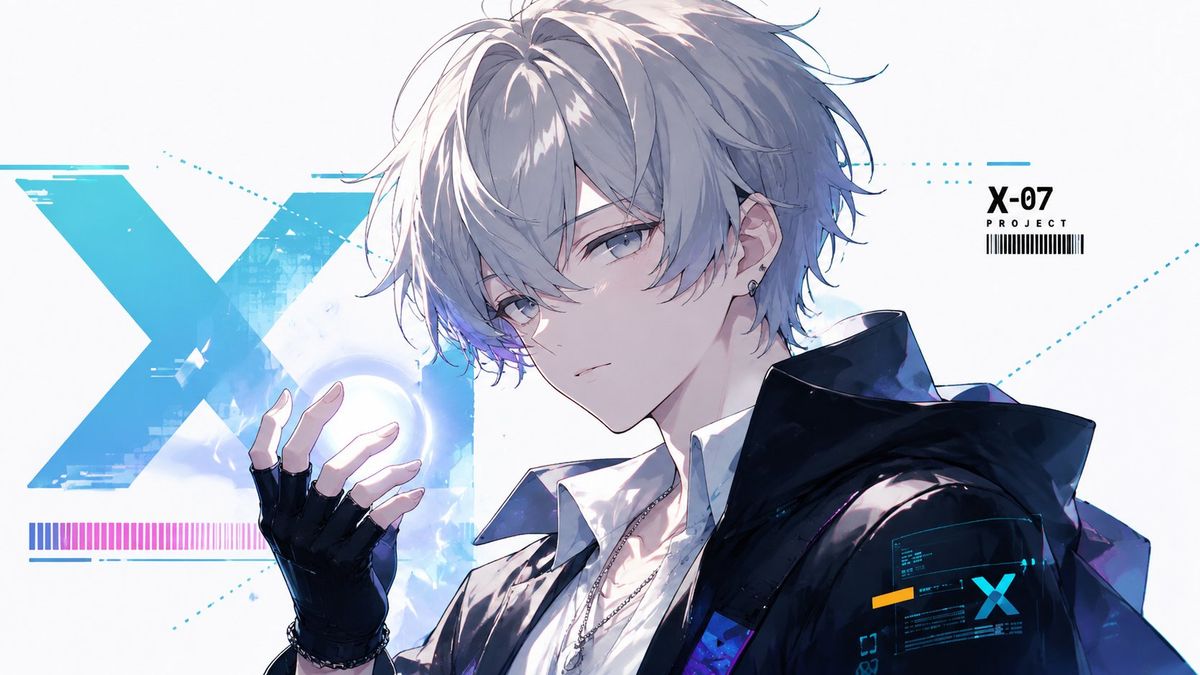
未来感 X-07 动漫角色海报
Prompt
Create a clean futuristic anime key visual in a wide 16:9 canvas. Show one androgynous young male anime character, {argument name="character name" default="X-07"}, in a close-up three-quarter pose facing slightly left, with pale skin, cool gray-blue eyes, a calm serious expression, and messy layered {argument name="hair color" default="silver-white"} hair with long bangs partially covering one eye. He wears a crisp white shirt under a glossy oversized black techwear jacket with a high collar and subtle blue-purple reflections, plus a black fingerless glove on the raised left hand, a thin necklace, bracelet, and small ear piercings. His raised hand hovers near a glowing blue-white circular energy orb. The background is bright white and minimal, filled with cyan sci-fi UI graphics: exactly 1 huge distressed turquoise letter X behind him on the left, exactly 1 horizontal magenta-to-blue barcode-like color strip near the lower left, exactly 1 small top-right label reading “{argument name="project label" default="X-07"}” with “PROJECT” below it and a barcode underneath, exactly 1 small holographic interface panel on the character’s sleeve with a cyan X and tiny unreadable data lines, and fine dotted cyan guide lines crossing the composition. Use high-detail Japanese anime illustration style, delicate line art, luminous cel shading, soft gradients, sharp facial rendering, glossy fabric highlights, and a cool cyan/blue/white color palette with small magenta accents. Keep the composition polished like a sci-fi character poster, no extra characters, no watermark, no cluttered background.- Category
- UI & Interfaces
- Model
- GPT Image 2
- Creator
- Eternity丶
- Source ID
- 26625
- Published
- Jun 23, 2026
Views5