16

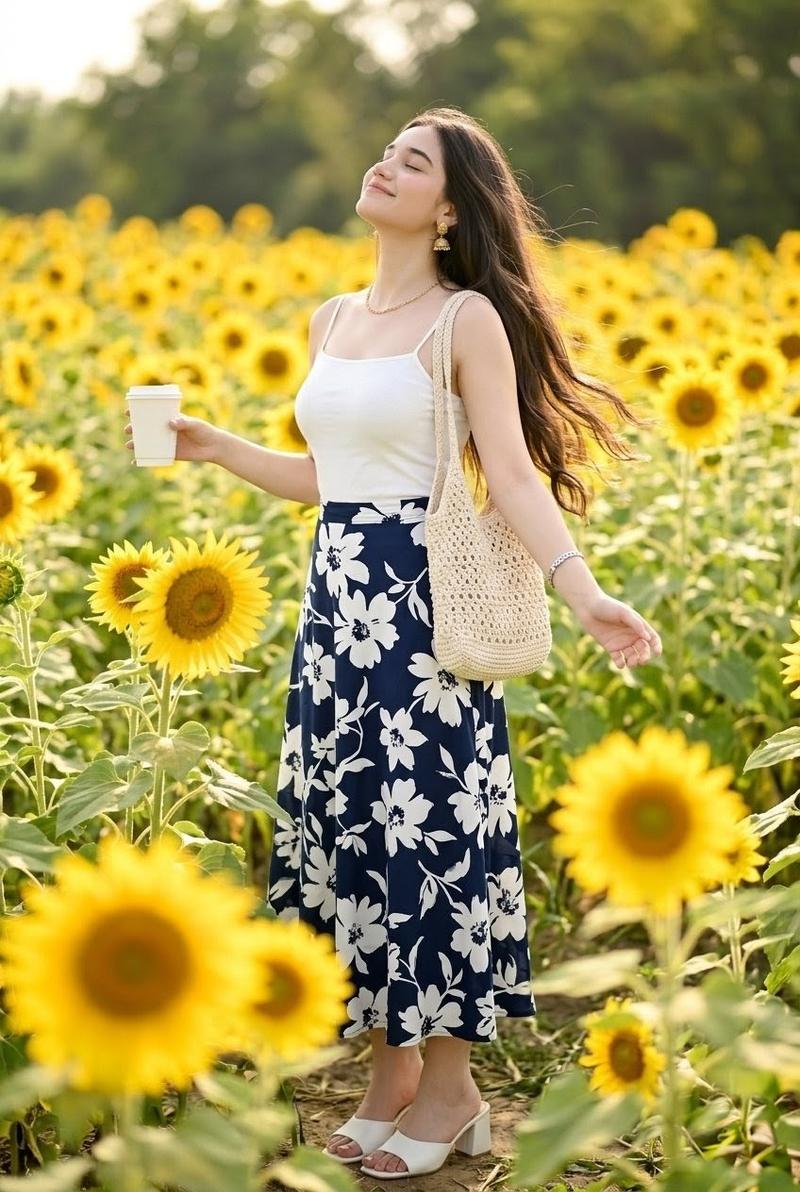
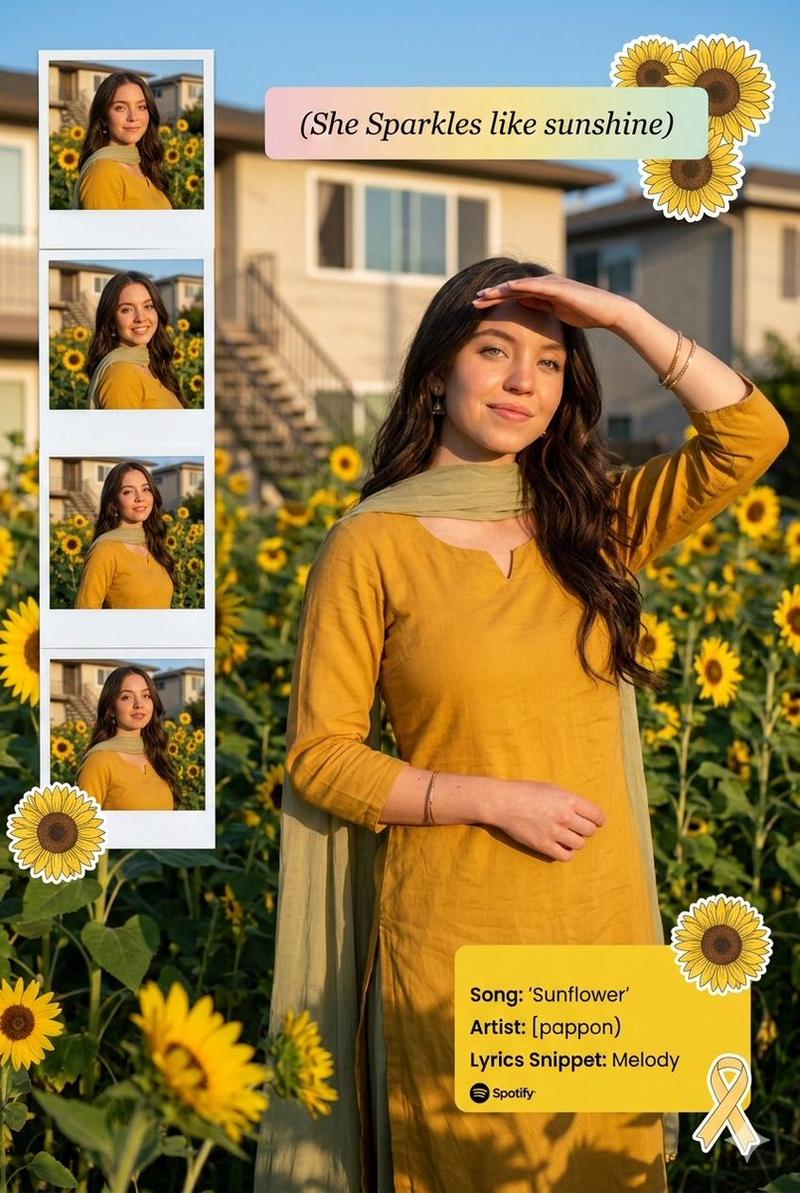
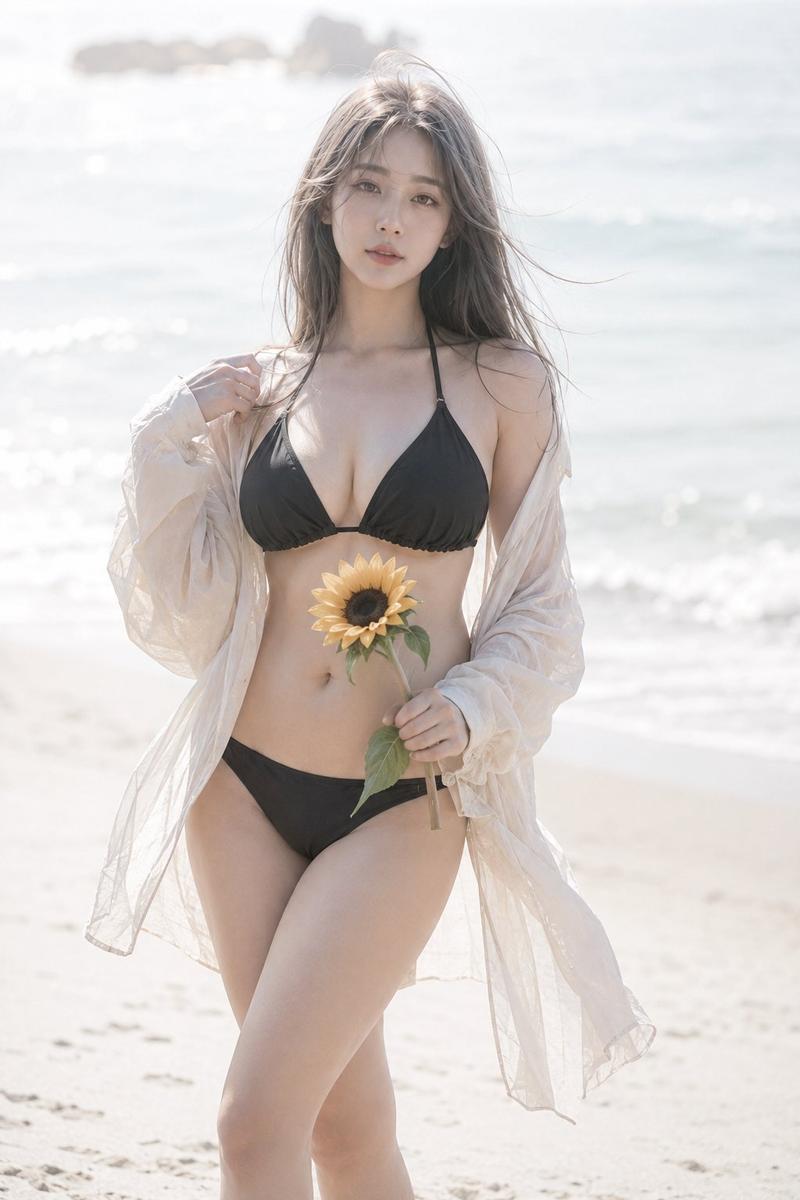
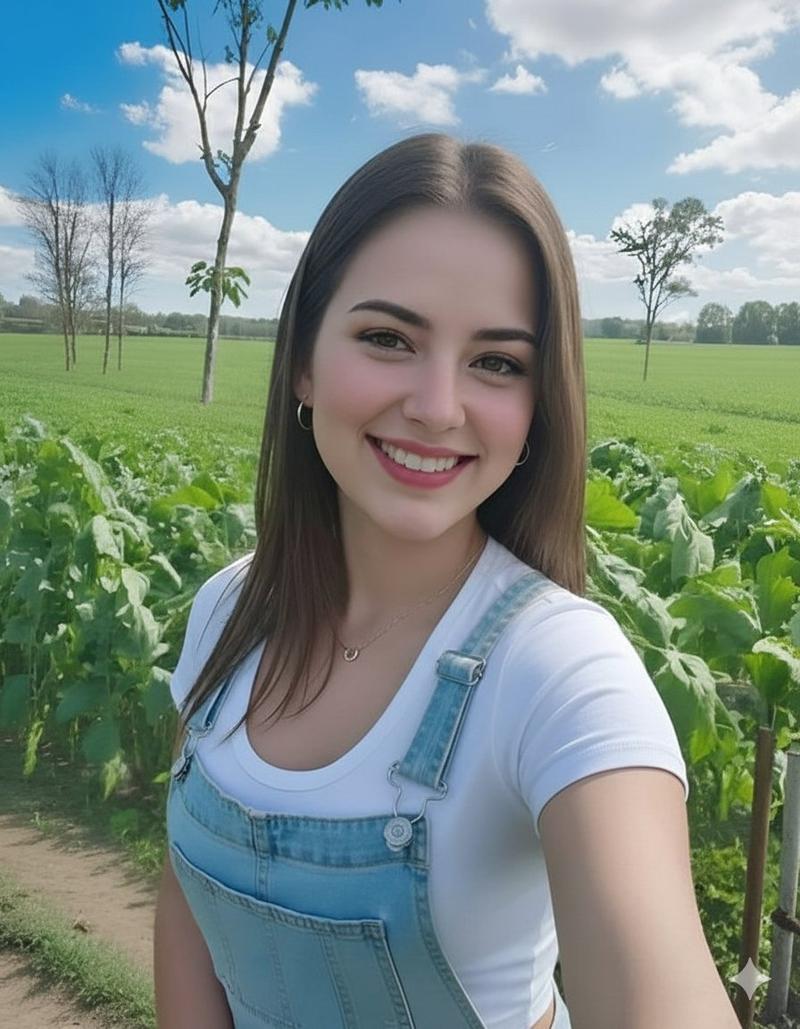
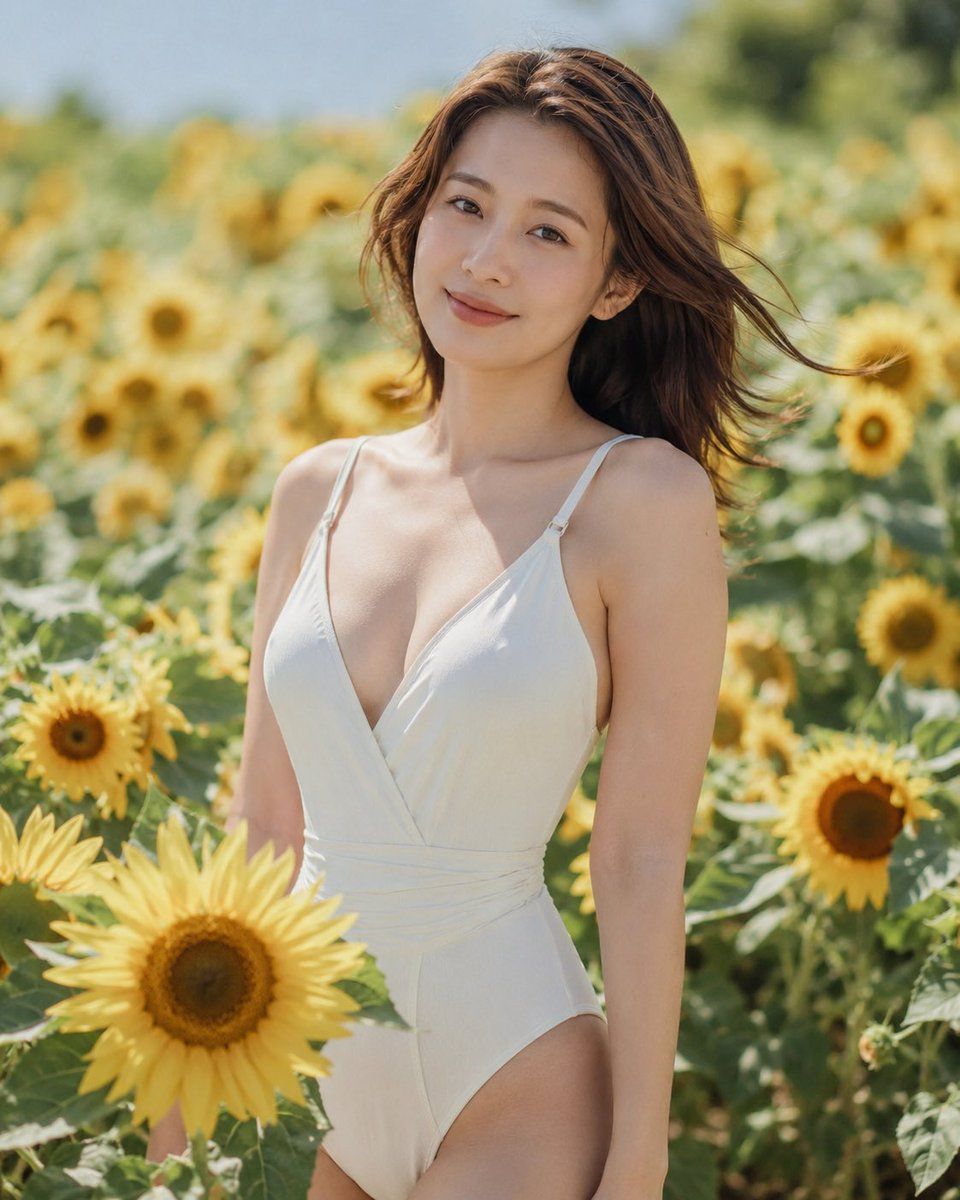
向日葵花田时尚人像
Enlarge

向日葵花田时尚人像

Prompt
Create a photorealistic outdoor fashion portrait of an {argument name="subject" default="adult woman"} standing waist-up in a bright sunflower field on a sunny day, wearing a {argument name="outfit" default="white deep V-neck one-piece swimsuit with thin shoulder straps and a wrap-style bodice"}. She has {argument name="hair color and style" default="long chestnut-brown hair blowing gently in the wind"}, bare shoulders, soft natural skin tones, and a relaxed upright pose among tall yellow sunflowers. Place a large opaque square censor block over the center of her face, colored muted tan-brown, covering the facial features while leaving the hair, neck, shoulders, and outfit visible. Use warm summer daylight, shallow depth of field, creamy bokeh sunflowers in the background, crisp focus on the subject and nearby foreground sunflower, natural editorial photography style, 85mm lens look, soft highlights, fresh green and golden color palette, vertical 4:5 composition.
Category
Charts & Infographics
Model
GPT Image 2
Views9
Source ID
18597
Published
May 7, 2026

Guide

About "向日葵花田时尚人像"

What is this prompt for?

"向日葵花田时尚人像" AI image prompt for GPT Image 2 (Charts & Infographics). 一个写实的夏季人像提示词,用于生成一位身穿白色泳装站在向日葵丛中、面部被刻意遮挡的女性。 Copy it on Picva and recreate the look in one…

The full copyable prompt and example visuals above are ready for AI image generation or one-click recreate in Picva.

How to use this prompt

  1. Step 1

    Open the prompt detail

    Review the example visuals, category, and full prompt text for "向日葵花田时尚人像".

  2. Step 2

    Copy the prompt

    Copy the prompt body from this page, or load it directly in Studio.

  3. Step 3

    Pick a model (GPT Image 2)

    Prefer GPT Image 2. If you switch models, keep subject and composition and tweak style terms.

  4. Step 4

    Generate and export

    Recreate the look in Picva, or export into your workflow for editing and publishing.

FAQ

What is the "向日葵花田时尚人像" prompt?
It is an AI image-generation prompt for GPT Image 2 in the Charts & Infographics category. This page includes the full prompt text, example visuals, and a one-click recreate path in Picva.
How do I use this prompt to generate an image?
Copy the prompt from this page, or use Generate / Studio. Paste it into a compatible image model, or recreate the look in Picva with optional reference images.
Which model is this prompt for?
This page lists GPT Image 2. Most descriptive prompts also transfer to nearby image models such as GPT Image, Flux, or Midjourney with light style tweaks.
Can I use the result commercially?
You can usually copy the prompt for creation, but commercial use of the final image depends on the model terms, reference-image rights, and the generated content. Follow the source author and platform rules.