19

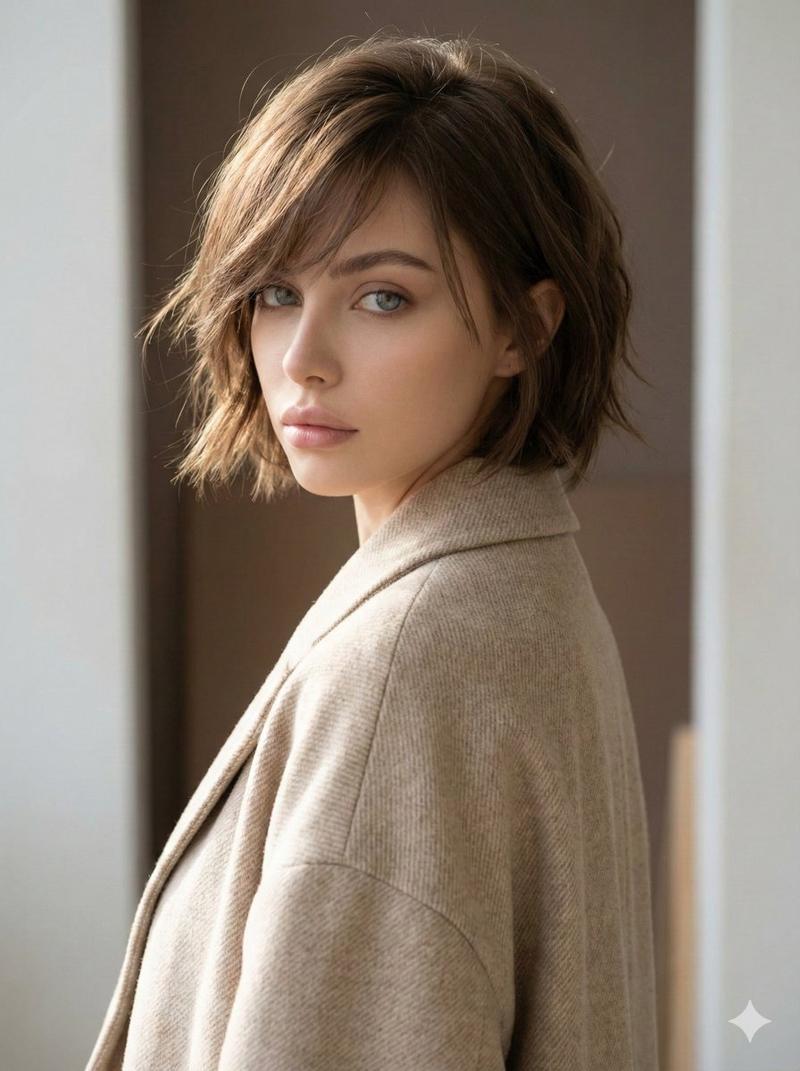
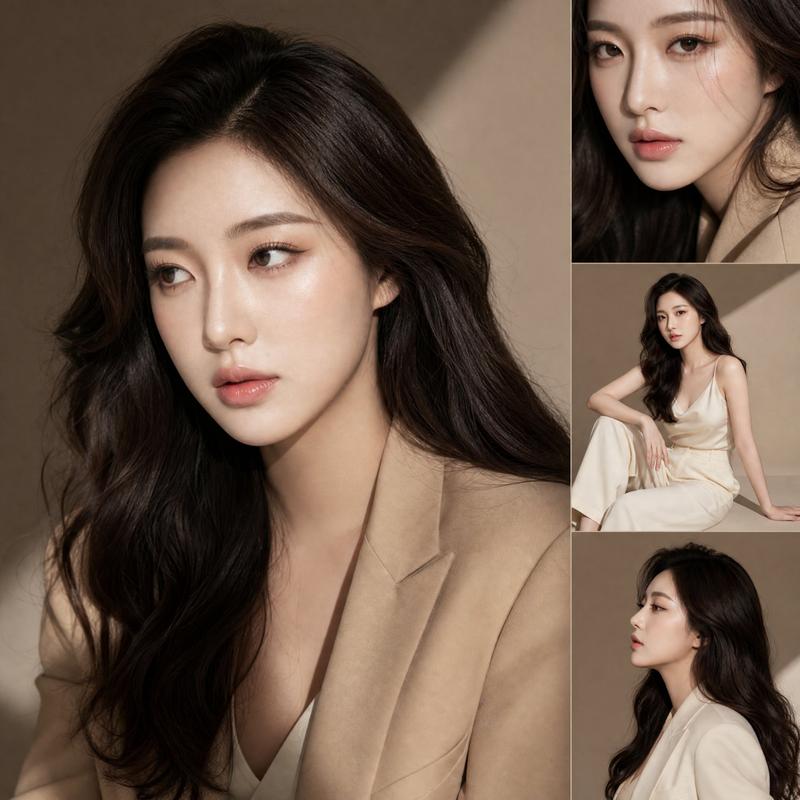
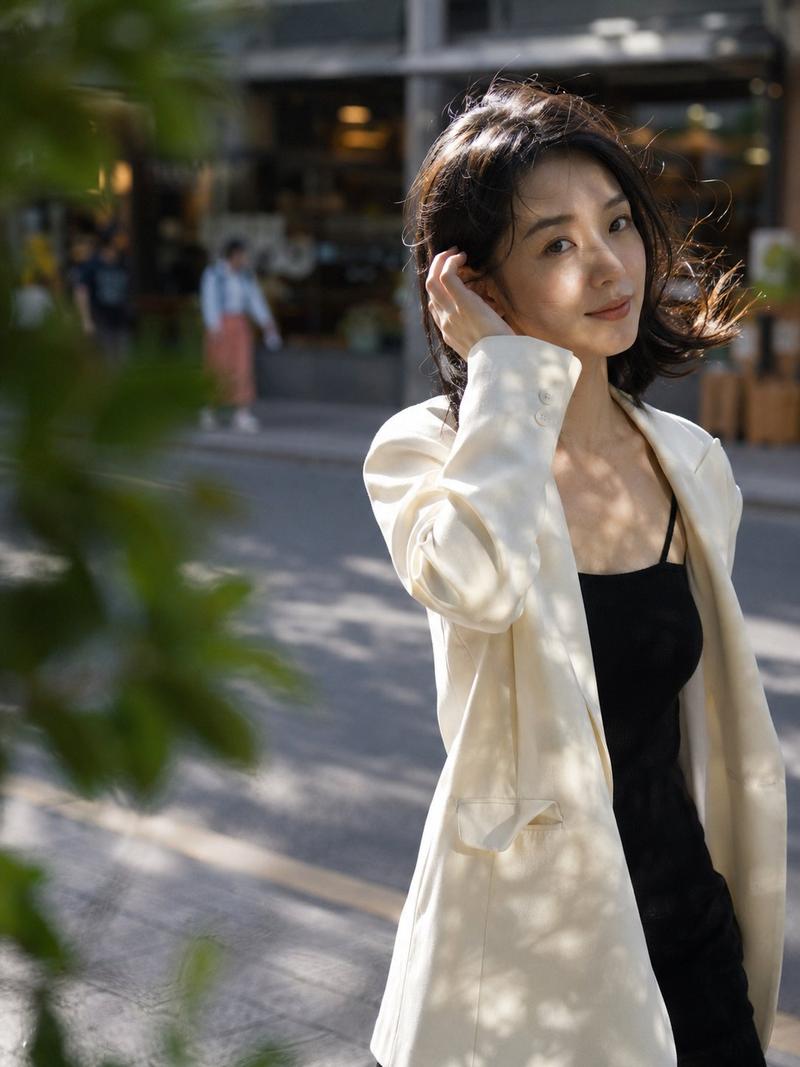
静奢风驼色大衣人像
Enlarge

Example images

静奢风驼色大衣人像

Prompt
Create a photorealistic editorial fashion portrait of {argument name="subject" default="a woman with a short black bob haircut"} standing indoors beside a tall window, partially hidden by sheer linen curtains glowing with warm daylight. She wears a minimalist {argument name="coat color" default="camel"} wool overcoat draped loosely over her shoulders with soft oversized tailoring, wide lapels, a single dark button, and a flap pocket, layered over a simple {argument name="inner garment" default="ivory silk camisole"}. Her face is intentionally obscured by a smooth rectangular blur for anonymity, while one hand gently holds the coat lapel near her chest. Emphasize quiet luxury, The Row-inspired restraint, no logos, no accessories, no bag, no jewelry, just elegant fabric drape and refined proportions. Use a warm beige interior, soft shadows, shallow depth of field, natural window light, subtle film grain, muted neutral palette, high-end magazine photography, vertical composition, waist-up framing, serene contemplative mood.
Category
Charts & Infographics
Model
GPT Image 2
Views10
Source ID
18623
Published
May 6, 2026

Guide

About "静奢风驼色大衣人像"

What is this prompt for?

"静奢风驼色大衣人像" AI image prompt for GPT Image 2 (Charts & Infographics). 一款极简主义写实时尚人像提示词,用于生成低调静奢风外套图像,呈现柔和自然光与精致垂坠感。 Copy it on Picva and recreate the look in one…

The full copyable prompt and example visuals above are ready for AI image generation or one-click recreate in Picva.

How to use this prompt

  1. Step 1

    Open the prompt detail

    Review the example visuals, category, and full prompt text for "静奢风驼色大衣人像".

  2. Step 2

    Copy the prompt

    Copy the prompt body from this page, or load it directly in Studio.

  3. Step 3

    Pick a model (GPT Image 2)

    Prefer GPT Image 2. If you switch models, keep subject and composition and tweak style terms.

  4. Step 4

    Generate and export

    Recreate the look in Picva, or export into your workflow for editing and publishing.

FAQ

What is the "静奢风驼色大衣人像" prompt?
It is an AI image-generation prompt for GPT Image 2 in the Charts & Infographics category. This page includes the full prompt text, example visuals, and a one-click recreate path in Picva.
How do I use this prompt to generate an image?
Copy the prompt from this page, or use Generate / Studio. Paste it into a compatible image model, or recreate the look in Picva with optional reference images.
Which model is this prompt for?
This page lists GPT Image 2. Most descriptive prompts also transfer to nearby image models such as GPT Image, Flux, or Midjourney with light style tweaks.
Can I use the result commercially?
You can usually copy the prompt for creation, but commercial use of the final image depends on the model terms, reference-image rights, and the generated content. Follow the source author and platform rules.