19

室内泳池泳装拼贴画
Enlarge

室内泳池泳装拼贴画

Prompt
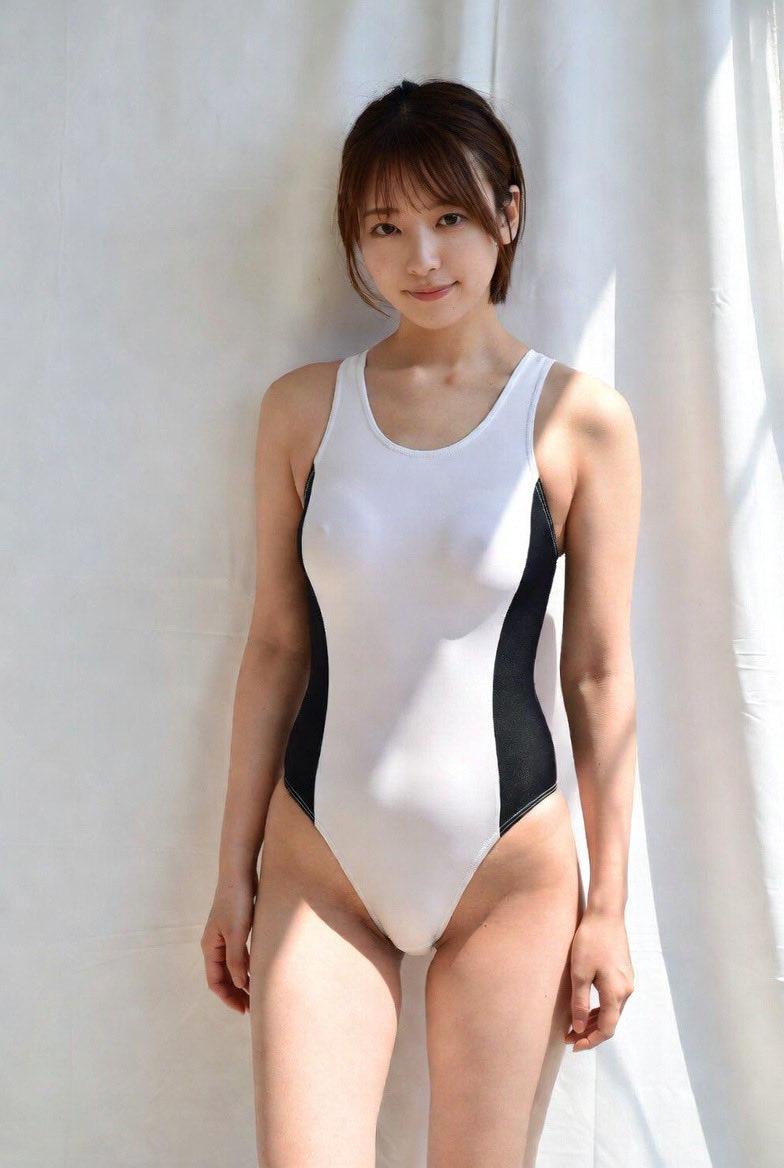
Create a realistic two-panel vertical photo collage of an adult plus-size woman at an indoor swimming pool, wearing a glossy navy blue high-cut one-piece competition-style swimsuit with white trim and the side text {argument name="swimsuit logo text" default="Queen Giant"}. The collage contains exactly 2 panels: the left panel is a full-body three-quarter standing pose beside a bright blue lap pool, barefoot on pale poolside tiles, one leg slightly crossed forward, with the arched glass-and-steel ceiling and lane ropes visible in the background; the right panel is a closer upper-body-to-thigh portrait in a locker-room or pool changing area with mirrors and white curtains behind her, including her rear reflection in the mirror. The subject has {argument name="hair color" default="black"} hair tied back in a low ponytail, a curvy athletic build, natural skin texture, and a neutral pose; her face is intentionally obscured by a flat rectangular blur for anonymity in both panels. Use crisp smartphone-style documentary photography, realistic indoor pool lighting, shallow-to-moderate depth of field, accurate reflections, wet-look shiny swimsuit fabric, soft highlights on skin, and a clean editorial collage layout with a thin white divider between the two images.
Category
Charts & Infographics
Model
GPT Image 2
Views4
Source ID
18954
Published
May 7, 2026

Guide

About "室内泳池泳装拼贴画"

What is this prompt for?

"室内泳池泳装拼贴画" AI image prompt for GPT Image 2 (Charts & Infographics). 生成一张逼真的双联版面编辑风格照片拼贴,展示一名匿名成年游泳者身穿光泽连体泳衣,适用于时尚或泳装可视化展示。 Copy it on Picva and recreate the l…

The full copyable prompt and example visuals above are ready for AI image generation or one-click recreate in Picva.

How to use this prompt

  1. Step 1

    Open the prompt detail

    Review the example visuals, category, and full prompt text for "室内泳池泳装拼贴画".

  2. Step 2

    Copy the prompt

    Copy the prompt body from this page, or load it directly in Studio.

  3. Step 3

    Pick a model (GPT Image 2)

    Prefer GPT Image 2. If you switch models, keep subject and composition and tweak style terms.

  4. Step 4

    Generate and export

    Recreate the look in Picva, or export into your workflow for editing and publishing.

FAQ

What is the "室内泳池泳装拼贴画" prompt?
It is an AI image-generation prompt for GPT Image 2 in the Charts & Infographics category. This page includes the full prompt text, example visuals, and a one-click recreate path in Picva.
How do I use this prompt to generate an image?
Copy the prompt from this page, or use Generate / Studio. Paste it into a compatible image model, or recreate the look in Picva with optional reference images.
Which model is this prompt for?
This page lists GPT Image 2. Most descriptive prompts also transfer to nearby image models such as GPT Image, Flux, or Midjourney with light style tweaks.
Can I use the result commercially?
You can usually copy the prompt for creation, but commercial use of the final image depends on the model terms, reference-image rights, and the generated content. Follow the source author and platform rules.