20

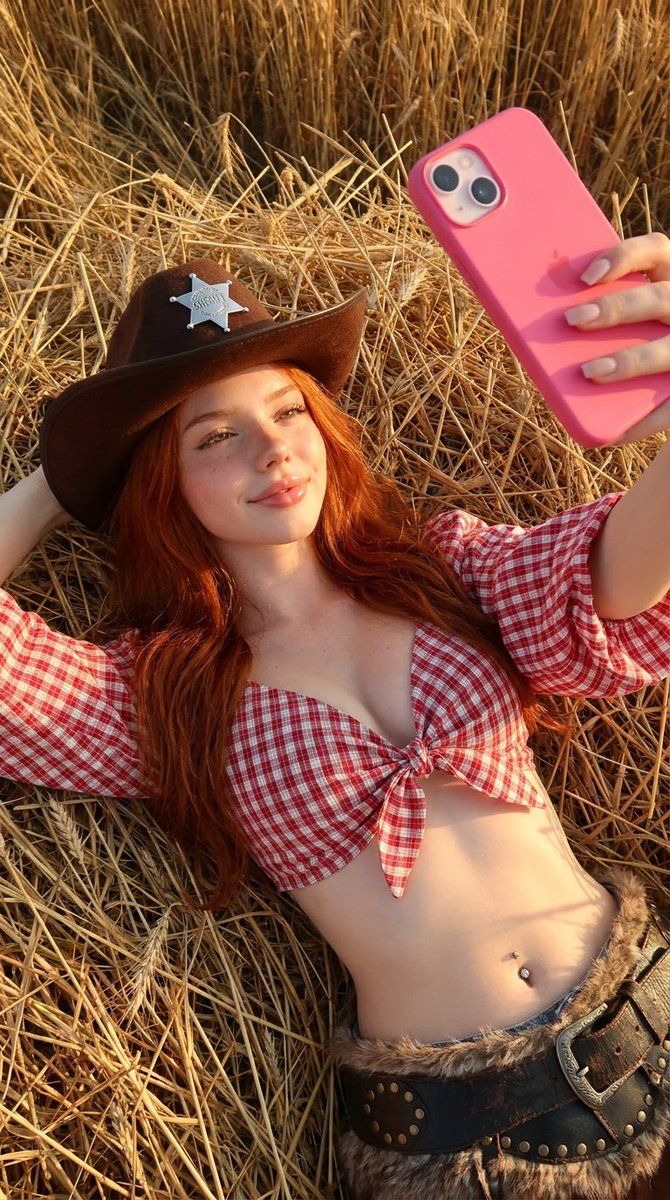
黄金时刻牛仔女孩自拍
Enlarge

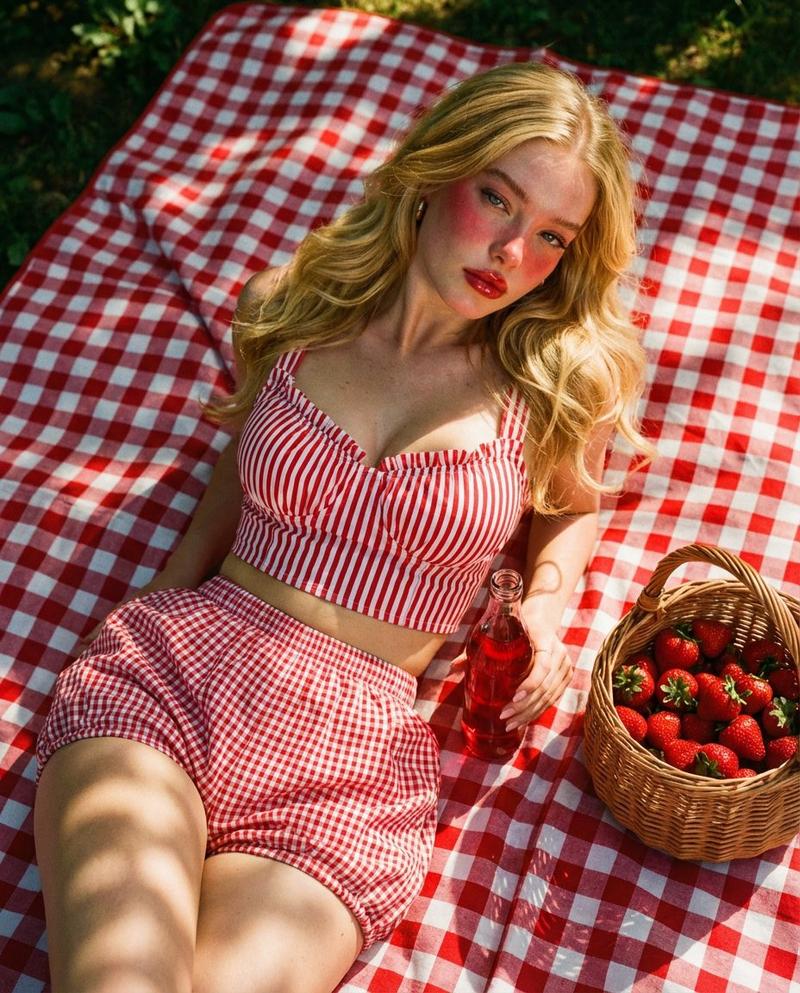
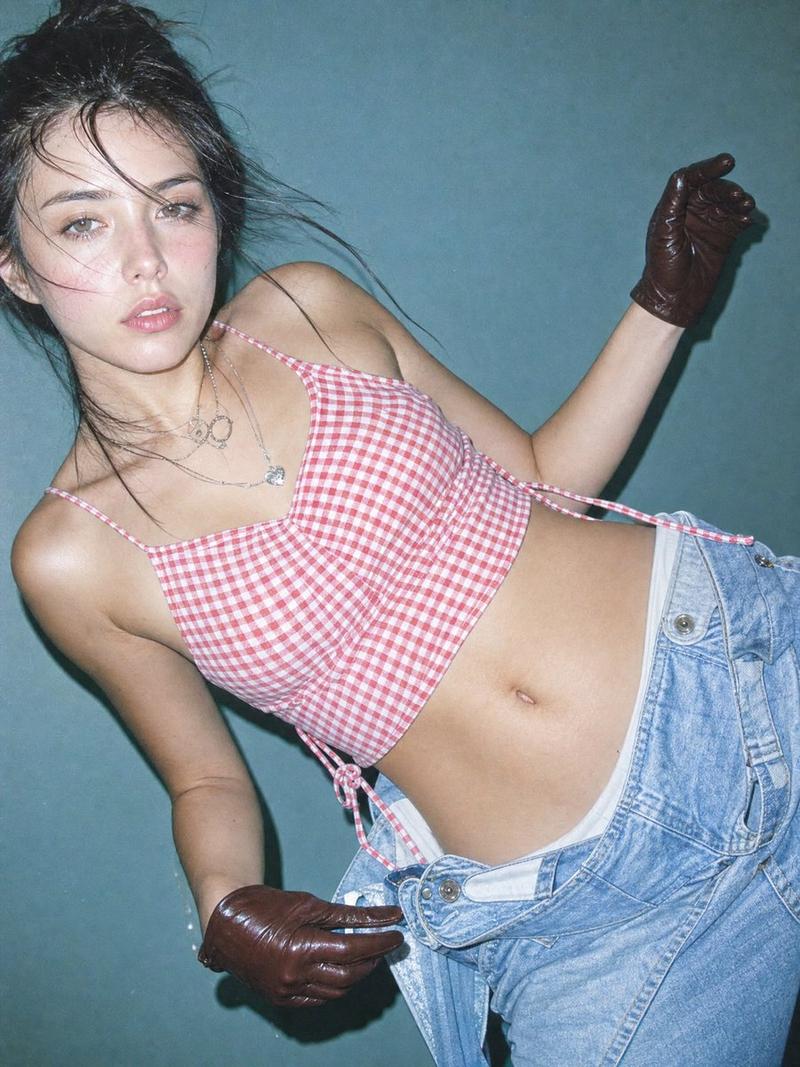
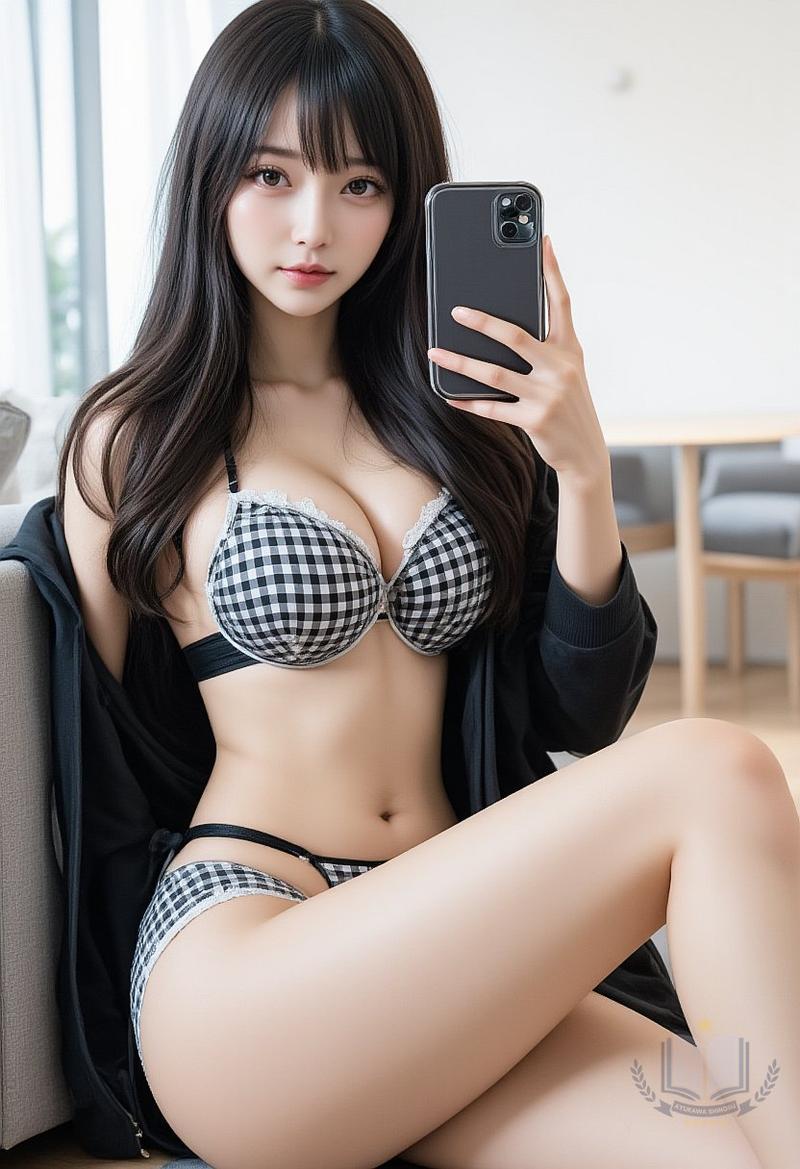
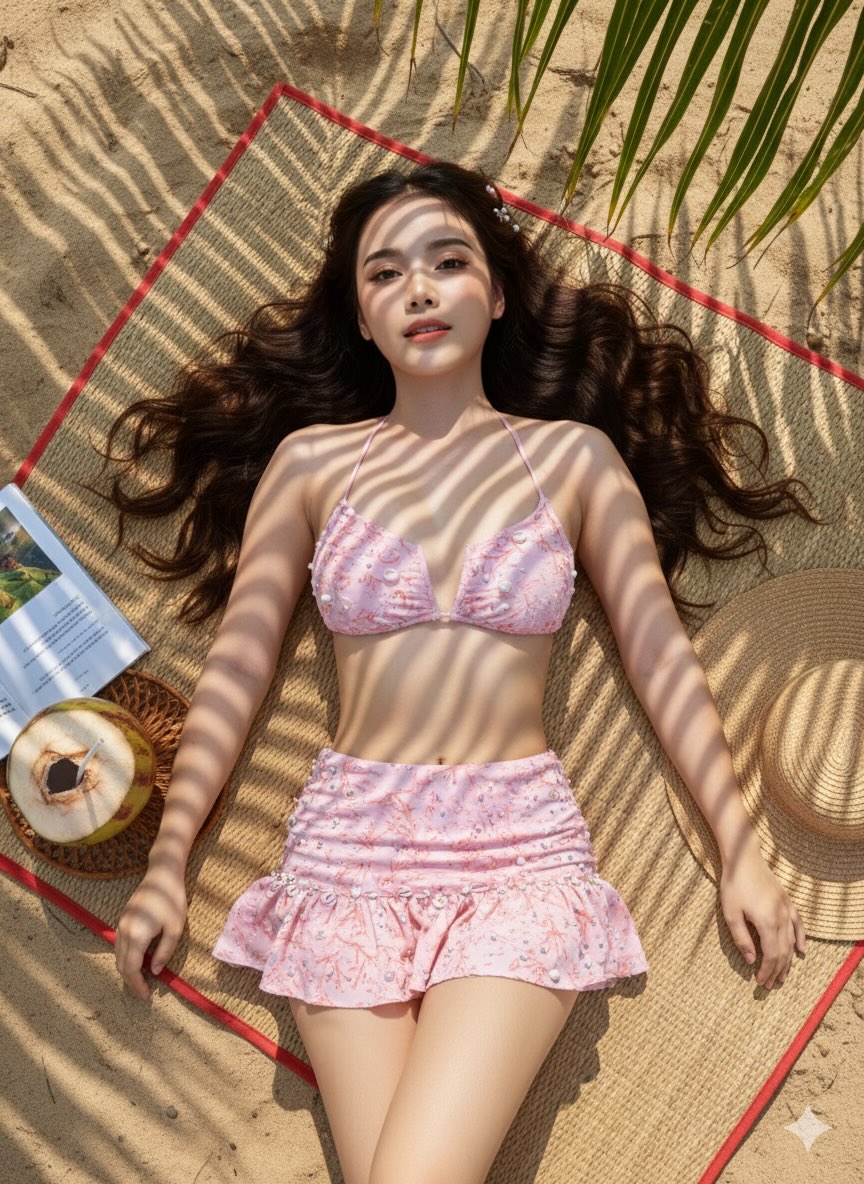
Example images

黄金时刻牛仔女孩自拍

Prompt
Photorealistic golden hour selfie of a {argument name="subject" default="young woman"} lying in a field of dry golden hay, long wavy copper-red hair glowing in warm sunlight, soft freckles, glossy pink lips, subtle natural makeup, wearing a dark brown cowboy hat with a silver sheriff badge, {argument name="clothing" default="red and white gingham tied crop top"} with puff sleeves, low-rise western-inspired bottoms with faux fur trim and large vintage belt, visible belly piercing, relaxed smiling expression, holding a {argument name="phone color" default="bright pink"} smartphone while taking a selfie, warm sunset lighting, cozy country aesthetic, cinematic western fashion vibe, ultra detailed skin texture, soft sun flares, shallow depth of field, realistic iPhone camera quality, warm earthy tones, playful modern cowgirl aesthetic, highly detailed straw background, editorial social media photography style
Category
Charts & Infographics
Model
GPT Image 2
Creator
Miz
Views3
Source ID
19215
Published
May 9, 2026

Guide

About "黄金时刻牛仔女孩自拍"

What is this prompt for?

"黄金时刻牛仔女孩自拍" AI image prompt for GPT Image 2 (Charts & Infographics). 一个写实的黄金时刻自拍提示词,展现了干草地中现代牛仔女孩的审美,包含温暖的阳光和细腻的皮肤纹理。 Copy it on Picva and recreate the look i…

The full copyable prompt and example visuals above are ready for AI image generation or one-click recreate in Picva.

How to use this prompt

  1. Step 1

    Open the prompt detail

    Review the example visuals, category, and full prompt text for "黄金时刻牛仔女孩自拍".

  2. Step 2

    Copy the prompt

    Copy the prompt body from this page, or load it directly in Studio.

  3. Step 3

    Pick a model (GPT Image 2)

    Prefer GPT Image 2. If you switch models, keep subject and composition and tweak style terms.

  4. Step 4

    Generate and export

    Recreate the look in Picva, or export into your workflow for editing and publishing.

FAQ

What is the "黄金时刻牛仔女孩自拍" prompt?
It is an AI image-generation prompt for GPT Image 2 in the Charts & Infographics category. This page includes the full prompt text, example visuals, and a one-click recreate path in Picva.
How do I use this prompt to generate an image?
Copy the prompt from this page, or use Generate / Studio. Paste it into a compatible image model, or recreate the look in Picva with optional reference images.
Which model is this prompt for?
This page lists GPT Image 2. Most descriptive prompts also transfer to nearby image models such as GPT Image, Flux, or Midjourney with light style tweaks.
Can I use the result commercially?
You can usually copy the prompt for creation, but commercial use of the final image depends on the model terms, reference-image rights, and the generated content. Follow the source author and platform rules.