17

首尔街头闲聊特写
Enlarge

首尔街头闲聊特写

Prompt
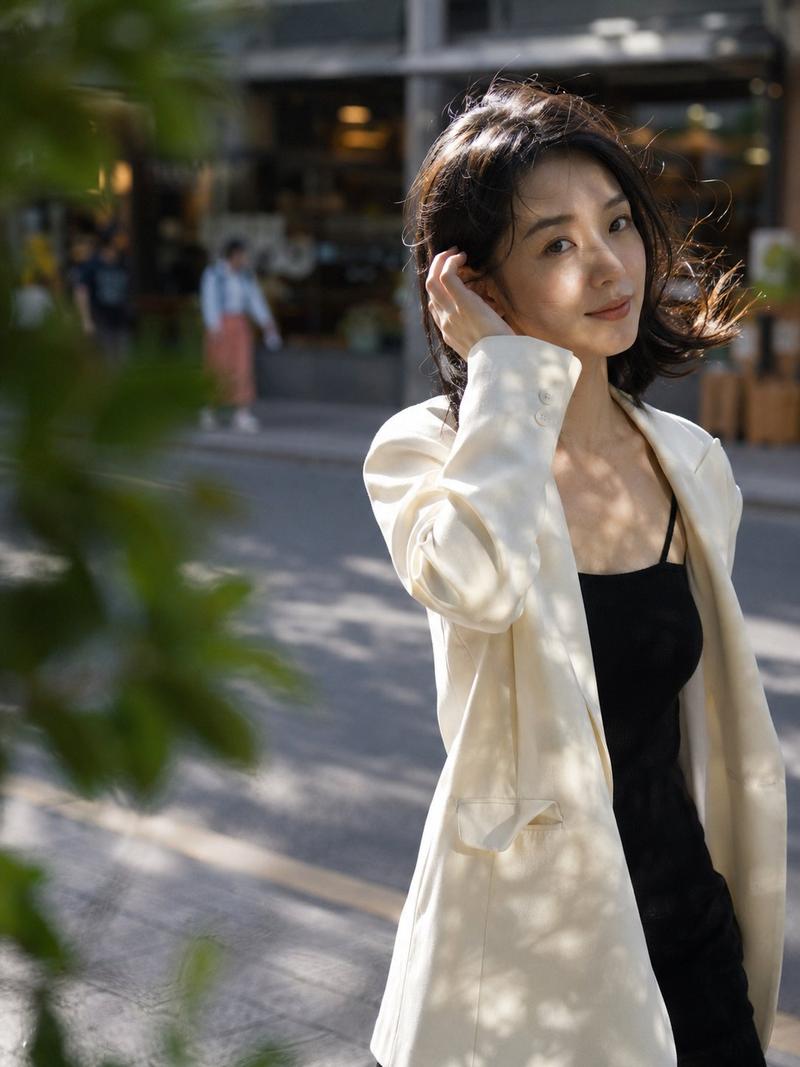
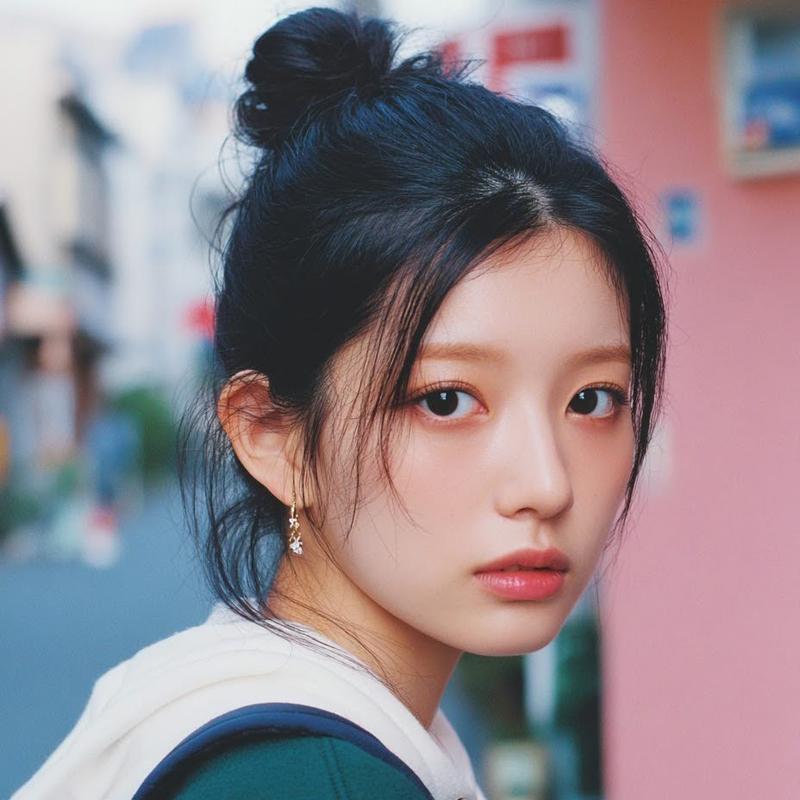
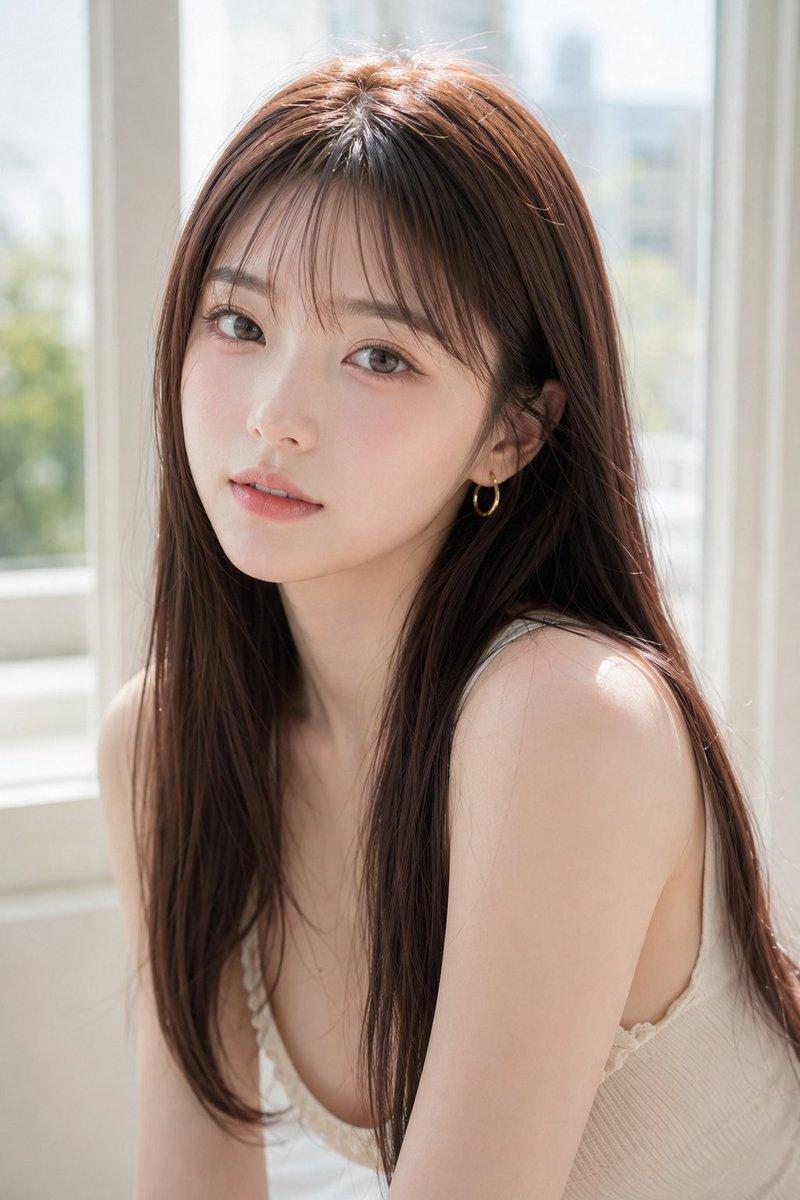
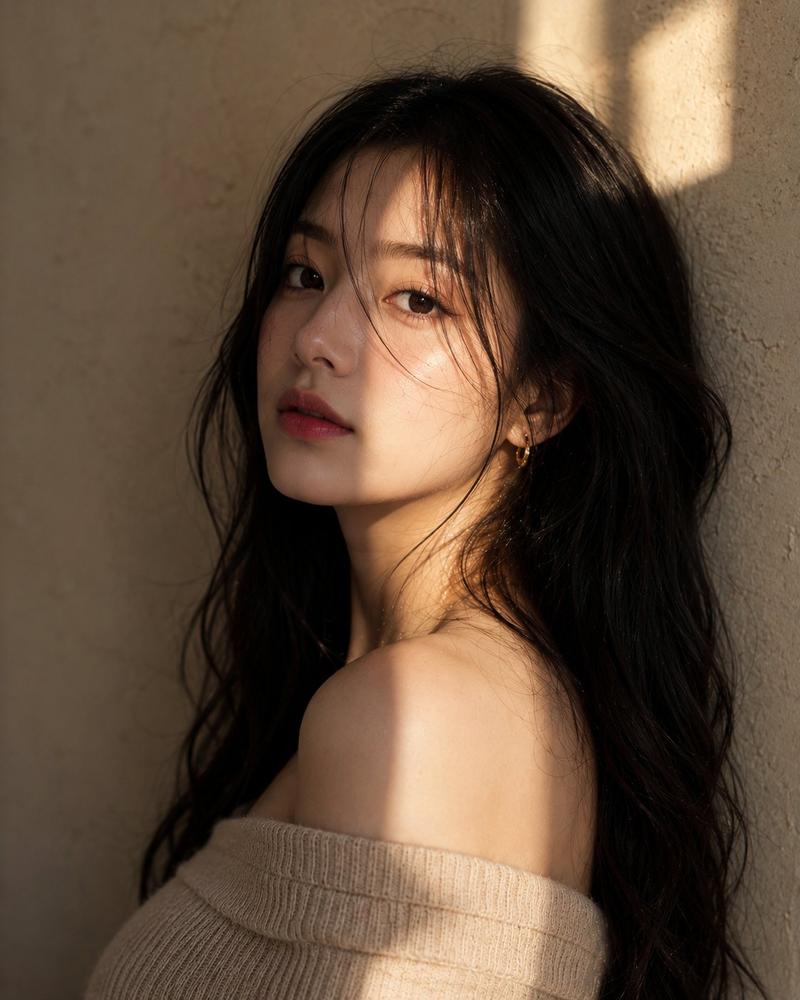
Using the provided reference image as the scene and subject base, regenerate it as a much tighter street-level candid close-up of the same 3 young women on the Seoul pedestrian street. Keep the casual conversation dynamic: 2 women leaned in on the left and center, and 1 woman on the right listening, but bring the camera much closer so their heads and upper bodies dominate the frame and the background becomes strongly blurred. Shift the styling toward softer light beige and cream outerwear while preserving the natural everyday K-streetwear feel. Intensify the warm golden-hour backlight from the left into orange rim light on hair edges, with stray hairs glowing and a cinematic, documentary-photography mood. Use shallow depth of field, compressed perspective, soft bokeh shopfronts and pedestrians behind them, subtle film grain, natural handheld framing, and imperfect candid cropping. Maintain anonymized face coverage with simple rectangular blur/mosaic blocks over all visible faces, including background pedestrians. Overall look: authentic Seoul street chat, intimate close-up, warm analog color, unstaged moment.
Category
Charts & Infographics
Model
GPT Image 2
Views4
Source ID
19500
Published
May 10, 2026

Guide

About "首尔街头闲聊特写"

What is this prompt for?

"首尔街头闲聊特写" AI image prompt for GPT Image 2 (Charts & Infographics). 将一张街头参考照片转化为一张在首尔街头拍摄的、充满亲密感的黄金时刻纪录片风格特写,画面中三位女性正在闲聊。 Copy it on Picva and recreate the loo…

The full copyable prompt and example visuals above are ready for AI image generation or one-click recreate in Picva.

How to use this prompt

  1. Step 1

    Open the prompt detail

    Review the example visuals, category, and full prompt text for "首尔街头闲聊特写".

  2. Step 2

    Copy the prompt

    Copy the prompt body from this page, or load it directly in Studio.

  3. Step 3

    Pick a model (GPT Image 2)

    Prefer GPT Image 2. If you switch models, keep subject and composition and tweak style terms.

  4. Step 4

    Generate and export

    Recreate the look in Picva, or export into your workflow for editing and publishing.

FAQ

What is the "首尔街头闲聊特写" prompt?
It is an AI image-generation prompt for GPT Image 2 in the Charts & Infographics category. This page includes the full prompt text, example visuals, and a one-click recreate path in Picva.
How do I use this prompt to generate an image?
Copy the prompt from this page, or use Generate / Studio. Paste it into a compatible image model, or recreate the look in Picva with optional reference images.
Which model is this prompt for?
This page lists GPT Image 2. Most descriptive prompts also transfer to nearby image models such as GPT Image, Flux, or Midjourney with light style tweaks.
Can I use the result commercially?
You can usually copy the prompt for creation, but commercial use of the final image depends on the model terms, reference-image rights, and the generated content. Follow the source author and platform rules.