18

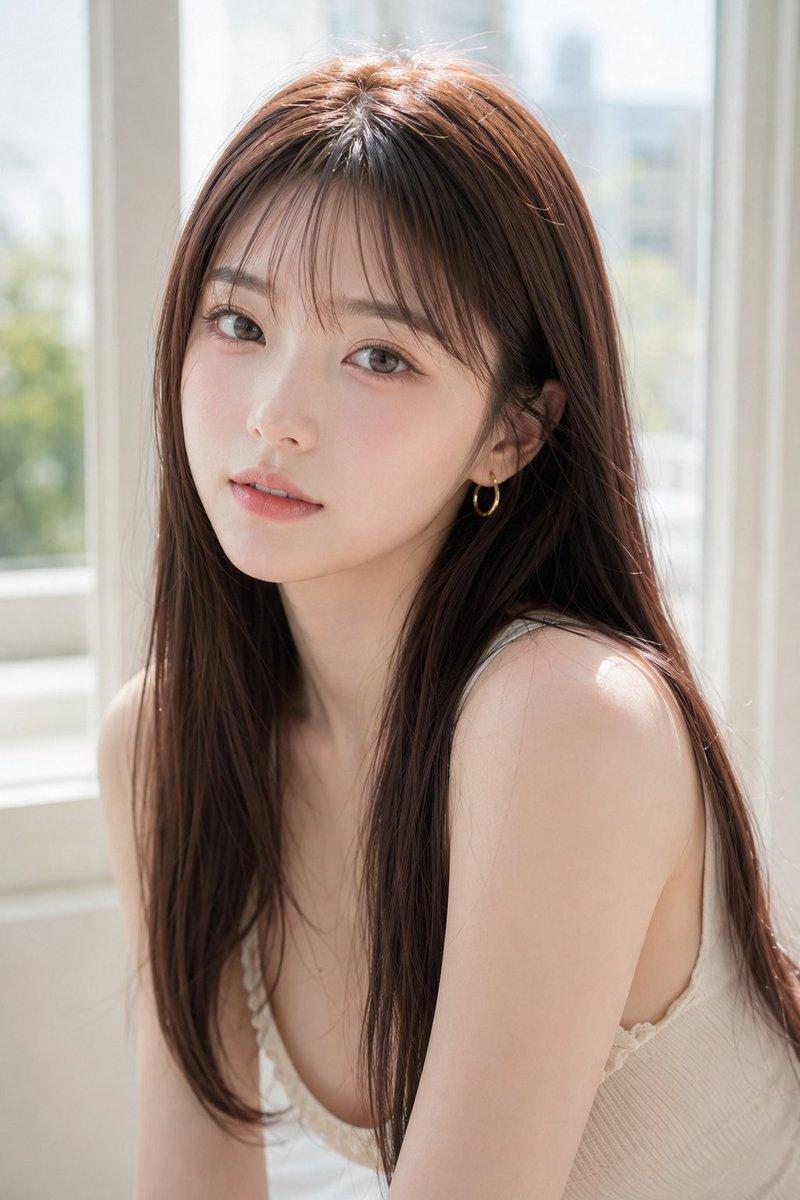
柔光窗边蕾丝装肖像
Enlarge

柔光窗边蕾丝装肖像

Prompt
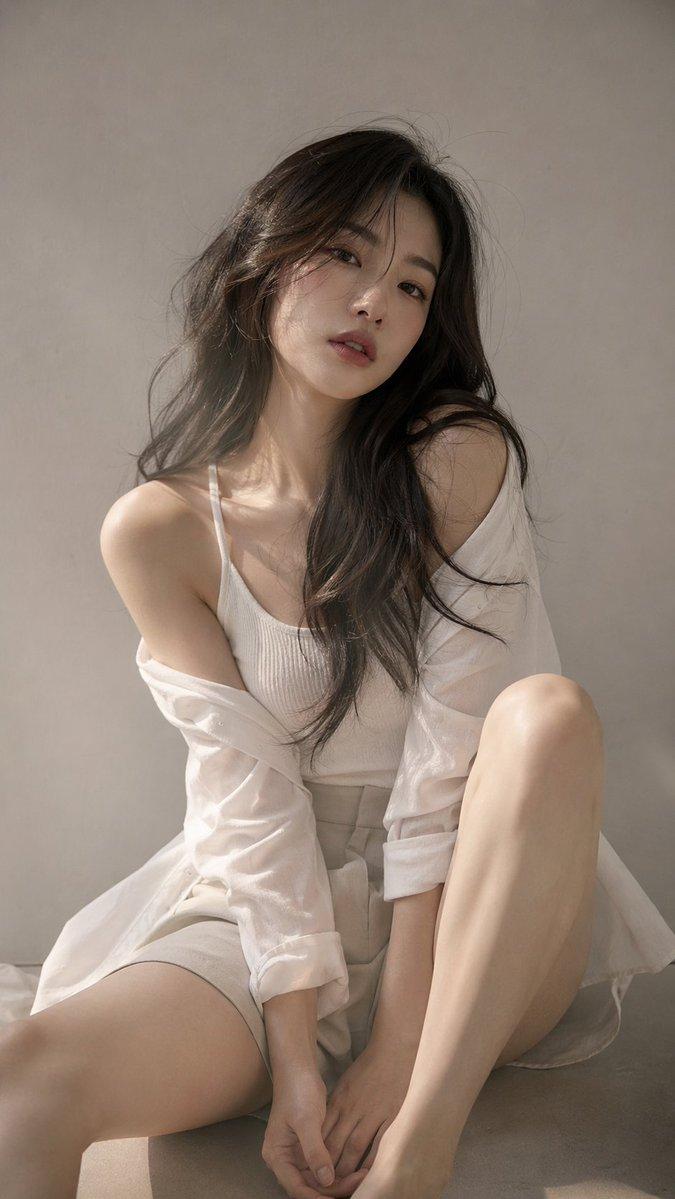
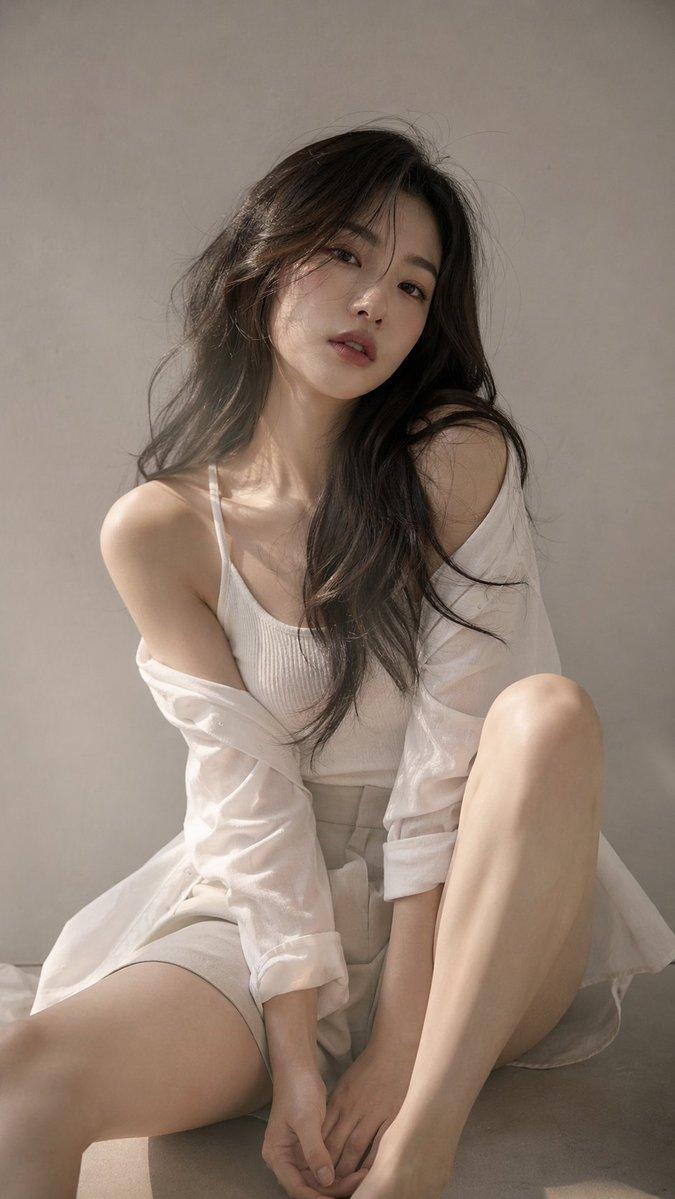
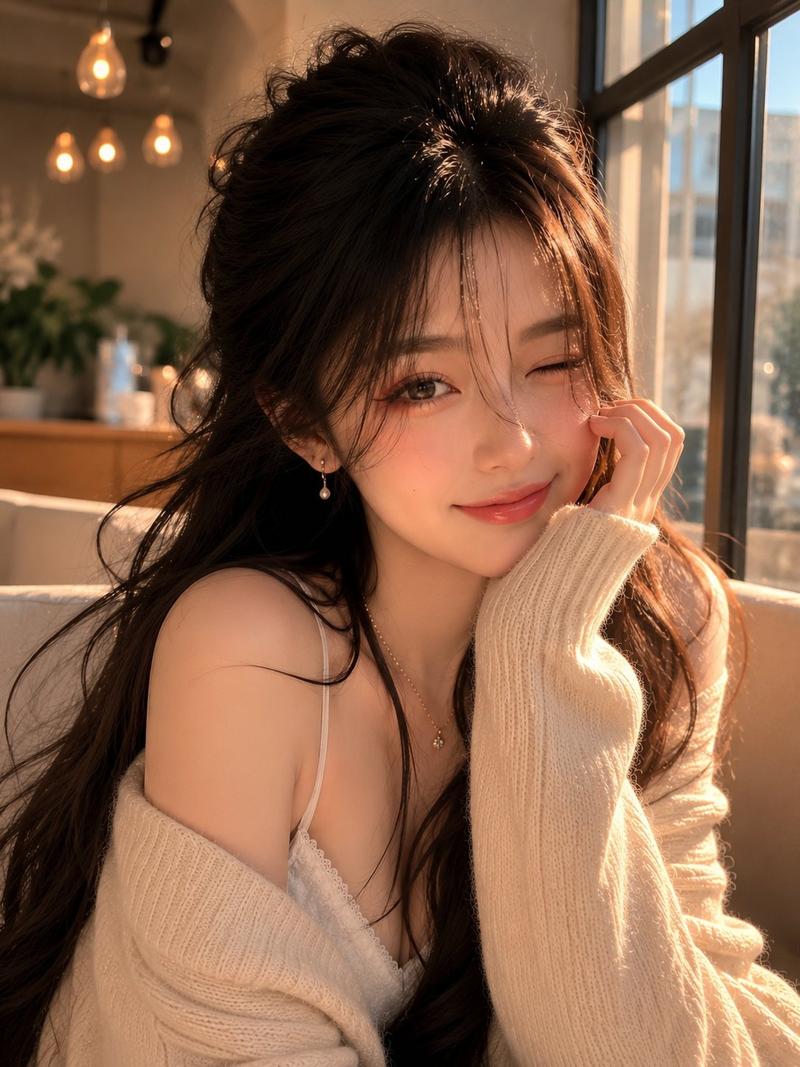
Create a photorealistic, softly lit portrait of a {argument name="subject" default="young East Asian woman"} seated indoors beside a large bright window. She has {argument name="hair color and style" default="long straight chestnut-brown hair with a natural center part, falling over both shoulders"}, delicate gold hoop earrings, and a slim elegant build. Her face is intentionally anonymized by a large centered opaque square block in muted taupe-brown covering the entire facial area from forehead to chin. She wears a {argument name="top" default="white sheer floral lace long-sleeve blouse with a high crew neckline"} and a {argument name="skirt" default="fitted light beige high-waisted skirt"}. Pose her leaning slightly forward while sitting, hands together near her lap, with a calm fashion-magazine feeling. Use bright natural daylight streaming from the left, airy overexposure, soft bokeh greenery outside the window, pale stone or marble wall tiles on the right, creamy white interior surfaces, shallow depth of field, realistic fabric texture, delicate lace detail, gentle highlights in the hair, vertical composition, 3:4 aspect ratio, high-resolution editorial photography style.
Category
Charts & Infographics
Model
GPT Image 2
Creator
kasu-mi
Views8
Source ID
19565
Published
May 10, 2026

Guide

About "柔光窗边蕾丝装肖像"

What is this prompt for?

"柔光窗边蕾丝装肖像" AI image prompt for GPT Image 2 (Charts & Infographics). 生成一张身着白色蕾丝上衣的女性在阳光窗边的写实风格匿名时尚肖像。 Copy it on Picva and recreate the look in one click.

The full copyable prompt and example visuals above are ready for AI image generation or one-click recreate in Picva.

How to use this prompt

  1. Step 1

    Open the prompt detail

    Review the example visuals, category, and full prompt text for "柔光窗边蕾丝装肖像".

  2. Step 2

    Copy the prompt

    Copy the prompt body from this page, or load it directly in Studio.

  3. Step 3

    Pick a model (GPT Image 2)

    Prefer GPT Image 2. If you switch models, keep subject and composition and tweak style terms.

  4. Step 4

    Generate and export

    Recreate the look in Picva, or export into your workflow for editing and publishing.

FAQ

What is the "柔光窗边蕾丝装肖像" prompt?
It is an AI image-generation prompt for GPT Image 2 in the Charts & Infographics category. This page includes the full prompt text, example visuals, and a one-click recreate path in Picva.
How do I use this prompt to generate an image?
Copy the prompt from this page, or use Generate / Studio. Paste it into a compatible image model, or recreate the look in Picva with optional reference images.
Which model is this prompt for?
This page lists GPT Image 2. Most descriptive prompts also transfer to nearby image models such as GPT Image, Flux, or Midjourney with light style tweaks.
Can I use the result commercially?
You can usually copy the prompt for creation, but commercial use of the final image depends on the model terms, reference-image rights, and the generated content. Follow the source author and platform rules.