17

阳光下的时尚人像(带隐私遮挡)
Enlarge

阳光下的时尚人像(带隐私遮挡)

Prompt
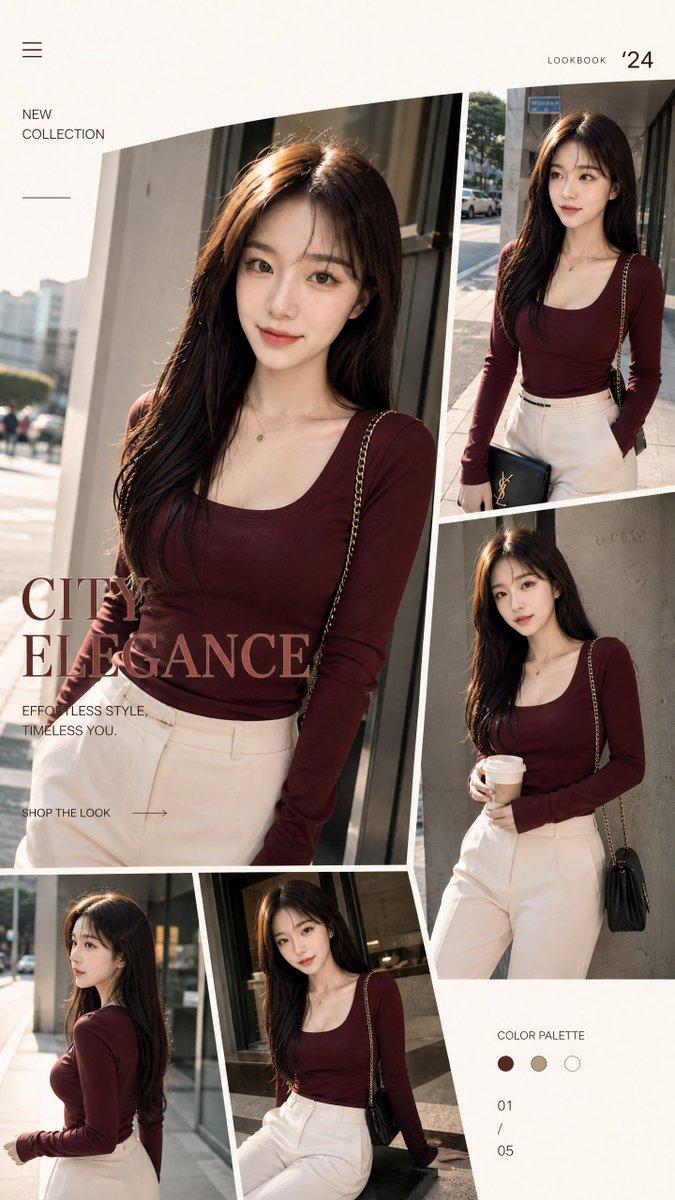
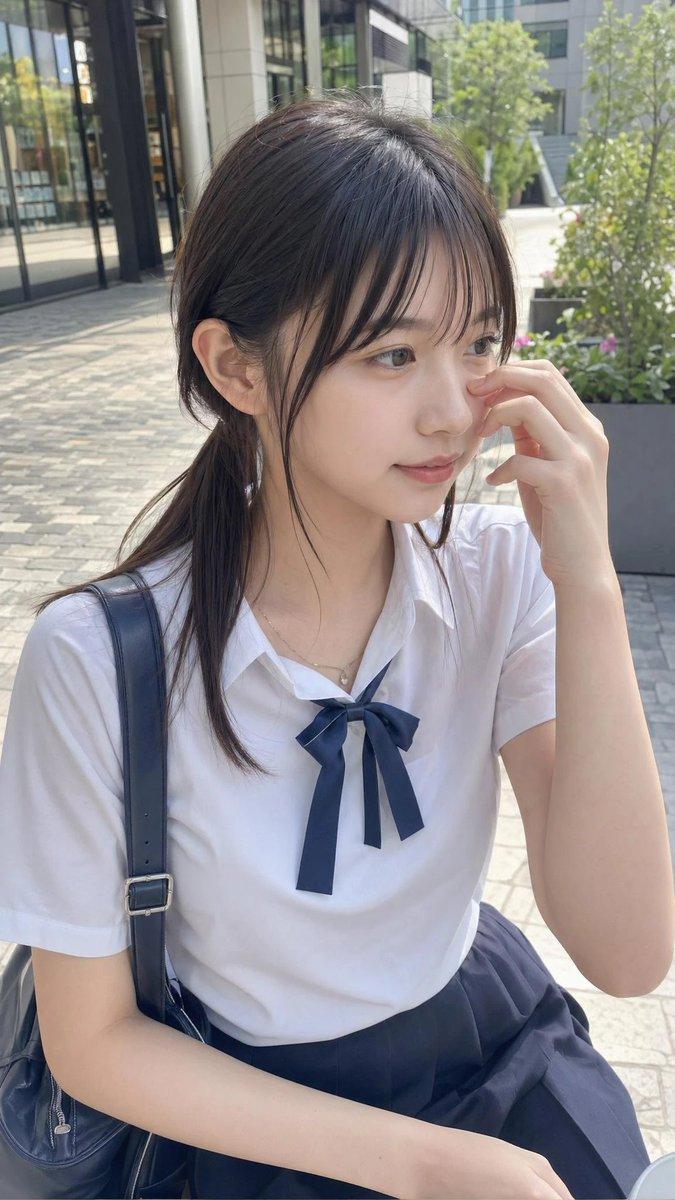
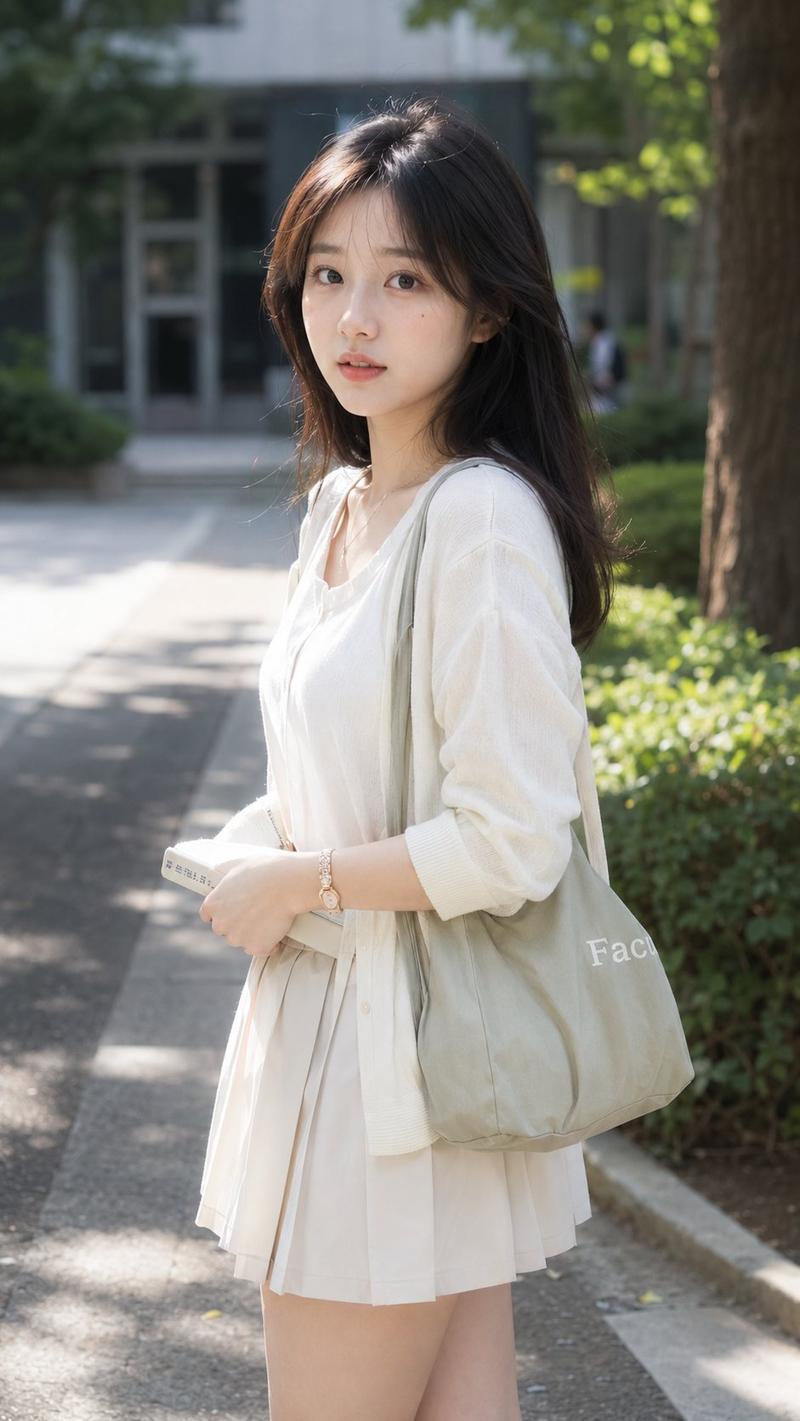
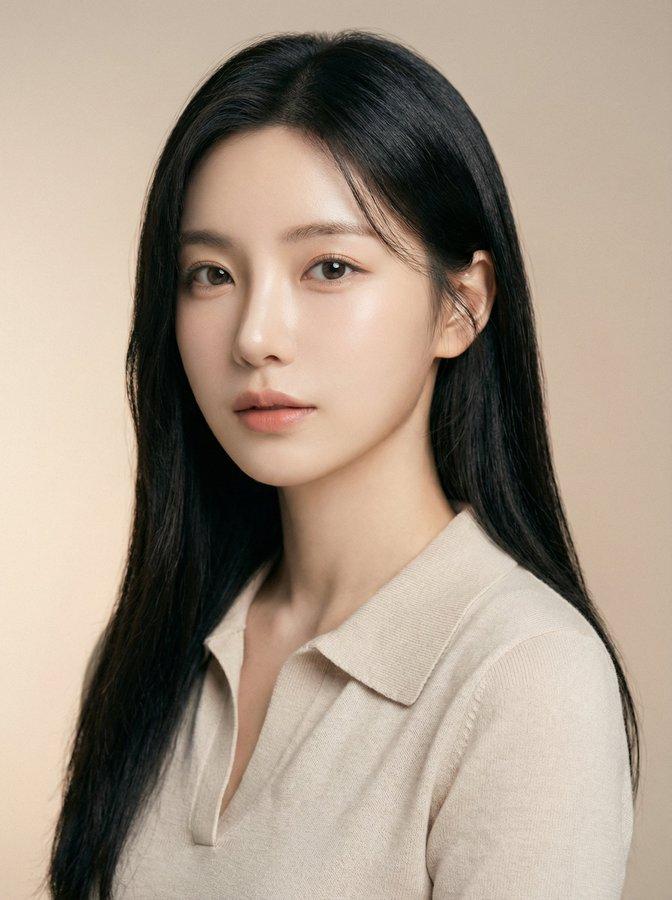
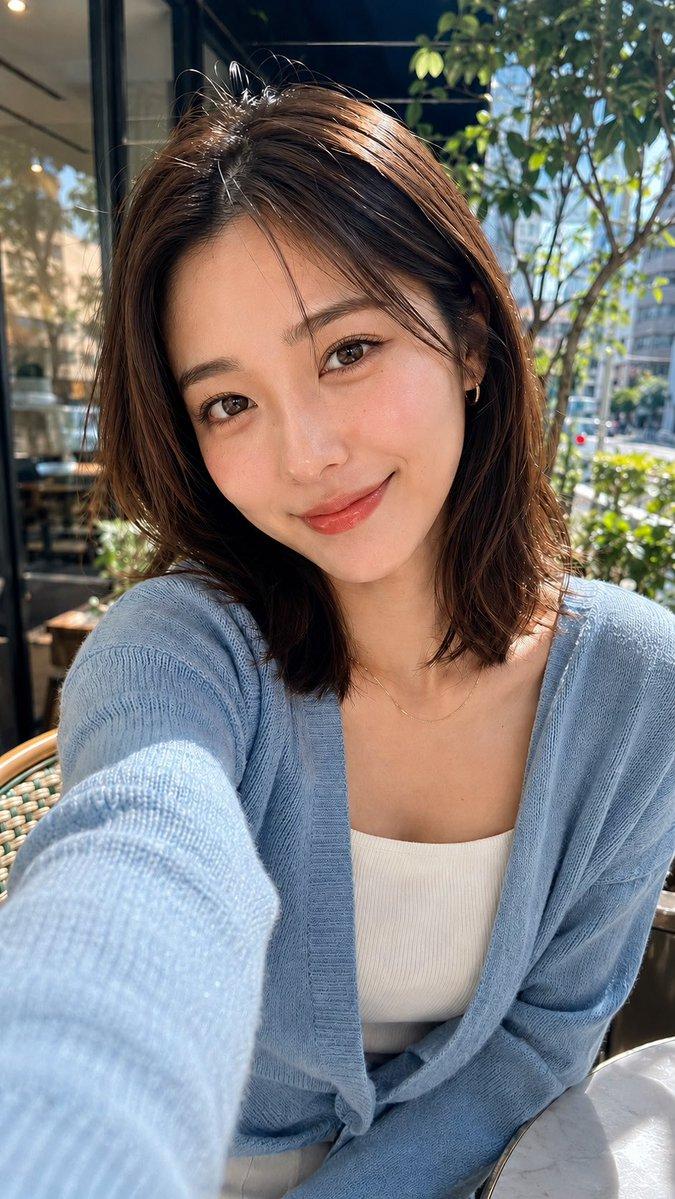
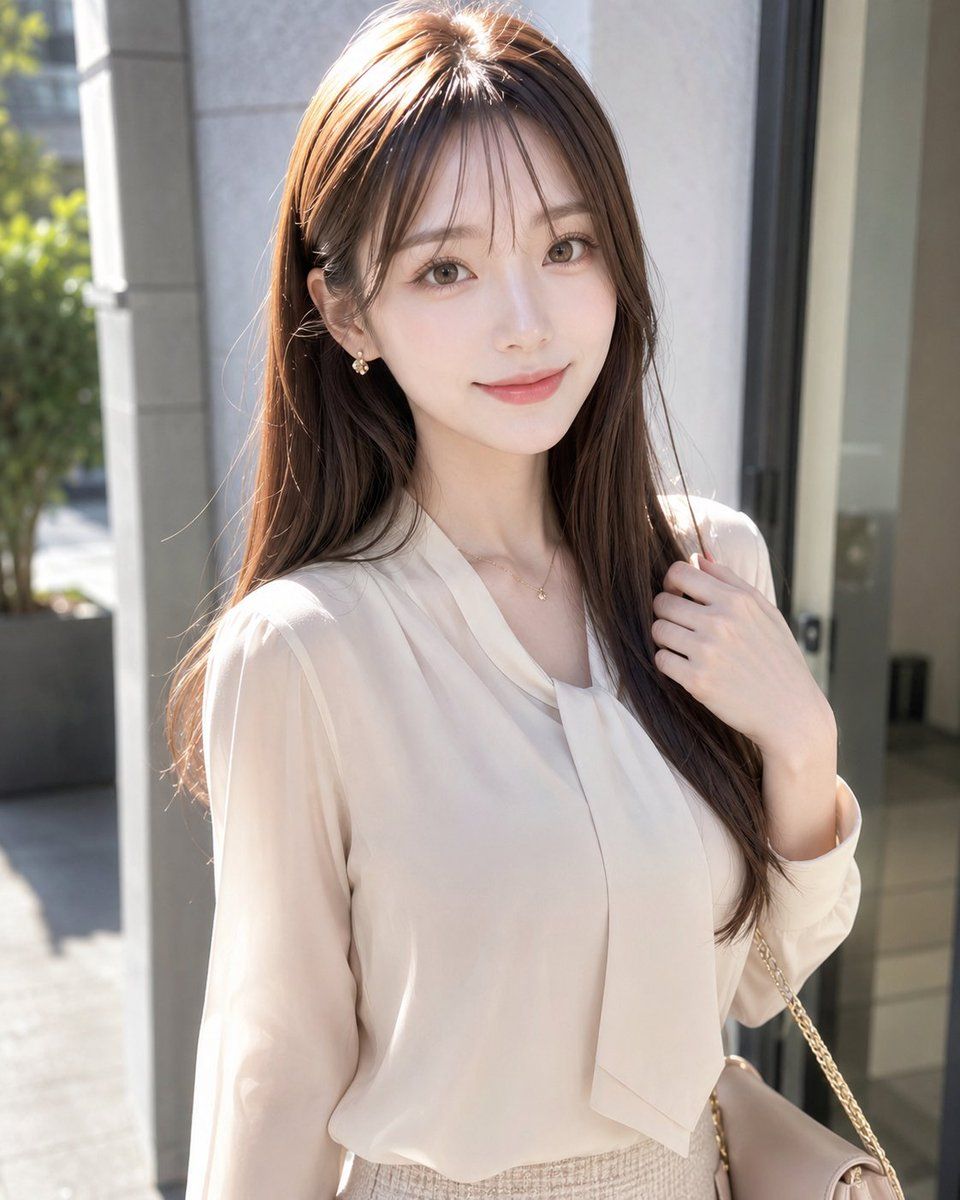
Create a realistic vertical portrait photo of a fashionable young adult woman standing outdoors in bright natural sunlight near the entrance of a modern building. She has long, smooth {argument name="hair color" default="warm chestnut brown"} hair with soft layers and a side part, falling over her shoulders and catching rim light. Her face is intentionally hidden by a centered opaque rectangular privacy block in a muted beige-brown skin-tone gradient, covering the full facial area from forehead to chin while leaving hair, neck, and body visible. She wears an elegant {argument name="blouse color" default="ivory cream"} sheer long-sleeve blouse with a soft draped necktie detail, tucked into a high-waisted light beige tweed skirt. Add a delicate small gold necklace at the collarbone. Her right hand gently holds a lock of hair near her shoulder, and a beige handbag with a thin gold chain strap hangs from her right shoulder at the lower right edge of the frame. The composition is a waist-up three-quarter portrait, subject centered slightly right, with a softly blurred urban background showing pale stone columns, glass doors, gray pavement, and greenery in the left background. Use realistic photography, shallow depth of field, high-resolution detail, warm midday sunlight, soft highlights on hair and blouse, refined feminine styling, natural candid pose, clean modern Japanese fashion magazine aesthetic.
Category
Charts & Infographics
Model
GPT Image 2
Creator
kasu-mi
Views3
Source ID
19567
Published
May 10, 2026

Guide

About "阳光下的时尚人像(带隐私遮挡)"

What is this prompt for?

"阳光下的时尚人像(带隐私遮挡)" AI image prompt for GPT Image 2 (Charts & Infographics). 生成一张身着米色系服装的时尚女性户外写实人像,通过面部遮挡实现隐私保护,适用于注重隐私的生活方式类图像。 Copy it on Picva and recreate t…

The full copyable prompt and example visuals above are ready for AI image generation or one-click recreate in Picva.

How to use this prompt

  1. Step 1

    Open the prompt detail

    Review the example visuals, category, and full prompt text for "阳光下的时尚人像(带隐私遮挡)".

  2. Step 2

    Copy the prompt

    Copy the prompt body from this page, or load it directly in Studio.

  3. Step 3

    Pick a model (GPT Image 2)

    Prefer GPT Image 2. If you switch models, keep subject and composition and tweak style terms.

  4. Step 4

    Generate and export

    Recreate the look in Picva, or export into your workflow for editing and publishing.

FAQ

What is the "阳光下的时尚人像(带隐私遮挡)" prompt?
It is an AI image-generation prompt for GPT Image 2 in the Charts & Infographics category. This page includes the full prompt text, example visuals, and a one-click recreate path in Picva.
How do I use this prompt to generate an image?
Copy the prompt from this page, or use Generate / Studio. Paste it into a compatible image model, or recreate the look in Picva with optional reference images.
Which model is this prompt for?
This page lists GPT Image 2. Most descriptive prompts also transfer to nearby image models such as GPT Image, Flux, or Midjourney with light style tweaks.
Can I use the result commercially?
You can usually copy the prompt for creation, but commercial use of the final image depends on the model terms, reference-image rights, and the generated content. Follow the source author and platform rules.