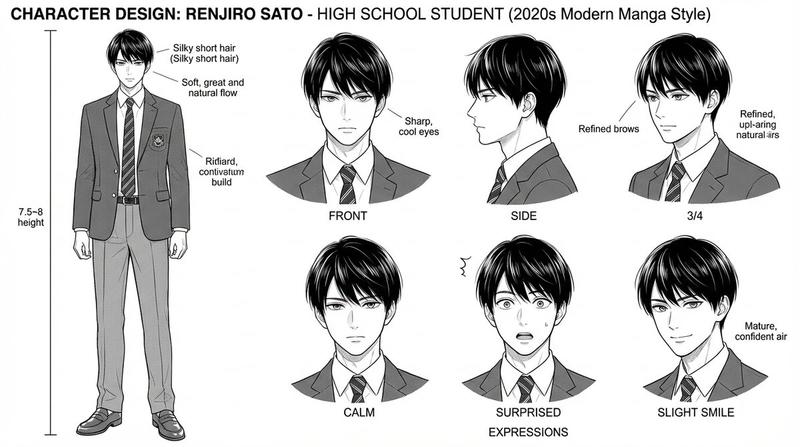
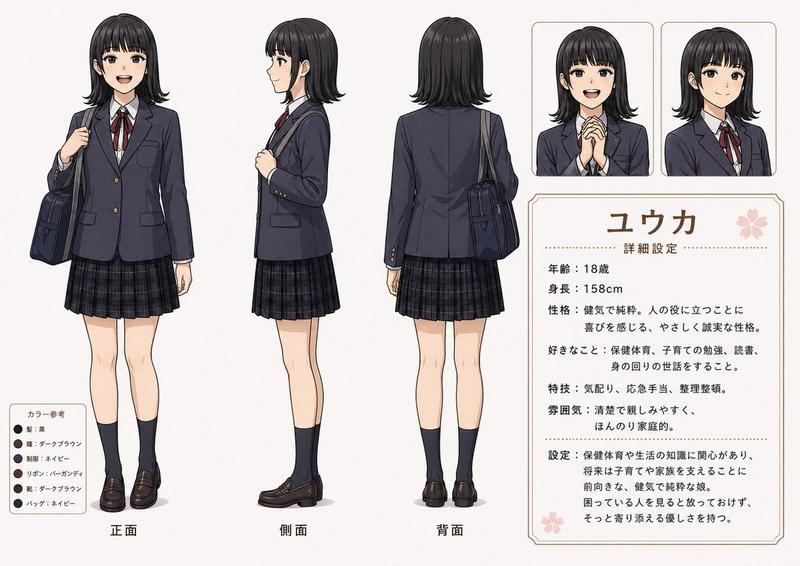
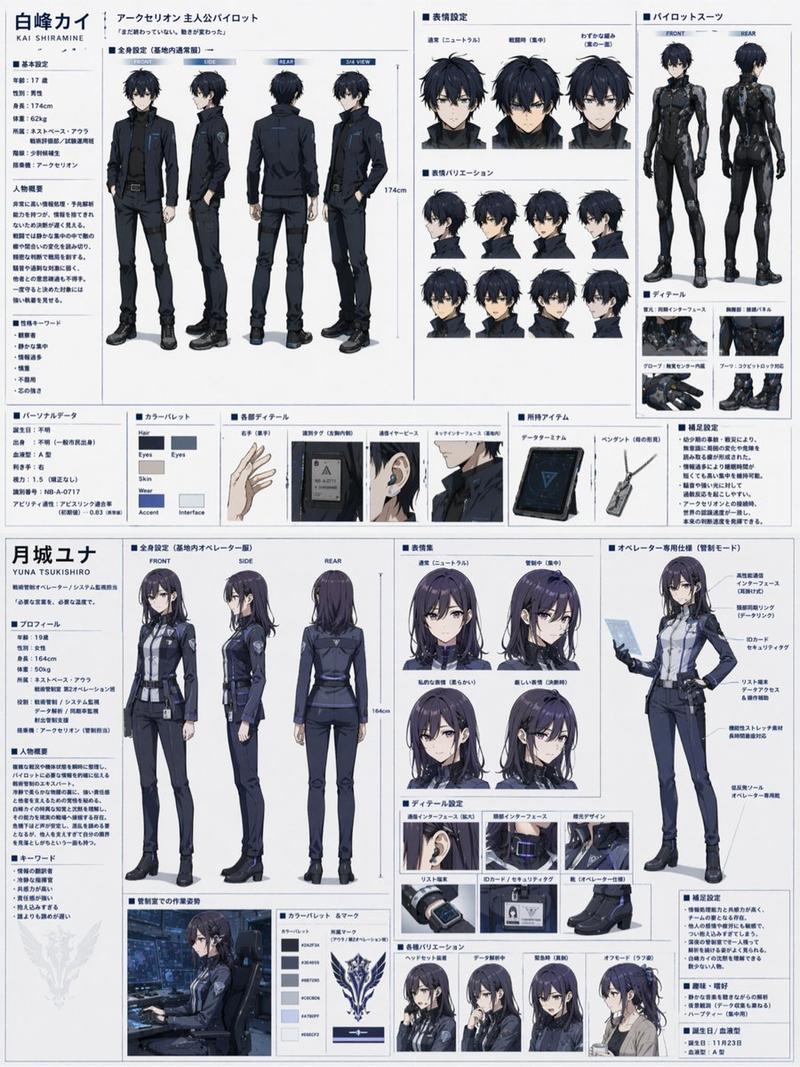
日本上班族角色设定图
Prompt
Goal: Create a clean anime-style male character design sheet for a modern Japanese office worker, with the character's face intentionally obscured by a soft square blur in every portrait.

Canvas: Wide horizontal character-reference sheet on a white background, approximately 16:9. Use thin black divider lines, neat Japanese editorial layout, and muted professional colors.

Layout: Place a left information column, three full-body character views across the center, and a right detail column. The overall look should resemble a polished commercial character settings document.

Left information column: At the top, draw a bordered profile card with exactly 4 labeled rows: name, occupation, height, and weight. Use Japanese text for the visible labels and values: 「名前: {argument name="character name" default="高橋深月"}」 with small furigana above the name and “(Takahashi Mizuki)” underneath, 「職業: サラリーマン」, 「身長: 182cm」, 「体重: 68kg」. Below it, add a section titled 「キャラクター設定」 with exactly 4 bullet points describing him as a salaryman in his late twenties, calm and intellectual with a strong sense of responsibility, serious and trusted at work, and clean-looking with a trustworthy impression. At the bottom, add a section titled 「カラー設定」 with exactly 5 color swatches: hair light brown #8B6F5E, eyes brown #5A3E2B, suit gray #646A70, shirt white #FFFFFF, tie/shoes/belt black #111111.

Center character views: Show exactly 3 full-body views of the same man wearing a fitted gray business suit: left side view labeled 「側面図」, center front view labeled 「正面図」, and right back view labeled 「背面図」. The man is tall and slim, with light-brown center-parted hair, a white dress shirt, black slim tie with a tie pin, gray notch-lapel jacket, matching slim straight trousers with center crease, black belt, black dress shoes, and a simple analog wristwatch. In the side view, show one hand in pocket and a relaxed upright posture. In the front view, show one hand in pocket and the other relaxed at his side. In the back view, show the suit jacket seams and clean tapered silhouette.

Center annotation callouts: Add thin leader lines and Japanese labels pointing to the outfit and traits. Include callouts for hairstyle, expression, suit, necktie, pants, and shoes. The hairstyle note should describe a center part with naturally flowing hair; the expression note should describe a calm and slightly smiling trustworthy impression; the suit note should describe a crisp fitted silhouette; the necktie note should describe a black solid tie with tie pin; the pants note should describe slim straight slacks with a center crease; the shoes note should describe black straight-tip dress shoes.

Right detail column: Title the column 「ディテール」. Include exactly 4 rectangular detail panels stacked vertically: 1) close-up head and hair with blurred face, 2) close-up chest showing lapels, shirt, tie, tie pin, and pocket square, 3) close-up sleeve cuff and simple analog watch, 4) close-up fabric texture swatch. Add Japanese bullet notes beside these panels: bangs are center-parted and flow naturally, hair has neat straight texture, eyes are calm and composed, jacket has notch lapels and a pocket square, sleeves show four real buttons, watch is a simple analog type, fabric is a high-quality wool-blend suit material suitable for spring, autumn, and winter.

Bottom-right notes: Add a small bordered box titled 「備考」 with exactly 3 bullet points emphasizing cleanliness and trustworthiness, a basic refined business-suit style, and a simple but polished design.

Visual style: Semi-realistic anime illustration, clean line art, soft cel shading, realistic suit folds, elegant muted palette, magazine-like Japanese character sheet design, crisp legible typography, no decorative background, no watermark.- Category
- Charts & Infographics
- Model
- GPT Image 2
- Creator
- レティシア・ノエル
- Source ID
- 20301
- Published
- May 14, 2026
Views0