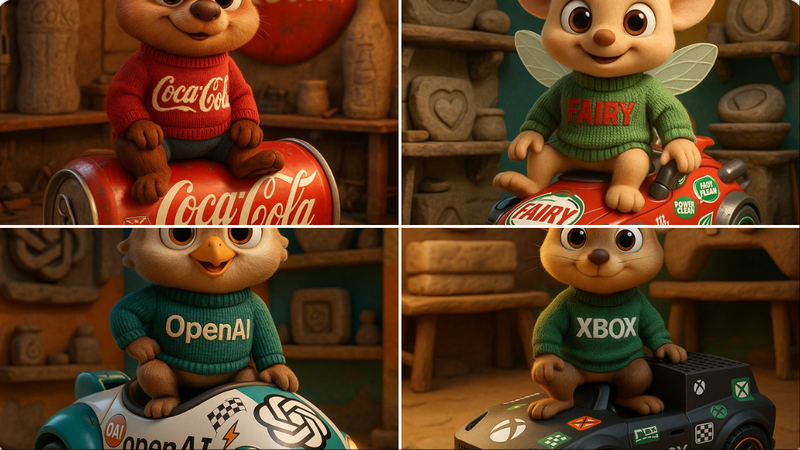
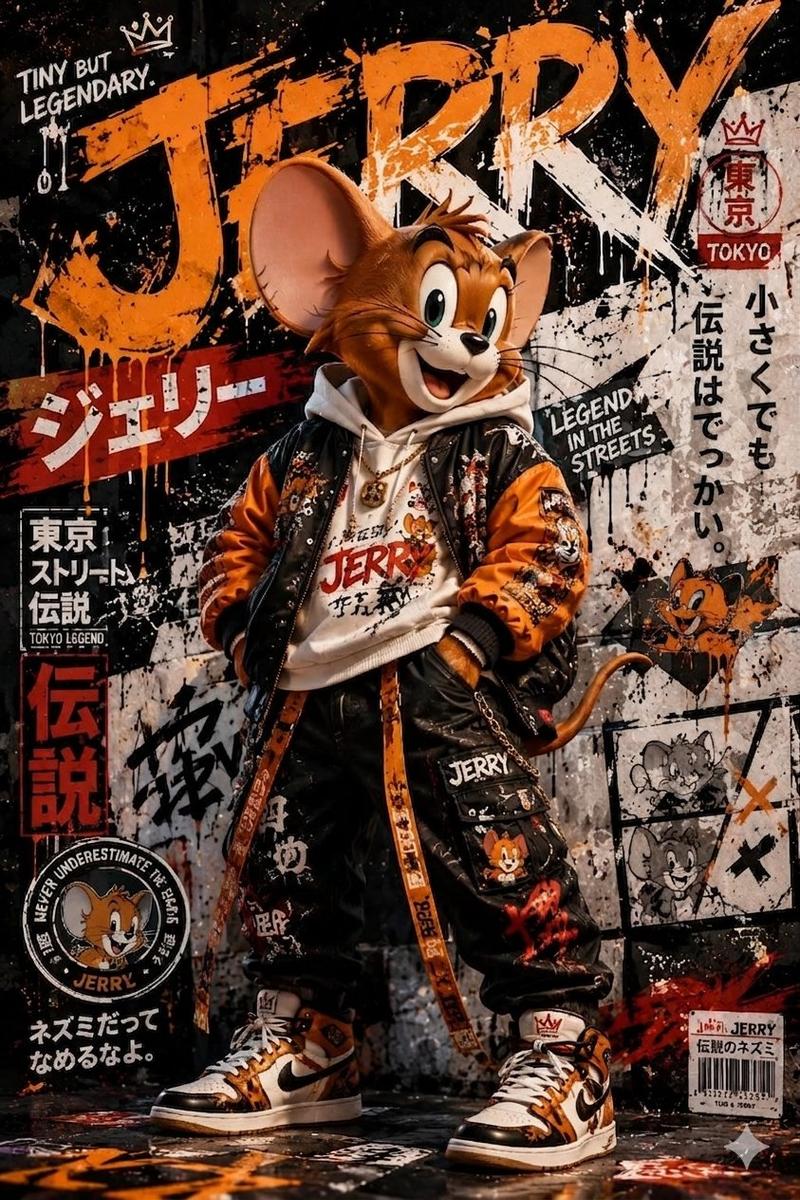
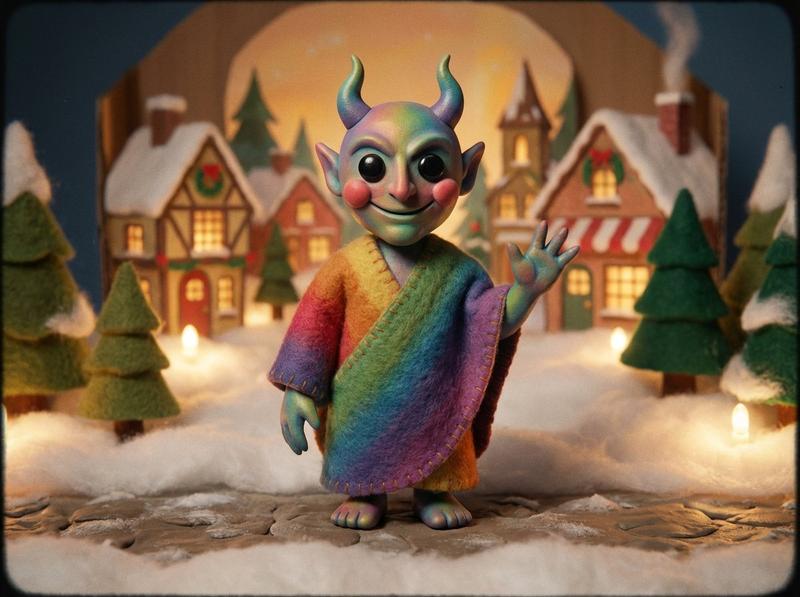
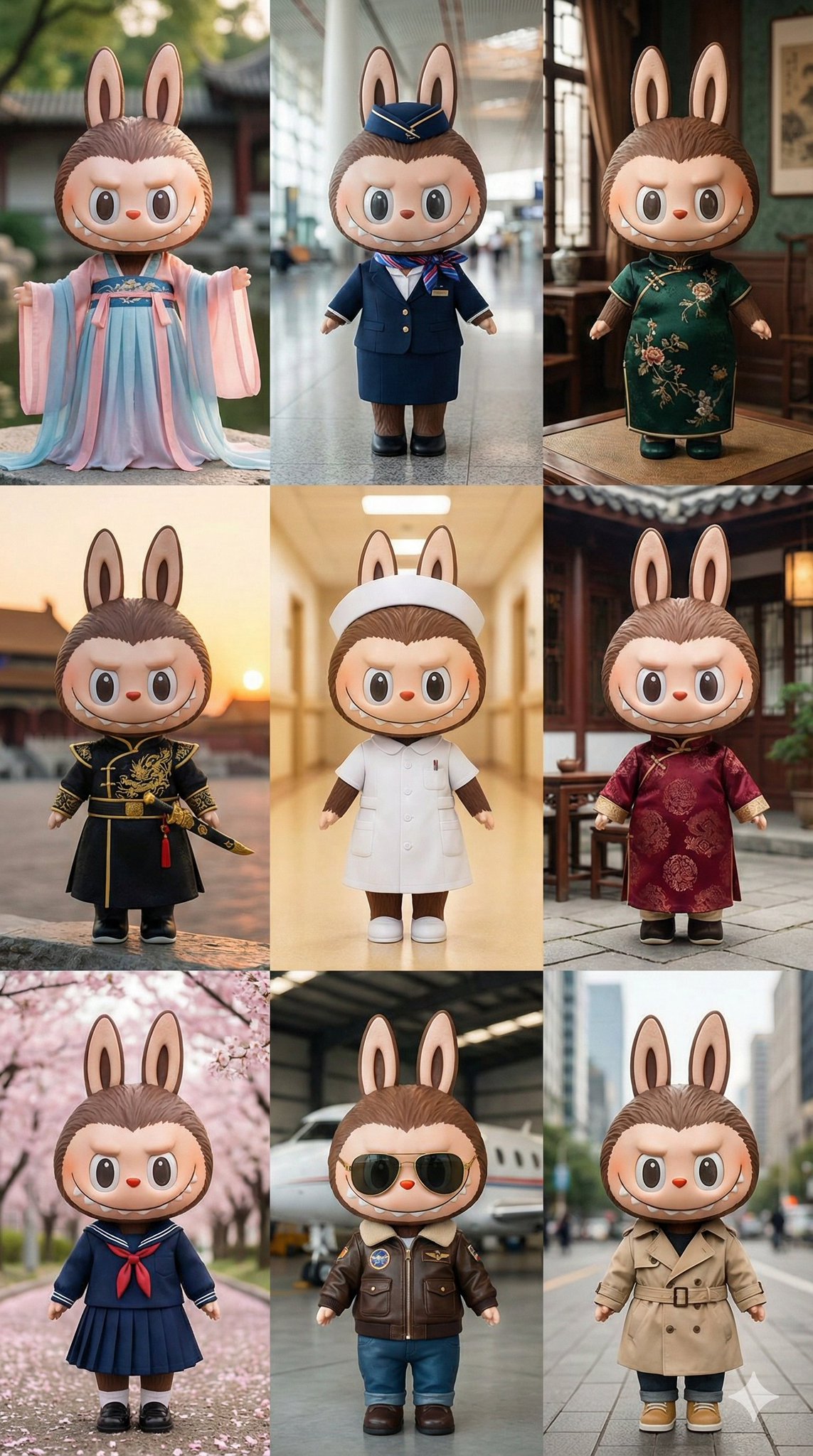
四格“破产小鼠”故事板
Prompt
Goal: Create a warm cinematic 2x2 storyboard image for a short animated scene titled {argument name="scene title" default="Zero Balance Despair"}, featuring three cute anthropomorphic mice in a quaint stone village and bank-world setting.

Canvas: Square 1:1 image divided into exactly 4 equal panels with thin white gutters, like a polished animated film storyboard. Use high-detail 3D character animation, soft fur, expressive faces, shallow depth of field, golden-hour lighting, warm orange highlights, and cozy fantasy village textures.

Characters: Use exactly 3 recurring mouse characters throughout: 1 small mouse wearing a green patterned cloak/scarf, 1 larger central mouse wearing a {argument name="central outfit color" default="red patterned cloak/scarf"}, and 1 small mouse wearing a blue patterned cloak/scarf. All have tan-brown fur, huge round ears, shiny black eyes, tiny pink noses, visible whiskers, little paws, and childlike proportions. Keep their designs consistent across panels. In panels where the central mouse face is hidden, cover only the face with a plain soft-edged square privacy block in {argument name="face cover color" default="warm brown"}.

Panel layout and action: Panel 1, top-left: exactly 3 mice huddle close under a dark wooden overhang or doorway. The green-cloaked mouse on the left looks worried with paws near mouth; the central red-cloaked mouse stands in the middle with face covered by a square block; the blue-cloaked mouse on the right points toward the central mouse with a concerned expression. Warm indoor shadows, stone floor, intimate anxious mood. Panel 2, top-right: exactly 3 mice stand outside in a sunny old stone street with blurred bunting flags overhead. The green mouse stands left with arms folded, the red central mouse stands proudly in the middle smiling, and the blue mouse stands right looking stern or suspicious with arms folded. Panel 3, bottom-left: exactly 3 mice run left-to-right across a stone ledge or step, motion-filled and energetic. The blue mouse leads at far left, the red mouse runs in the middle, and the green mouse runs at right, all with fluttering cloaks and excited expressions. Panel 4, bottom-right: exactly 3 mice celebrate among scattered gold coins and colorful confetti. The green mouse at left laughs with eyes closed and holds the central red cloak, the central red-cloaked mouse stands in the middle with face covered by the same square block, and the blue mouse at right smiles with open mouth and clasped paws. Background is a golden bank or treasure-like interior with bokeh lights.

Visual style: Pixar-like but original, adorable cinematic 3D rendering, realistic plush fur, detailed cloth embroidery, warm fantasy lighting, crisp characters with softly blurred backgrounds, expressive gestures, emotional storytelling, no text, no logos, no watermark.

Constraints: Use exactly 4 panels and exactly 3 mice in every panel. The visible repeated cloak colors must be green, red, and blue. Include exactly 2 face-cover blocks total, one in panel 1 and one in panel 4. Do not add extra characters, captions, speech bubbles, or UI elements. Overall mood should move from anxiety to confidence, action, and joyful relief about {argument name="financial theme" default="a bankrupt mouse discovering coins"}.- Category
- UI & Interfaces
- Model
- GPT Image 2
- Creator
- AIライフハック
- Source ID
- 20388
- Published
- May 14, 2026
Views4