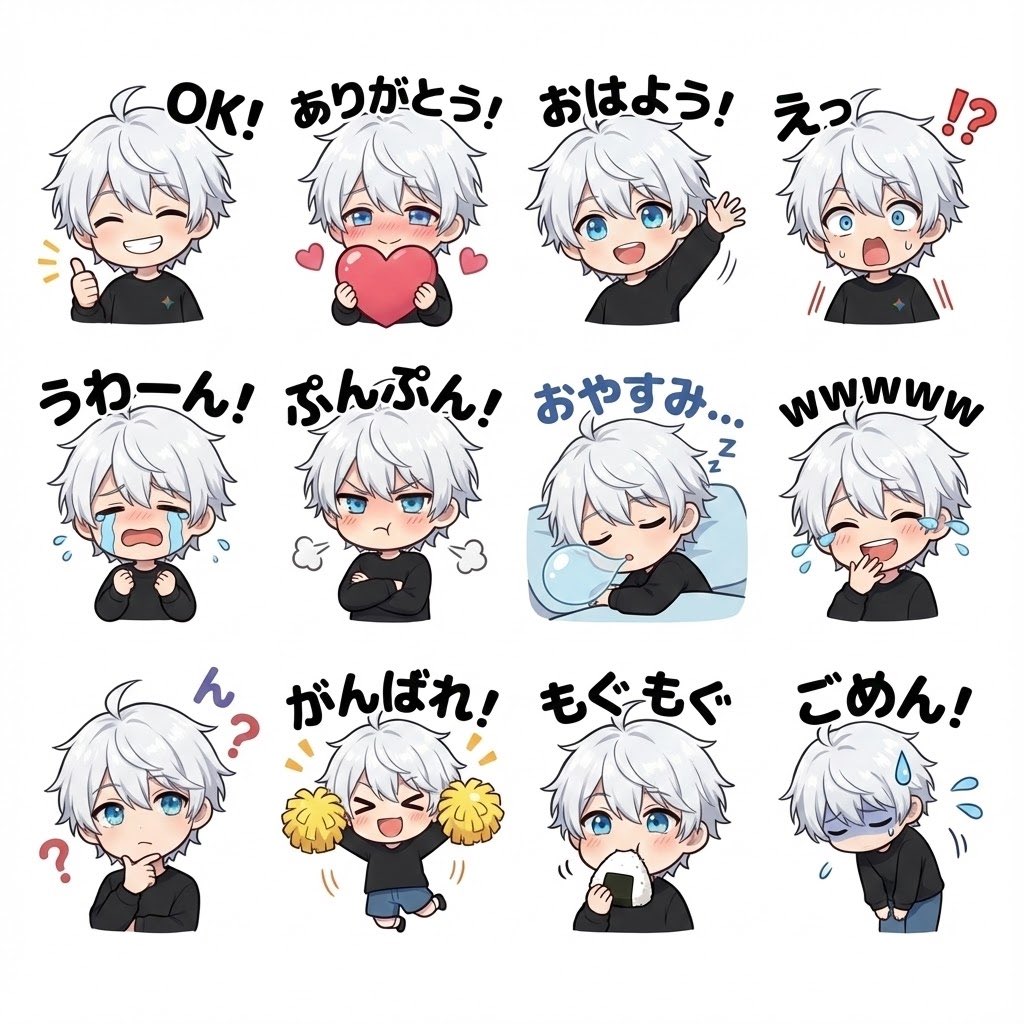
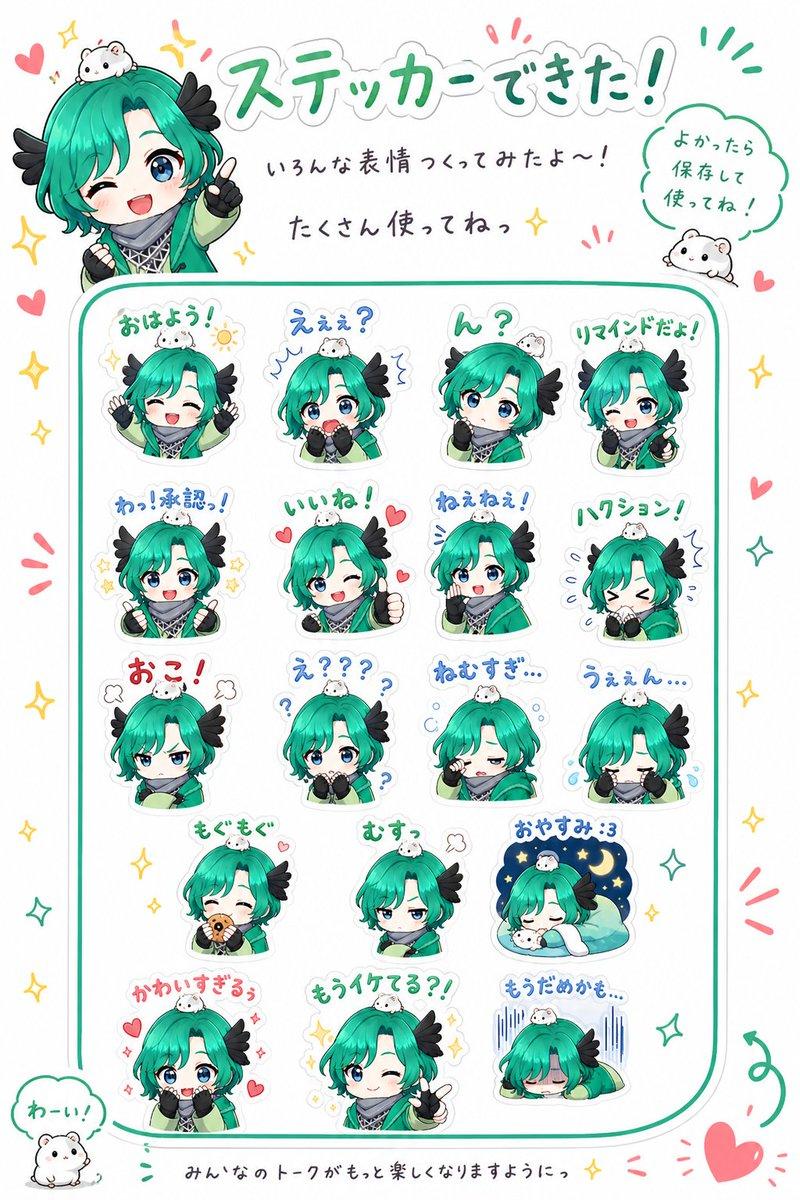
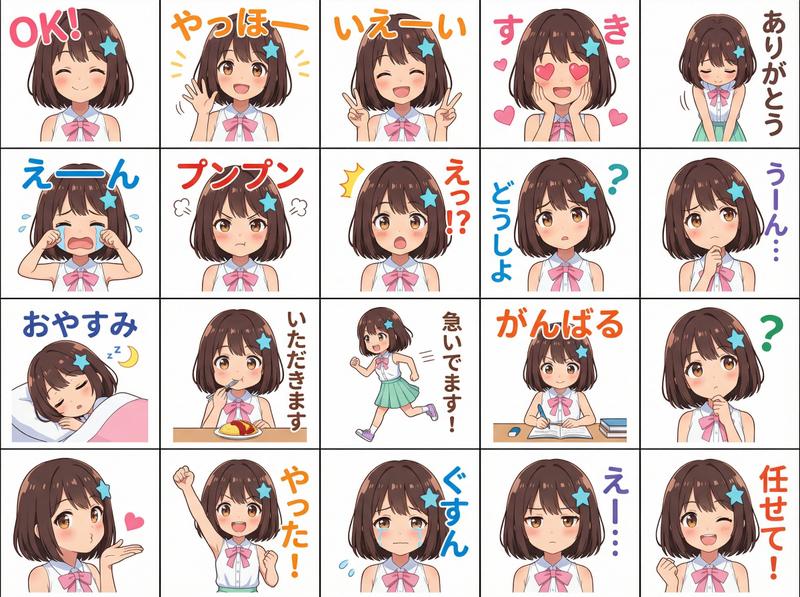
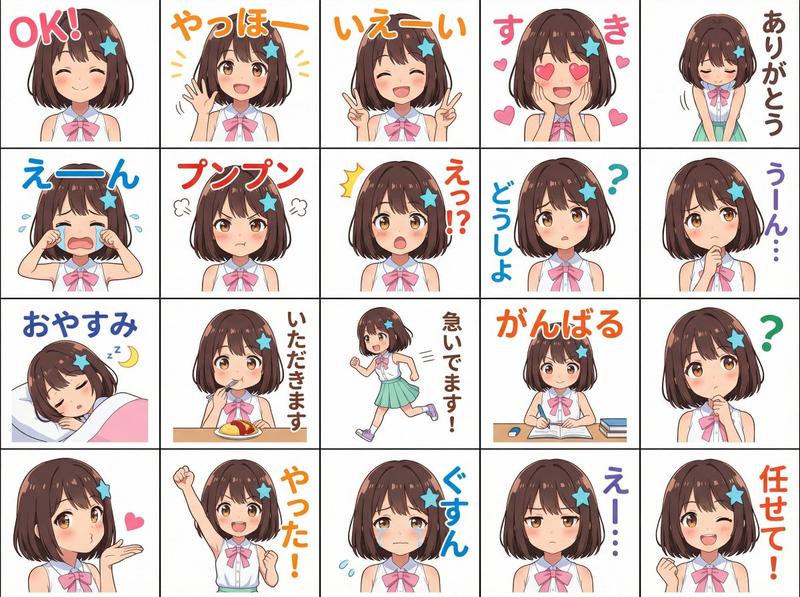
Q 版骑士表情包贴纸合集
Prompt
Goal: Create a cute chibi mascot sticker sheet featuring {argument name="character name" default="Helena"}, an anime-style young female knight rendered as friendly social-media reaction stickers.

Canvas: White background, landscape 4:3 format, arranged as a clean 3-row by 4-column sticker sheet with generous spacing. Each sticker is a bust-up chibi character with large head, small armored body, and colorful handwritten Japanese greeting text above or around her.

Character details: Brown hair in a high side ponytail tied with a large white ribbon, soft bangs and long side locks, fair skin, cute rounded chibi proportions, wearing shiny silver plate armor with dark gloves and a small blue cape accent. Use glossy anime shading, soft outlines, expressive pose language, and a cheerful mascot feel.

Layout and exact sticker count: Include exactly 12 discrete stickers, ordered left to right, top to bottom:
1. 「おはよう!」 in orange, morning greeting, waving hand, orange sun doodle and rays.
2. 「こんにちは!」 in pink, daytime greeting, waving hand, small pink flower doodles.
3. 「こんばんは!」 in blue, evening greeting, calm pose, yellow crescent moon and small stars.
4. 「おやすみなさい」 in purple, good-night pose, eyes closed, hands clasped near face, small stars and moon.
5. 「ありがとう!」 in pink, thank-you reaction, hearts around the character.
6. 「よろしくね!」 in green, friendly introduction, one eye winking, thumbs-up pose, small sparkle marks.
7. 「了解!」 in blue, acknowledgement, raised fist pose, energetic blue emphasis lines.
8. 「がんばって!」 in orange, encouragement, smiling with eyes closed, raised fist, yellow sparkles.
9. 「ごめんね…」 in blue, apologetic pose, shy downward mood, blue sweat-drop marks.
10. 「大丈夫?」 in purple, worried question, concerned posture, purple question marks.
11. 「おつかれさま!」 in orange, good-work greeting, relaxed appreciative pose, yellow sparkle accents.
12. 「またね!」 in pink, goodbye, waving hand, pink hearts.

Visual style: Polished Japanese LINE sticker aesthetic, soft watercolor-like marker text, bright pastel accent colors, clean white negative space, crisp transparent-sticker feeling, cute and wholesome. Keep the character consistent across all 12 stickers, with varied poses and expressions. If censoring is desired, cover the face area of most stickers with a soft rectangular blur while leaving the fourth, sixth, and eighth stickers visibly expressive.

Text constraints: Preserve the Japanese phrases exactly as written. Use hand-drawn rounded lettering in the specified colors. Do not add extra captions, logos, borders, watermarks, or background scenery.- Category
- Charts & Infographics
- Model
- GPT Image 2
- Creator
- Kiseki Kobo Games
- Source ID
- 20601
- Published
- May 15, 2026
Views1