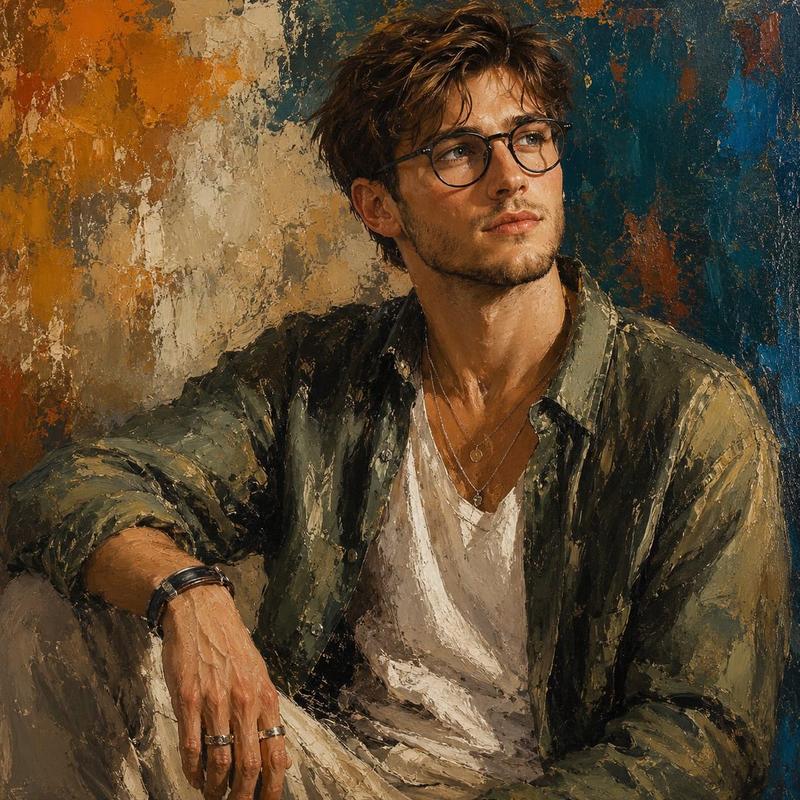
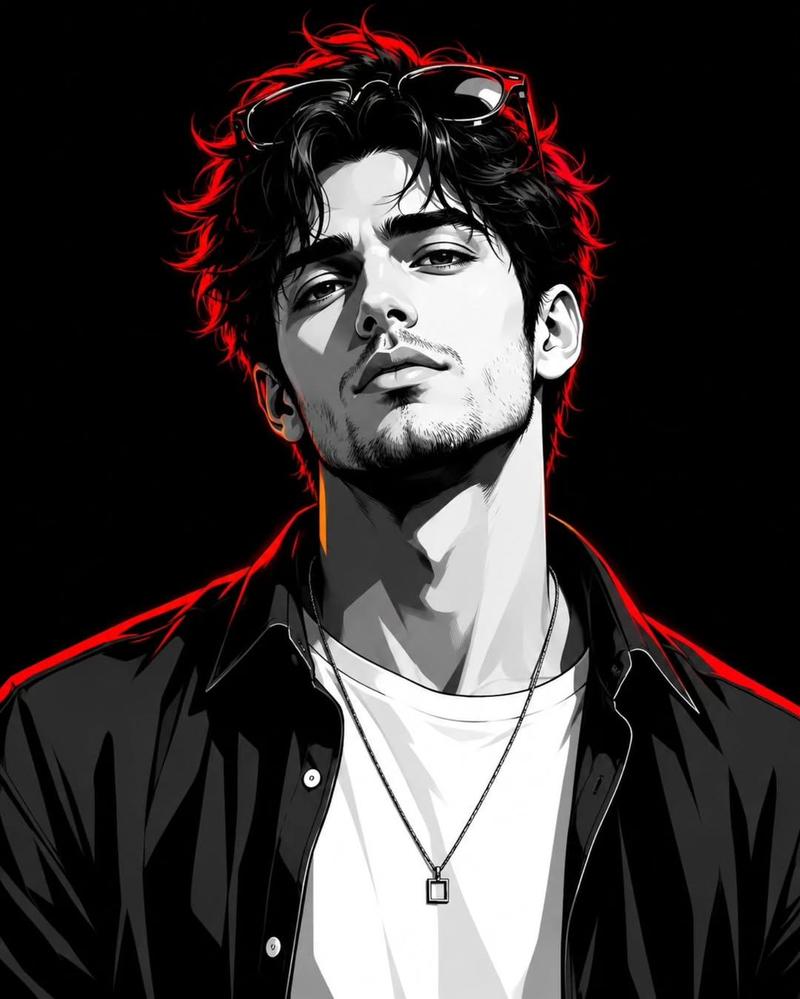
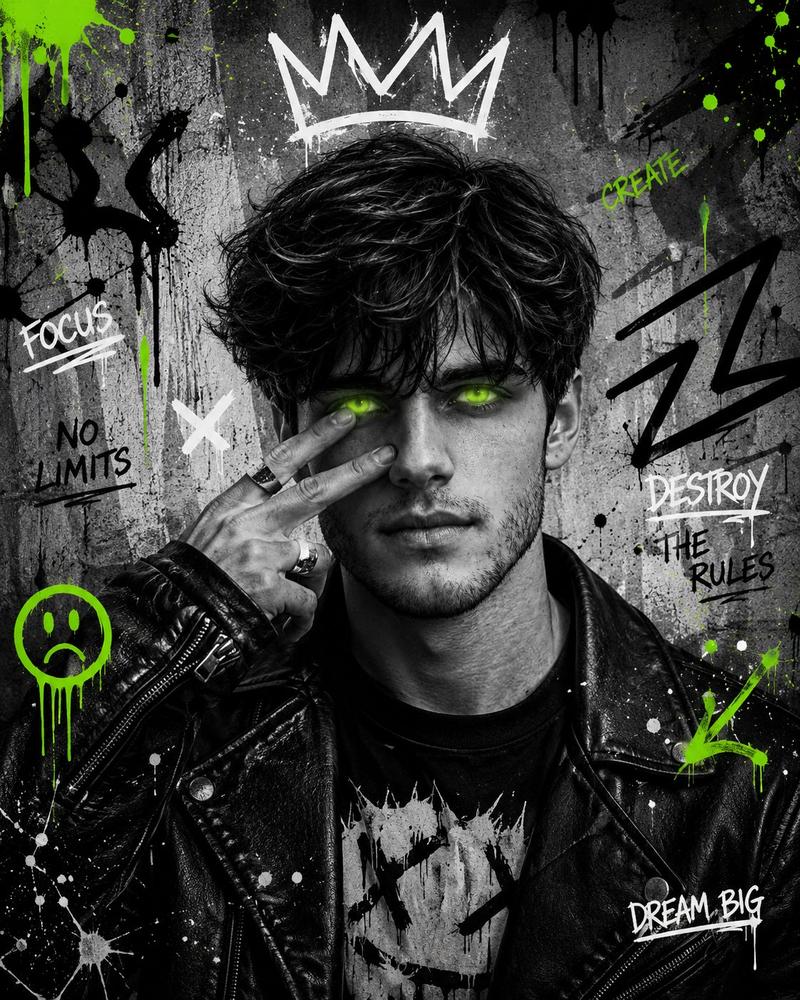
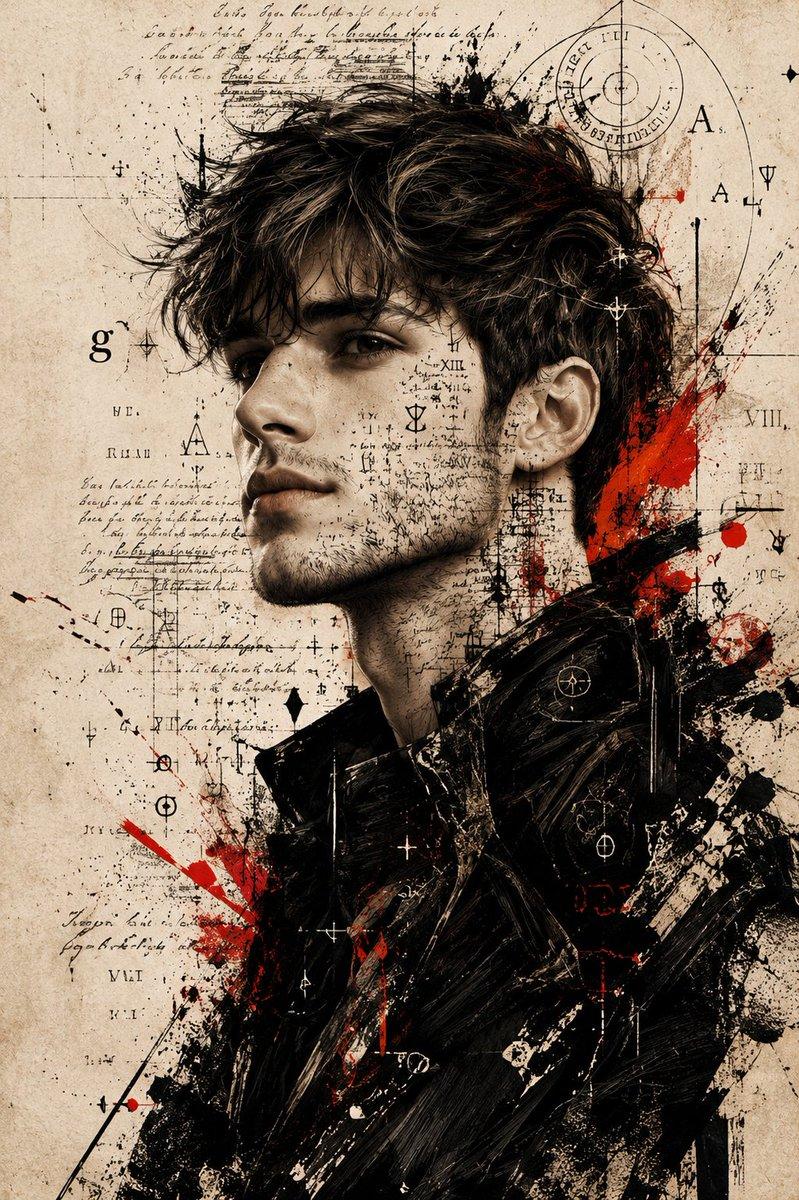
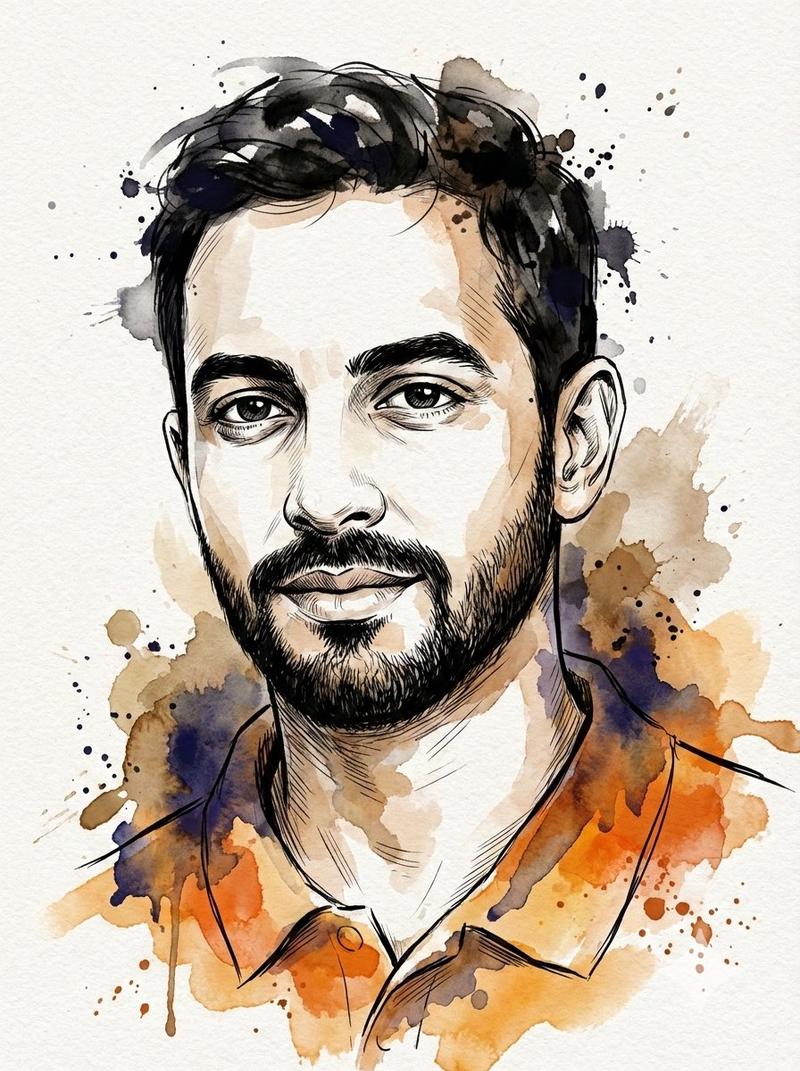
手工混合媒介肖像画
Prompt
Create a highly detailed mixed media portrait painting of the subject’s face, combining layered {argument name="artistic elements" default="acrylic brush strokes, charcoal smudges, pencil sketches, rough paint splashes, collage textures"}, paper grain, expressive ink marks, and imperfect handcrafted details to create an authentic human-made artwork appearance. The overall composition should feel raw, artistic, and naturally imperfect, avoiding overly clean or overly polished digital results.

Use bright, eye-catching, and dynamic colors with rich tonal variation so the artwork feels vibrant and visually engaging without looking monotonous. Add visible skin texture details, layered paint textures, subtle rough strokes, and organic imperfections to enhance realism and artistic depth. The mixed media style should also influence the entire visual presentation, including the outfit and surrounding artistic elements, so the final artwork feels cohesive and fully immersed in the mixed media aesthetic.

The subject’s pose and facial expression must appear relaxed, expressive, lively, and natural, avoiding stiff body language, awkward posing, or gloomy emotional tones. The pose, angle, expression, and overall composition must be clearly different from the attached reference photo while still maintaining the subject’s identity.

The {argument name="outfit" default="modern, stylish, casual, and fashion-forward"} with layered clothing details, trendy contemporary fashion elements, unique textures, and visually interesting accessories that enhance the artistic mood. Avoid plain, generic, repetitive, or standard clothing designs, and ensure the outfit is completely different from the clothing shown in the reference image.

Focus on creating a visually balanced artwork with an expressive artistic atmosphere, realistic handcrafted imperfections, rich mixed media layering, and strong emotional energy, while still maintaining an elegant and aesthetically pleasing portrait composition.- Category
- Brand & Logos
- Model
- GPT Image 2
- Creator
- Maverick | AI
- Source ID
- 20810
- Published
- May 16, 2026
Views3