20

暴雨街道上的绝望奔跑者
Enlarge

暴雨街道上的绝望奔跑者

Prompt
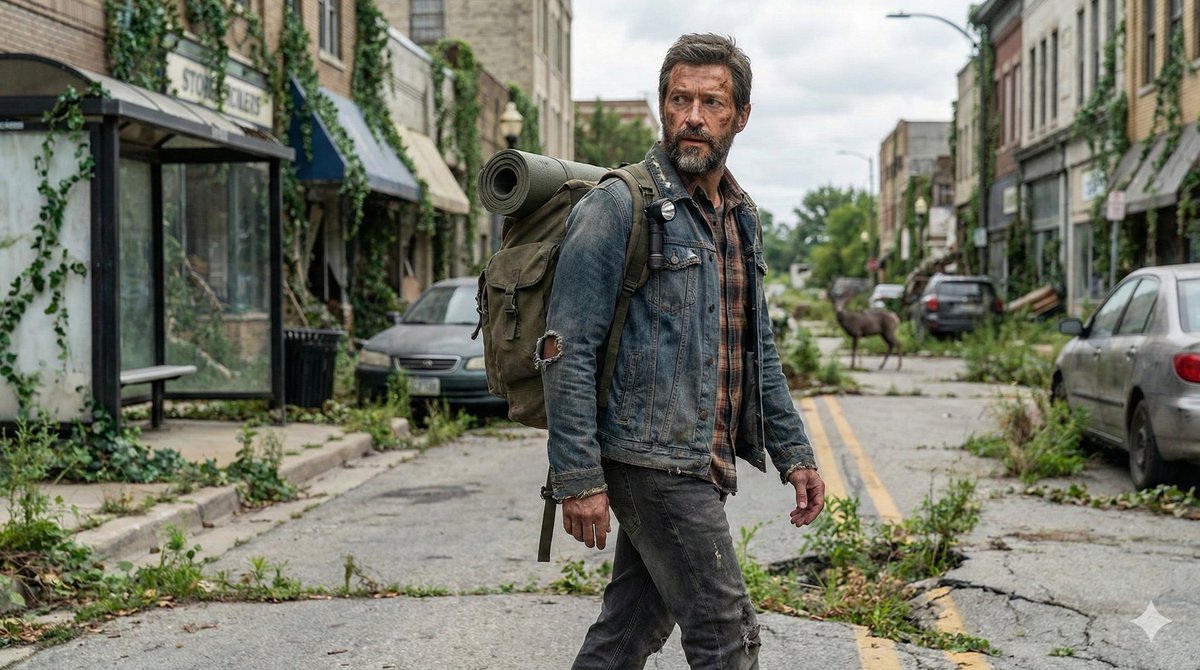
Create a gritty cinematic photorealistic full-body action portrait of {argument name="main runner" default="a desperate young adult man with short dark hair"} sprinting directly toward the camera down a narrow suburban street. He is captured mid-stride, breathing hard and intensely focused, with his face anonymized by a soft rectangular blur. He wears a sweat-soaked and mud-stained gray athletic T-shirt, dark running shorts, black shoes, and a small worn olive backpack with visible shoulder straps bouncing on his back. His arms and legs are dirty with mud, emphasizing exhaustion and urgency. Behind him are exactly 3 blurred pursuing figures: one long-haired figure at the far left partly obscured near parked cars, one muddy runner directly behind-left, and one muddy runner behind-right in a torn dark shirt. Set the scene on an overgrown residential road lined with brick houses, parked cars, weeds, cracked asphalt, hedges, utility poles, and overhead power lines. The sky is dark and stormy with heavy gray clouds, creating a survival-thriller atmosphere. Use a vertical 9:16 composition, medium-long full-body framing, low eye-level camera, shallow depth of field, motion energy, realistic natural lighting, wet muddy textures, muted desaturated colors, high detail, dramatic contrast, and documentary-style realism. Include a partial blurred car side mirror or dashboard edge in the lower right foreground and an old silver car with ivy growing around it on the left. No text, no watermark, no gore.
Category
UI & Interfaces
Model
GPT Image 2
Views5
Source ID
20948
Published
May 16, 2026

Guide

About "暴雨街道上的绝望奔跑者"

What is this prompt for?

"暴雨街道上的绝望奔跑者" AI image prompt for GPT Image 2 (UI & Interfaces). 一个电影级、照片写实风格的生存惊悚场景,描绘了一名满身泥泞的奔跑者在阴郁的郊区街道上躲避追捕者。 Copy it on Picva and recreate the look in one…

The full copyable prompt and example visuals above are ready for AI image generation or one-click recreate in Picva.

How to use this prompt

  1. Step 1

    Open the prompt detail

    Review the example visuals, category, and full prompt text for "暴雨街道上的绝望奔跑者".

  2. Step 2

    Copy the prompt

    Copy the prompt body from this page, or load it directly in Studio.

  3. Step 3

    Pick a model (GPT Image 2)

    Prefer GPT Image 2. If you switch models, keep subject and composition and tweak style terms.

  4. Step 4

    Generate and export

    Recreate the look in Picva, or export into your workflow for editing and publishing.

FAQ

What is the "暴雨街道上的绝望奔跑者" prompt?
It is an AI image-generation prompt for GPT Image 2 in the UI & Interfaces category. This page includes the full prompt text, example visuals, and a one-click recreate path in Picva.
How do I use this prompt to generate an image?
Copy the prompt from this page, or use Generate / Studio. Paste it into a compatible image model, or recreate the look in Picva with optional reference images.
Which model is this prompt for?
This page lists GPT Image 2. Most descriptive prompts also transfer to nearby image models such as GPT Image, Flux, or Midjourney with light style tweaks.
Can I use the result commercially?
You can usually copy the prompt for creation, but commercial use of the final image depends on the model terms, reference-image rights, and the generated content. Follow the source author and platform rules.