18

校服街拍(面部遮挡)
Enlarge

校服街拍(面部遮挡)

Prompt
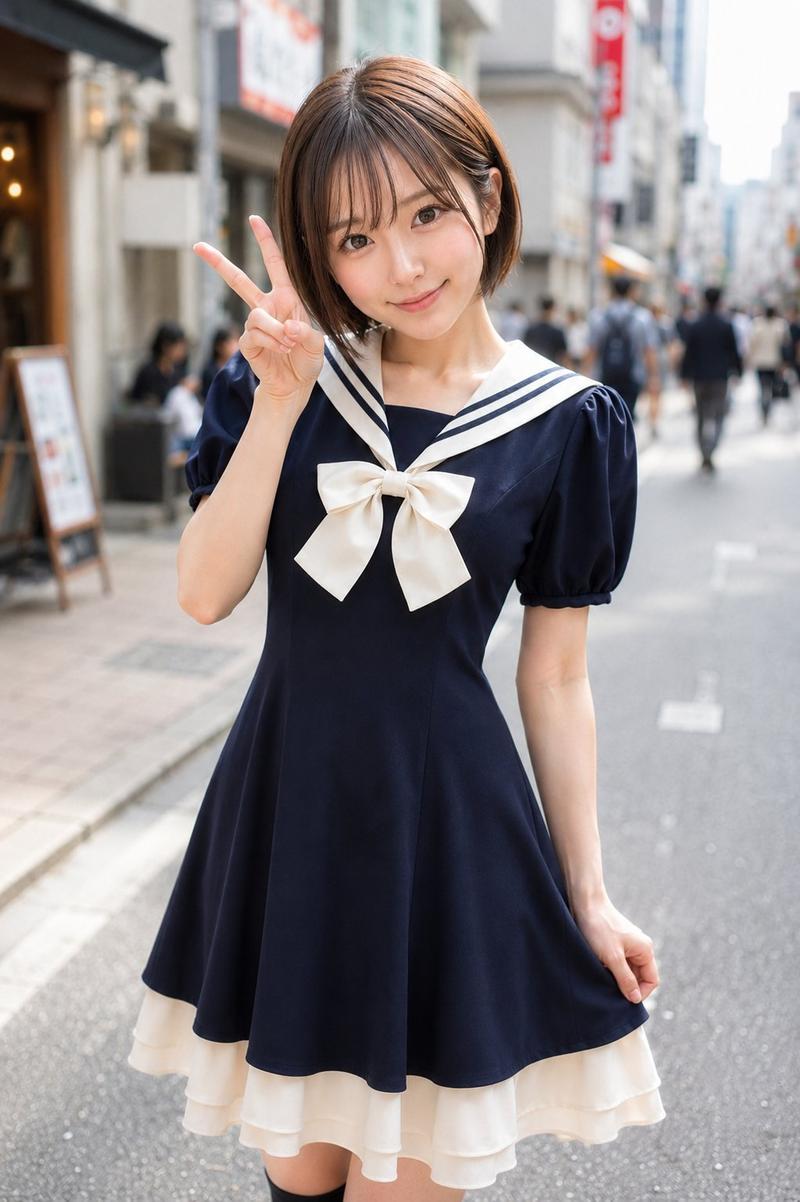
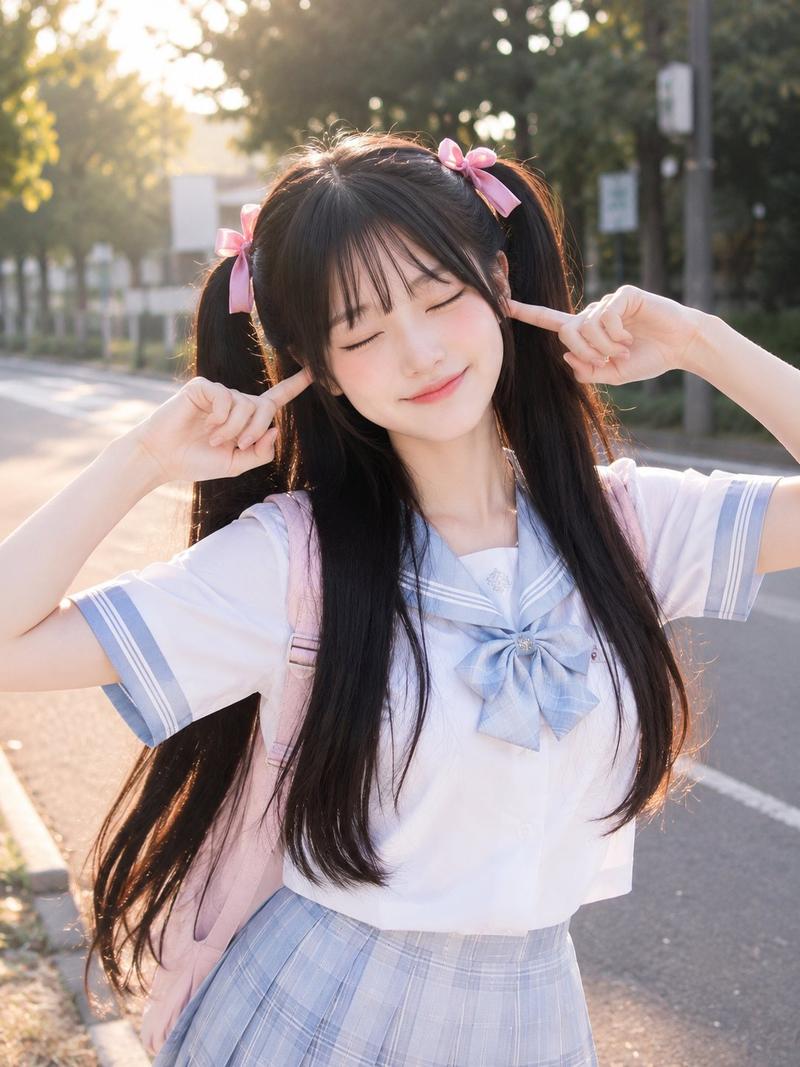
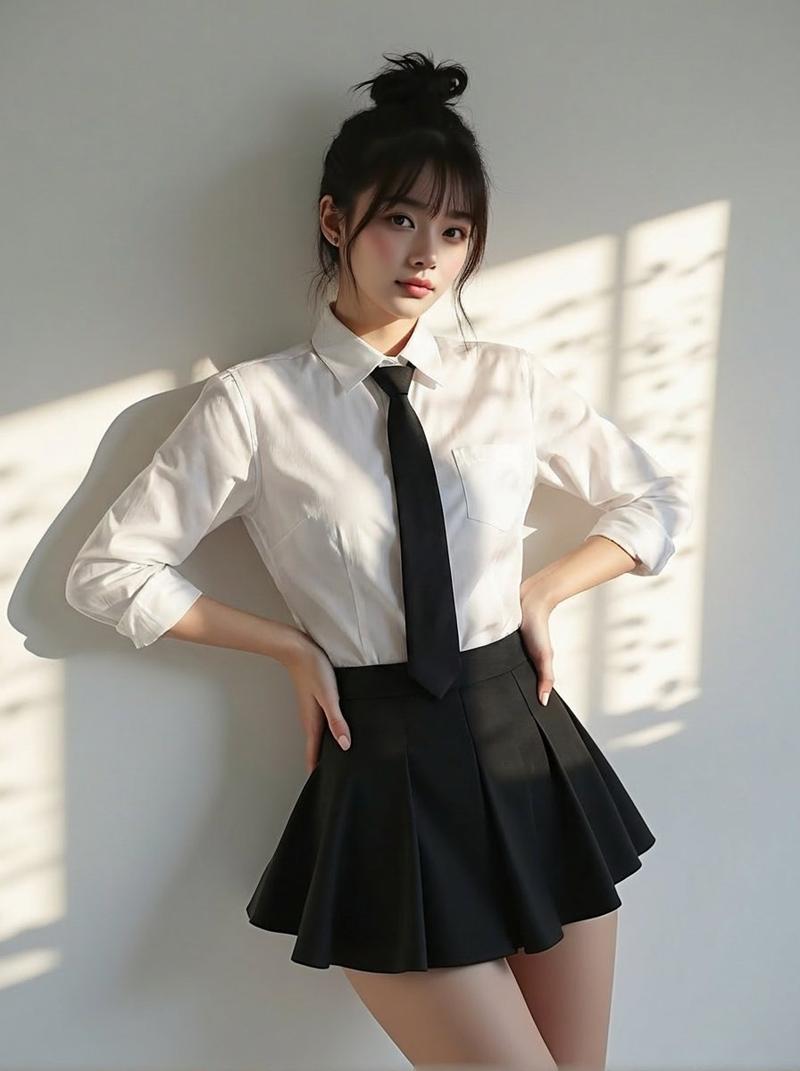
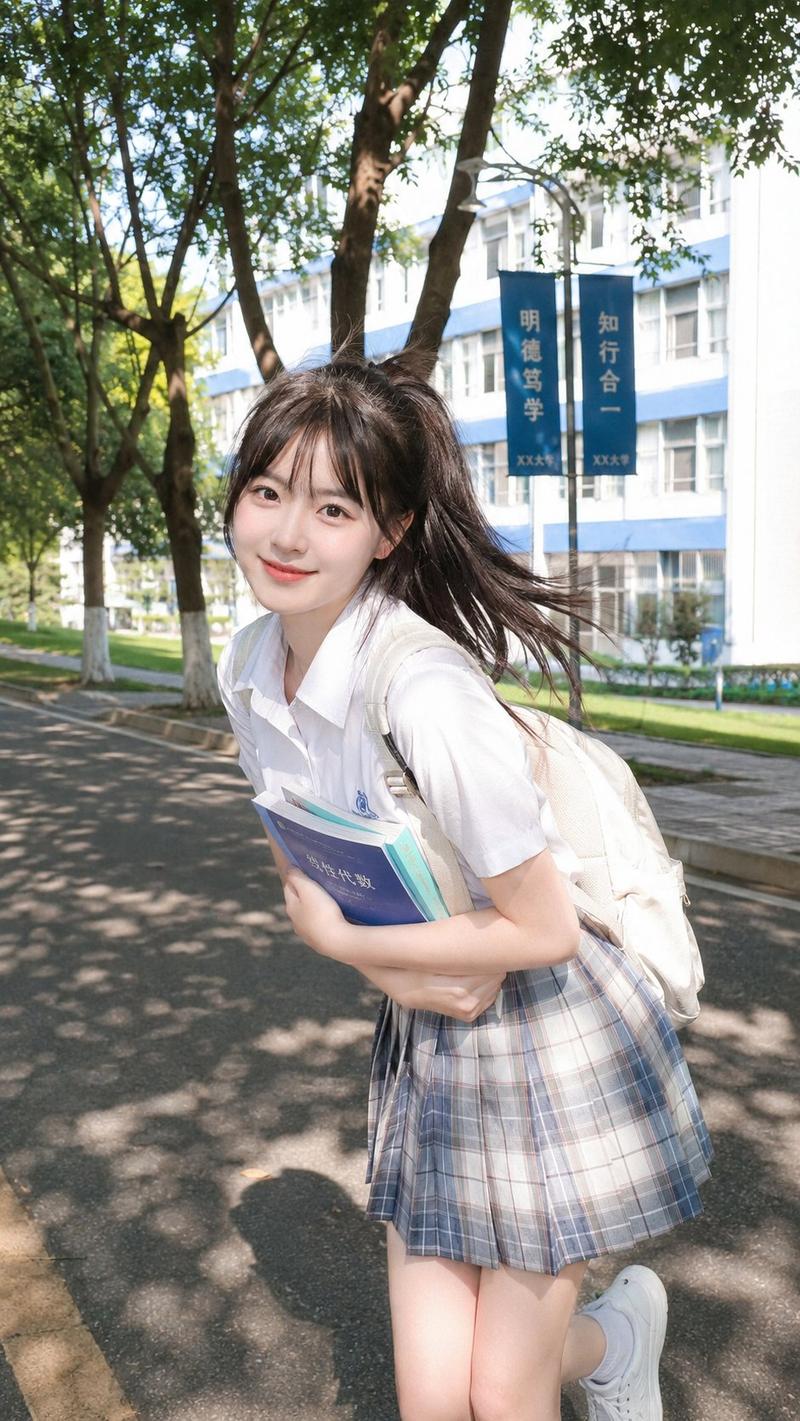
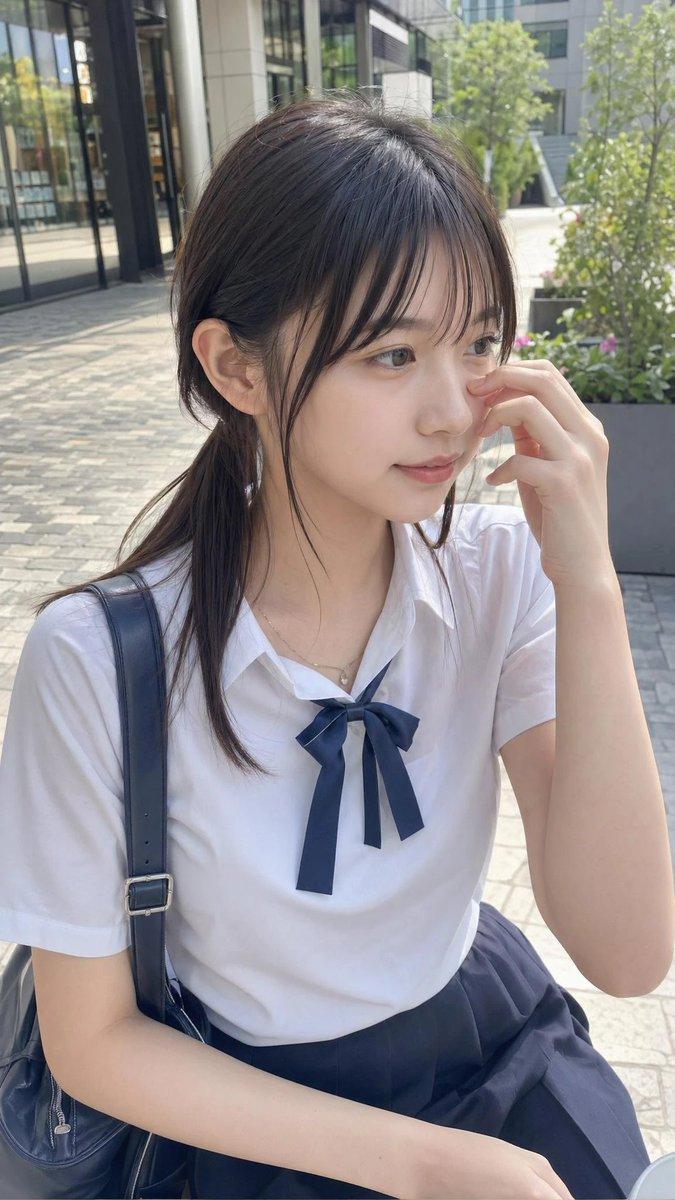
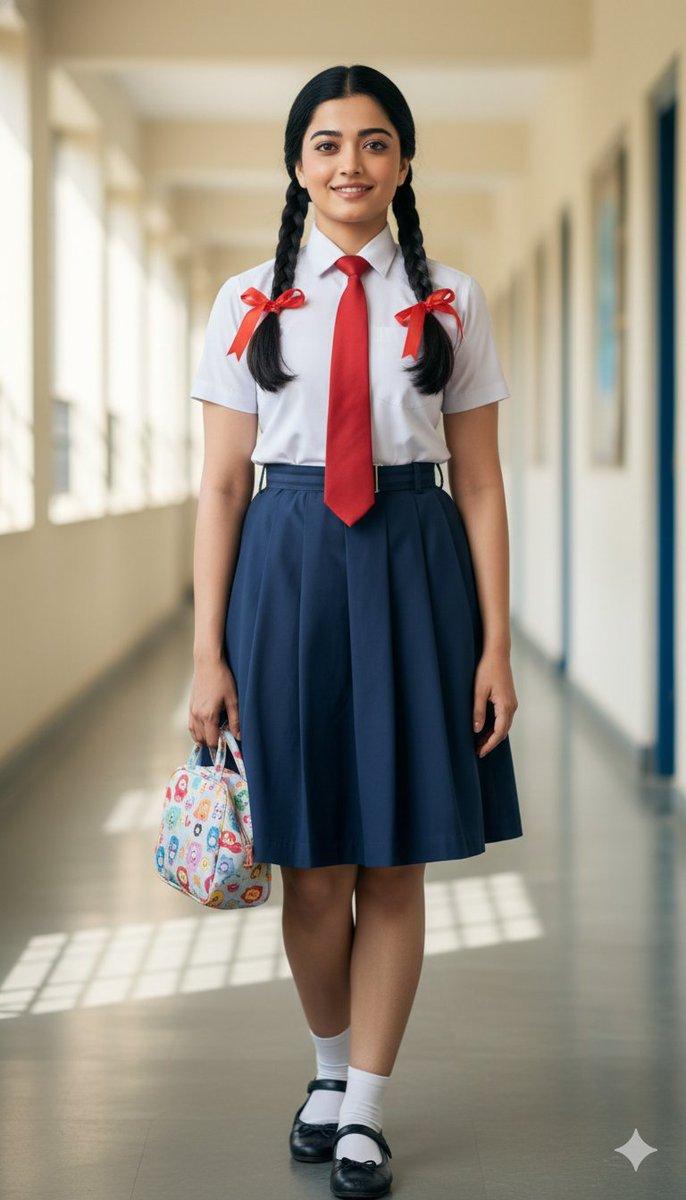
Create a photorealistic vertical portrait of a {argument name="subject" default="young woman in a Japanese school uniform"} standing in profile on a bright urban sidewalk during daytime. She has {argument name="hair color and style" default="light ash-blonde shoulder-length straight hair with soft layers and side part"}, a small stud earring, and a slim build. Her face is intentionally covered by a plain opaque square censor block in a muted skin-tone brown, centered over the entire face with sharp edges and no texture. She wears a crisp short-sleeve white button-up school shirt, a loosely hanging {argument name="tie color" default="deep red necktie"}, and a high-waisted {argument name="skirt style" default="navy blue pleated mini skirt"}. Pose her side-on, torso turned slightly toward camera, one arm relaxed down, walking or pausing naturally. Use a shallow depth of field with a creamy bokeh background: sunlit Japanese city street, pale pavement, blurred storefronts and buildings on both sides, a blue road sign in the upper right distance, warm natural light, soft highlights on hair and clothing. Full body from head to mid-thigh/knees, centered composition, realistic skin, fabric folds, and lens blur, like a high-quality outdoor fashion photo shot on an 85mm lens.
Category
Posters & Typography
Model
GPT Image 2
Views7
Source ID
21381
Published
May 18, 2026

Guide

About "校服街拍(面部遮挡)"

What is this prompt for?

"校服街拍(面部遮挡)" AI image prompt for GPT Image 2 (Posters & Typography). 生成一张身着校服的年轻女性户外写实肖像,面部覆盖不透明方形遮挡块,适用于匿名角色或时尚摄影场景。 Copy it on Picva and recreate the look in…

The full copyable prompt and example visuals above are ready for AI image generation or one-click recreate in Picva.

How to use this prompt

  1. Step 1

    Open the prompt detail

    Review the example visuals, category, and full prompt text for "校服街拍(面部遮挡)".

  2. Step 2

    Copy the prompt

    Copy the prompt body from this page, or load it directly in Studio.

  3. Step 3

    Pick a model (GPT Image 2)

    Prefer GPT Image 2. If you switch models, keep subject and composition and tweak style terms.

  4. Step 4

    Generate and export

    Recreate the look in Picva, or export into your workflow for editing and publishing.

FAQ

What is the "校服街拍(面部遮挡)" prompt?
It is an AI image-generation prompt for GPT Image 2 in the Posters & Typography category. This page includes the full prompt text, example visuals, and a one-click recreate path in Picva.
How do I use this prompt to generate an image?
Copy the prompt from this page, or use Generate / Studio. Paste it into a compatible image model, or recreate the look in Picva with optional reference images.
Which model is this prompt for?
This page lists GPT Image 2. Most descriptive prompts also transfer to nearby image models such as GPT Image, Flux, or Midjourney with light style tweaks.
Can I use the result commercially?
You can usually copy the prompt for creation, but commercial use of the final image depends on the model terms, reference-image rights, and the generated content. Follow the source author and platform rules.