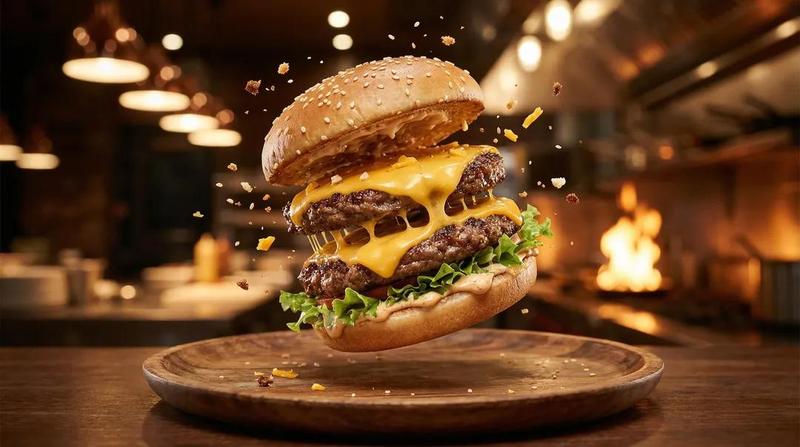
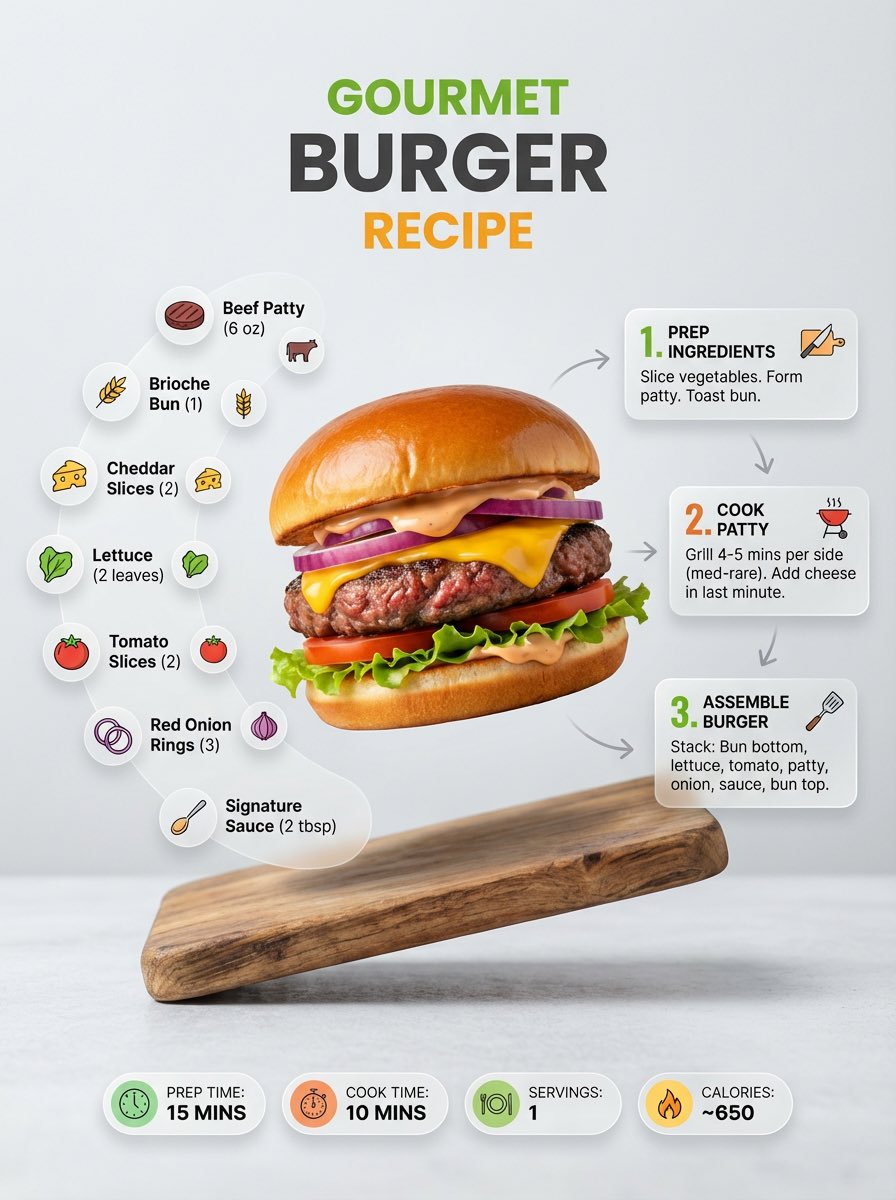
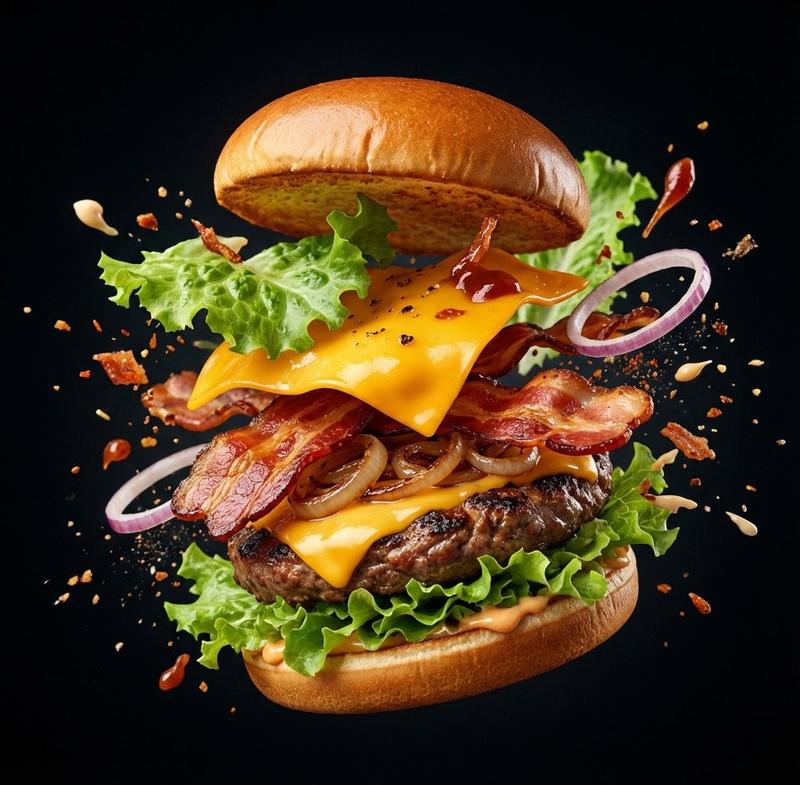
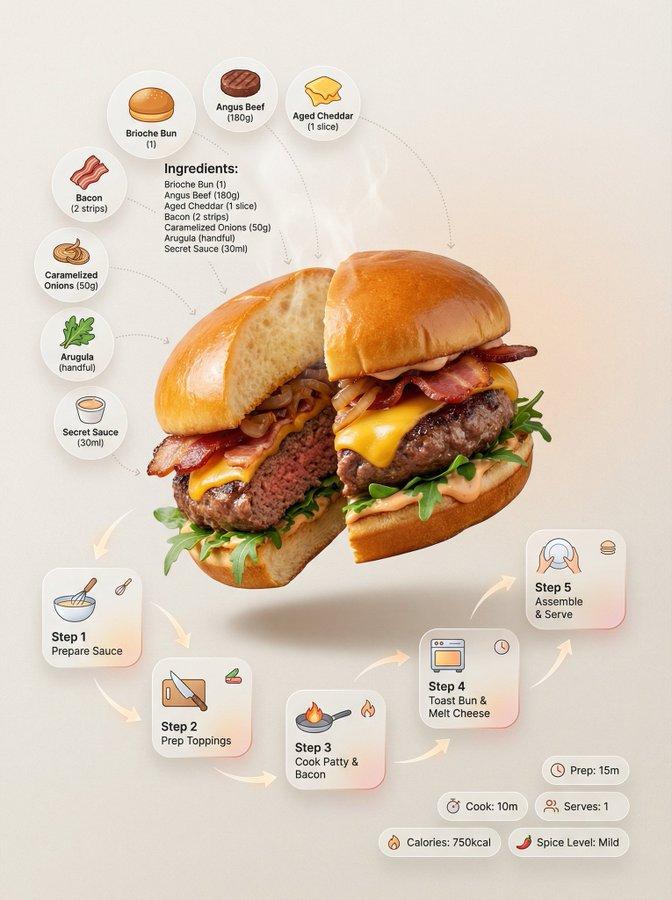
奢华黑松露和牛汉堡海报
Prompt
Goal: Create a premium vertical restaurant launch poster for a decadent gourmet burger, branded as {argument name="brand name" default="Burger N"}, with a beige luxury food-ad background and realistic appetizing photography.

Canvas: Vertical poster, 3:4 ratio, warm cream paper texture background, centered composition, high-end casual dining aesthetic, black, dark brown, caramel orange, and cream color palette.

Top branding: At the top center place a minimalist black “N” logo with a small orange dot, then the brand text “Burger N”, then the Chinese tagline “一口堕落” with thin orange divider strokes. Below it add a tiny crown icon above the main headline.

Main headline: Large bold distressed Chinese display type across the upper middle: {argument name="headline text" default="黑松露鹅肝和牛堡"}. Underline it with a curved orange brush stroke and add small orange decorative burst marks on both sides. Beneath the headline add the subheading “奢华堕落,一口上头” with two small orange stars.

Main food subject: Center a huge hyper-realistic black truffle foie gras wagyu burger. Use a matte charcoal-black bun with black sesame seeds, thick glossy seared foie gras slabs, chunky black truffle sauce dripping heavily, melted yellow cheese stretching downward, a juicy coarse-ground wagyu beef patty with pink-red texture, leafy greens, and a dark bottom bun. Put truffle crumbs, peppercorns, sauce splashes, and sliced black truffle pieces around the base. Lighting should be soft studio food photography, glossy highlights, shallow depth of field, very appetizing and premium.

Left ingredients column: Add exactly 4 ingredient callouts on the left under a dark rounded label that says “INGREDIENTS / 成分亮点”. Each callout has a small realistic ingredient image, a dotted curved pointer line toward the burger, and Chinese text. The 4 callouts are: 1) marbled raw wagyu steak labeled “澳洲和牛 / 粗绞肉饼”; 2) seared foie gras medallions labeled “法式鹅肝 / 双面焦脆”; 3) black truffle sauce bowl labeled “黑松露酱 / 块菌含量≥12%”; 4) glossy brioche-style bun labeled “布里欧修面包 / 黄油比例18%”.

Right benefits panel: Add a rounded vertical cream card on the right titled “PRODUCT BENEFITS / 产品卖点”. Include exactly 4 stacked benefit rows with circular dark icons and Chinese copy: 1) crown icon, “双奢食材 / 和牛 + 鹅肝”; 2) spatula or knife icon, “现点现煎 / 出汁不压扁”; 3) cheese icon, “三重芝士 / 车达+马苏+帕森”; 4) takeout box icon, “手提单盒 / 不塌不湿”.

Price and CTA: Near the lower center place a dark brown rough brush-stroke price banner. On it write small orange “PRICE” and a huge white price {argument name="price" default="89"}, followed by “元 / 套”. Below, add a rounded outlined call-to-action button with bold Chinese text {argument name="call to action" default="现在就堕落"} and a right arrow.

Footer: Add a thin horizontal line, then small Chinese footer text: “更多美味,打开常用平台搜索”. Add a dark search pill reading “Burger N” with a magnifying-glass icon, followed by exactly 5 platform badges/icons labeled: 抖音, 小红书, 美团, 大众点评, and one small orange dining-app style icon. Keep all footer elements small and aligned along the bottom.

Visual style: Premium Chinese food advertising poster, realistic product photography blended with clean graphic design, strong central hero food, crisp typography, subtle paper grain, tasteful shadows, no people, no extra objects beyond the listed ingredients, icons, and text.- Category
- Charts & Infographics
- Model
- GPT Image 2
- Creator
- Larus Canus
- Source ID
- 21426
- Published
- Apr 30, 2026
Views6