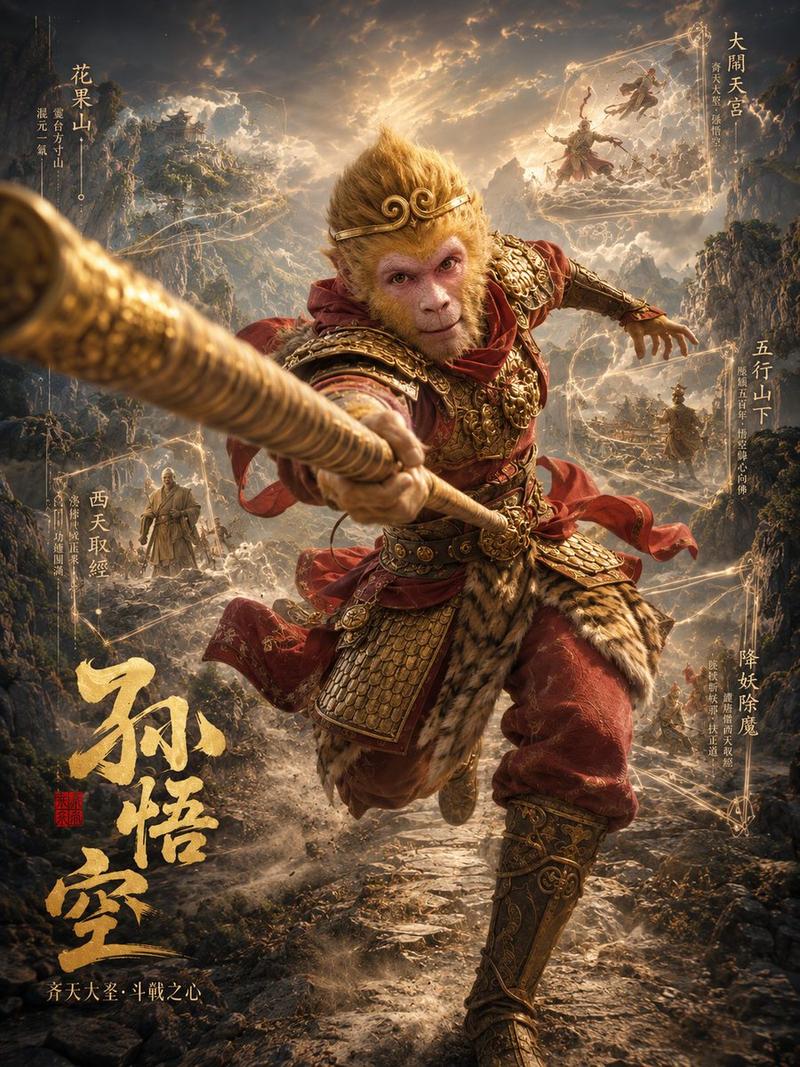
沙僧 3D 角色档案海报
Prompt
Goal: Create a cinematic vertical 3D character profile poster for {argument name="character name" default="沙僧"}, inspired by an epic dark-fantasy Journey to the West return theme.

Canvas: Portrait 3:4 poster, high-resolution, dramatic movie-poster composition with a thin antique gold rectangular border and worn parchment-metal texture around the edges.

Main subject: One imposing warrior-monk stands full body in the center, wading through a shallow stormy river. He is tall, broad, rugged, and dressed in layered tattered dark green and gray monk robes, wrapped belts, hanging pouches, rope ties, weathered boots, and a huge strand of black prayer beads around his neck. His face is intentionally covered by a plain centered brown square censor block, while a small ornate golden headpiece remains visible above it. His stance is powerful, one foot forward splashing water.

Weapon and props: The character thrusts one large crescent-bladed demon-subduing staff toward the viewer, breaking the frame with extreme foreshortening from the left foreground. The blade is ornate bronze-gold with engraved patterns and sharp curved hooks. In his other hand he carries one small dark wooden traveling chest. Count the main visible props exactly: 1 oversized crescent staff, 1 wooden chest, 1 large prayer-bead necklace, multiple belt pouches as costume detail.

Background: A vast mythic river landscape under storm clouds, mist, splashing water, rocks, and glowing golden energy currents. Add exactly 5 narrative vignette scenes embedded in swirling circular mist portals around the character: 1 upper-left river struggle scene with a monk-like figure in turbulent water, 1 upper-right escort scene with a master riding a white horse and attendants, 1 mid-right pilgrimage scene with two travelers walking across a barren riverbank, 1 lower-left demon-slaying battle scene in rocks and waves, and 1 far-right distant mountain-road scene suggesting the westward journey. Make the vignettes semi-transparent, painterly, and integrated into the smoky sky and water.

Text content and placement: Use vertical Chinese calligraphy and small annotation text as decorative poster typography. Include exactly 6 prominent text groups: 1 large gold brush-calligraphy title at lower left reading {argument name="main title text" default="沙僧"}; 1 small subtitle below it reading {argument name="subtitle text" default="流沙河护法 / 沉稳之心"}; 1 upper-left vertical heading reading {argument name="upper left label" default="流沙河"} with small supporting text; 1 upper-right vertical heading reading "保护师父" with small supporting text; 1 middle-right vertical heading reading "挑担牵行" with small supporting text; 1 lower-right vertical heading reading "西行之路" with small supporting text. Also include a lower-left vertical heading "降妖伏魔" near the battle vignette, styled as part of the poster annotations. Keep all Chinese text legible enough to read but aged and integrated into the design.

Visual style: Hyper-detailed 3D cinematic realism, dark fantasy Chinese mythological epic, dramatic chiaroscuro lighting, smoky volumetric atmosphere, gold sparks, wet fabric, rippling water, highly detailed metal engravings, weathered cloth texture, shallow depth of field on the foreground weapon, moody gray-blue and antique gold palette.

Constraints: Do not add extra characters beyond the background vignette figures. Keep the central warrior dominant, weapon breaking out toward the viewer, face covered by the brown square, and maintain the exact poster-like layout with ornate border, gold calligraphy, and 5 mist-vignette scenes.- Category
- Charts & Infographics
- Model
- GPT Image 2
- Creator
- Larus Canus
- Source ID
- 21573
- Published
- May 19, 2026
Views7