17

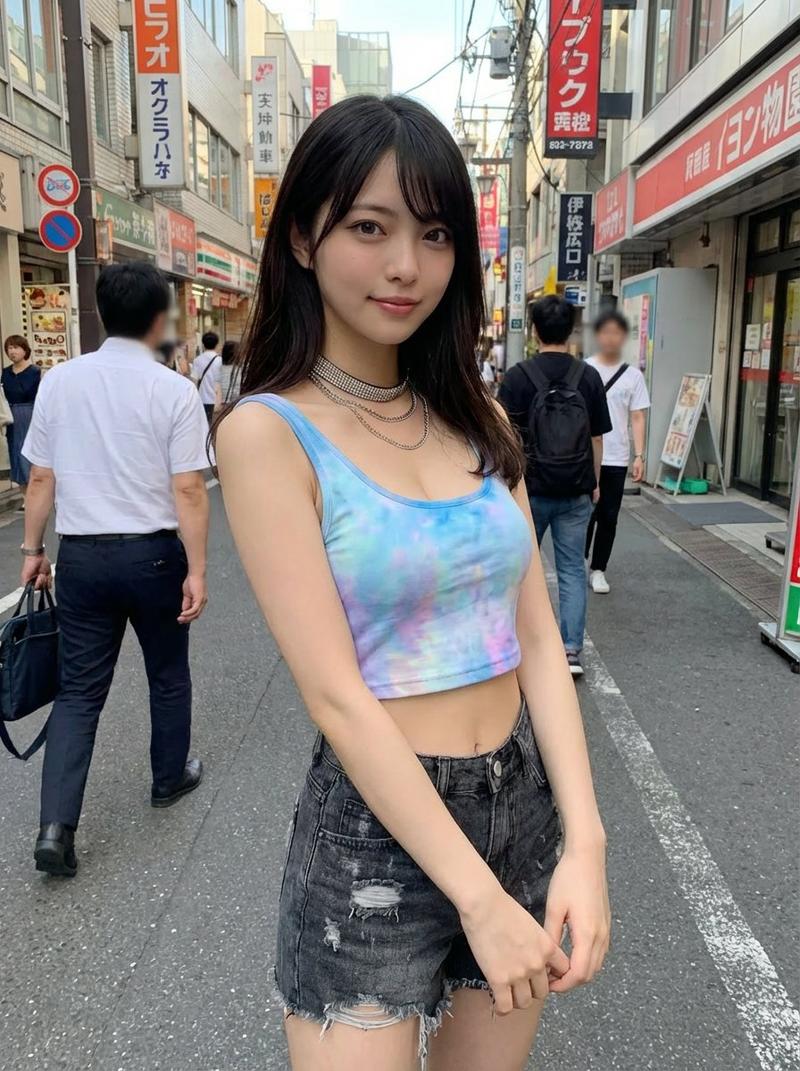
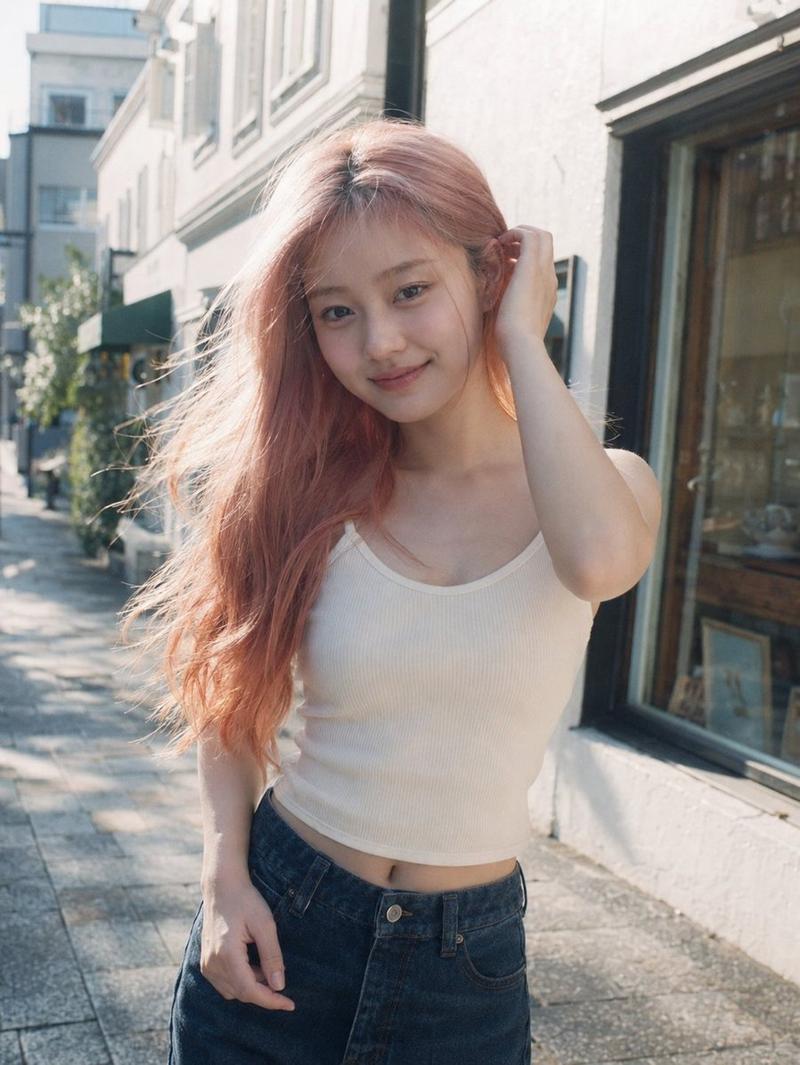
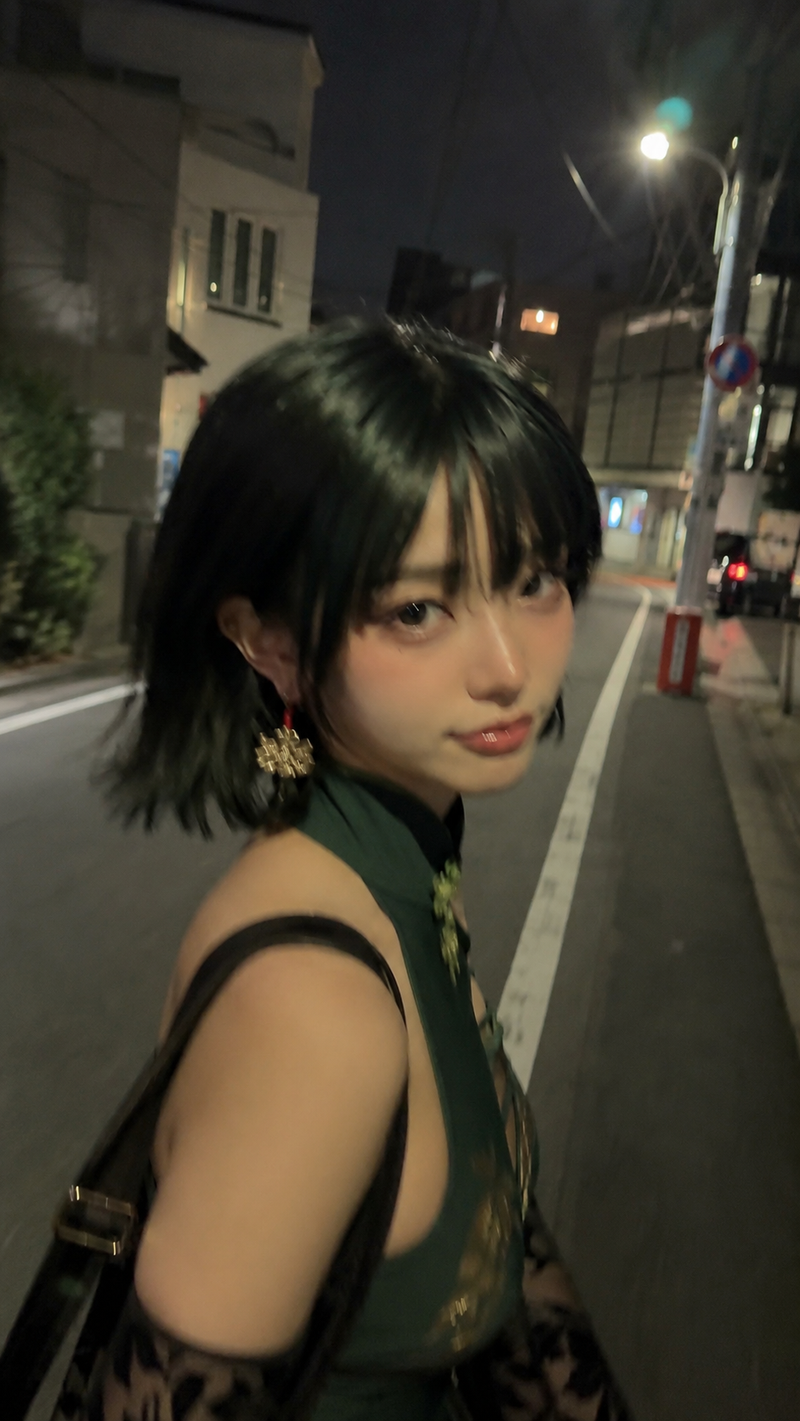
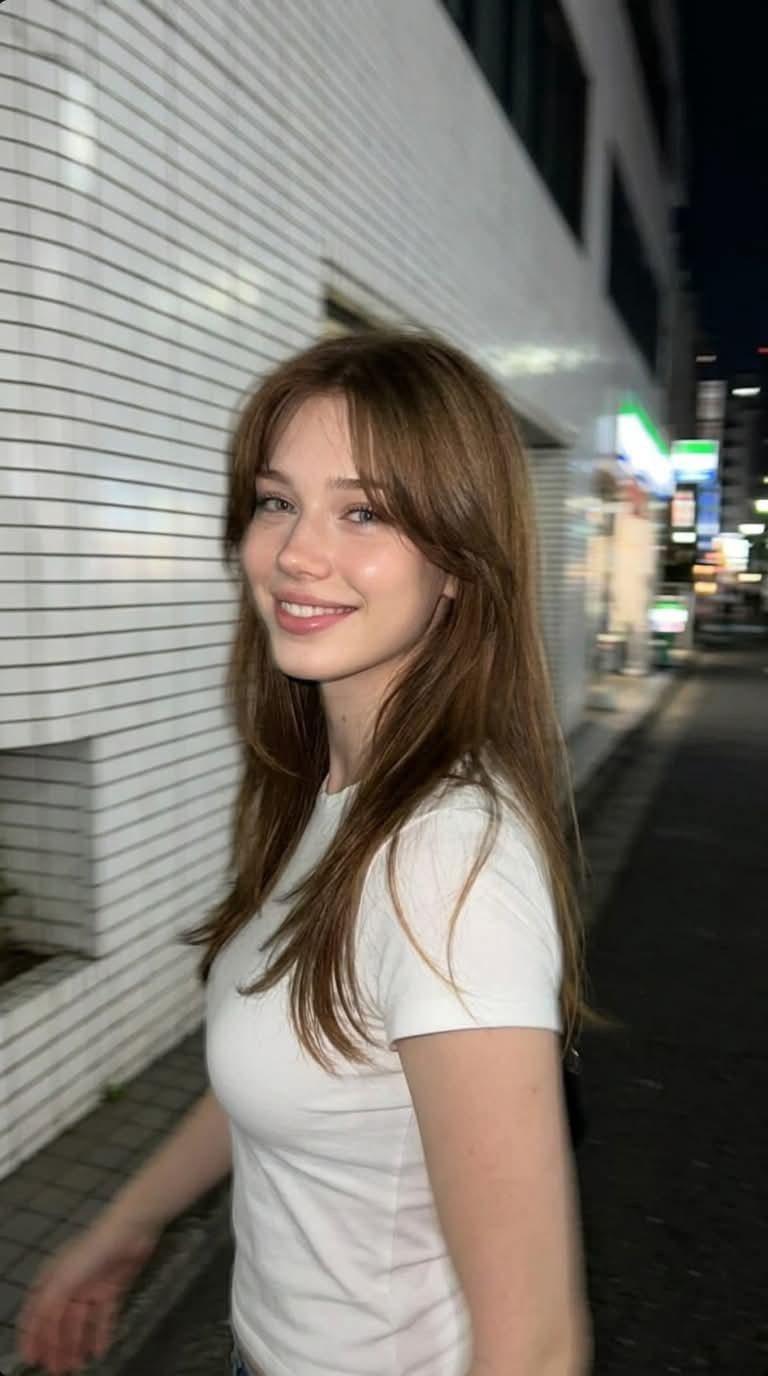
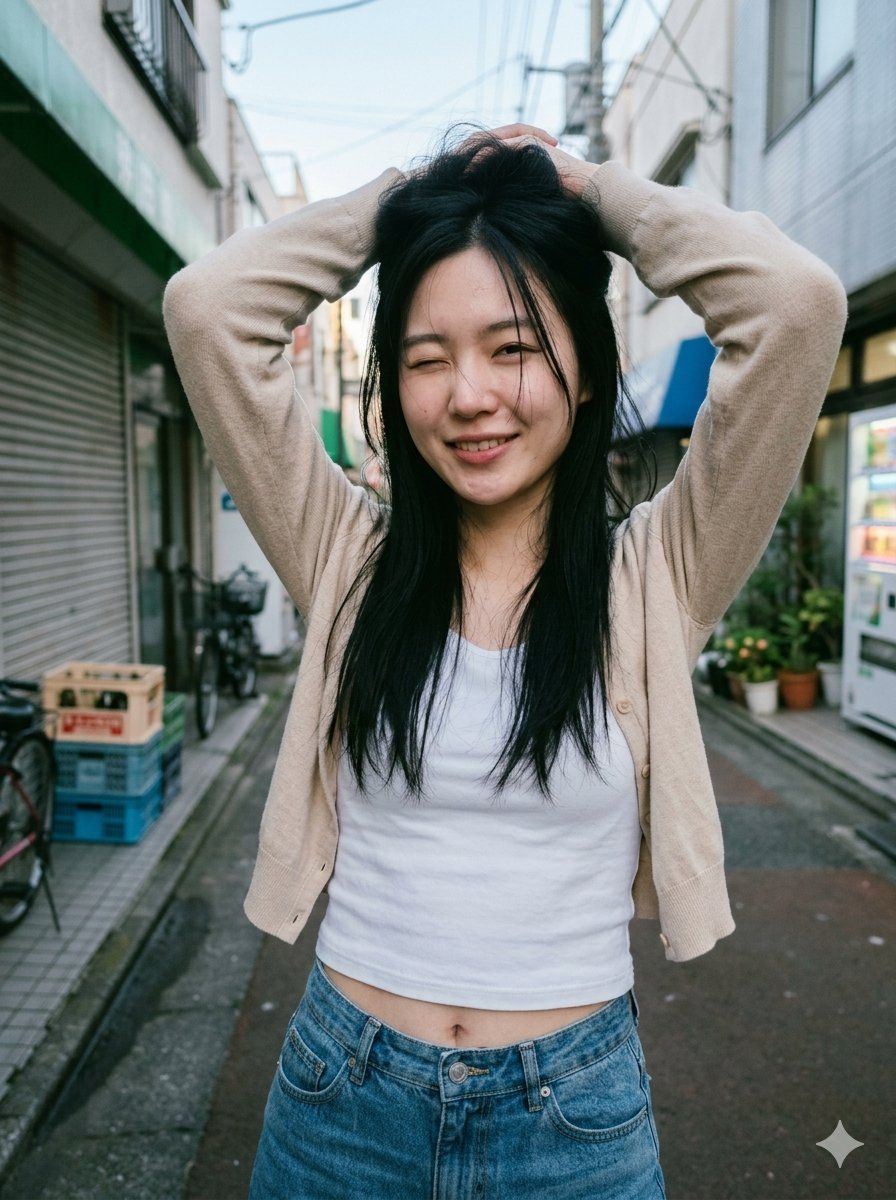
日本小巷人像(面部模糊处理)
Enlarge

日本小巷人像(面部模糊处理)

Prompt
Create a realistic vertical street-fashion photograph of {argument name="subject" default="a young Japanese woman"} standing centered in a narrow urban backstreet in Japan during soft morning daylight. She is shown from about mid-thigh upward, facing the camera, with both arms raised and hands resting on top of her head, giving a playful little-devil smile implied by the pose. Her face is intentionally obscured by a centered soft-edged rectangular blur/mosaic block, while the rest of the image remains sharp and natural. She has long slightly messy {argument name="hair color" default="black hair"} falling over her shoulders and wears a {argument name="outerwear" default="light beige cardigan"} over a fitted {argument name="top" default="white cropped tank top"}, plus high-waisted blue denim jeans with the waist and navel visible. The background is a realistic Japanese alley with low buildings on both sides, a metal shutter storefront and bicycle on the left, stacked crates near the curb, potted plants and a vending machine on the right, overhead utility wires, and shallow depth of field. Use a candid smartphone/editorial photo look, natural skin tones, cool daylight, slightly wide-angle perspective, subtle film grain, no text, no watermark, no extra people.
Category
Charts & Infographics
Model
GPT Image 2
Views5
Source ID
23091
Published
May 28, 2026

Guide

About "日本小巷人像(面部模糊处理)"

What is this prompt for?

"日本小巷人像(面部模糊处理)" AI image prompt for GPT Image 2 (Charts & Infographics). 一个写实的竖版街头时尚摄影提示词,用于创作一位在狭窄日本小巷中摆拍的匿名年轻女性形象。 Copy it on Picva and recreate the look in…

The full copyable prompt and example visuals above are ready for AI image generation or one-click recreate in Picva.

How to use this prompt

  1. Step 1

    Open the prompt detail

    Review the example visuals, category, and full prompt text for "日本小巷人像(面部模糊处理)".

  2. Step 2

    Copy the prompt

    Copy the prompt body from this page, or load it directly in Studio.

  3. Step 3

    Pick a model (GPT Image 2)

    Prefer GPT Image 2. If you switch models, keep subject and composition and tweak style terms.

  4. Step 4

    Generate and export

    Recreate the look in Picva, or export into your workflow for editing and publishing.

FAQ

What is the "日本小巷人像(面部模糊处理)" prompt?
It is an AI image-generation prompt for GPT Image 2 in the Charts & Infographics category. This page includes the full prompt text, example visuals, and a one-click recreate path in Picva.
How do I use this prompt to generate an image?
Copy the prompt from this page, or use Generate / Studio. Paste it into a compatible image model, or recreate the look in Picva with optional reference images.
Which model is this prompt for?
This page lists GPT Image 2. Most descriptive prompts also transfer to nearby image models such as GPT Image, Flux, or Midjourney with light style tweaks.
Can I use the result commercially?
You can usually copy the prompt for creation, but commercial use of the final image depends on the model terms, reference-image rights, and the generated content. Follow the source author and platform rules.