18

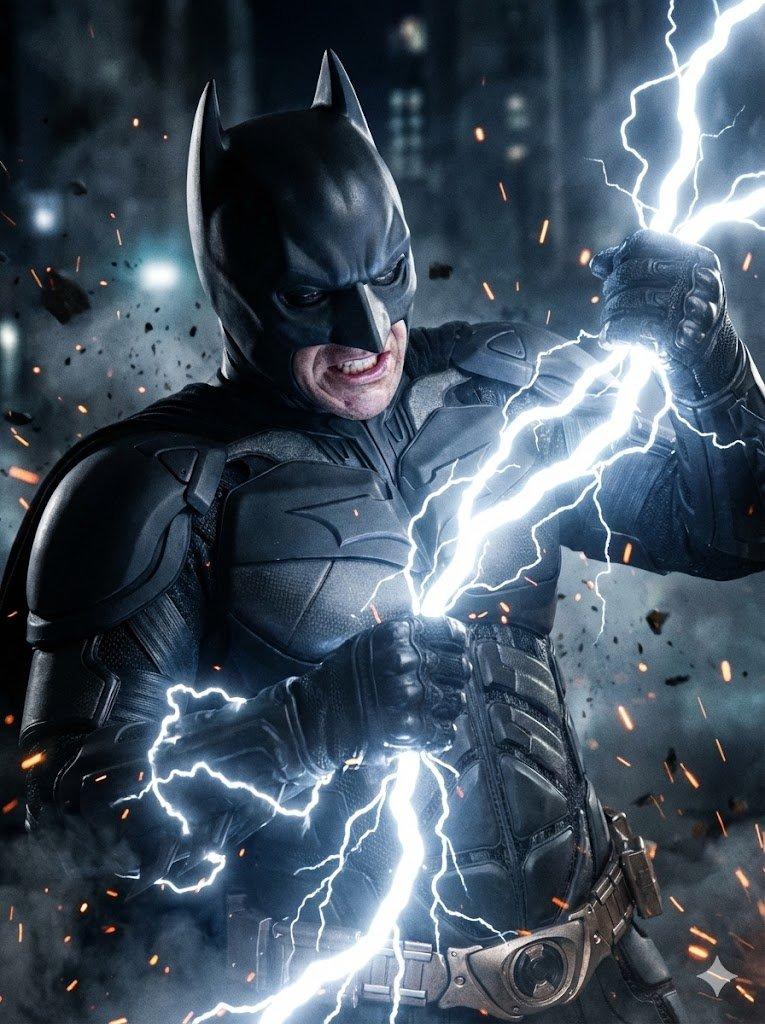
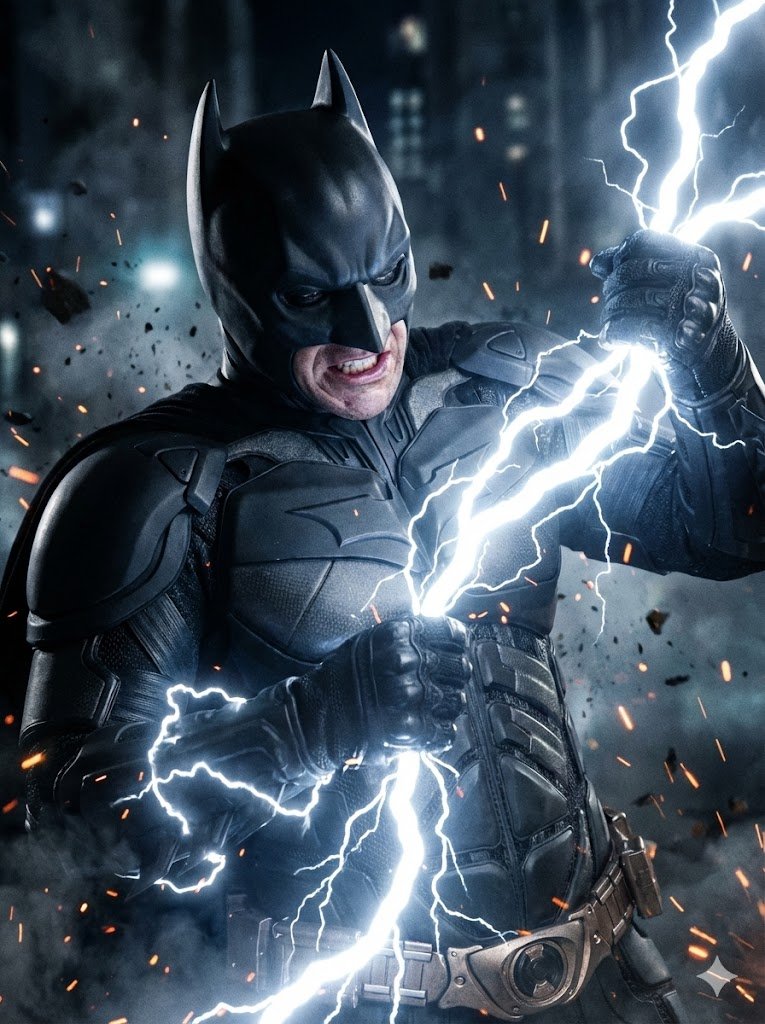
电影感丛林战士握手
Enlarge

电影感丛林战士握手

Prompt
Ultra-realistic cinematic jungle scene at golden hour, a {argument name="subject 1" default="rugged muscular soldier with dirt-covered skin and tactical gear"} standing face-to-face with a {argument name="subject 2" default="massive Predator alien warrior"}, both clasping hands in a warrior handshake, intense mutual respect atmosphere, dense tropical rainforest background, warm sunlight rays through trees, hyper-detailed textures, realistic armor, sci-fi creature design, dramatic shadows, muddy battlefield look, movie still composition, highly detailed skin pores and battle scars, volumetric lighting, epic cinematic mood, shallow depth of field, photorealistic, 8k, Unreal Engine style, dark earthy color palette, action movie poster aesthetic.
Category
Posters & Typography
Model
GPT Image 2
Views9
Source ID
23175
Published
May 29, 2026

Guide

About "电影感丛林战士握手"

What is this prompt for?

"电影感丛林战士握手" AI image prompt for GPT Image 2 (Posters & Typography). 一个史诗般的动作电影场景,展现了一名士兵与一名铁血战士(Predator)在细节丰富的雨林中进行充满敬意的战士握手。 Copy it on Picva and recreate th…

The full copyable prompt and example visuals above are ready for AI image generation or one-click recreate in Picva.

How to use this prompt

  1. Step 1

    Open the prompt detail

    Review the example visuals, category, and full prompt text for "电影感丛林战士握手".

  2. Step 2

    Copy the prompt

    Copy the prompt body from this page, or load it directly in Studio.

  3. Step 3

    Pick a model (GPT Image 2)

    Prefer GPT Image 2. If you switch models, keep subject and composition and tweak style terms.

  4. Step 4

    Generate and export

    Recreate the look in Picva, or export into your workflow for editing and publishing.

FAQ

What is the "电影感丛林战士握手" prompt?
It is an AI image-generation prompt for GPT Image 2 in the Posters & Typography category. This page includes the full prompt text, example visuals, and a one-click recreate path in Picva.
How do I use this prompt to generate an image?
Copy the prompt from this page, or use Generate / Studio. Paste it into a compatible image model, or recreate the look in Picva with optional reference images.
Which model is this prompt for?
This page lists GPT Image 2. Most descriptive prompts also transfer to nearby image models such as GPT Image, Flux, or Midjourney with light style tweaks.
Can I use the result commercially?
You can usually copy the prompt for creation, but commercial use of the final image depends on the model terms, reference-image rights, and the generated content. Follow the source author and platform rules.