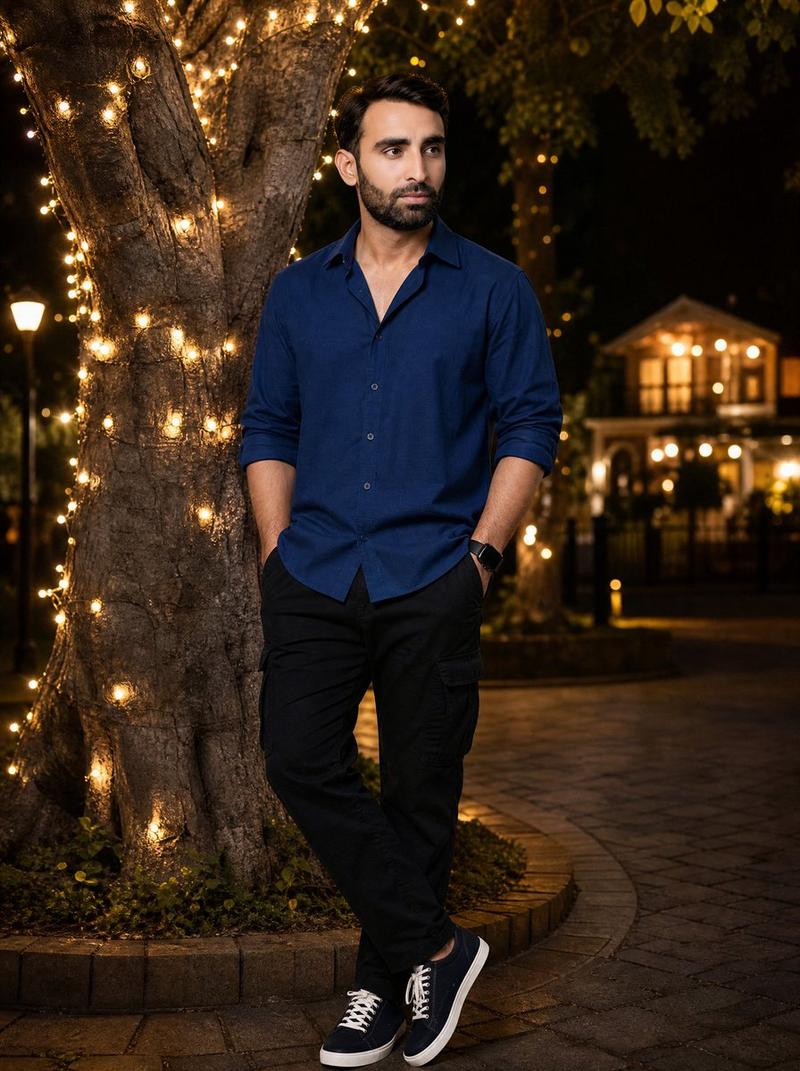
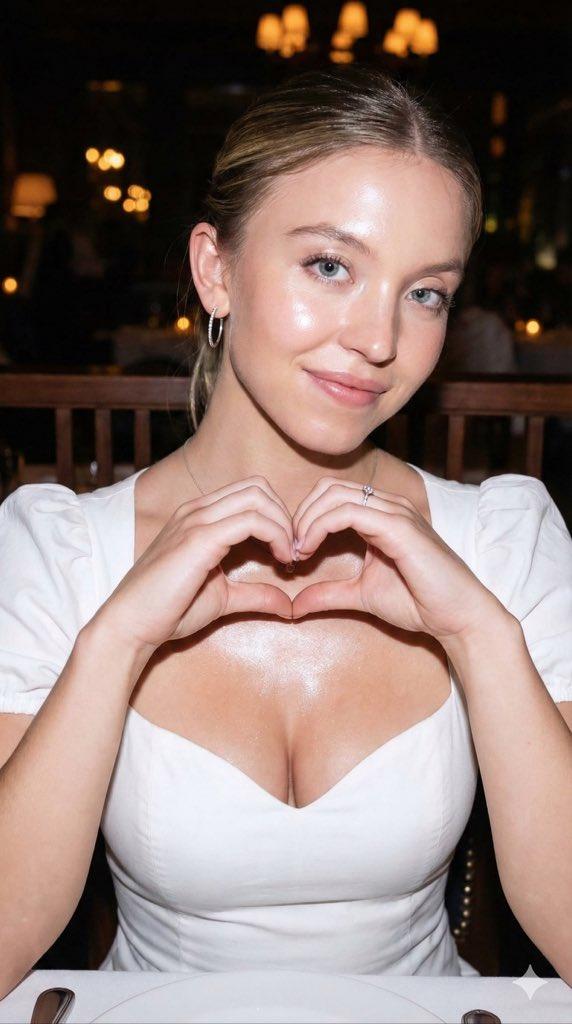
浪漫夜间公园情侣肖像
Prompt
Create an ultra-realistic cinematic vertical 4:5 full-body couple portrait in a dreamy nighttime park. A handsome {argument name="male subject" default="young man"} sits relaxed in a woven outdoor chair in the foreground, wearing a deep navy button-up shirt with sleeves rolled to the forearms, black cargo jogger pants, navy canvas sneakers with white laces, and a black smartwatch. Behind him, a {argument name="female subject" default="young woman"} leans over his shoulders in a romantic pose, wearing a dark purple embroidered traditional-style outfit; her arms wrap around his neck and both people combine their hands in front of his chest to form a heart shape. Keep both faces natural, realistic, and identity-consistent if using specific people, with warm affectionate body language. The setting is a luxurious evening garden or park with a stone pathway, a distant warmly lit house on the left, soft glowing lampposts, lush dark greenery, and a massive tree trunk on the right wrapped with many warm golden fairy lights. Include one glossy red heart-shaped table or stool in the lower right foreground, reflecting the string lights. Use shallow depth of field, creamy bokeh, warm amber lighting, cinematic contrast, realistic skin tones, detailed fabric texture, natural shadows, and a high-end DSLR portrait look. Composition should center the seated man and embrace, show the full body down to the shoes, and frame the couple against the illuminated tree. No text, no watermark, no extra people, no distorted hands, no deformed limbs.- Category
- Charts & Infographics
- Model
- GPT Image 2
- Creator
- Mr. Tariq
- Source ID
- 23868
- Published
- Jun 2, 2026
Views8