20

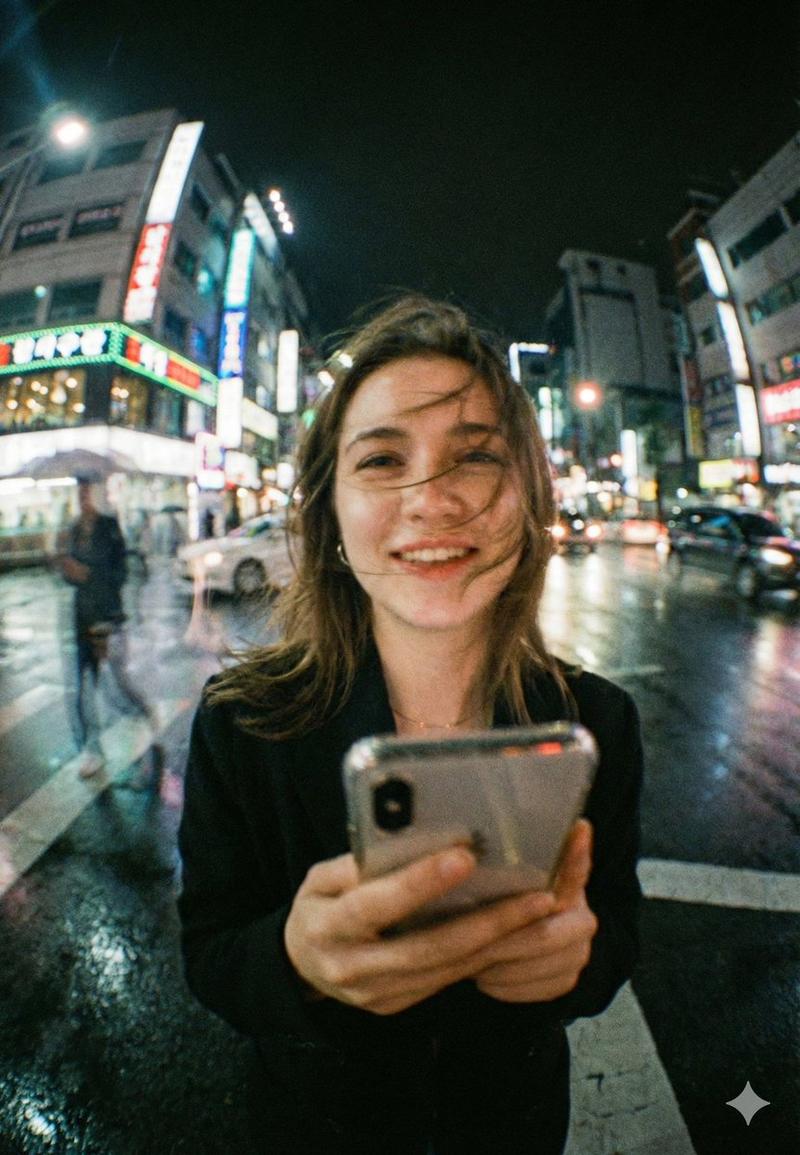
霓虹城市人像与面部遮挡
Enlarge

Example images

霓虹城市人像与面部遮挡

Prompt
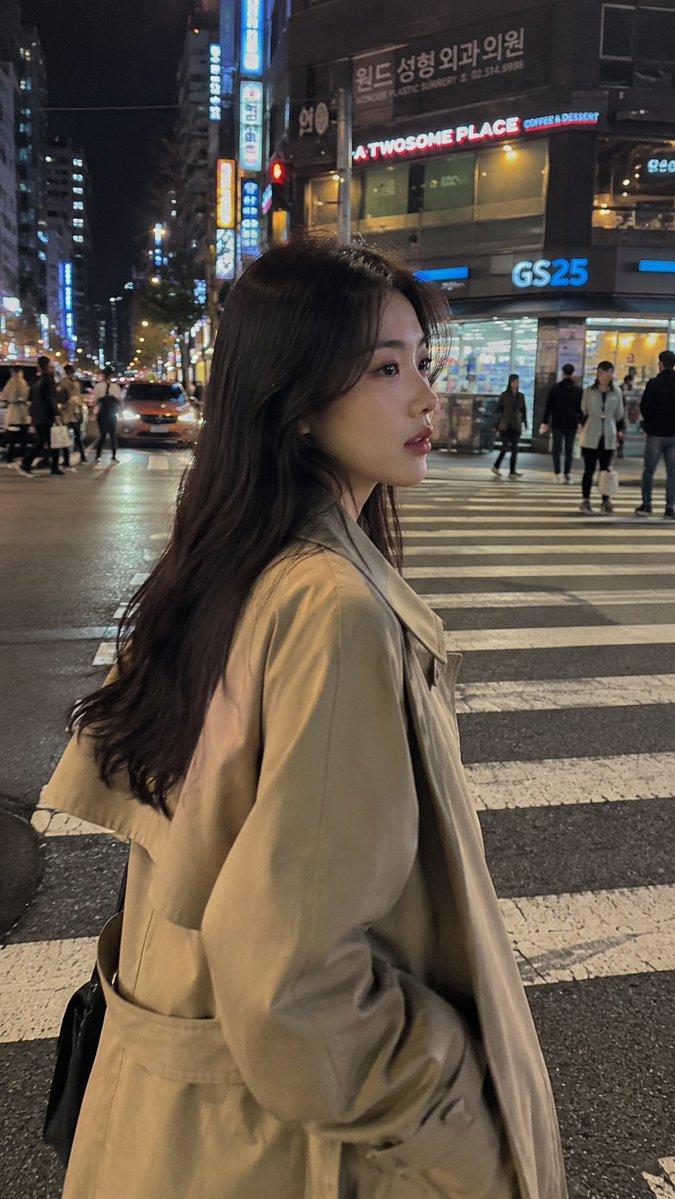
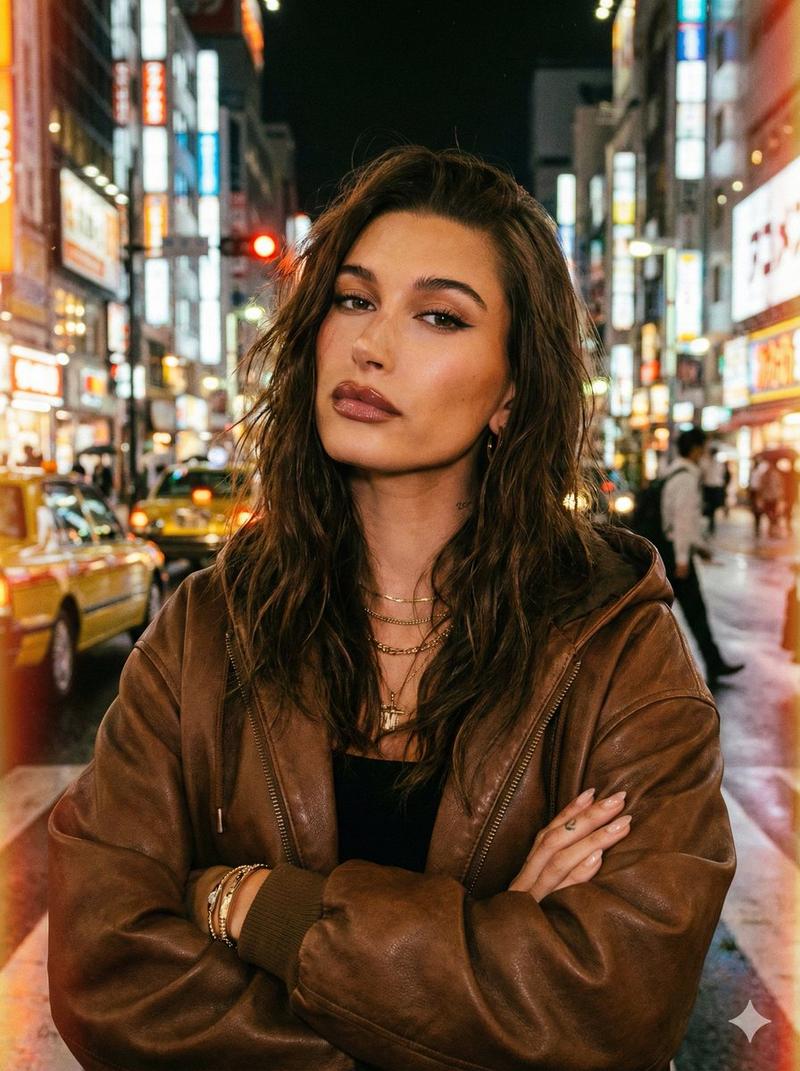
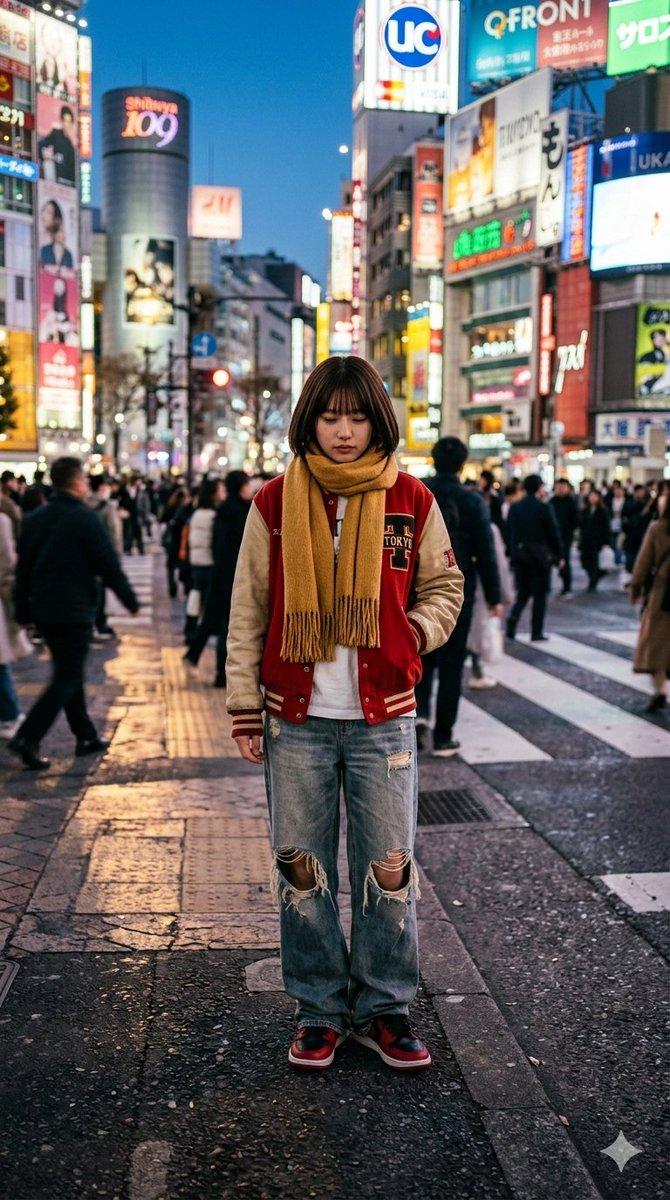
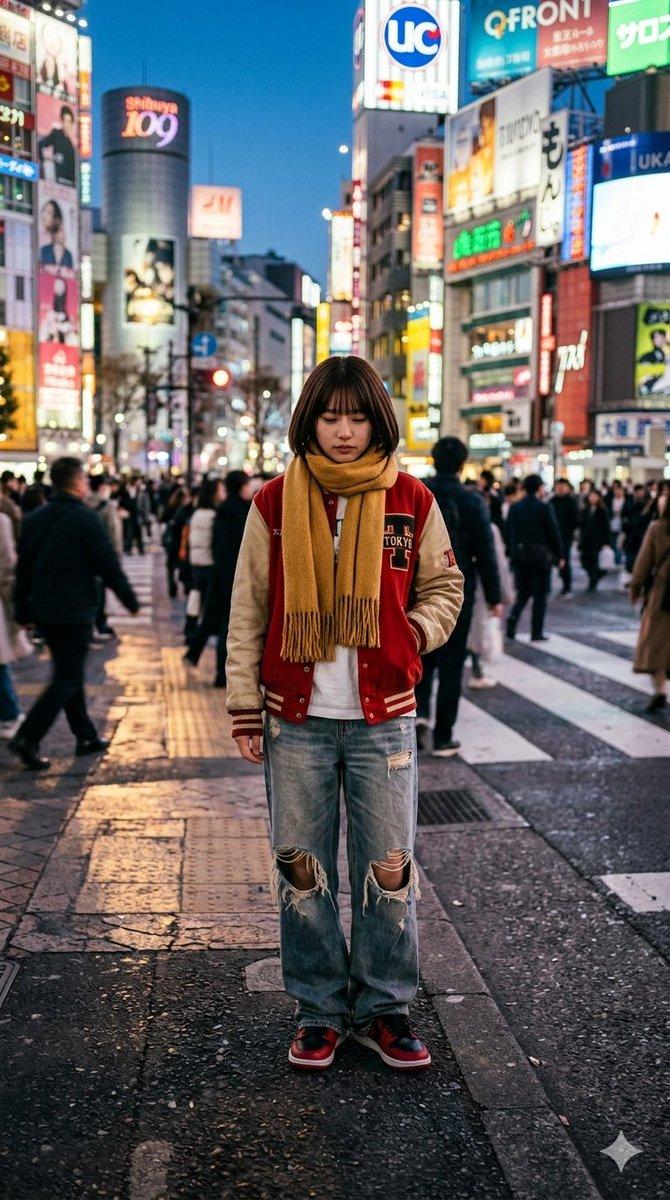
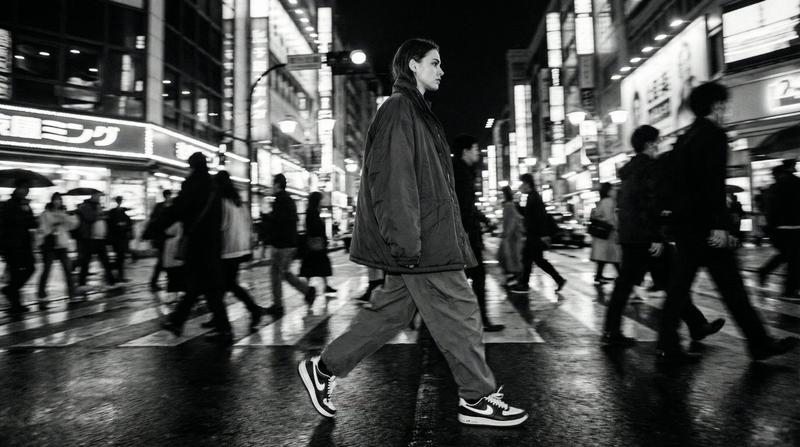
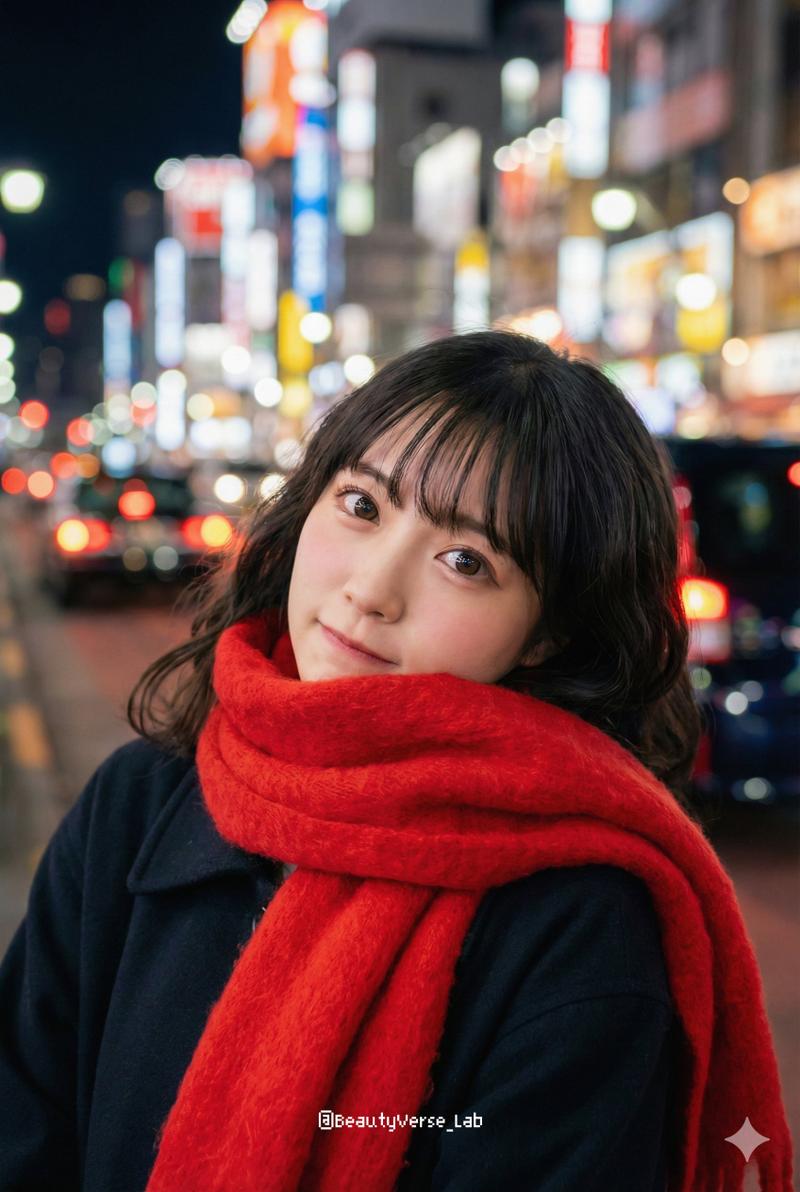
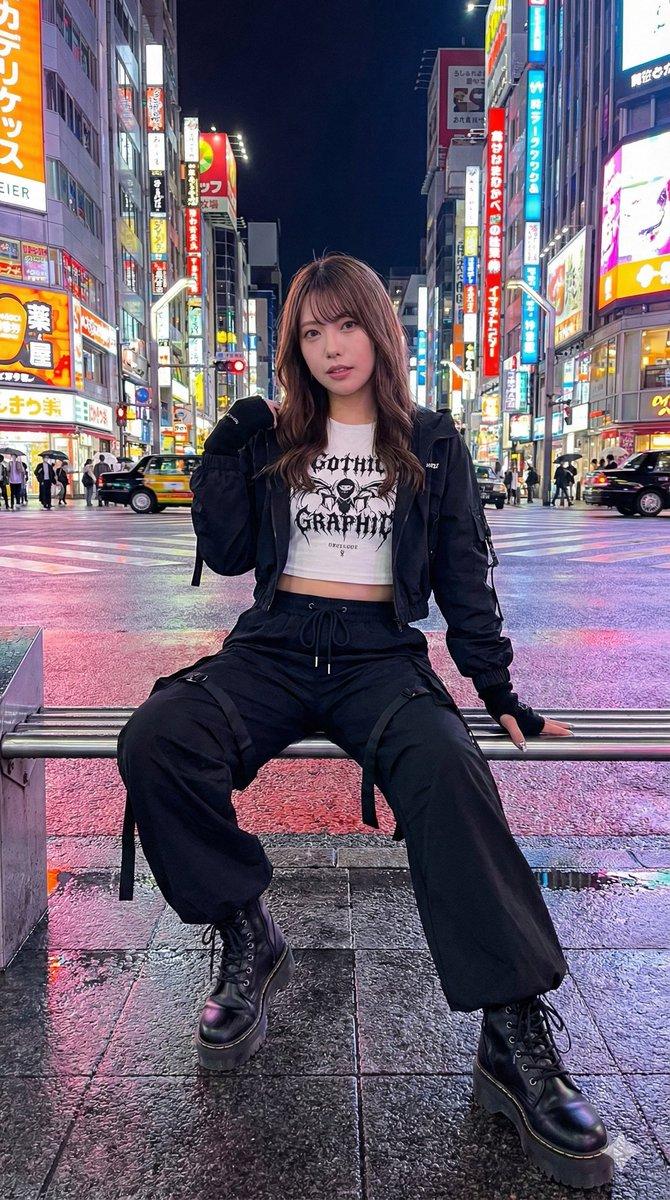
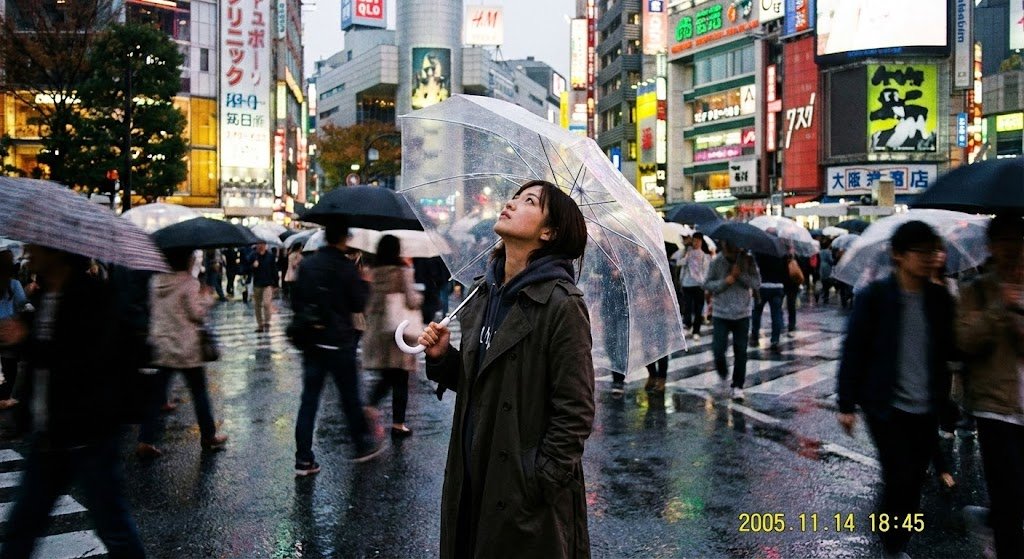
Create a realistic vertical street-photography portrait of a young woman standing at a busy city crosswalk at dusk or early evening, in a neon-lit Japanese entertainment district resembling Shibuya or Shinjuku. She is shown from the chest up in a three-quarter side pose, looking toward the left side of the frame, with long wavy {argument name="hair color" default="dark brown to black hair"} falling over her shoulders. She wears a thick textured {argument name="coat color" default="black wool coat"} with a wide collar and a single long dangling silver earring visible on her right ear. Her face is deliberately covered by one centered opaque square privacy block, colored muted brown, hiding the entire facial area from forehead to chin. The background shows a zebra crossing with blurred pedestrians, tall buildings, glowing vertical shop signs, colorful red, yellow, blue, and white neon lights, and strong bokeh from a shallow depth of field. Use natural handheld photography, 50mm lens feel, soft ambient city light, realistic fabric texture, cinematic urban atmosphere, subject sharply focused while the background is heavily blurred. Vertical 2:3 composition, no text, no watermark, no extra people in focus.
Category
Charts & Infographics
Model
GPT Image 2
Views3
Source ID
24027
Published
Jun 3, 2026

Guide

About "霓虹城市人像与面部遮挡"

What is this prompt for?

"霓虹城市人像与面部遮挡" AI image prompt for GPT Image 2 (Charts & Infographics). 一张写实的城市夜景人像,描绘了一位站在霓虹灯闪烁的人行横道上的女性,其面部被一个隐私方块遮挡,适用于匿名街头摄影概念。 Copy it on Picva and recreat…

The full copyable prompt and example visuals above are ready for AI image generation or one-click recreate in Picva.

How to use this prompt

  1. Step 1

    Open the prompt detail

    Review the example visuals, category, and full prompt text for "霓虹城市人像与面部遮挡".

  2. Step 2

    Copy the prompt

    Copy the prompt body from this page, or load it directly in Studio.

  3. Step 3

    Pick a model (GPT Image 2)

    Prefer GPT Image 2. If you switch models, keep subject and composition and tweak style terms.

  4. Step 4

    Generate and export

    Recreate the look in Picva, or export into your workflow for editing and publishing.

FAQ

What is the "霓虹城市人像与面部遮挡" prompt?
It is an AI image-generation prompt for GPT Image 2 in the Charts & Infographics category. This page includes the full prompt text, example visuals, and a one-click recreate path in Picva.
How do I use this prompt to generate an image?
Copy the prompt from this page, or use Generate / Studio. Paste it into a compatible image model, or recreate the look in Picva with optional reference images.
Which model is this prompt for?
This page lists GPT Image 2. Most descriptive prompts also transfer to nearby image models such as GPT Image, Flux, or Midjourney with light style tweaks.
Can I use the result commercially?
You can usually copy the prompt for creation, but commercial use of the final image depends on the model terms, reference-image rights, and the generated content. Follow the source author and platform rules.