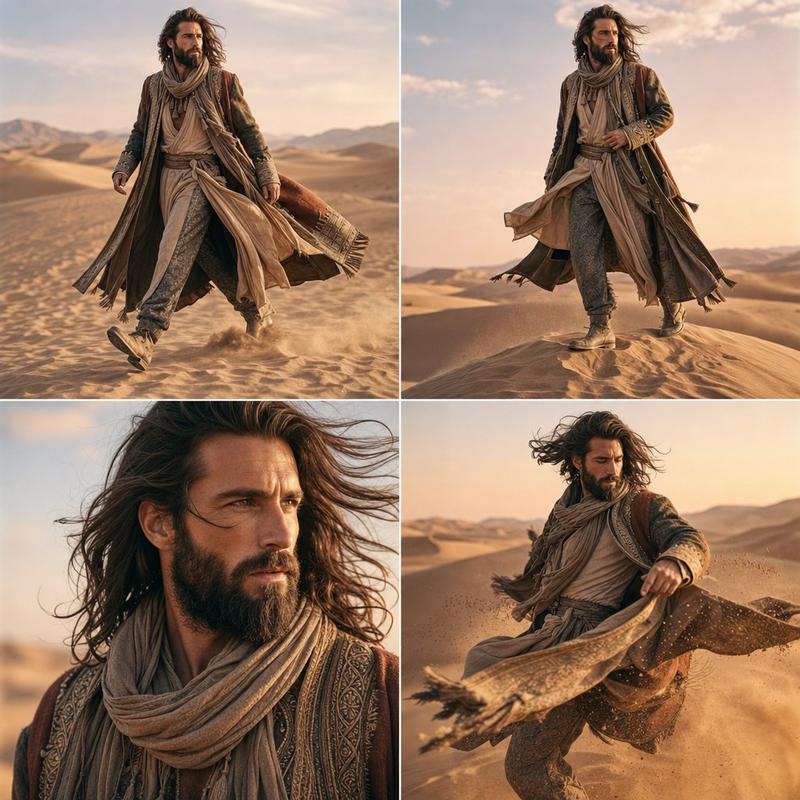
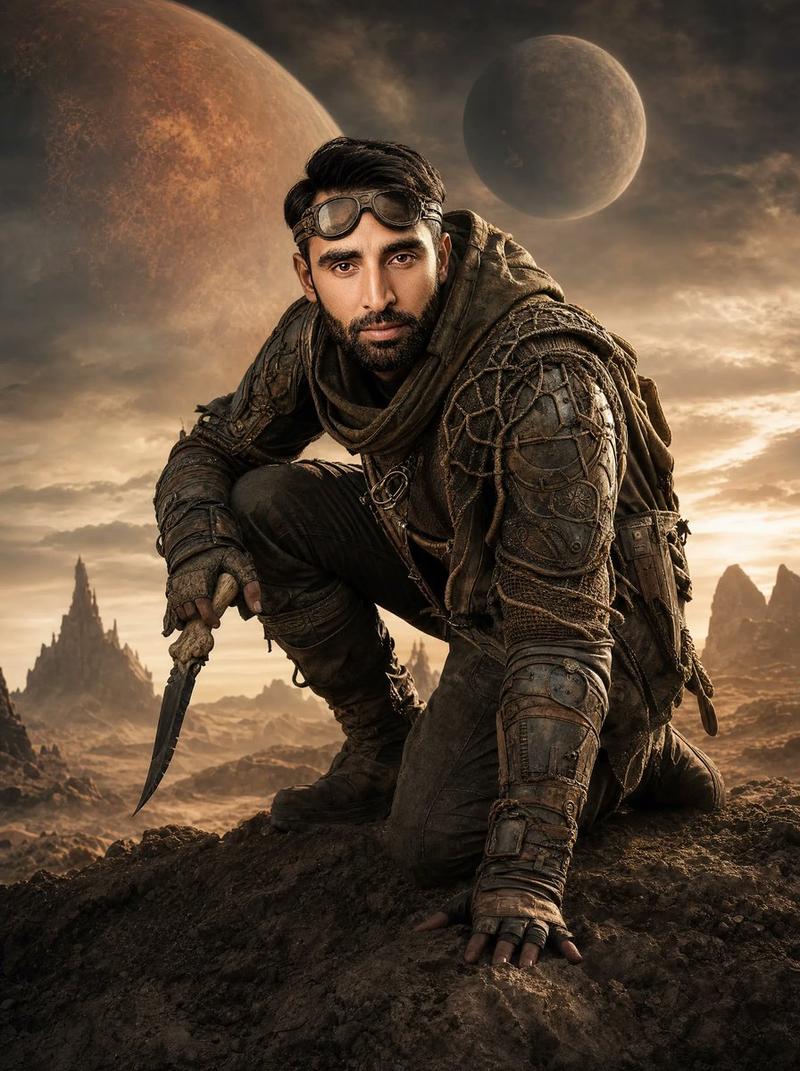
沙漠流浪者照片拼贴
Prompt
Goal: Create a cinematic five-panel character photo collage of {argument name="character name" default="a rugged male desert wanderer"} in a vast sand-dune landscape at sunset, with a travel-fashion editorial and film-still mood.

Canvas: Wide horizontal 16:9 collage, approximately 1200×675. Use thin clean white gutters between panels. Warm golden-hour lighting, dramatic orange sunset sky, distant mountains, rippled desert sand, high dynamic range, realistic photography, shallow depth of field where appropriate.

Layout: Use exactly 5 image panels. The left half is one large vertical portrait panel occupying the full height. The right half is divided into four smaller panels in a 2×2 grid.

Panel 1, large left portrait: Close-up seated three-quarter portrait of the man in the desert, cropped from thighs to head. He has dark curly hair, light stubble, tanned skin, and a rugged expression, but his face is covered by a flat opaque rectangular censor block in warm dark brown. He wears a weathered olive-green hooded parka, dusty beige T-shirt, loose cargo pants, wristwatch, bracelets, rings, and a pendant necklace. His hands rest casually on his knees, sunset rim light outlining his jacket and hair.

Panel 2, top middle: Full-body shot of the same man walking toward camera across rippled dunes at sunset, coat tails blowing in the wind, boots kicking up small puffs of sand. His face is also obscured by the same brown rectangular block.

Panel 3, top right: Full-body standing pose on a dune ridge, one hand in pocket, turned slightly to the side, long parka moving in the breeze, warm sky behind him. His face is obscured by a matching brown rectangle.

Panel 4, bottom middle: Seated desert pose, leaning back with one hand on the sand and one knee raised, relaxed and cinematic, dunes and mountains behind him. His face is blurred or covered with a small brown face-obscuring block.

Panel 5, bottom right: Rear view of the man walking away along a dune crest toward the sunset, parka trailing behind, no face visible, silhouetted by orange sky and distant mountains.

Subject details: The character wears {argument name="outerwear" default="a distressed olive-green hooded parka"}, a dusty beige shirt, olive cargo pants, tan lace-up boots, layered bracelets, rings, a dark wristwatch, and a pendant necklace. Hair is {argument name="hair style" default="short dark curly hair"}. Overall palette is {argument name="color palette" default="warm amber sunset, olive green, beige sand, and smoky blue shadows"}.

Visual style: Ultra-realistic cinematic fashion photography, 35mm editorial look, detailed fabric texture, windblown clothing, natural pose variety, crisp sand texture, dramatic sunset backlight, soft bokeh in close-up, consistent character and outfit across all panels.

Constraints: Use exactly five panels and no text. Keep the same character, outfit, desert setting, and sunset lighting consistent throughout. Include the opaque brown rectangular face-obscuring block on all visible frontal faces. No logos, no watermark, no extra people, no vehicles, no modern city elements.- Category
- Brand & Logos
- Model
- GPT Image 2
- Creator
- Cherry 2.O
- Source ID
- 24991
- Published
- Jun 10, 2026
Views0