12

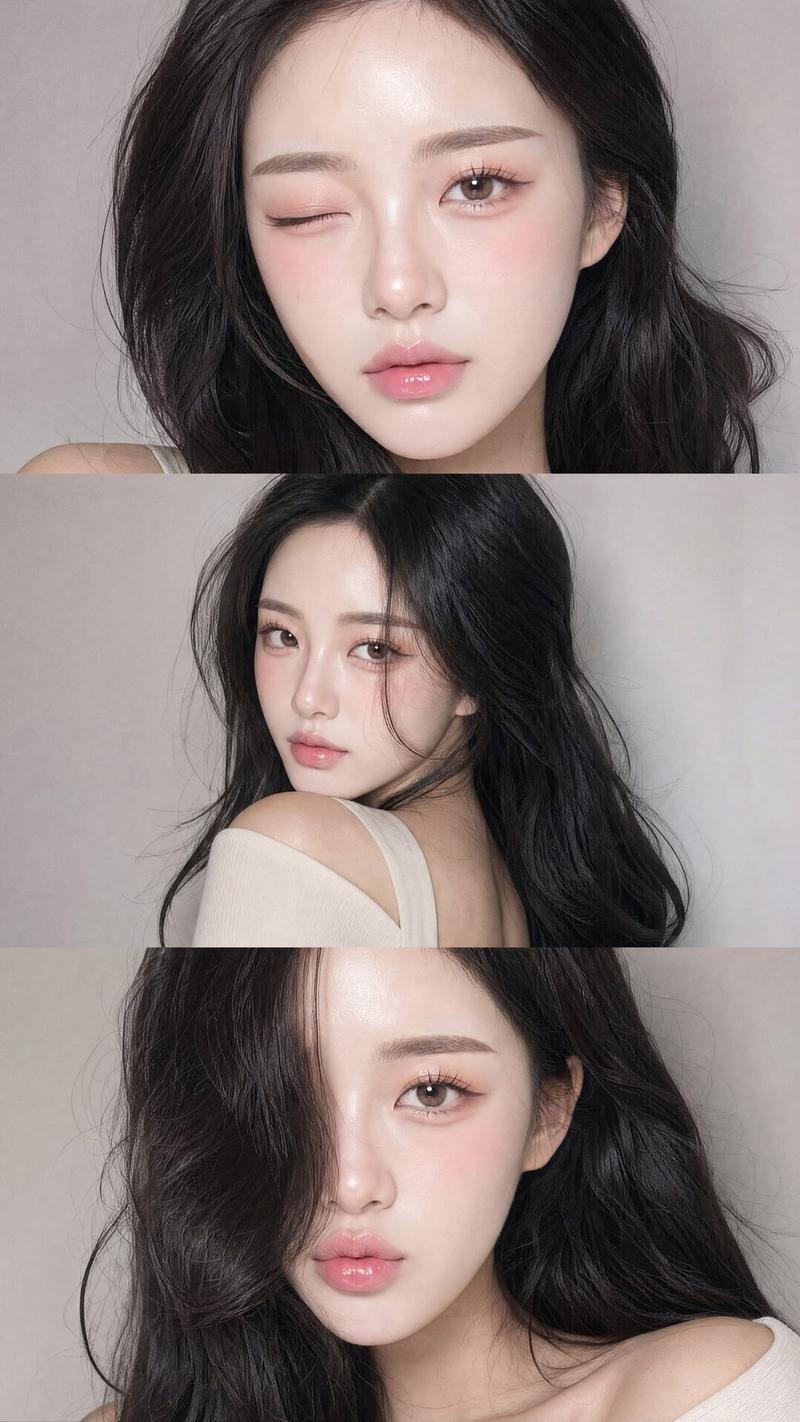
Z 世代闪光灯自拍拼贴画
Enlarge

Example images

Z 世代闪光灯自拍拼贴画

Prompt
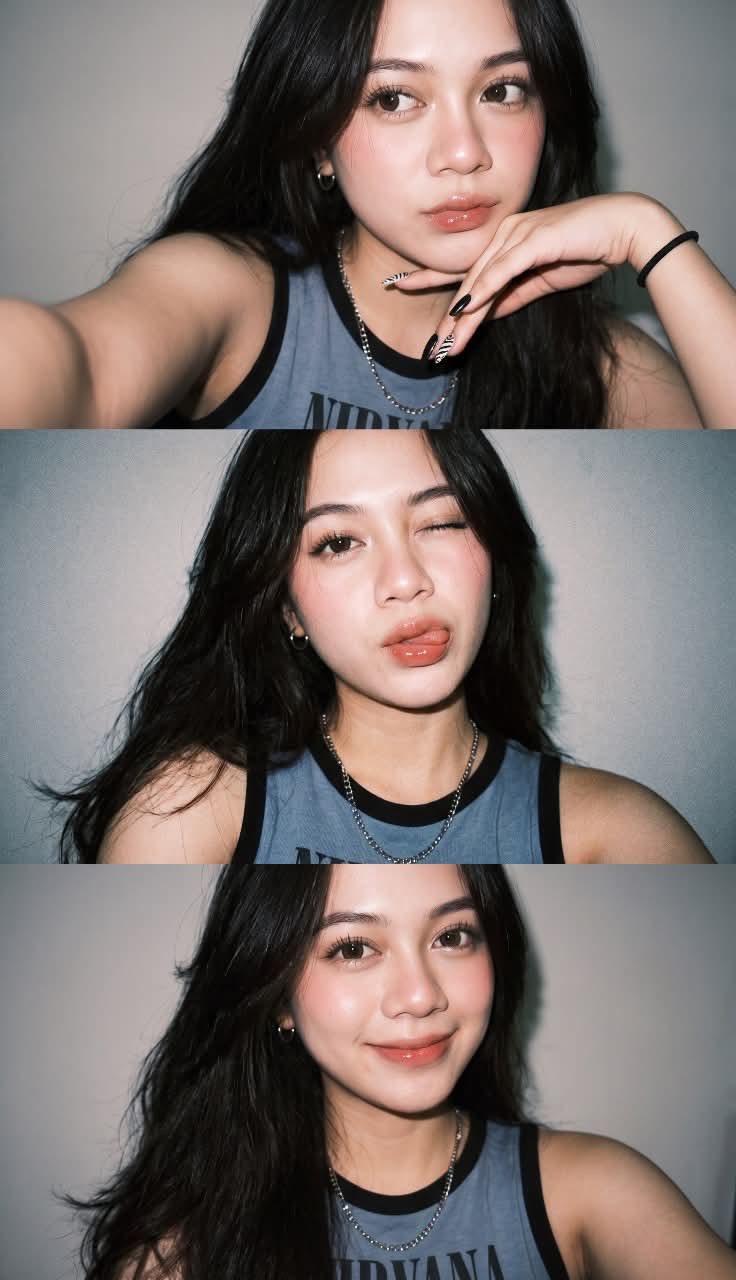
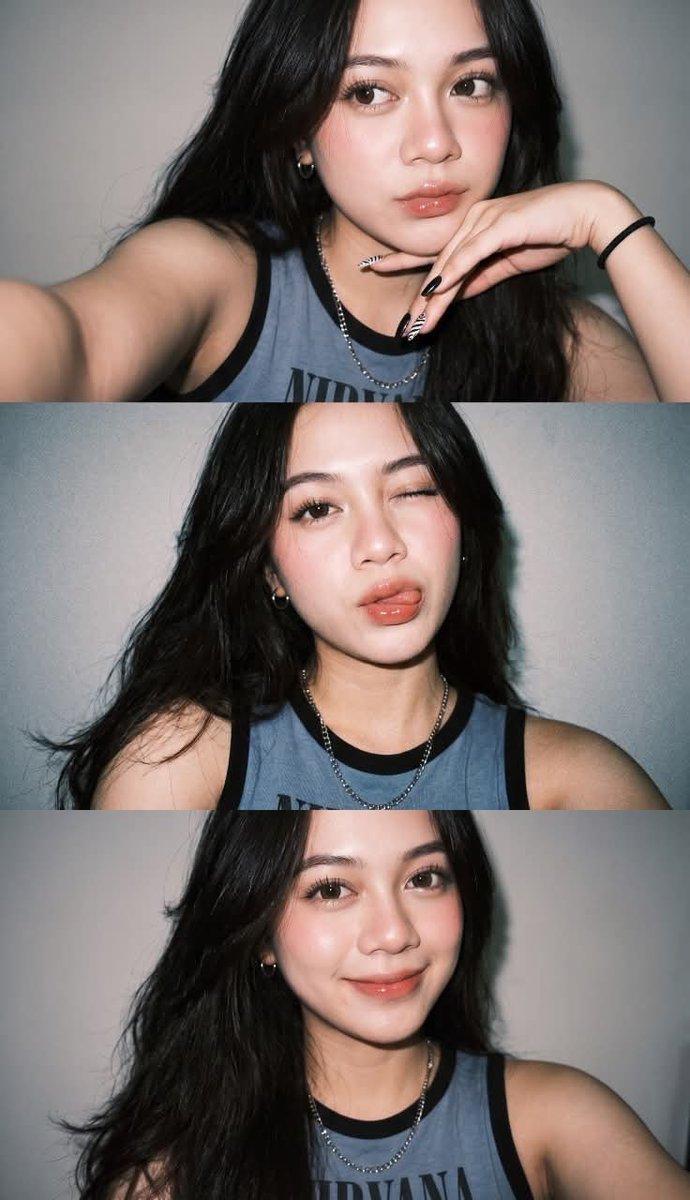
Ultra-realistic Gen Z selfie photo collage, three vertical smartphone flash selfies of a {argument name="subject" default="young woman with long wavy black hair"}, soft dewy glass skin, rosy blush, glossy peach lips, natural makeup, wearing a {argument name="outfit" default="faded blue-gray sleeveless Nirvana tank top"}, silver chain necklace, black nail polish with nail art, posing with hand under chin, playful wink with tongue out, and {argument name="mood" default="warm smiling expression"}. Direct front-facing flash photography, clean light gray wall background, high contrast shadows, candid Instagram aesthetic, sharp facial details, shallow depth of field, Y2K vibe, soft skin texture, photorealistic, 35mm lens, high resolution.

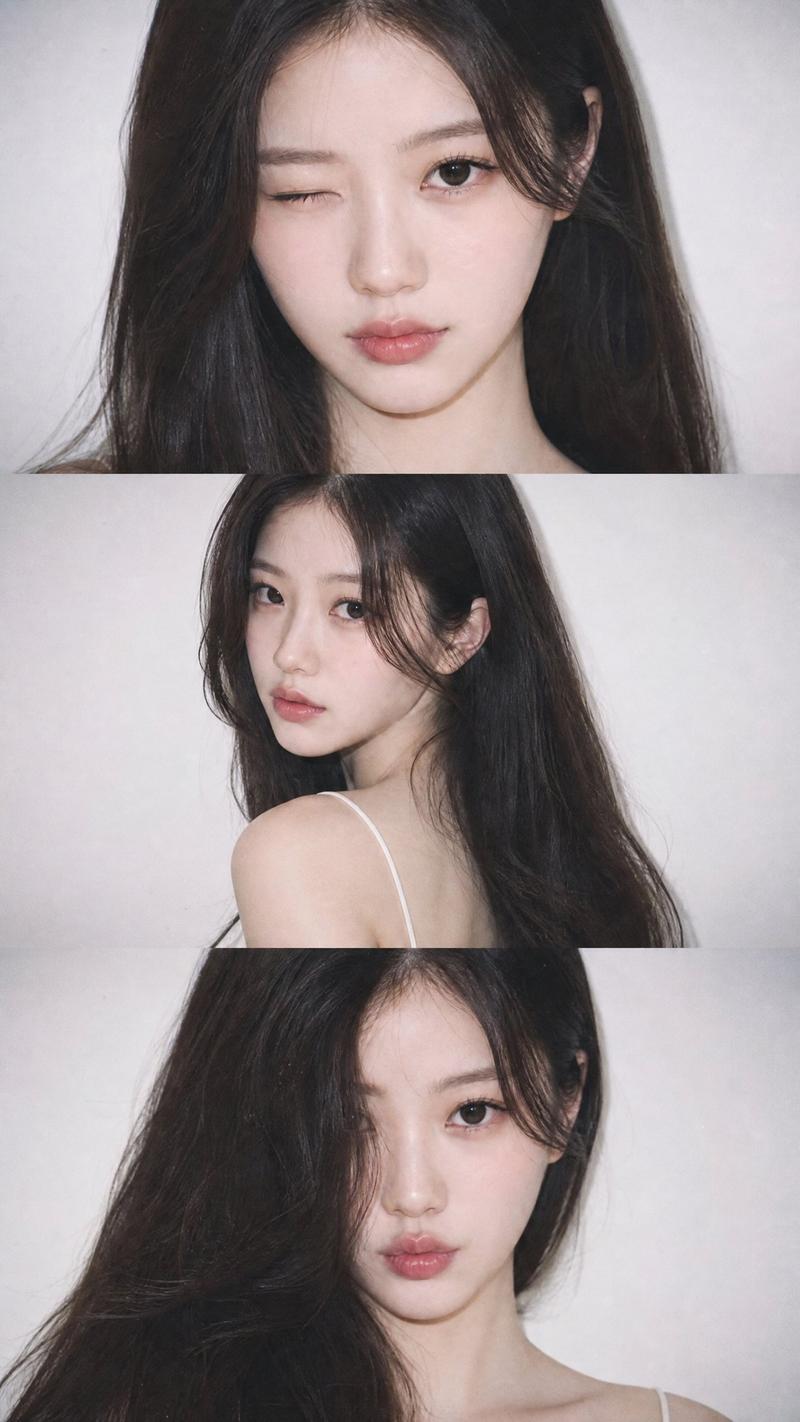
Ultra-realistic late-night flash selfie collage, three stacked smartphone photos of a young woman with shoulder-length dark hair, luminous skin, subtle blush, glossy pink lips, natural Korean-inspired makeup, wearing a blue-gray sleeveless tank top, silver chain necklace, resting face on hand, playful wink, looking sideways, and kissing-face expression. Direct camera flash creating bright highlights and deep shadows, dim indoor bedroom background, casual candid selfie aesthetic, soft messy hair, photorealistic skin texture, high detail eyes and lips, Instagram/Tumblr vibe, 35mm photography, realistic lighting, ultra-sharp focus, high resolution.
Category
Architecture & Spaces
Model
GPT Image 2
Creator
Jahan Zaib
Views0
Source ID
25483
Published
Jun 13, 2026

Guide

About "Z 世代闪光灯自拍拼贴画"

What is this prompt for?

"Z 世代闪光灯自拍拼贴画" AI image prompt for GPT Image 2 (Architecture & Spaces). 两个用于创作具有 Y2K/Instagram 风格的写实潮流智能手机自拍拼贴画的提示词。 Copy it on Picva and recreate the look in…

The full copyable prompt and example visuals above are ready for AI image generation or one-click recreate in Picva.

How to use this prompt

  1. Step 1

    Open the prompt detail

    Review the example visuals, category, and full prompt text for "Z 世代闪光灯自拍拼贴画".

  2. Step 2

    Copy the prompt

    Copy the prompt body from this page, or load it directly in Studio.

  3. Step 3

    Pick a model (GPT Image 2)

    Prefer GPT Image 2. If you switch models, keep subject and composition and tweak style terms.

  4. Step 4

    Generate and export

    Recreate the look in Picva, or export into your workflow for editing and publishing.

FAQ

What is the "Z 世代闪光灯自拍拼贴画" prompt?
It is an AI image-generation prompt for GPT Image 2 in the Architecture & Spaces category. This page includes the full prompt text, example visuals, and a one-click recreate path in Picva.
How do I use this prompt to generate an image?
Copy the prompt from this page, or use Generate / Studio. Paste it into a compatible image model, or recreate the look in Picva with optional reference images.
Which model is this prompt for?
This page lists GPT Image 2. Most descriptive prompts also transfer to nearby image models such as GPT Image, Flux, or Midjourney with light style tweaks.
Can I use the result commercially?
You can usually copy the prompt for creation, but commercial use of the final image depends on the model terms, reference-image rights, and the generated content. Follow the source author and platform rules.