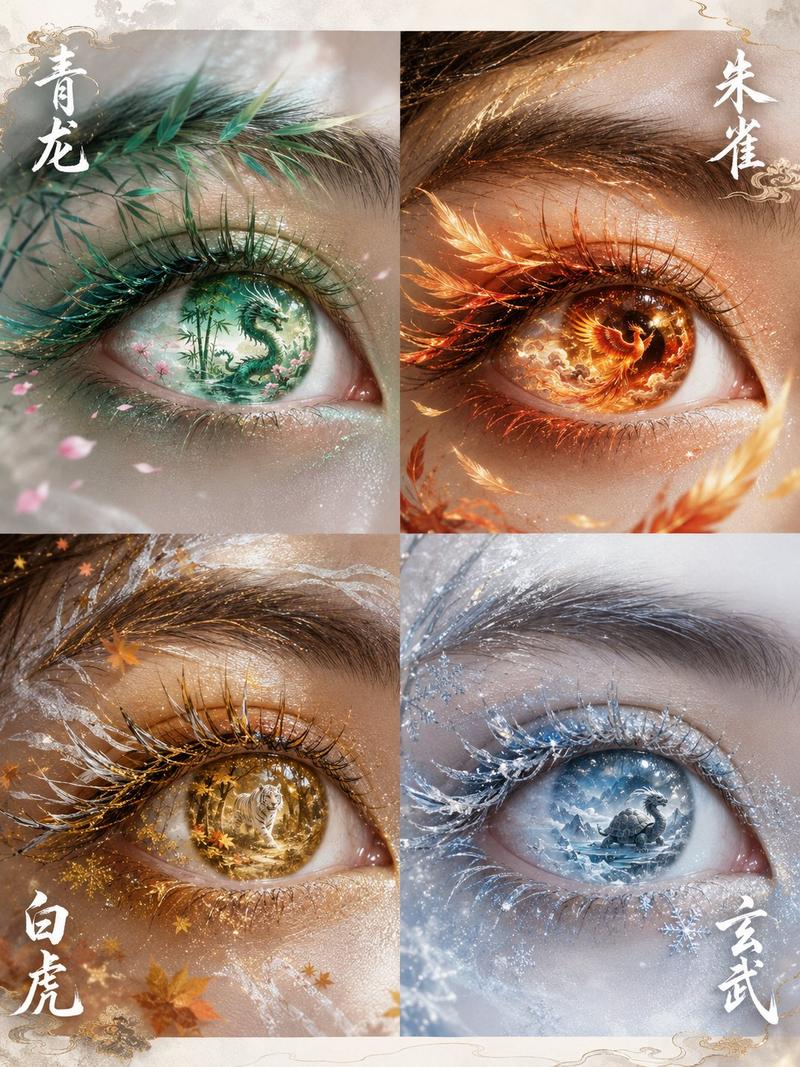
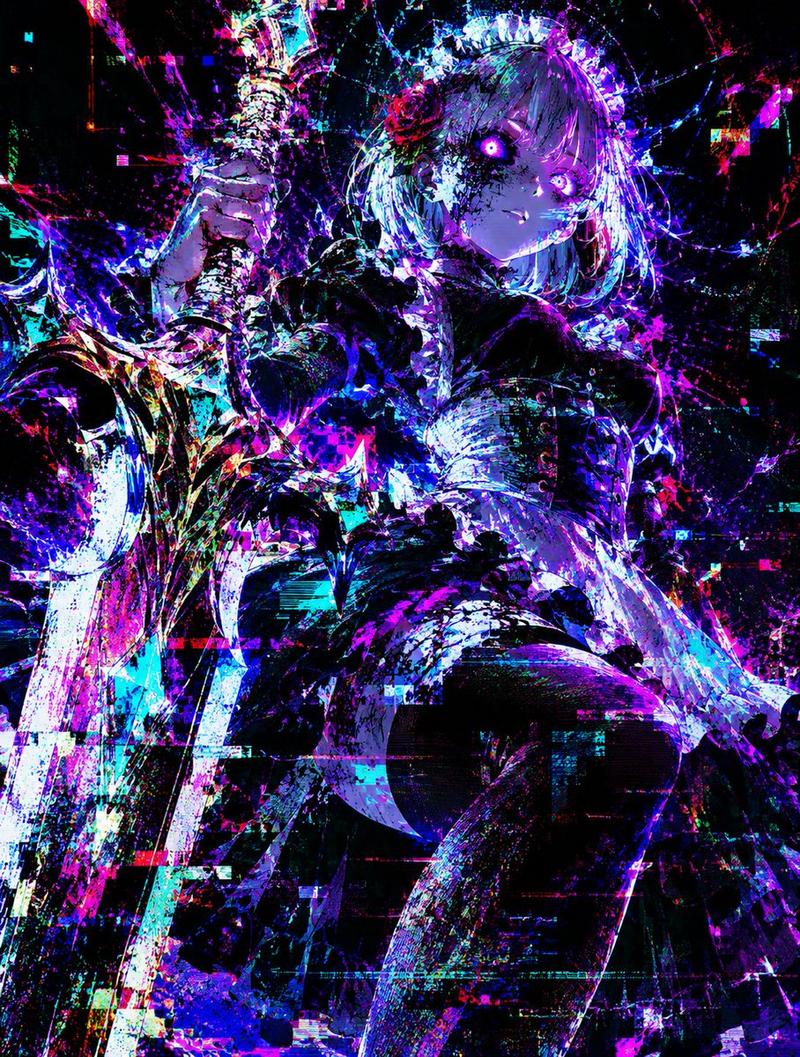
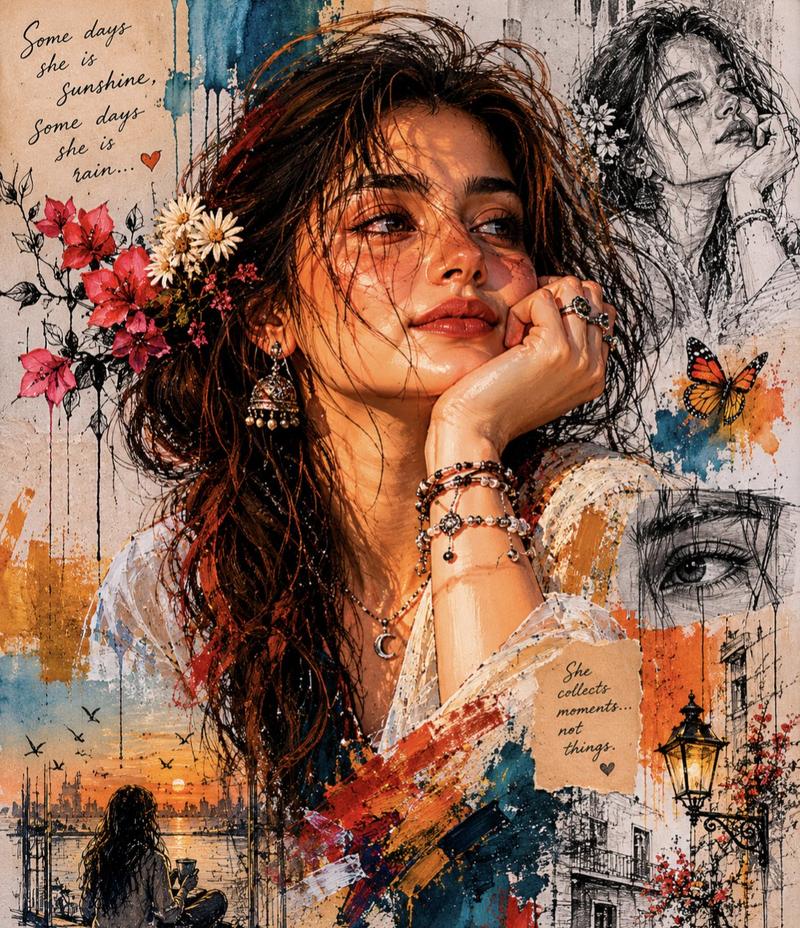
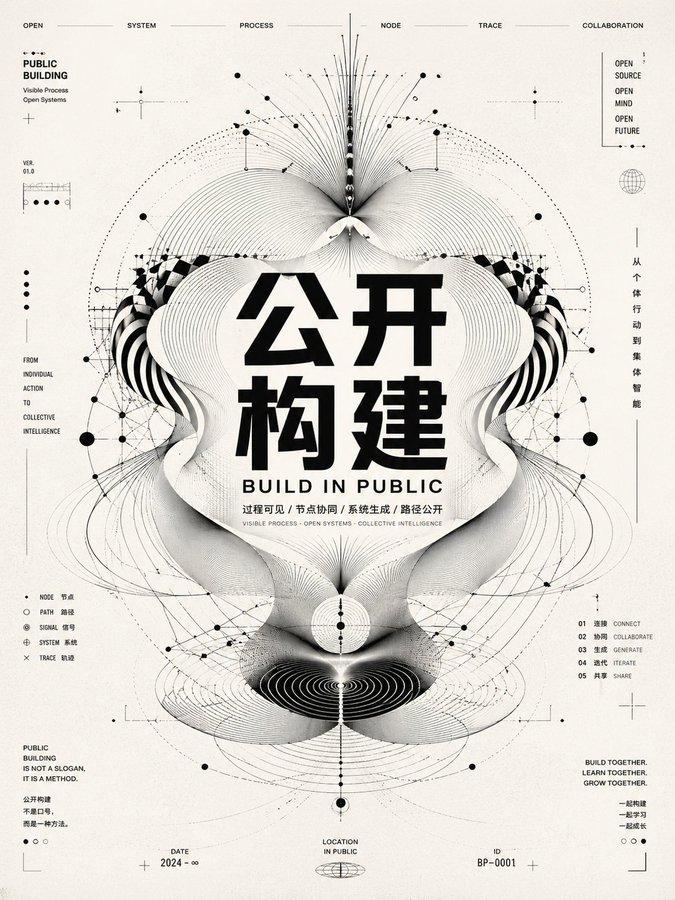
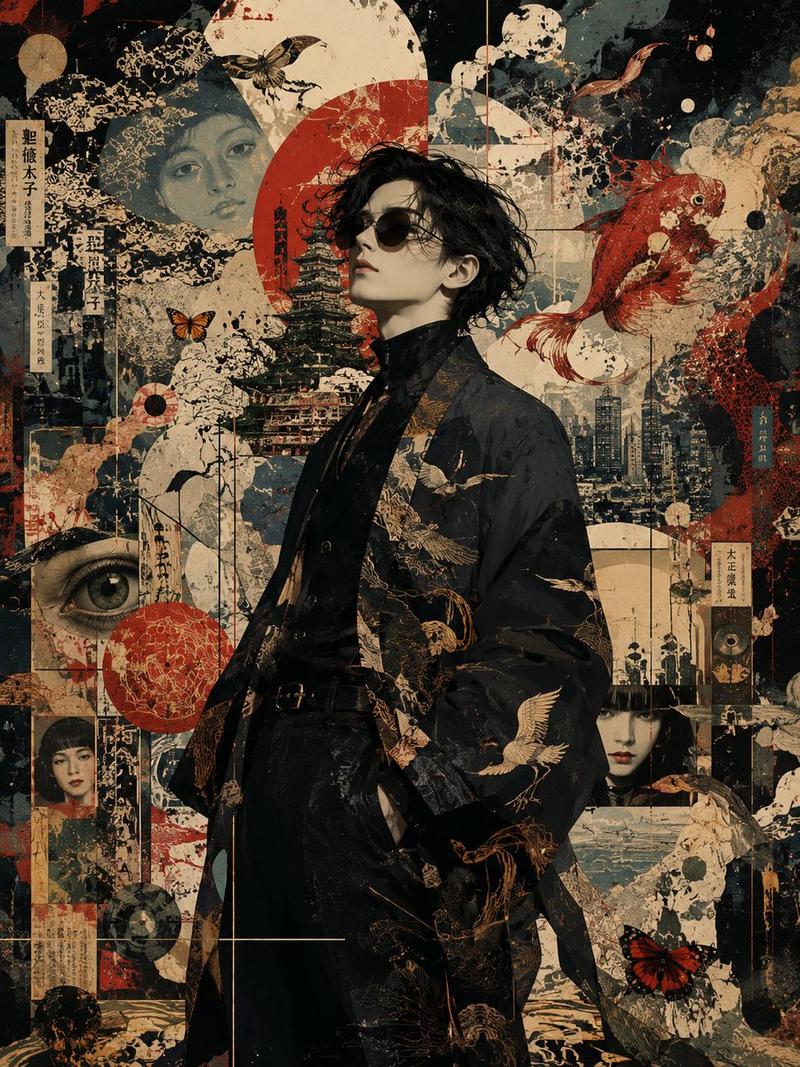
拼贴艺术插画融合
Prompt
Five images are attached.
Images 1–4 are illustrations by the same artist.
Image 5 is a logo design on a {argument name="logo background" default="black"} background.

Merge the four illustrations into a single unified composition, with the logo from Image 5 placed at the {argument name="logo position" default="visual center"} as the anchor element.

[Fusion Rules]
- Each illustration appears as a partial glimpse — show faces and key elements only, not full compositions
- Blend the boundaries between illustrations naturally — no hard edges or visible seams
- Each illustration remains recognizable but flows into the next
- Generous negative space between elements — let the composition breathe
- The result should feel elegant, curated, and intentional — not busy or cluttered

[Composition]
- The logo occupies the center of the frame as the dominant focal point
- The four illustrations are distributed around the logo with natural visual balance
- No grid layout — the arrangement should feel painterly and intentional
- Clean, minimal background between the illustrations to create breathing room

[Color & Brightness]
- The illustrations surrounding the logo must be vivid and fully saturated
- Boost the brightness and chromatic richness of all illustration areas outside the logo zone
- Colors should feel alive, warm, and luminous — not muted or dark
- The contrast between the dark logo zone and the bright surrounding illustrations is intentional and dramatic

[Logo Integration]
- Reproduce the exact logo design from Image 5
- Place it at the center of the composition, large and prominent
- The logo should feel embedded in the artwork — not floating on top
- Create a subtle dark void or negative space directly behind the logo
- The dark zone is strictly limited to the immediate area behind the logo — it must not bleed into the surrounding illustrations

[Style Preservation]
- Maintain the original art style of the source illustrations exactly
- Do not introduce new elements, characters, or backgrounds not present in the originals
- Preserve the color palette and line quality of the source images- Category
- Brand & Logos
- Model
- GPT Image 2
- Creator
- 輪廻タヲ ☯ AI Artist
- Source ID
- 25671
- Published
- Jun 15, 2026
Views0