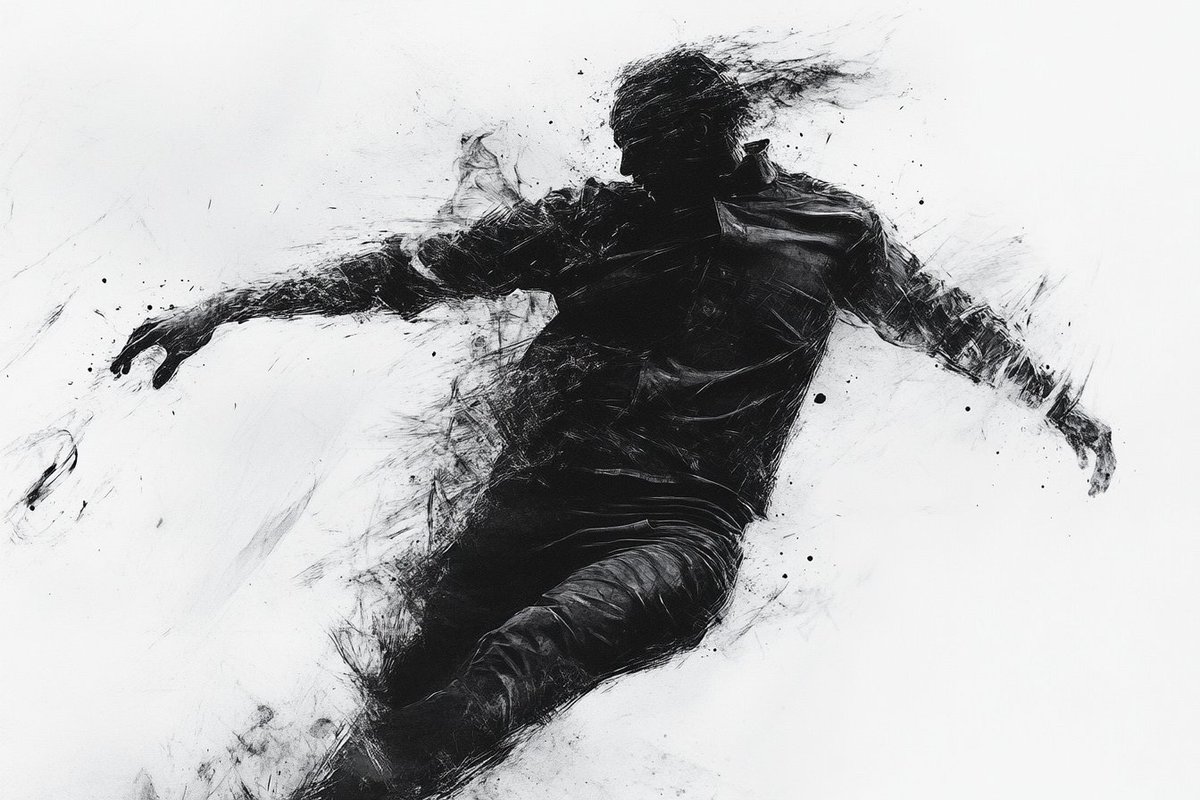
黄铜杆展示架修改器
Prompt
将其制作成一个 {argument name="item" default="stand"},方法是通过底座的左右两侧穿入 {argument name="material" default="brass"} 杆作为支撑,并使其呈现倾斜状态。- Category
- Creative Use Cases
- Model
- GPT Image 2
- Creator
- カーブミラー
- Source ID
- 27156
- Published
- Jun 29, 2026
Views3
20
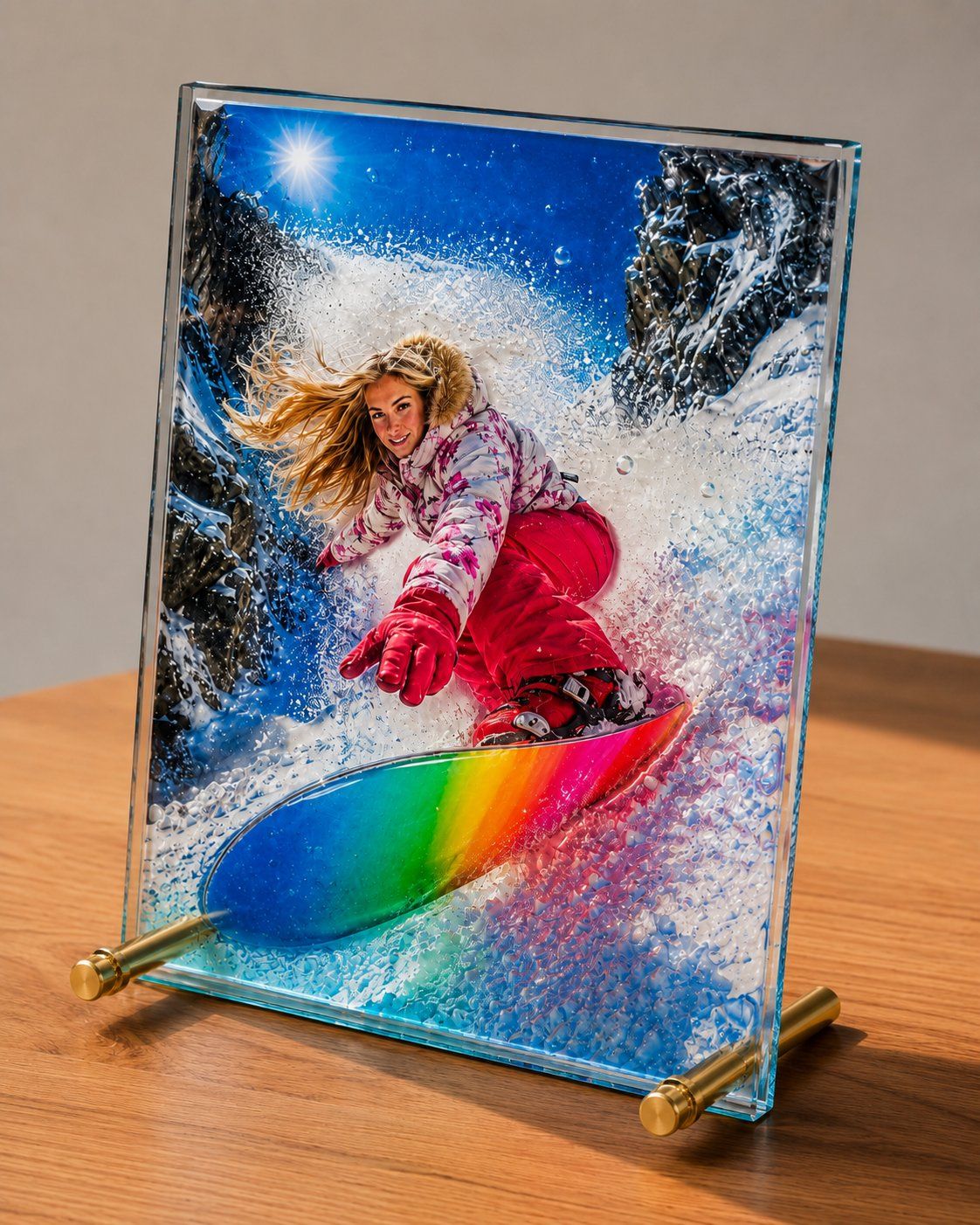
将其制作成一个 {argument name="item" default="stand"},方法是通过底座的左右两侧穿入 {argument name="material" default="brass"} 杆作为支撑,并使其呈现倾斜状态。Guide
"黄铜杆展示架修改器" AI image prompt for GPT Image 2 (Creative Use Cases). 这是一个适用于 GPT Image 2 的附加提示词,用于将对象修改为包含由黄铜杆制成的支撑架,从而营造出倾斜的展示效果。 Copy it on Picva and recreate t…
The full copyable prompt and example visuals above are ready for AI image generation or one-click recreate in Picva.
Step 1
Review the example visuals, category, and full prompt text for "黄铜杆展示架修改器".
Step 2
Copy the prompt body from this page, or load it directly in Studio.
Step 3
Prefer GPT Image 2. If you switch models, keep subject and composition and tweak style terms.
Step 4
Recreate the look in Picva, or export into your workflow for editing and publishing.