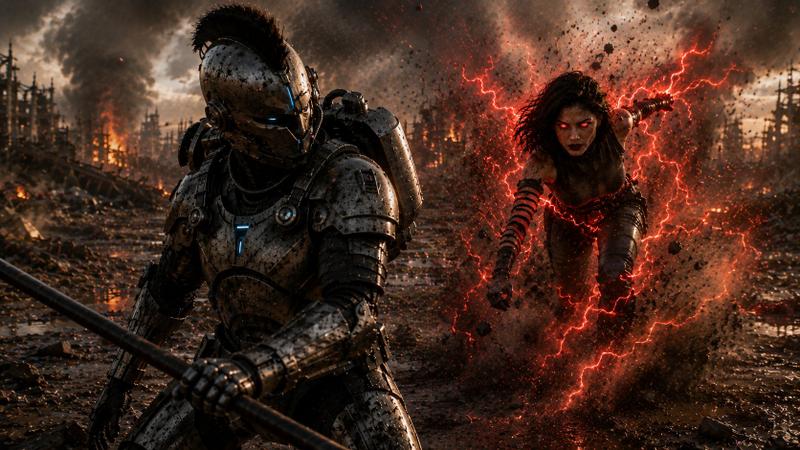
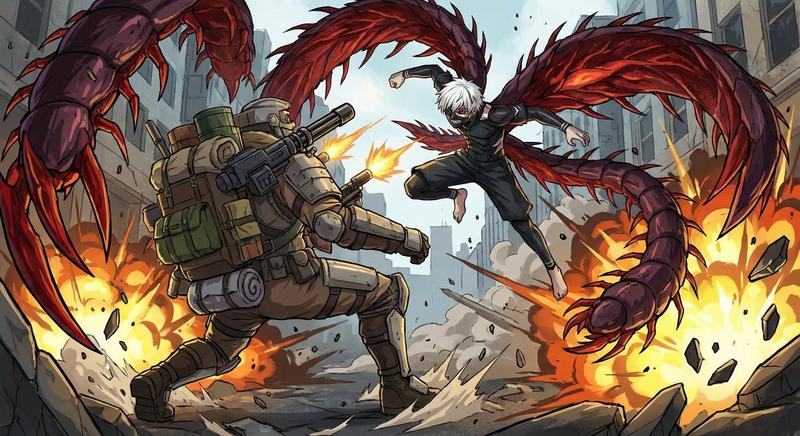
巨型机器人拦截姿态
Prompt
{argument name="subject" default="巨型机器人"} {argument name="posture" default="拦截姿态"}- Category
- Creative Use Cases
- Model
- GPT Image 2
- Creator
- カーブミラー
- Source ID
- 27783
- Published
- Jul 6, 2026
Views3
19

{argument name="subject" default="巨型机器人"} {argument name="posture" default="拦截姿态"}Guide
"巨型机器人拦截姿态" AI image prompt for GPT Image 2 (Creative Use Cases). 一个用于生成处于防御或战斗准备姿态的巨型机器人的极简提示词。 Copy it on Picva and recreate the look in one click.
The full copyable prompt and example visuals above are ready for AI image generation or one-click recreate in Picva.
Step 1
Review the example visuals, category, and full prompt text for "巨型机器人拦截姿态".
Step 2
Copy the prompt body from this page, or load it directly in Studio.
Step 3
Prefer GPT Image 2. If you switch models, keep subject and composition and tweak style terms.
Step 4
Recreate the look in Picva, or export into your workflow for editing and publishing.