19

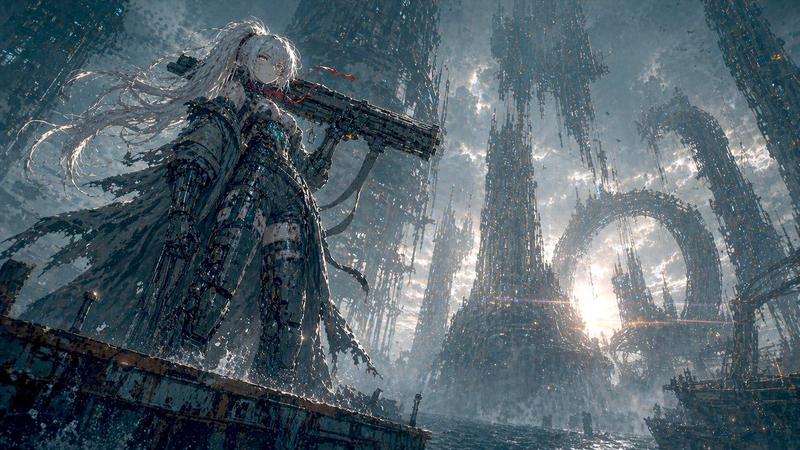
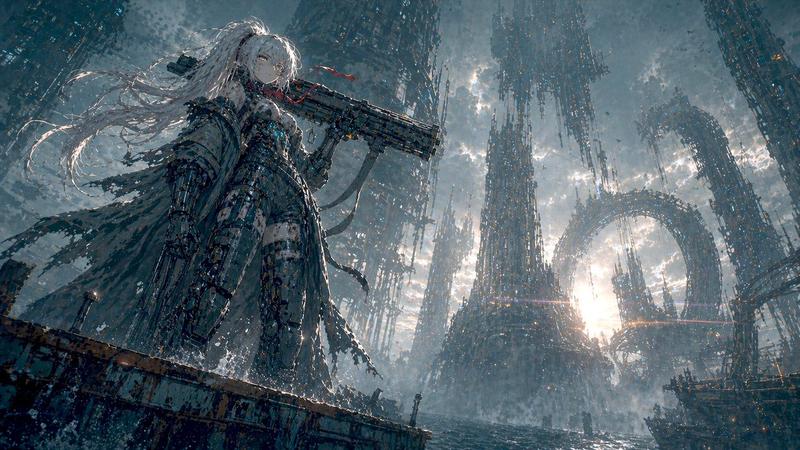
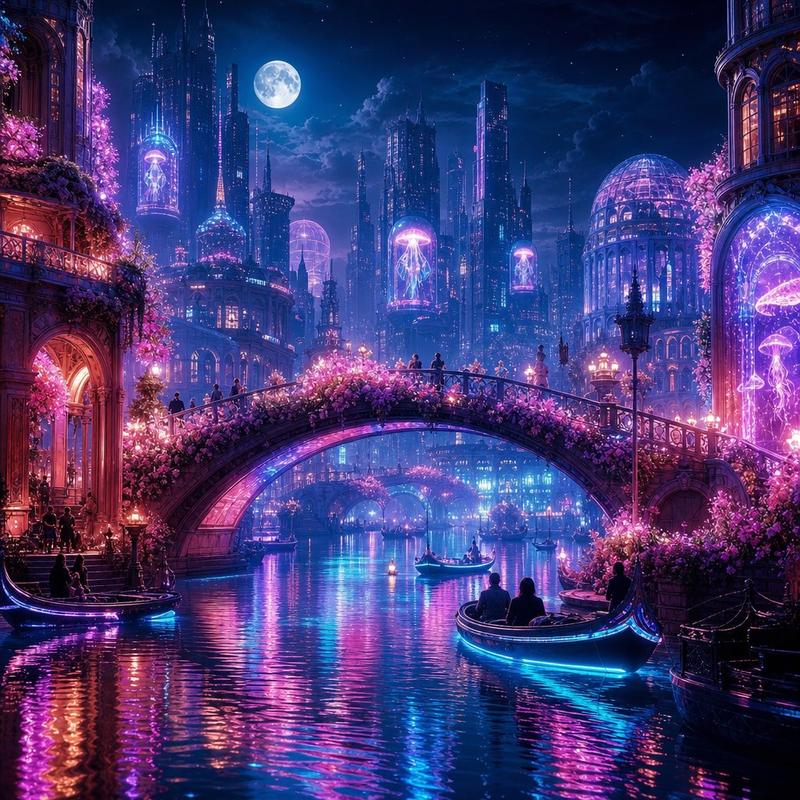
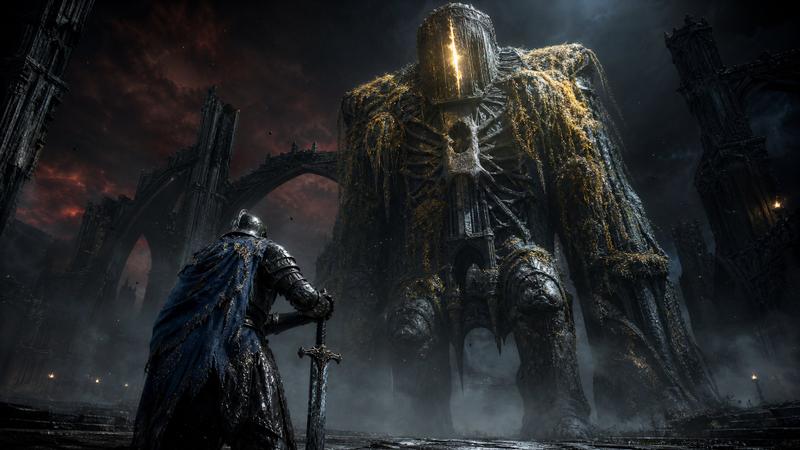
蒸汽朋克城市铁路高角度景观
Enlarge

蒸汽朋克城市铁路高角度景观

Prompt
Using REFERENCE_0 as the base image, regenerate the same scene while preserving its steampunk gothic city atmosphere, cinematic lighting, color palette, architectural density, elevated railway, train, airships, fog, smoke, and overall painterly realism. Change only the camera angle: move the camera much higher and slightly farther back, creating a wider bird’s-eye / high-angle view that reveals more of the city below, more of the viaduct structure, and more surrounding cathedral-like towers. Keep the train on the elevated track in the lower-right foreground, but make it smaller in frame due to the raised viewpoint. Maintain the same moody dusk haze, warm window lights, and epic scale; avoid modern elements, clean sci-fi styling, or a flat top-down view.
Category
Architecture & Spaces
Model
GPT Image 2
Views0
Source ID
28182
Published
Jul 9, 2026

Guide

About "蒸汽朋克城市铁路高角度景观"

What is this prompt for?

"蒸汽朋克城市铁路高角度景观" AI image prompt for GPT Image 2 (Architecture & Spaces). 将蒸汽朋克铁路城市参考图转换为更广阔的高角度电影感视角,同时保留其氛围与风格。 Copy it on Picva and recreate the look in one…

The full copyable prompt and example visuals above are ready for AI image generation or one-click recreate in Picva.

How to use this prompt

  1. Step 1

    Open the prompt detail

    Review the example visuals, category, and full prompt text for "蒸汽朋克城市铁路高角度景观".

  2. Step 2

    Copy the prompt

    Copy the prompt body from this page, or load it directly in Studio.

  3. Step 3

    Pick a model (GPT Image 2)

    Prefer GPT Image 2. If you switch models, keep subject and composition and tweak style terms.

  4. Step 4

    Generate and export

    Recreate the look in Picva, or export into your workflow for editing and publishing.

FAQ

What is the "蒸汽朋克城市铁路高角度景观" prompt?
It is an AI image-generation prompt for GPT Image 2 in the Architecture & Spaces category. This page includes the full prompt text, example visuals, and a one-click recreate path in Picva.
How do I use this prompt to generate an image?
Copy the prompt from this page, or use Generate / Studio. Paste it into a compatible image model, or recreate the look in Picva with optional reference images.
Which model is this prompt for?
This page lists GPT Image 2. Most descriptive prompts also transfer to nearby image models such as GPT Image, Flux, or Midjourney with light style tweaks.
Can I use the result commercially?
You can usually copy the prompt for creation, but commercial use of the final image depends on the model terms, reference-image rights, and the generated content. Follow the source author and platform rules.