16

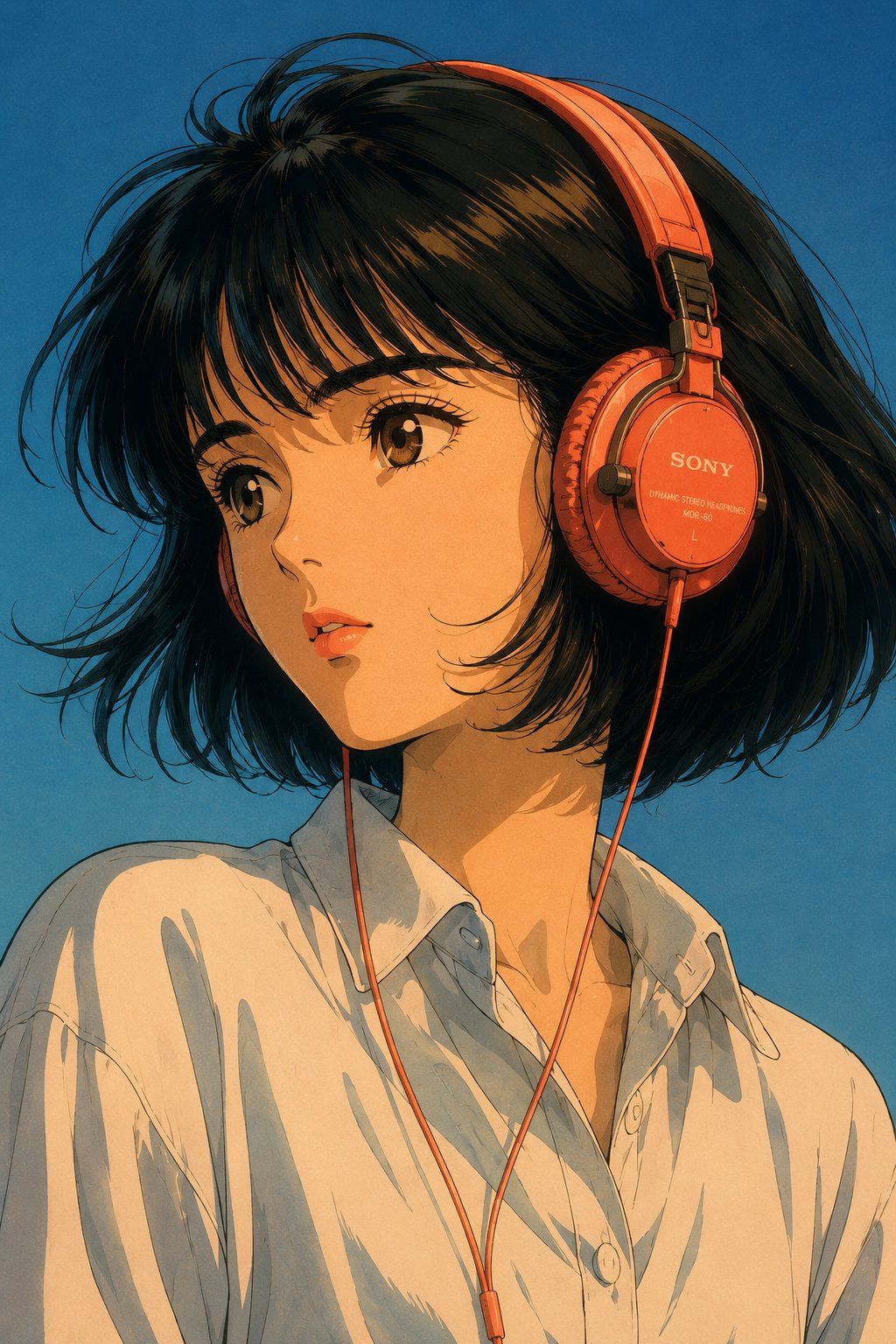
80 年代复古动漫 City Pop 风格肖像
Enlarge

80 年代复古动漫 City Pop 风格肖像

Prompt
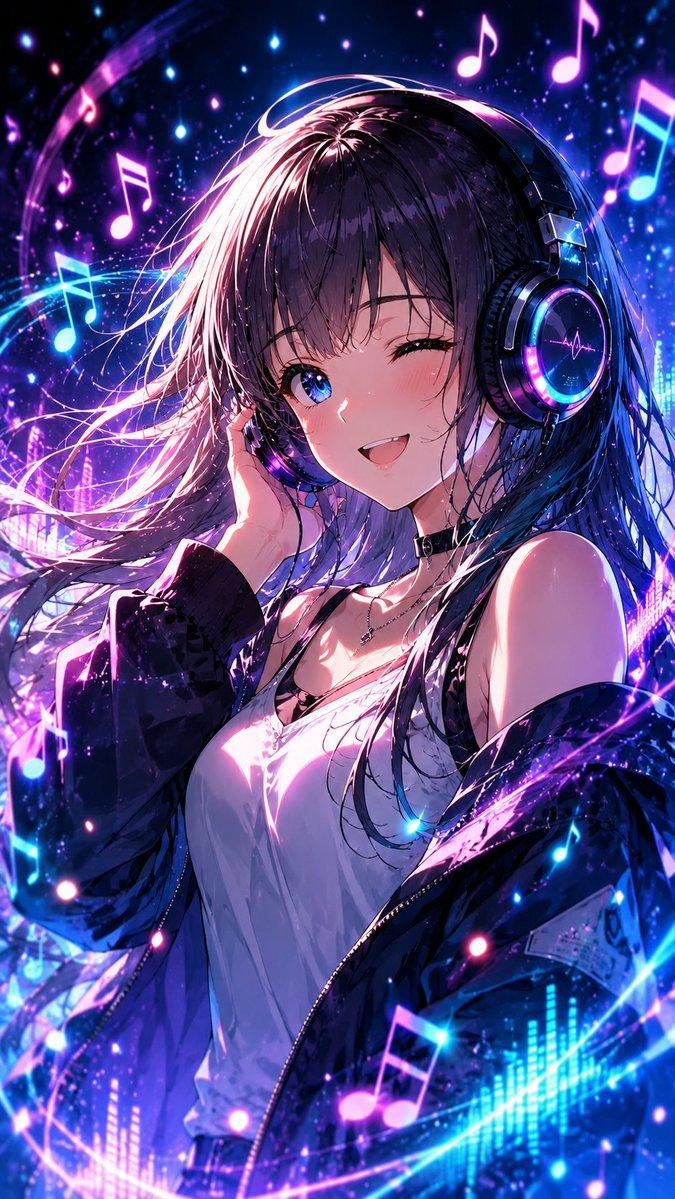
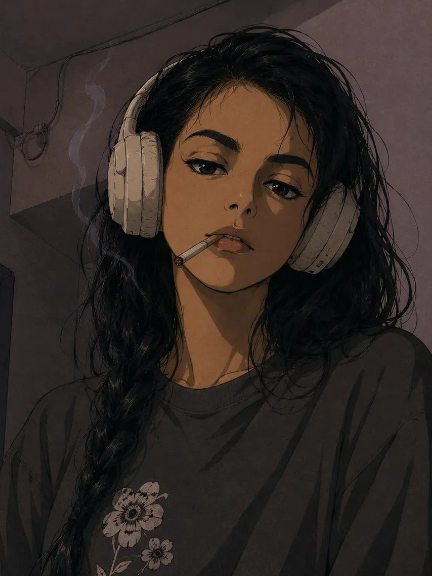
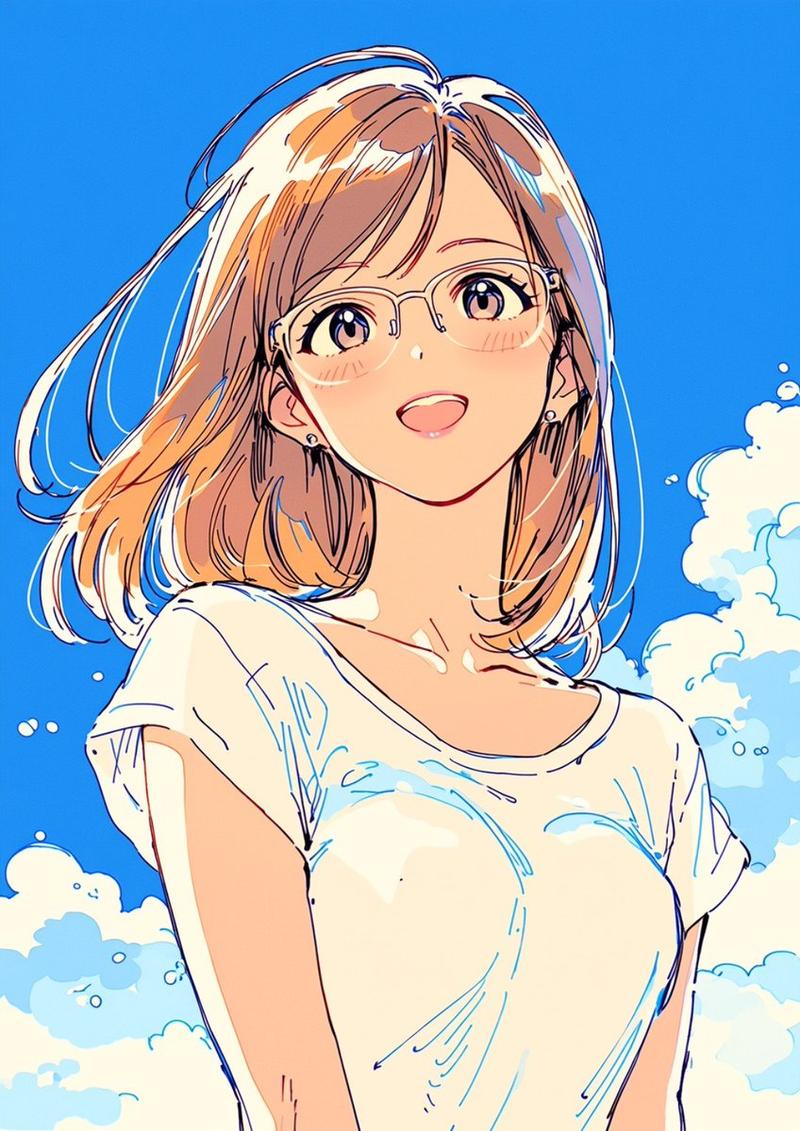
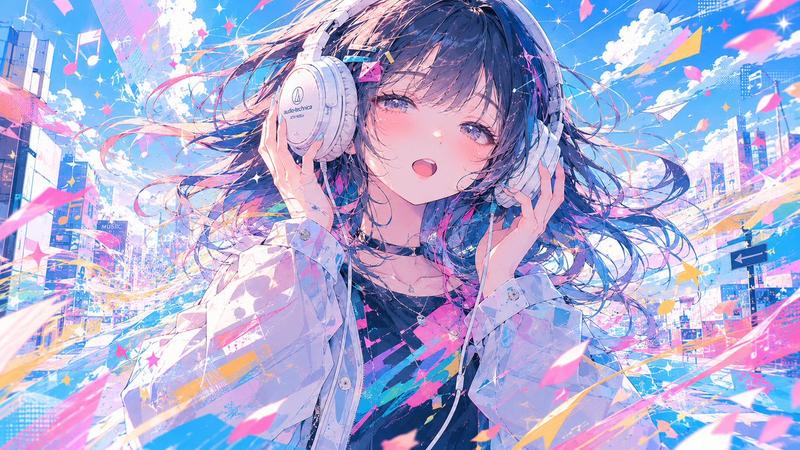
Create an ultra-detailed retro Japanese anime portrait inspired by classic 1980s cel animation and city-pop aesthetics. Depict a {argument name="subject" default="young woman with porcelain skin, expressive warm brown anime eyes, a short feathered black bob with wispy bangs, and soft coral lips"}. She wears {argument name="clothing" default="vibrant coral-red wired over-ear headphones and a relaxed white cotton button-up shirt"}. Her head is slightly turned as if listening deeply to music, with a calm, reflective expression. Illuminate the scene using dramatic golden-hour sunlight from one side balanced by cool blue ambient skylight, creating cinematic shadows and warm facial highlights. Place her against a simple gradient sky-blue background. Render with authentic vintage cel animation linework, smooth painted shading, subtle film grain, soft bloom, nostalgic color grading, and ultra-high-resolution remastered anime quality.
Category
Characters & People
Model
GPT Image 2
Creator
Virena
Views9
Source ID
28371
Published
Jul 11, 2026

Guide

About "80 年代复古动漫 City Pop 风格肖像"

What is this prompt for?

"80 年代复古动漫 City Pop 风格肖像" AI image prompt for GPT Image 2 (Characters & People). 生成具有怀旧 1980 年代动漫风格的肖像,呈现复古赛璐珞艺术与 City Pop 色彩美学。 Copy it on Picva and recreate…

The full copyable prompt and example visuals above are ready for AI image generation or one-click recreate in Picva.

How to use this prompt

  1. Step 1

    Open the prompt detail

    Review the example visuals, category, and full prompt text for "80 年代复古动漫 City Pop 风格肖像".

  2. Step 2

    Copy the prompt

    Copy the prompt body from this page, or load it directly in Studio.

  3. Step 3

    Pick a model (GPT Image 2)

    Prefer GPT Image 2. If you switch models, keep subject and composition and tweak style terms.

  4. Step 4

    Generate and export

    Recreate the look in Picva, or export into your workflow for editing and publishing.

FAQ

What is the "80 年代复古动漫 City Pop 风格肖像" prompt?
It is an AI image-generation prompt for GPT Image 2 in the Characters & People category. This page includes the full prompt text, example visuals, and a one-click recreate path in Picva.
How do I use this prompt to generate an image?
Copy the prompt from this page, or use Generate / Studio. Paste it into a compatible image model, or recreate the look in Picva with optional reference images.
Which model is this prompt for?
This page lists GPT Image 2. Most descriptive prompts also transfer to nearby image models such as GPT Image, Flux, or Midjourney with light style tweaks.
Can I use the result commercially?
You can usually copy the prompt for creation, but commercial use of the final image depends on the model terms, reference-image rights, and the generated content. Follow the source author and platform rules.