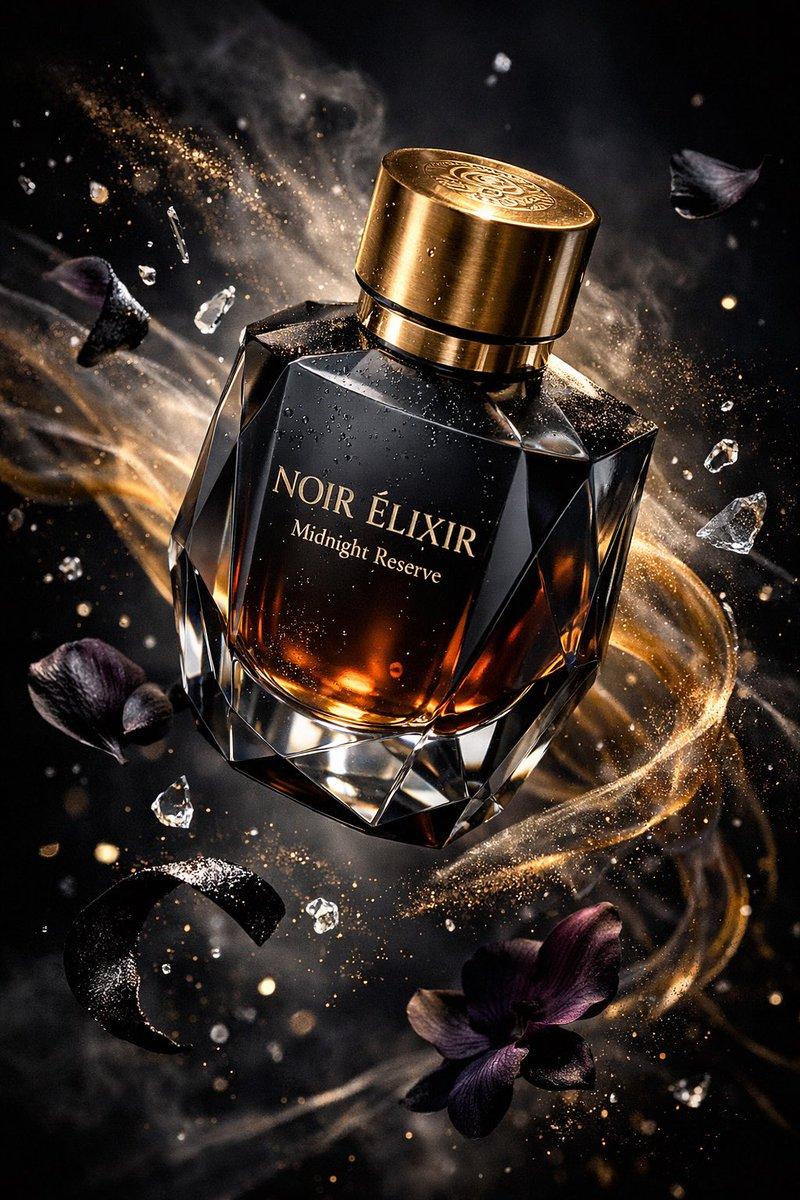
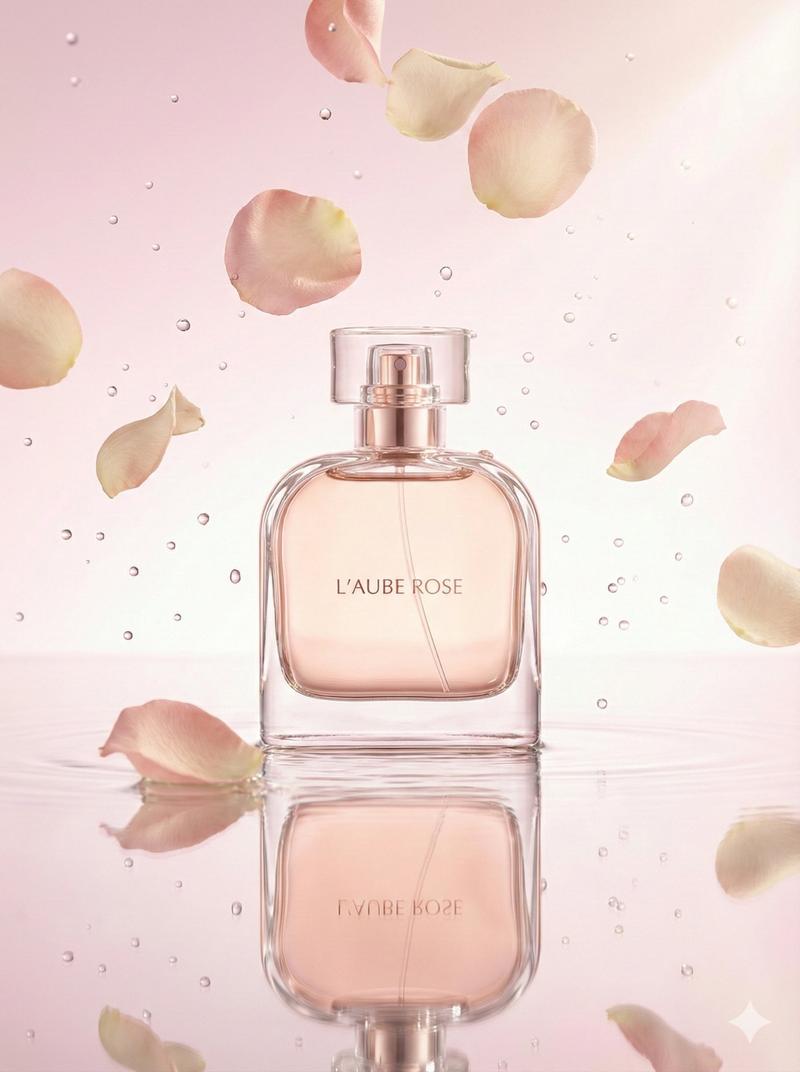
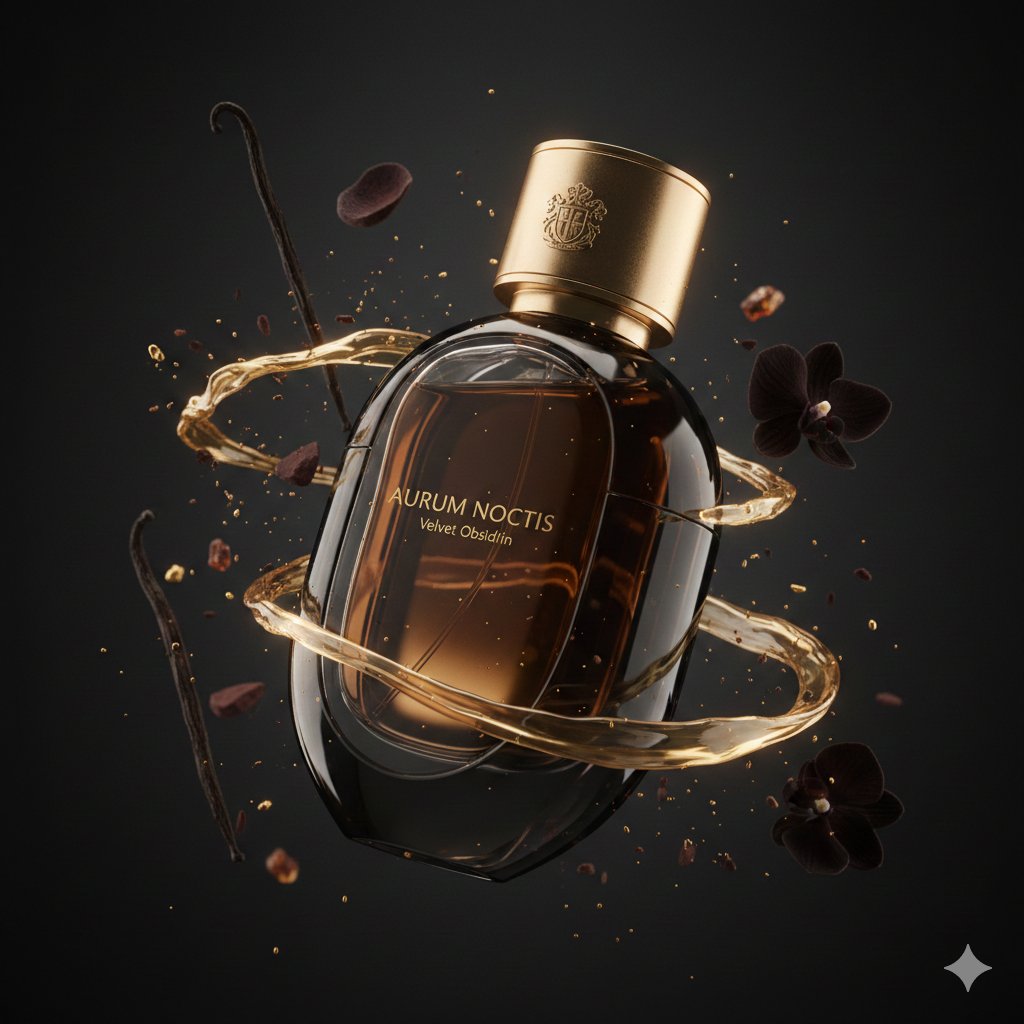
奢华 Noir 香水海报
Prompt
Create a luxury perfume advertisement poster for {argument name="brand name" default="ELYSIAN NOIR"}, featuring one single perfume bottle as the main subject. Use a vertical 3:4 canvas with the product centered slightly below the middle. The background should be a deep charcoal-to-black soft gradient with a subtle silk-like fabric texture and faint metallic sheen. Leave generous negative space at the top for refined typography. Place the headline “{argument name="headline text" default="ELYSIAN NOIR"}” in widely spaced elegant uppercase letters, warm champagne-gold color, with a modern sans-serif luxury typeface. Under it, add the small tagline “{argument name="tagline" default="A SCENT OF TIMELESS CRAFTSMANSHIP"}”, then a tiny centered divider line, then the product text “PARFUM” and “100 ML / 3.4 FL.OZ”. Show exactly 1 perfume bottle: a faceted geometric glass bottle with a smoky amber-black transparent body, crisp beveled edges, glossy reflections, a black rectangular cap with gold accents, and the front label reading “ELYSIAN / NOIR / PARFUM” in small gold lettering. Lighting should be cinematic commercial studio photography: low-key, high contrast, warm gold rim lights, sharp highlights along the glass edges, realistic reflections on a polished dark surface, and soft streaks of light sweeping across the lower foreground. Overall color palette is muted black, smoky amber, and champagne gold. Make the composition clean, premium, minimalist, elegant, and suitable for an international luxury fragrance campaign, with ultra-detailed glass, realistic refraction, no people, no extra products, no watermark, no UI elements.- Category
- UI & Interfaces
- Model
- GPT Image 2
- Creator
- 小易API
- Source ID
- 28522
- Published
- Jul 12, 2026
Views5