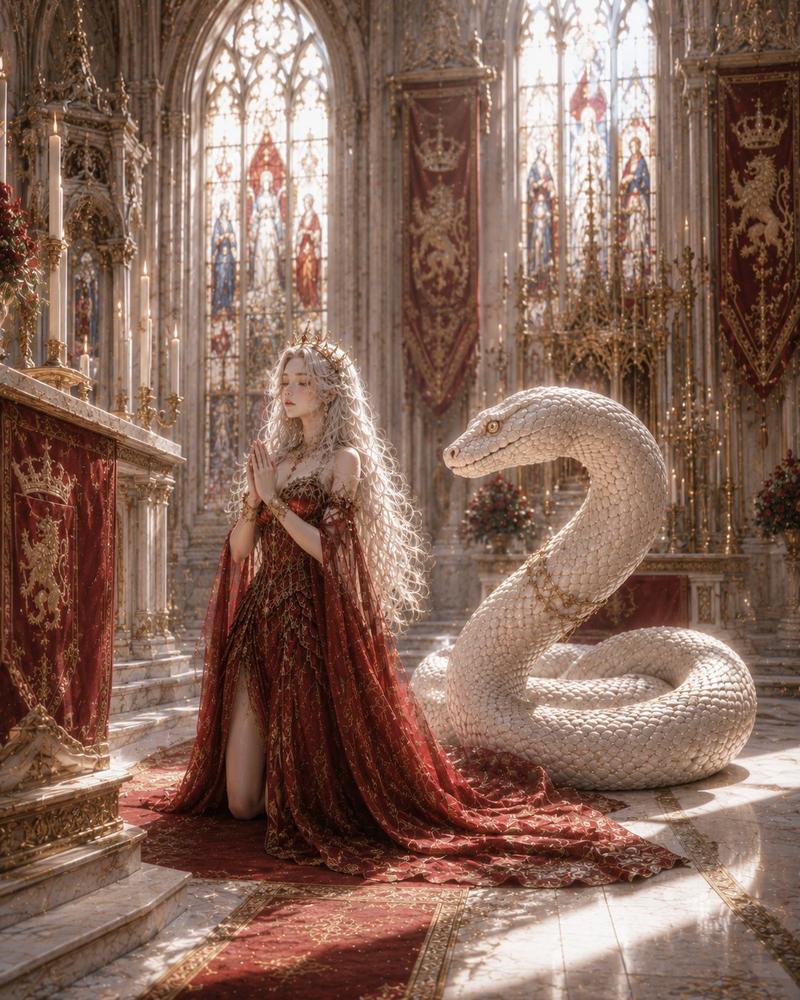
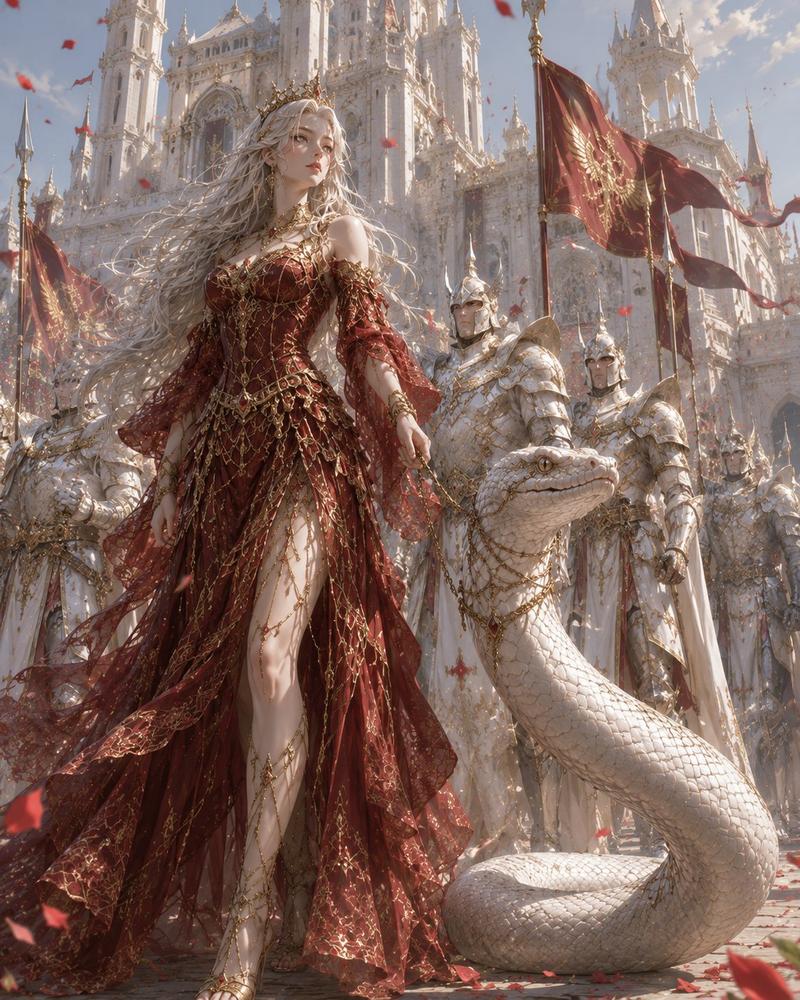
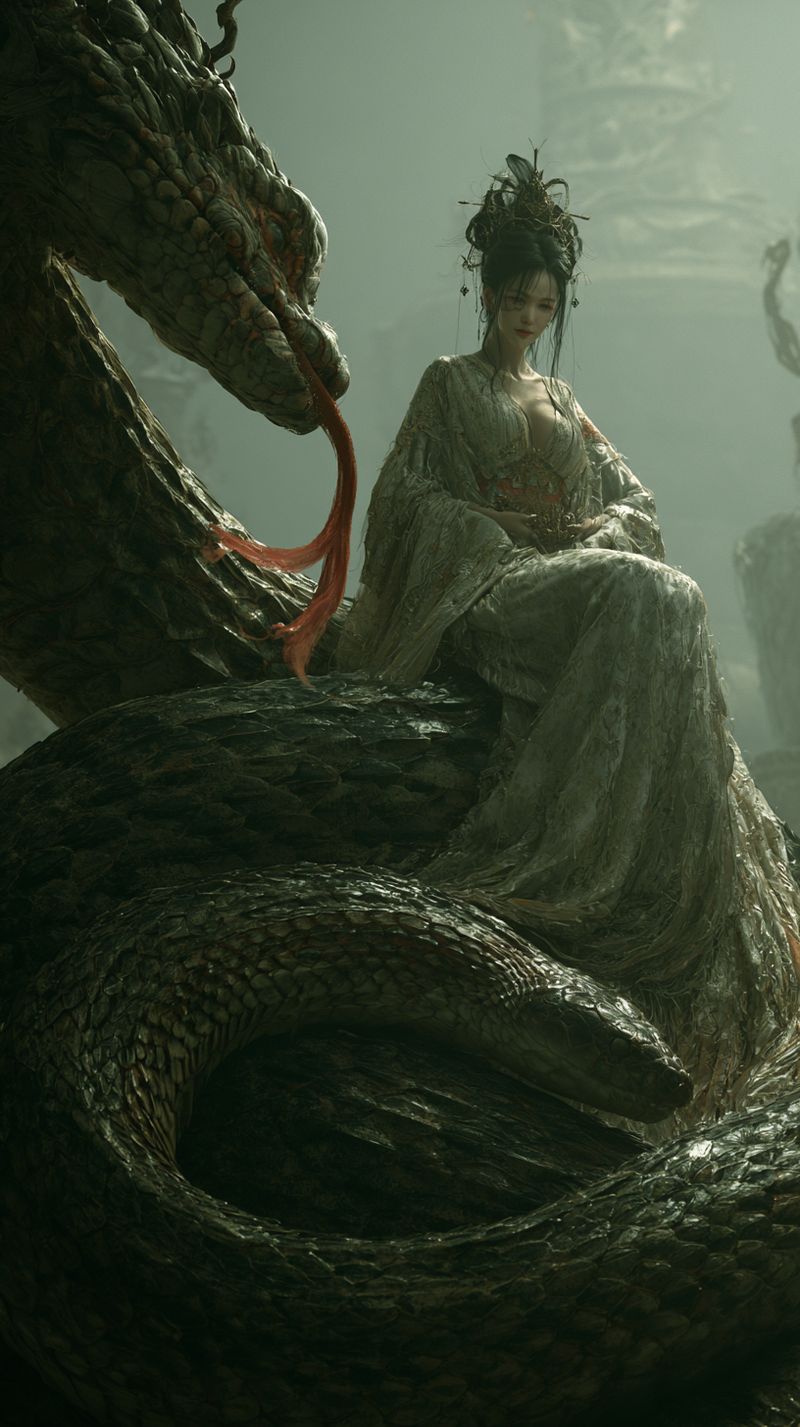
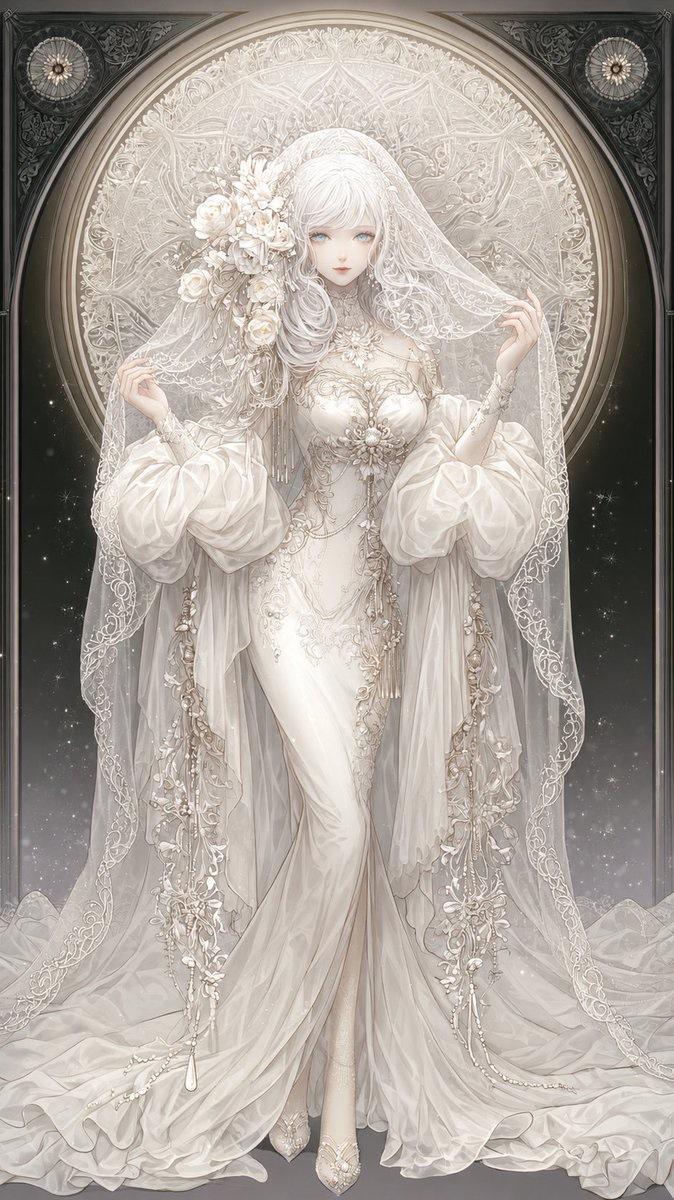
女王与白化巨蛇
Prompt
Create an ultra-detailed fantasy oil-painting style portrait titled {argument name="artwork theme" default="The Queen and the Serpent"}: a pale, regal queen with long flowing {argument name="hair color" default="silver-white"} hair sits on an ornate carved throne inside a luxurious desert pavilion. She wears a delicate gold crown and an elaborate deep {argument name="dress color" default="crimson red"} gown with sheer draped sleeves, gold chain lattice embroidery, jeweled bodice details, layered necklaces, bracelets, anklets, rings, and lace-up golden sandals; one leg is crossed forward through a high slit, giving a poised, commanding pose. Beside her on the right is one enormous albino serpent, thick-bodied and coiled, rising to shoulder height with a calm intelligent face, pearl-white scales, golden eyes, and gold jewelry with red gemstones around its neck. The setting is a lavish nomadic royal tent with burgundy and ivory translucent curtains, tassels, gold embroidered hanging fabrics, carved wooden furniture, patterned Persian rugs, a small round table with fruit and metal cups, a treasure chest, and a parchment map in the foreground. Through the open tent, show a sunlit desert encampment with pale tents, flags, soft dust, and distant spires. Use warm cinematic afternoon light streaming through fabric, realistic skin and scale textures, intricate gold filigree, shallow depth of field, high fantasy realism, romantic pre-Raphaelite composition, muted reds and golds, vertical 4:5 framing, no text, no watermark.- Category
- Charts & Infographics
- Model
- GPT Image 2
- Creator
- カーブミラー
- Source ID
- 28549
- Published
- Jul 12, 2026
Views9