赛博朋克门户吉祥物海报
Prompt
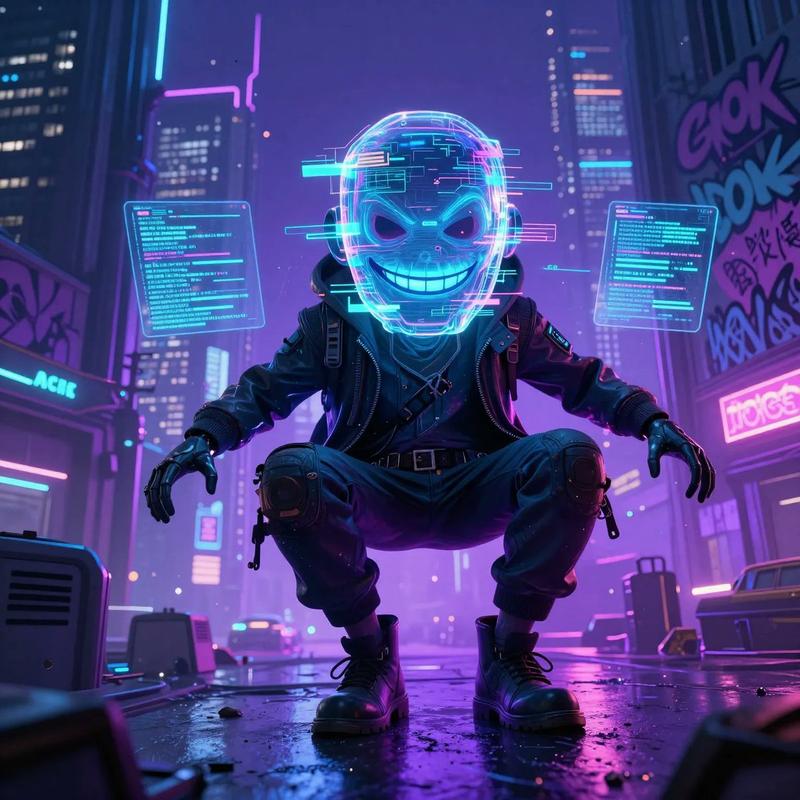
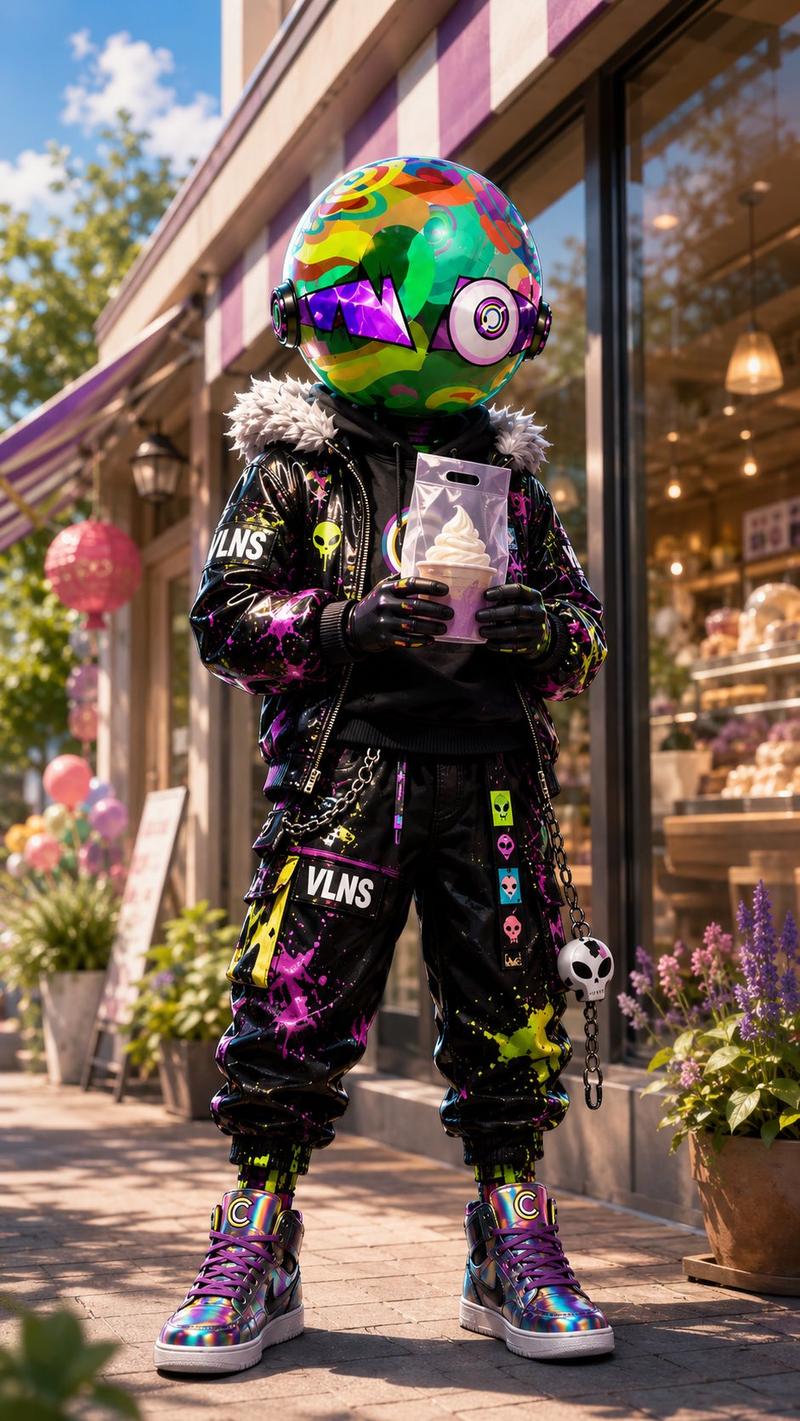
Create a vertical cinematic cyberpunk promotional poster showing a single full-body mascot character standing in the center of a neon futuristic city street at night, as if stepping out of a glowing portal into a digital brand world. The character is a toy-like villain avatar with an oversized round helmet head covered in bright graffiti camouflage patterns in green, red, yellow, cyan, and pink, wearing glossy black headphones/ear discs, a purple angular visor across the eyes, and no visible human face. Outfit: black streetwear jacket with faux-fur collar, neon paint splatter, patches, chains, skull charms, a black hoodie with a large circular C emblem on the chest, baggy black cargo pants with the word {argument name="brand text" default="VLNS"} printed on one thigh, colorful punk patches, and iridescent high-top sneakers with C logos. Pose: confident front-facing stance, one hand in pocket and the other hand extended toward the viewer in a beckoning portal gesture. Behind the character, create one large vertical oval energy portal, swirling with electric cyan, blue, violet, and magenta light, with particles and circular motion trails. Around the portal float exactly four translucent holographic website UI panels with cyan glowing borders: one upper left panel showing a character profile page, one upper right panel showing a character/gallery page, one lower left panel showing outfit and icon cards, and one lower right panel showing product/asset detail cards. The panels should contain small thumbnails of the same mascot, dark purple browser-style headers, tiny unreadable interface text, and futuristic web layout elements, but no legible extra copy besides the brand text on clothing. Environment: dense futuristic skyscrapers, neon signs, rainy reflective pavement, purple-blue city haze, volumetric light, wet ground reflections, sparks, digital particles, and depth-of-field. Visual style: ultra-detailed 3D render, high-contrast cyberpunk lighting, glossy materials, vibrant magenta/cyan palette, cinematic composition, sharp focus on the character, dramatic rim light, premium official-site launch key visual. Use a 9:16 vertical poster aspect ratio. Customize the character identity as {argument name="character name" default="Villain"}, the portal color emphasis as {argument name="portal color" default="electric cyan and violet"}, the city mood as {argument name="city mood" default="rainy neon night"}, and the emblem letter as {argument name="emblem letter" default="C"}.- Category
- UI & Interfaces
- Model
- GPT Image 2
- Source ID
- 28558
- Published
- Jul 12, 2026
Views9