16

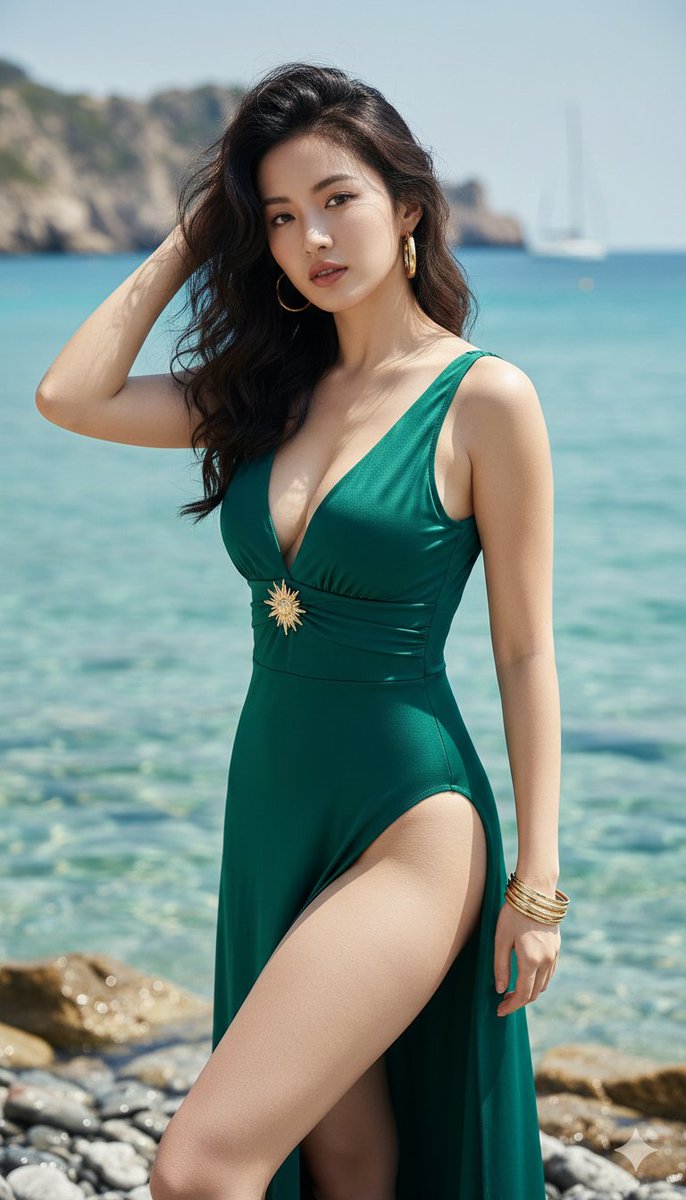
水岸鼠尾草绿裙装肖像
Enlarge

Example images

水岸鼠尾草绿裙装肖像

Prompt
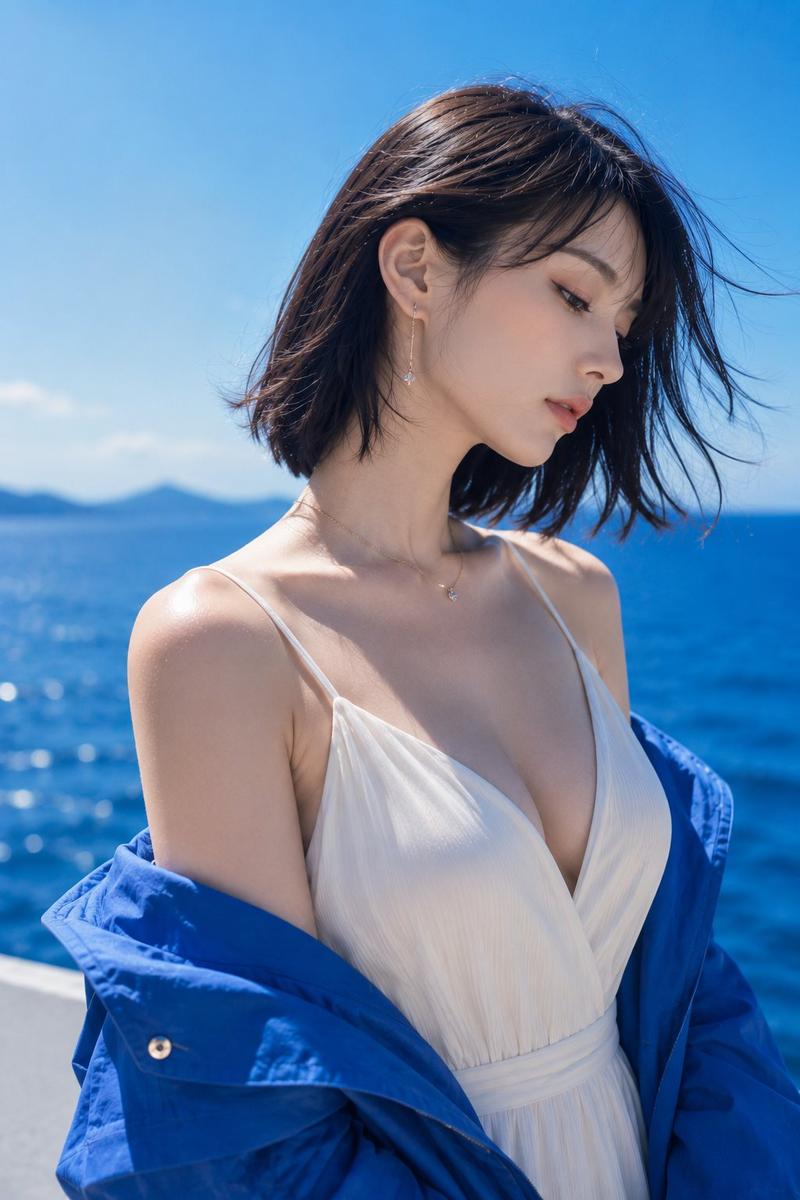
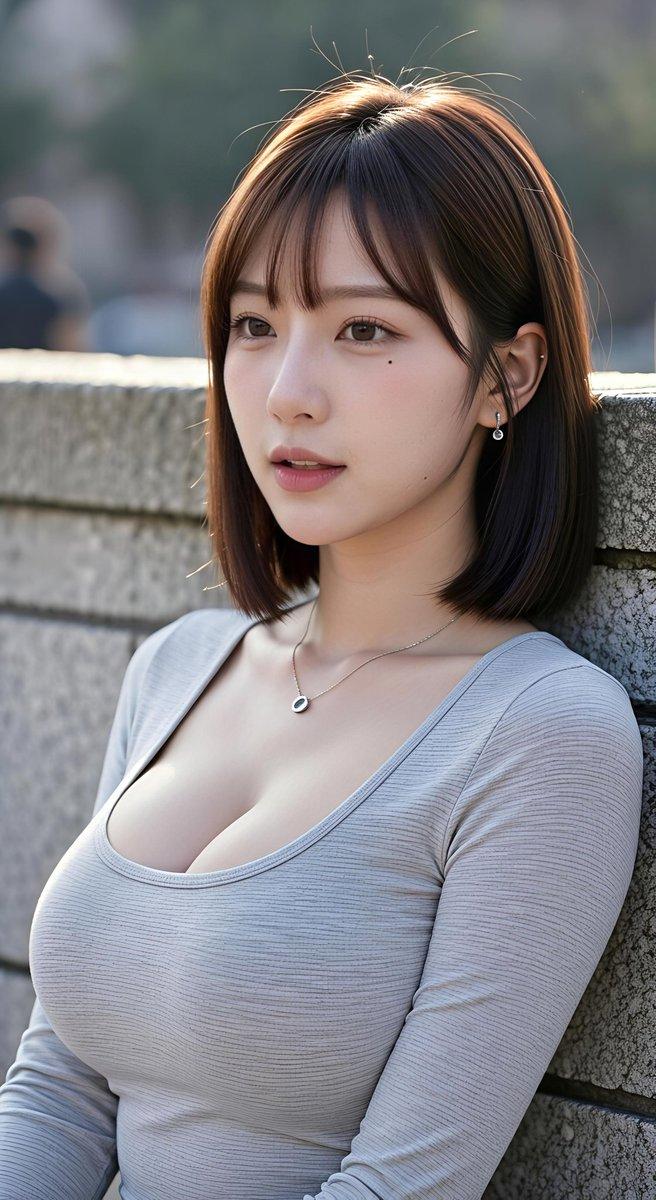
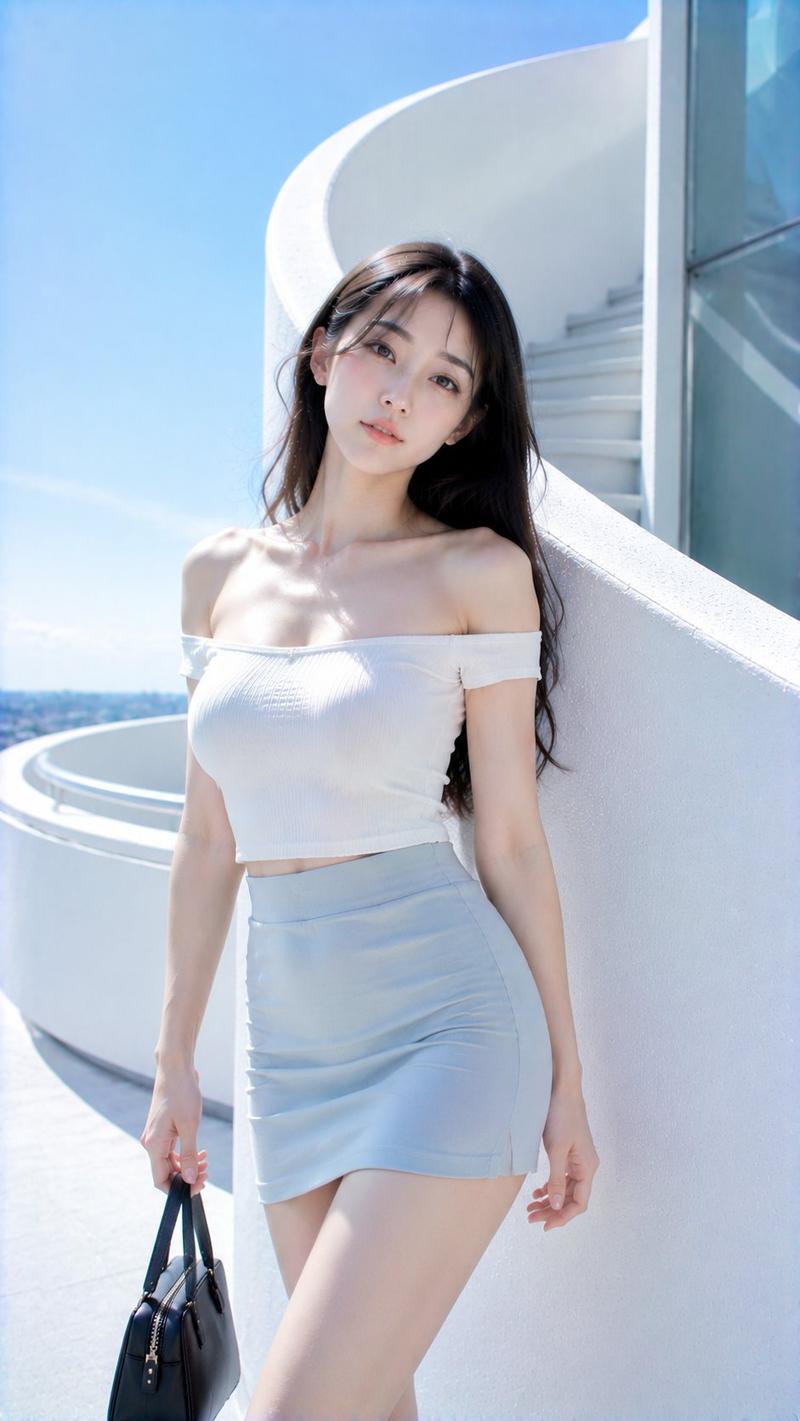
Create a realistic vertical fashion portrait photograph of {argument name="subject" default="a young East Asian woman"} sitting sideways on a pale stone waterfront ledge beside a calm bay, shown from mid-thigh to head in a 9:16 crop. She wears a fitted pale sage-green ribbed knit maxi dress with thin straps and a low scoop neckline, simple gold bracelets on both wrists, and a woven straw shoulder bag partly visible behind her. Her very long dark wavy hair is blown gently by the wind over her back and shoulder. Pose her seated with knees angled forward, one hand resting on the ledge at the lower left and the other relaxed near her lap, torso turned slightly toward camera but face in clean side profile looking left across the water. Use soft natural daylight, muted blue-gray atmospheric tones, shallow-to-medium depth of field, and a serene editorial mood. Background: expansive calm water filling most of the frame, hazy distant skyline and low mountains on the horizon, pale blue sky, no readable text, no logos, no extra people. Emphasize realistic skin texture, elegant posture, wind movement in the hair, and a high-end lifestyle photography look. Use {argument name="dress color" default="pale sage green"} as the main clothing color and {argument name="location mood" default="misty coastal city bay"} for the environment.
Category
Posters & Typography
Model
GPT Image 2
Views4
Source ID
28655
Published
Jul 13, 2026

Guide

About "水岸鼠尾草绿裙装肖像"

What is this prompt for?

"水岸鼠尾草绿裙装肖像" AI image prompt for GPT Image 2 (Posters & Typography). 一张写实的竖版时尚肖像,描绘了一位身着修身鼠尾草绿裙装的女性坐在雾气缭绕的海湾边,适用于生活方式或时尚类图像。 Copy it on Picva and recreate the…

The full copyable prompt and example visuals above are ready for AI image generation or one-click recreate in Picva.

How to use this prompt

  1. Step 1

    Open the prompt detail

    Review the example visuals, category, and full prompt text for "水岸鼠尾草绿裙装肖像".

  2. Step 2

    Copy the prompt

    Copy the prompt body from this page, or load it directly in Studio.

  3. Step 3

    Pick a model (GPT Image 2)

    Prefer GPT Image 2. If you switch models, keep subject and composition and tweak style terms.

  4. Step 4

    Generate and export

    Recreate the look in Picva, or export into your workflow for editing and publishing.

FAQ

What is the "水岸鼠尾草绿裙装肖像" prompt?
It is an AI image-generation prompt for GPT Image 2 in the Posters & Typography category. This page includes the full prompt text, example visuals, and a one-click recreate path in Picva.
How do I use this prompt to generate an image?
Copy the prompt from this page, or use Generate / Studio. Paste it into a compatible image model, or recreate the look in Picva with optional reference images.
Which model is this prompt for?
This page lists GPT Image 2. Most descriptive prompts also transfer to nearby image models such as GPT Image, Flux, or Midjourney with light style tweaks.
Can I use the result commercially?
You can usually copy the prompt for creation, but commercial use of the final image depends on the model terms, reference-image rights, and the generated content. Follow the source author and platform rules.