20

优雅缎面肖像变换
Enlarge

优雅缎面肖像变换

Prompt
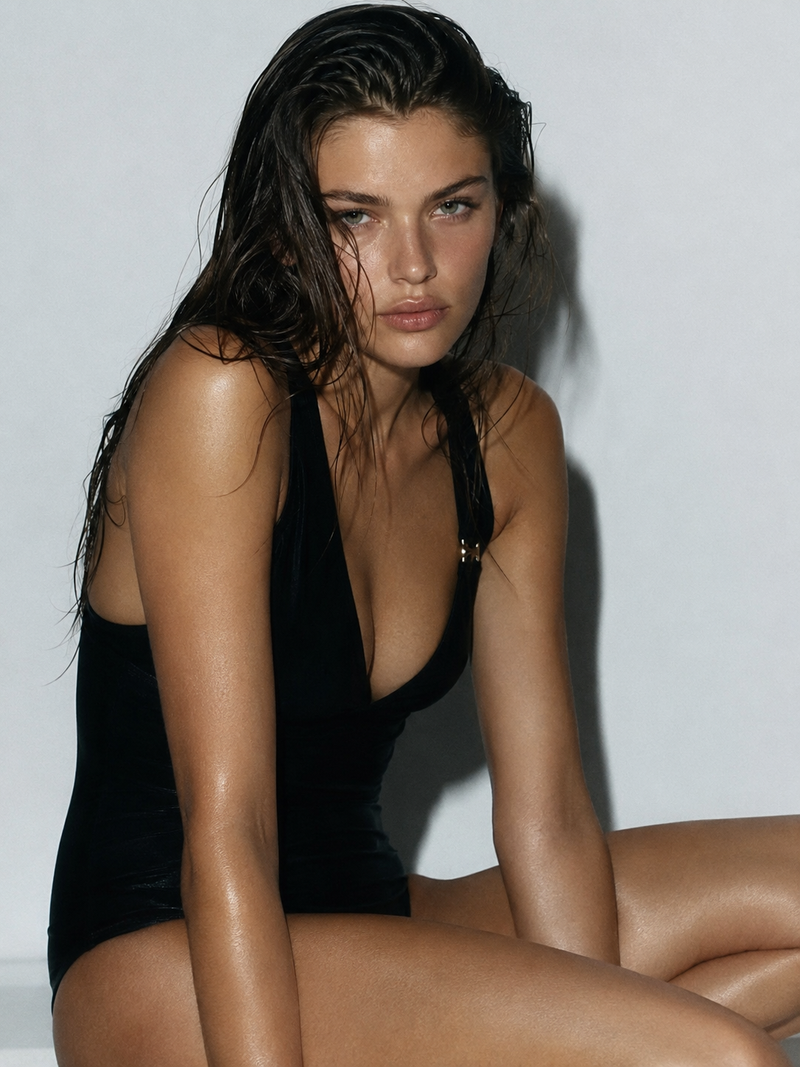
Using the provided reference image, regenerate the same woman as a realistic high-resolution fashion portrait, but change the pose and framing: make her sit more upright in a refined three-quarter upper-body composition, turned slightly to the viewer’s left, with a calmer elegant posture. Keep the long dark wavy hair and pink satin slip-dress styling, but make the neckline less revealing and more softly draped, with one thin shoulder strap clearly visible. Replace the busier bedroom lighting with a simpler warm beige interior wall and subtle dark seating at the lower left. Add one small stud earring visible on the exposed ear. Maintain natural skin texture, crisp hair strands, glossy satin fabric highlights, soft directional window light, shallow depth of field, and 4K photorealistic detail. Keep the face anonymized/obscured with the same rectangular censor block style from the reference; do not add text, logos, or extra accessories.
Category
Brand & Logos
Model
GPT Image 2
Views4
Source ID
21994
Published
May 19, 2026

Guide

About "优雅缎面肖像变换"

What is this prompt for?

"优雅缎面肖像变换" AI image prompt for GPT Image 2 (Brand & Logos). 将参考肖像转换为精致的写实风格上半身时尚摄影,呈现更柔和的姿态、简约的暖色调室内环境、缎面材质细节以及匿名化处理的面部。 Copy it on Picva and recreate the look…

The full copyable prompt and example visuals above are ready for AI image generation or one-click recreate in Picva.

How to use this prompt

  1. Step 1

    Open the prompt detail

    Review the example visuals, category, and full prompt text for "优雅缎面肖像变换".

  2. Step 2

    Copy the prompt

    Copy the prompt body from this page, or load it directly in Studio.

  3. Step 3

    Pick a model (GPT Image 2)

    Prefer GPT Image 2. If you switch models, keep subject and composition and tweak style terms.

  4. Step 4

    Generate and export

    Recreate the look in Picva, or export into your workflow for editing and publishing.

FAQ

What is the "优雅缎面肖像变换" prompt?
It is an AI image-generation prompt for GPT Image 2 in the Brand & Logos category. This page includes the full prompt text, example visuals, and a one-click recreate path in Picva.
How do I use this prompt to generate an image?
Copy the prompt from this page, or use Generate / Studio. Paste it into a compatible image model, or recreate the look in Picva with optional reference images.
Which model is this prompt for?
This page lists GPT Image 2. Most descriptive prompts also transfer to nearby image models such as GPT Image, Flux, or Midjourney with light style tweaks.
Can I use the result commercially?
You can usually copy the prompt for creation, but commercial use of the final image depends on the model terms, reference-image rights, and the generated content. Follow the source author and platform rules.