20

Ultra-Realistic Phone-Style Portrait
Enlarge

Ultra-Realistic Phone-Style Portrait

Prompt
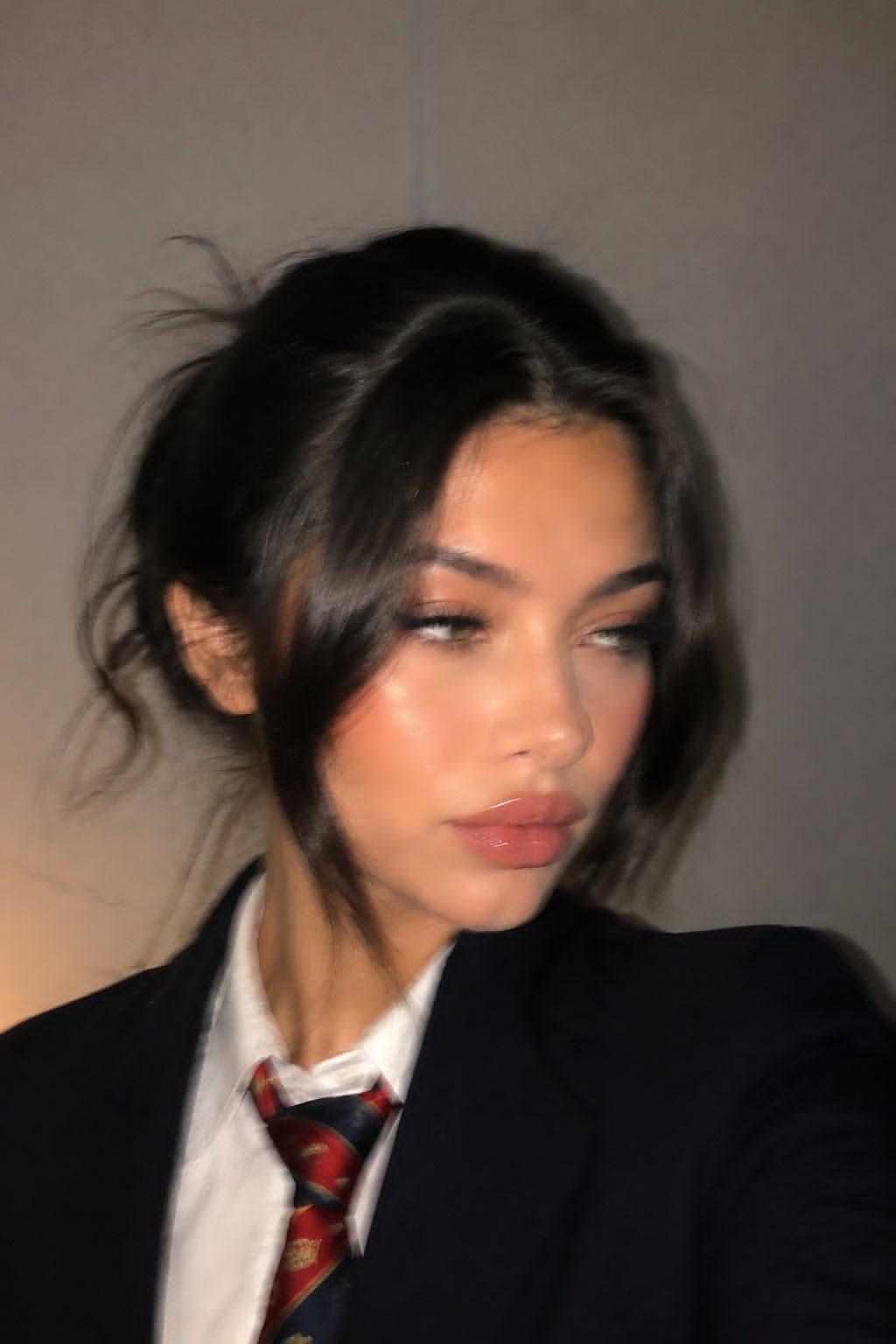
Ultra-realistic, almost indistinguishable-from-real close-up portrait in a casual phone photo style.

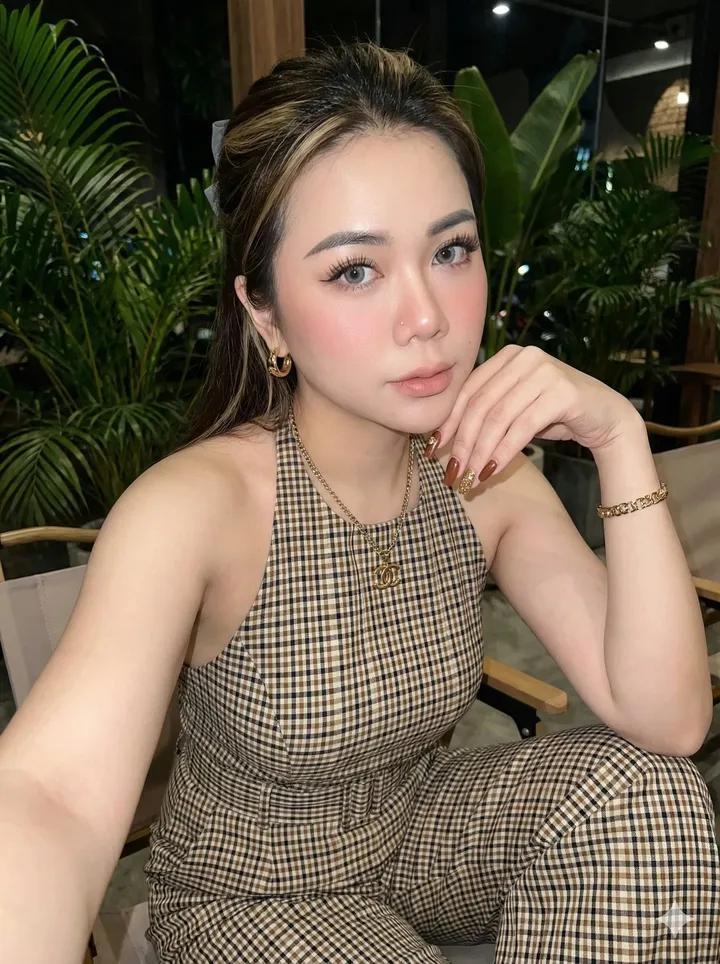
Use the uploaded image as the identity reference, fully preserving the natural appearance and atmosphere of the same woman.
The face and overall appearance must remain 100% identical to the reference image, without altering any facial proportions or features.

Do not change:

Lip shape or lip size

Eyes

Nose

Face shape

Overall facial harmony and identity

Full photorealism.
No AI-generated feeling — it should look like a random candid photo taken on a mobile phone.
Not a polished glossy beauty shoot, but a natural, slightly imperfect phone snapshot.

Close-up portrait framed to shoulder level.
Soft and elegant pose.
Face slightly turned to the side.
No direct eye contact with the camera — natural sideways gaze.
Expression calm, natural, almost neutral.
The image should feel like a spontaneously captured moment rather than a posed photoshoot.

Hair styled in a natural slightly messy updo.
Face-framing bangs and loose strands around the face.
A few flyaway hairs and subtle disheveled texture.
Effortless beauty aesthetic with imperfectly styled hair.

Ultra-natural skin texture with realistic pores and subtle imperfections.
Soft mobile-phone lighting, realistic shadows, natural tonal range, authentic candid atmosphere.

The overall result should resemble a genuine smartphone portrait captured casually in real life, with cinematic realism and natural feminine elegance.
Category
Photography & Realism
Model
GPT Image 2
Views2
Source ID
evolink-aiwithzohaib-2056835104824312018
Published
May 20, 2026

Guide

About "Ultra-Realistic Phone-Style Portrait"

What is this prompt for?

"Ultra-Realistic Phone-Style Portrait" AI image prompt for GPT Image 2 (Photography & Realism). Ultra-realistic, almost indistinguishable-from-real close-up po…

The full copyable prompt and example visuals above are ready for AI image generation or one-click recreate in Picva.

How to use this prompt

  1. Step 1

    Open the prompt detail

    Review the example visuals, category, and full prompt text for "Ultra-Realistic Phone-Style Portrait".

  2. Step 2

    Copy the prompt

    Copy the prompt body from this page, or load it directly in Studio.

  3. Step 3

    Pick a model (GPT Image 2)

    Prefer GPT Image 2. If you switch models, keep subject and composition and tweak style terms.

  4. Step 4

    Generate and export

    Recreate the look in Picva, or export into your workflow for editing and publishing.

FAQ

What is the "Ultra-Realistic Phone-Style Portrait" prompt?
It is an AI image-generation prompt for GPT Image 2 in the Photography & Realism category. This page includes the full prompt text, example visuals, and a one-click recreate path in Picva.
How do I use this prompt to generate an image?
Copy the prompt from this page, or use Generate / Studio. Paste it into a compatible image model, or recreate the look in Picva with optional reference images.
Which model is this prompt for?
This page lists GPT Image 2. Most descriptive prompts also transfer to nearby image models such as GPT Image, Flux, or Midjourney with light style tweaks.
Can I use the result commercially?
You can usually copy the prompt for creation, but commercial use of the final image depends on the model terms, reference-image rights, and the generated content. Follow the source author and platform rules.