13

City map miniature diorama: GPT Image 2 prompt
Enlarge

City map miniature diorama: GPT Image 2 prompt

Prompt
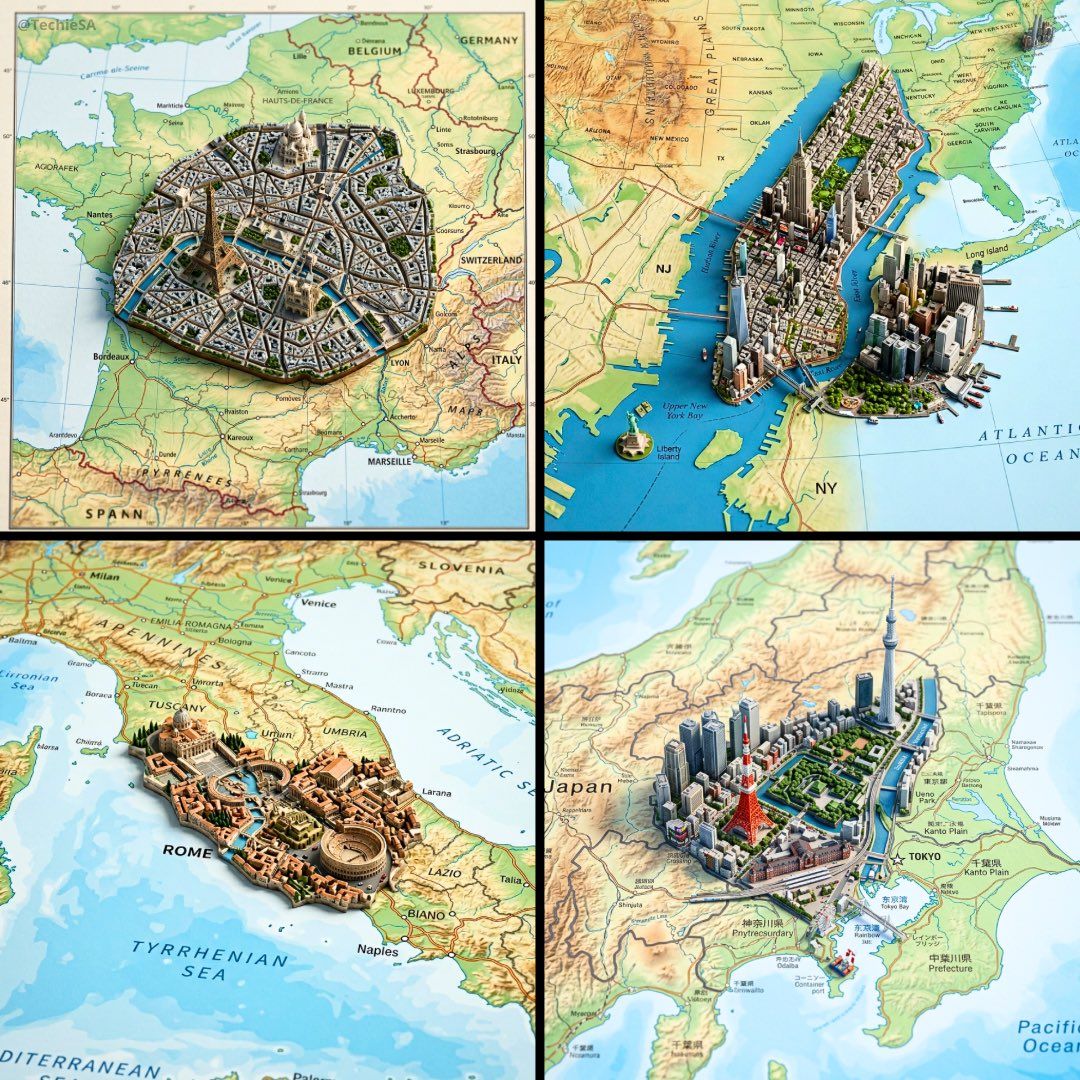
Ultra-realistic top-down geographic map with precise cartographic accuracy, clearly defining the true geographic context of [COUNTRY].

From the exact real-world coordinates of [CITY], a highly detailed miniature 3D diorama rises organically from the map surface, perfectly aligned with its true location.

The diorama features iconic architecture, signature natural landmarks, and authentic cultural elements of the city, seamlessly integrated into the map as if sculpted from it.

Physically accurate materials, realistic surface textures, and true-to-scale proportions.

Shallow depth of field with macro-lens realism, subtle atmospheric perspective.

Soft neutral studio lighting with controlled shadows to enhance depth and realism.

Cinematic composition, premium architectural-model photography style.

Ultra-sharp detail, high dynamic range, photorealistic finish.
Square 1:1 format, realistic scale, museum-quality visual output.
Category
Illustration & Art
Model
GPT Image 2
Creator
TechieBySA
Views0
Source ID
2027843262497591580
Published
Feb 28, 2026

Guide

About "City map miniature diorama: GPT Image 2 prompt"

What is this prompt for?

"City map miniature diorama: GPT Image 2 prompt" AI image prompt for GPT Image 2 (Illustration & Art). Ultra-realistic top-down geographic map with precise car…

The full copyable prompt and example visuals above are ready for AI image generation or one-click recreate in Picva.

How to use this prompt

  1. Step 1

    Open the prompt detail

    Review the example visuals, category, and full prompt text for "City map miniature diorama: GPT Image 2 prompt".

  2. Step 2

    Copy the prompt

    Copy the prompt body from this page, or load it directly in Studio.

  3. Step 3

    Pick a model (GPT Image 2)

    Prefer GPT Image 2. If you switch models, keep subject and composition and tweak style terms.

  4. Step 4

    Generate and export

    Recreate the look in Picva, or export into your workflow for editing and publishing.

FAQ

What is the "City map miniature diorama: GPT Image 2 prompt" prompt?
It is an AI image-generation prompt for GPT Image 2 in the Illustration & Art category. This page includes the full prompt text, example visuals, and a one-click recreate path in Picva.
How do I use this prompt to generate an image?
Copy the prompt from this page, or use Generate / Studio. Paste it into a compatible image model, or recreate the look in Picva with optional reference images.
Which model is this prompt for?
This page lists GPT Image 2. Most descriptive prompts also transfer to nearby image models such as GPT Image, Flux, or Midjourney with light style tweaks.
Can I use the result commercially?
You can usually copy the prompt for creation, but commercial use of the final image depends on the model terms, reference-image rights, and the generated content. Follow the source author and platform rules.