15

Skincare 9-panel storyboard: GPT Image 2 prompt
Enlarge

Skincare 9-panel storyboard: GPT Image 2 prompt

Prompt
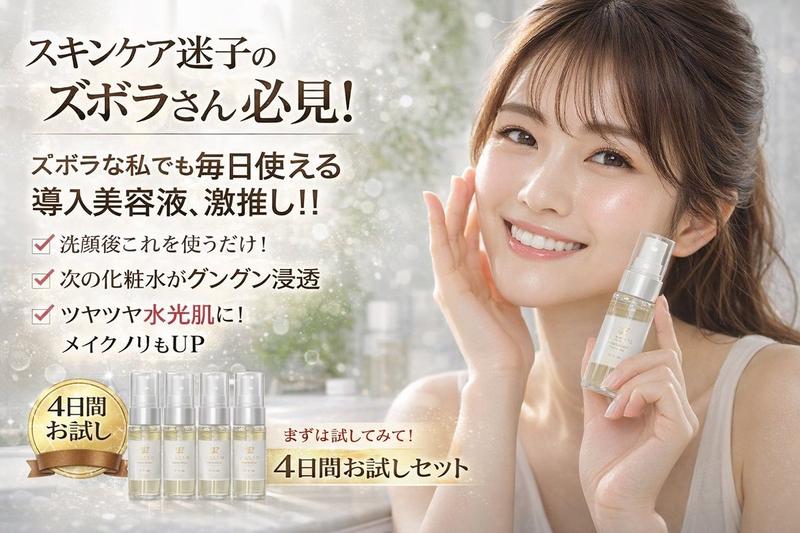
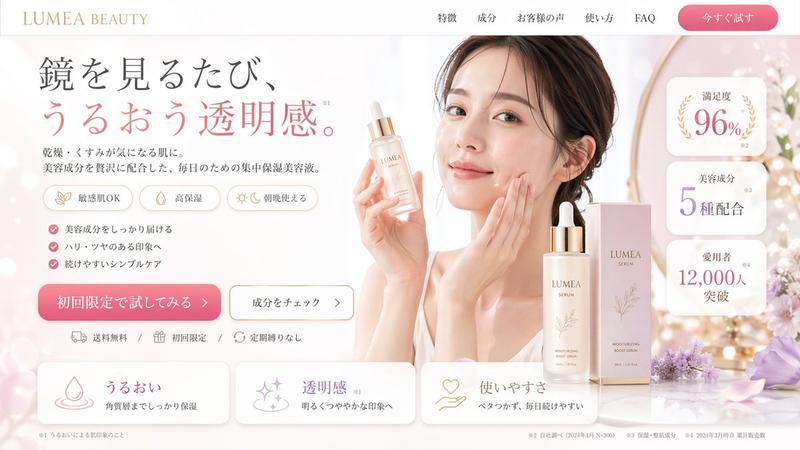
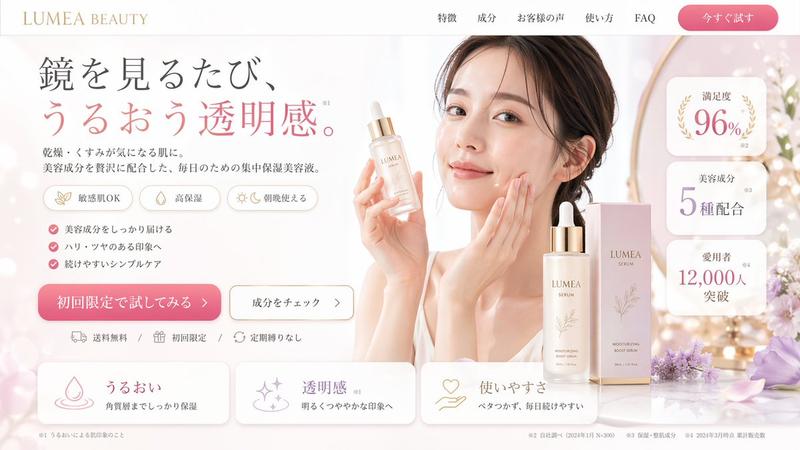
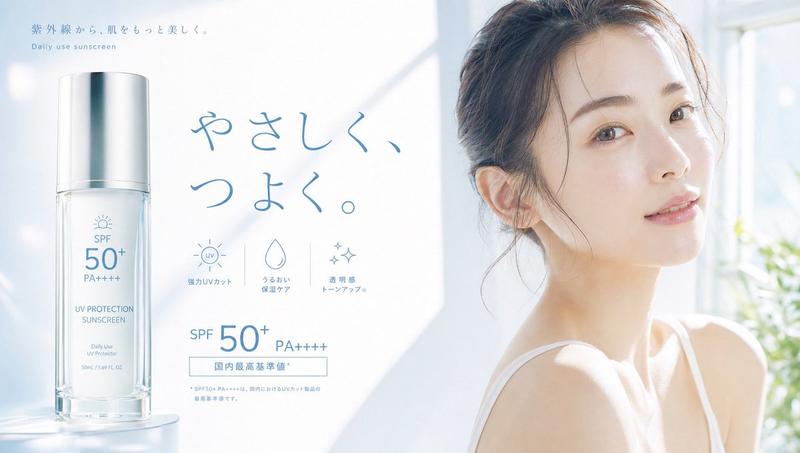
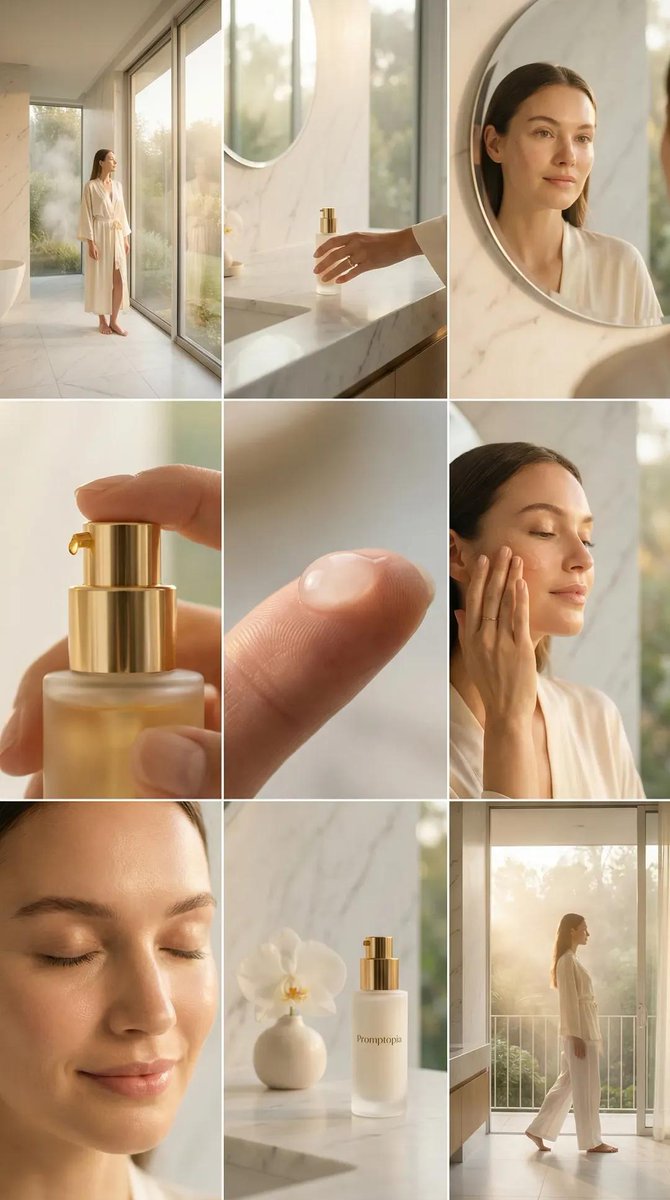
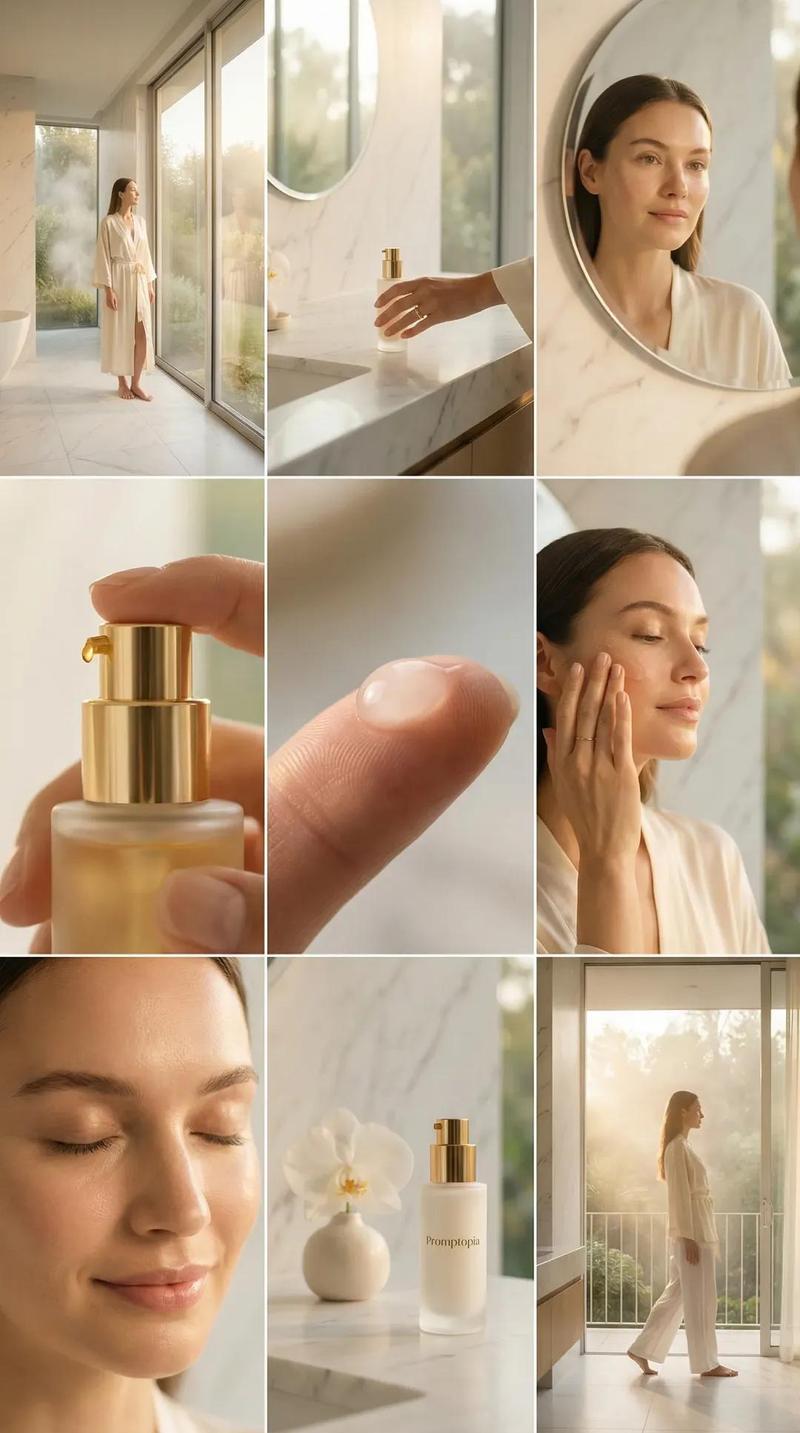
Create a clean, bright skincare commercial storyboard in a 16:9 layout with 9 panels. Use soft natural lighting, minimal aesthetic, and a fresh, airy mood with white and pastel tones. The main character is a young woman with soft makeup and styled hair, wearing light, elegant clothing. The setting is a modern, sunlit interior with large windows and a calm atmosphere. No text or subtitles anywhere.
Show a clear story flow: she starts at her desk looking slightly tired or concerned, then a close-up of her face showing dry or dull skin. She discovers a clear skincare bottle and gently presents it. Show a close-up of the liquid pouring onto her hand, followed by her applying it to her face. After use, her skin looks hydrated, glowing, and smooth. Transition to her feeling confident and refreshed, walking in a bright, clean space with soft breeze and flowing elements. End with a calm product beauty shot on a minimal surface, then a final frame of her smiling softly at the camera while holding the product.
Focus on natural expressions, glowing skin, and a transformation from dull to fresh. Include cinematic close-ups, soft focus, light reflections, and subtle sparkles to enhance the clean beauty feel. Keep everything elegant, minimal, and visually soothing with no branding text.
Category
Charts & Infographics
Model
GPT Image 2
Creator
Zara
Views0
Source ID
2049371457973833765
Published
Apr 29, 2026

Guide

About "Skincare 9-panel storyboard: GPT Image 2 prompt"

What is this prompt for?

"Skincare 9-panel storyboard: GPT Image 2 prompt" AI image prompt for GPT Image 2 (Charts & Infographics). Create a clean, bright skincare commercial storyboar…

The full copyable prompt and example visuals above are ready for AI image generation or one-click recreate in Picva.

How to use this prompt

  1. Step 1

    Open the prompt detail

    Review the example visuals, category, and full prompt text for "Skincare 9-panel storyboard: GPT Image 2 prompt".

  2. Step 2

    Copy the prompt

    Copy the prompt body from this page, or load it directly in Studio.

  3. Step 3

    Pick a model (GPT Image 2)

    Prefer GPT Image 2. If you switch models, keep subject and composition and tweak style terms.

  4. Step 4

    Generate and export

    Recreate the look in Picva, or export into your workflow for editing and publishing.

FAQ

What is the "Skincare 9-panel storyboard: GPT Image 2 prompt" prompt?
It is an AI image-generation prompt for GPT Image 2 in the Charts & Infographics category. This page includes the full prompt text, example visuals, and a one-click recreate path in Picva.
How do I use this prompt to generate an image?
Copy the prompt from this page, or use Generate / Studio. Paste it into a compatible image model, or recreate the look in Picva with optional reference images.
Which model is this prompt for?
This page lists GPT Image 2. Most descriptive prompts also transfer to nearby image models such as GPT Image, Flux, or Midjourney with light style tweaks.
Can I use the result commercially?
You can usually copy the prompt for creation, but commercial use of the final image depends on the model terms, reference-image rights, and the generated content. Follow the source author and platform rules.