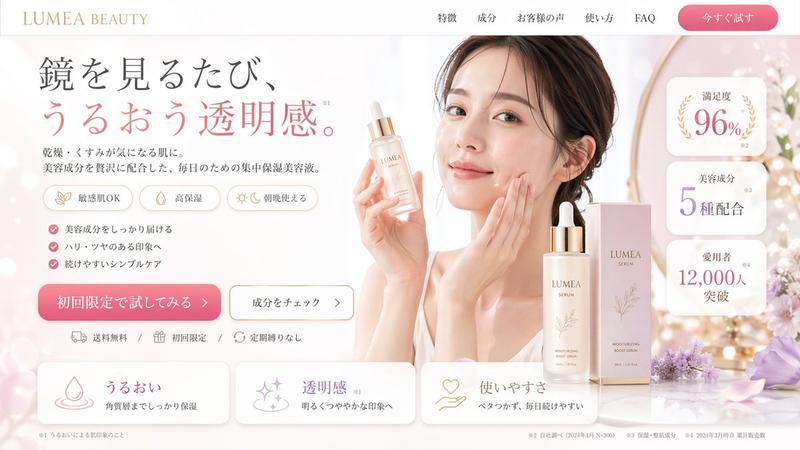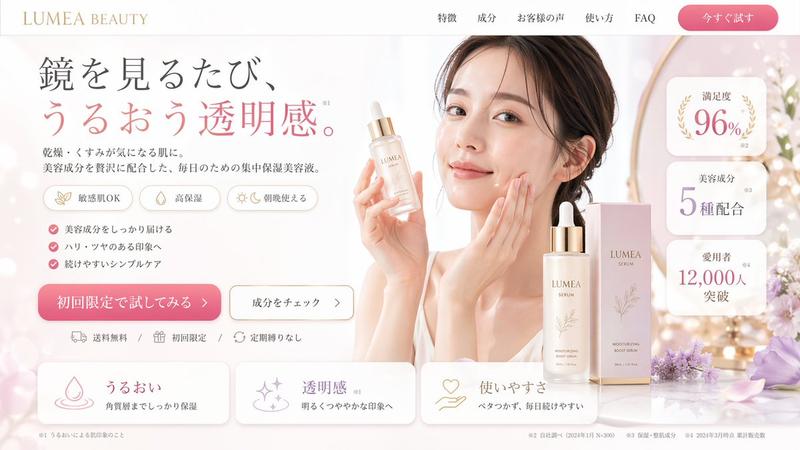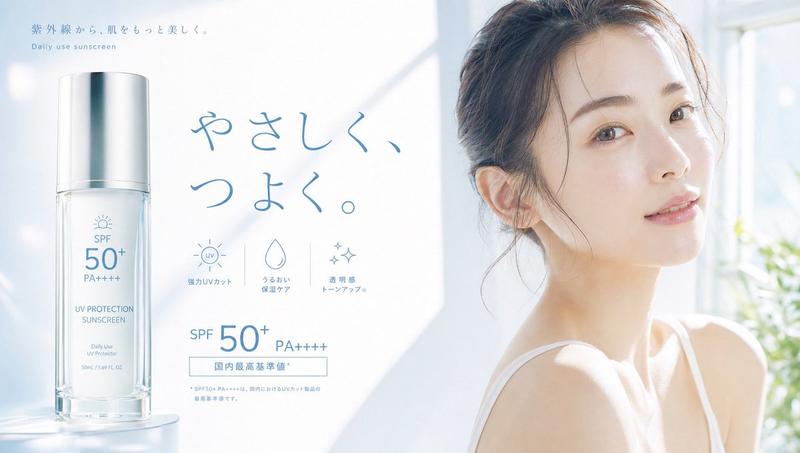
化妆品促销网页横幅
Prompt
{
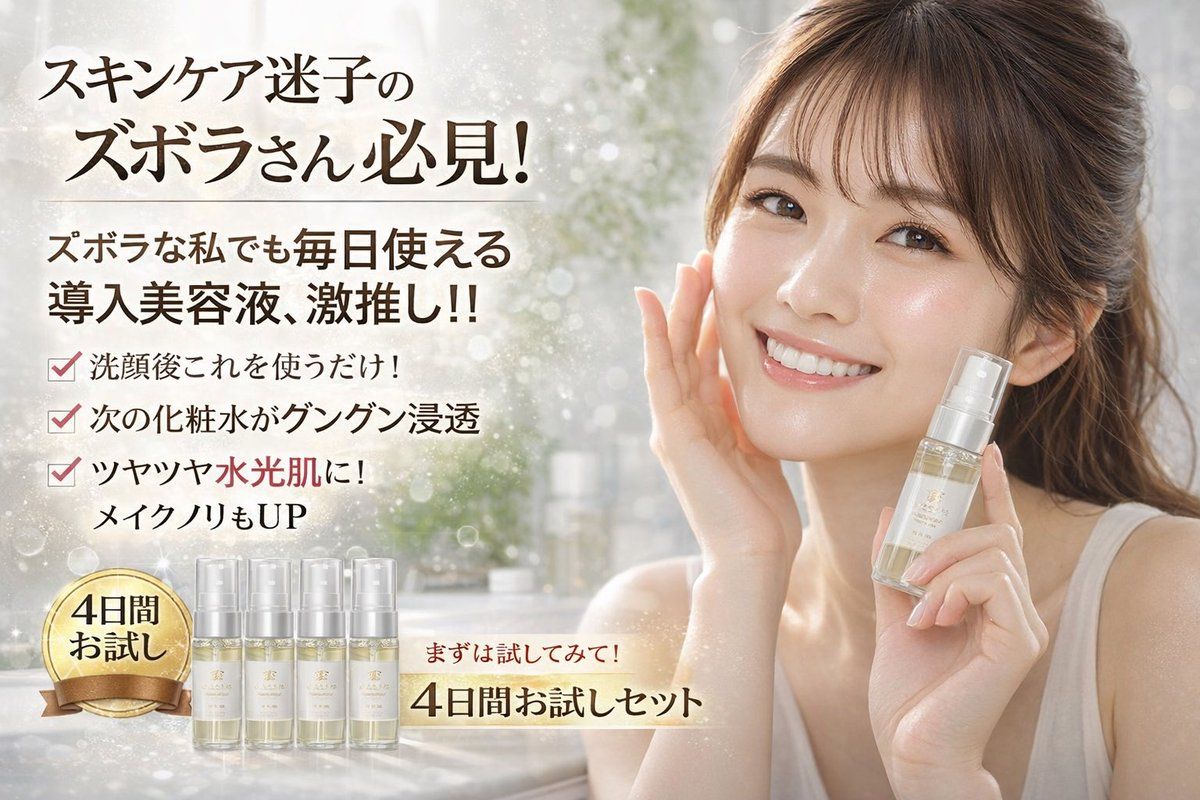
  "type": "cosmetics promotional web banner",
  "subject": {
    "description": "A smiling young East Asian woman with glowing, dewy skin, wearing a simple white tank top, hair tied back with loose bangs. She is touching her right cheek with her right hand and holding a {argument name=\"product type\" default=\"clear serum pump bottle\"} in her left hand near her face."
  },
  "background": "Soft, blurred, bright vanity setting with sparkling bokeh and light flares.",
  "layout": {
    "sections": [
      {
        "position": "top left",
        "type": "headline",
        "text": "{argument name=\"main headline\" default=\"スキンケア迷子の ズボラさん必見!\"}"
      },
      {
        "position": "mid left",
        "type": "subheadline",
        "text": "{argument name=\"sub headline\" default=\"ズボラな私でも毎日使える 導入美容液、激推し!!\"}"
      },
      {
        "position": "center left",
        "type": "bullet points",
        "count": 3,
        "style": "red checkmarks",
        "labels": [
          "洗顔後これを使うだけ!",
          "次の化粧水がグングン浸透",
          "ツヤツヤ水光肌に! メイクノリもUP"
        ]
      },
      {
        "position": "bottom left",
        "type": "product trial set",
        "elements": [
          {
            "description": "gold circular badge with ribbon",
            "text": "{argument name=\"badge text\" default=\"4日間 お試し\"}"
          },
          {
            "description": "lineup of small trial bottles",
            "count": 4
          }
        ]
      },
      {
        "position": "bottom center",
        "type": "call to action",
        "text": "{argument name=\"call to action\" default=\"まずは試してみて! 4日間お試しセット\"}",
        "style": "glowing underline"
      }
    ]
  }
}- Category
- UI & Interfaces
- Model
- GPT Image 2
- Creator
- 🌈naomi🌈e/acc
- Source ID
- 14027
- Published
- Apr 18, 2026
Views4