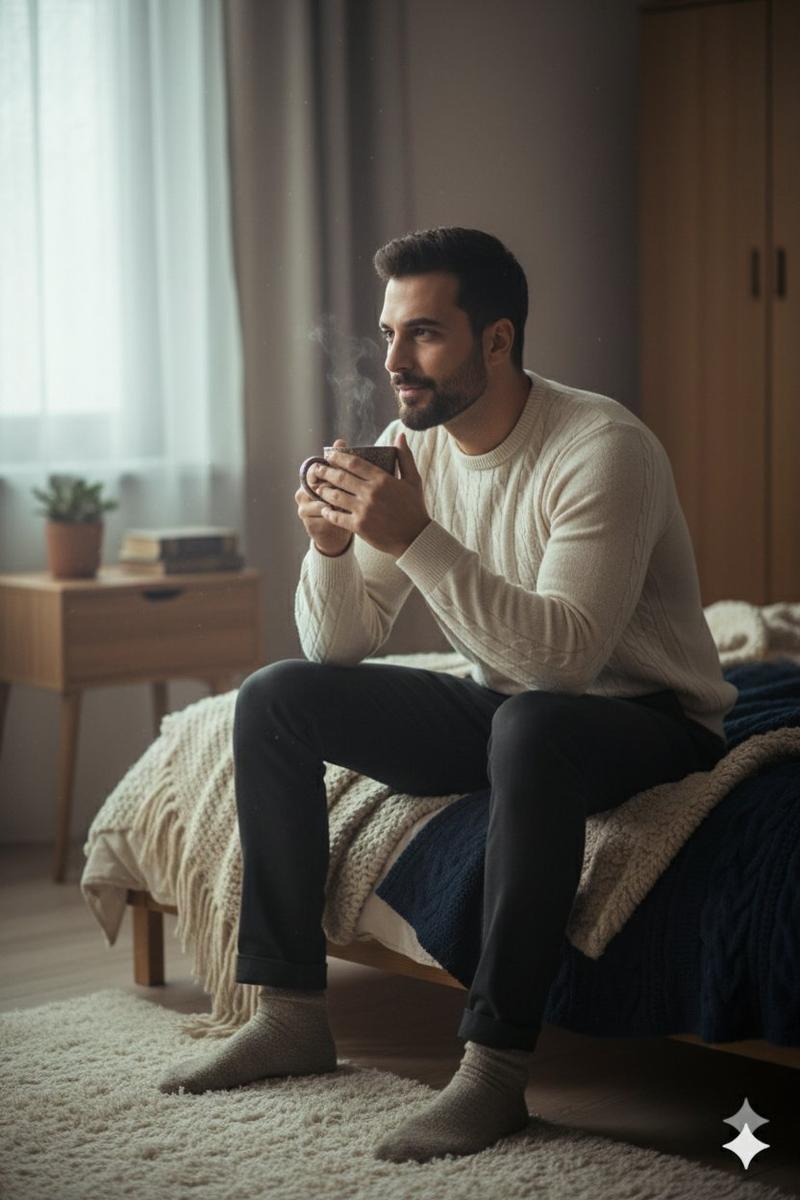
Wet-skin post-shower towel selfie: GPT Image 2 prompt
Prompt
{ "type": "image_prompt", "version": "1.0", "description": { "subject": { "identity": "Use uploaded reference face exactly", "appearance": { "face": "Ultra realistic woman with natural wet skin texture after shower, visible water droplets on forehead, cheeks, shoulders and collarbone, realistic skin pores, soft neutral expression, natural glossy lips, minimal makeup look, authentic damp skin reflections", "hair": "Wet hair slicked back naturally with damp strands framing face and neck, realistic moisture texture and shine", "body": "Curvy, hourglass feminine physique with realistic anatomy and natural proportions" } }, "clothing": { "outfit": { "details": [ "Soft red luxury bath towel wrapped around body", "Realistic fluffy towel fabric texture", "Natural towel folds and wrapped styling", "Fresh post-shower appearance" ] } }, "pose": { "details": [ "Close-up selfie style framing", "Upper body leaning slightly forward toward camera", "Both arms extended naturally as if holding phone", "Head tilted slightly downward and toward camera", "Relaxed shoulders", "Soft tired expression after shower", "Natural candid bathroom moment" ] }, "environment": { "location": "Modern luxury bathroom", "background": [ "Large glass shower enclosure with light steam condensation", "Soft beige marble bathroom walls", "Minimal modern bathroom interior", "Subtle water marks on shower glass", "Clean luxury hotel-style bathroom atmosphere", "Bright neutral bathroom tones", "Elegant contemporary design" ] }, "lighting": { "type": "Ultra realistic soft bathroom lighting", "effects": [ "Bright diffused overhead bathroom lights", "Soft reflections on wet skin", "Natural moisture highlights on forehead and shoulders", "Balanced warm-neutral indoor tones", "Realistic bathroom ambience", "Gentle shadows around jawline and collarbone", "Natural skin color rendering", "Authentic post-shower glow", "Professional candid beauty photography lighting" ] }, "camera": { "angle": "Close eye-level selfie perspective", "framing": "Upper-body vertical composition", "focus": "Sharp focus on face and wet skin texture with softly blurred bathroom background", "style": "Ultra realistic candid beauty photography" }, "watermark": { "details": [ "Small subtle watermark text 'Pixelbyus'", "Placed discreetly in bottom corner", "Very low opacity elegant font", "Does not distract from composition" ] }, "quality": { "render": "Ultra photorealistic 8k", "details": [ "Hyper realistic wet skin texture", "Detailed water droplets", "Natural facial details", "Realistic bathroom reflections", "Authentic lighting and shadows", "Professional editorial beauty quality", "Ultra detailed towel fabric", "True-to-life skin tones", "Luxury bathroom atmosphere" ] } } }- Category
- Photography & Realism
- Model
- GPT Image 2
- Creator
- Pixel by us ✨
- Source ID
- 2069080876818817235
- Published
- Jun 22, 2026
Views0