20

Night hotel lingerie portrait: GPT Image 2 prompt
Enlarge

Example images

Night hotel lingerie portrait: GPT Image 2 prompt

Prompt
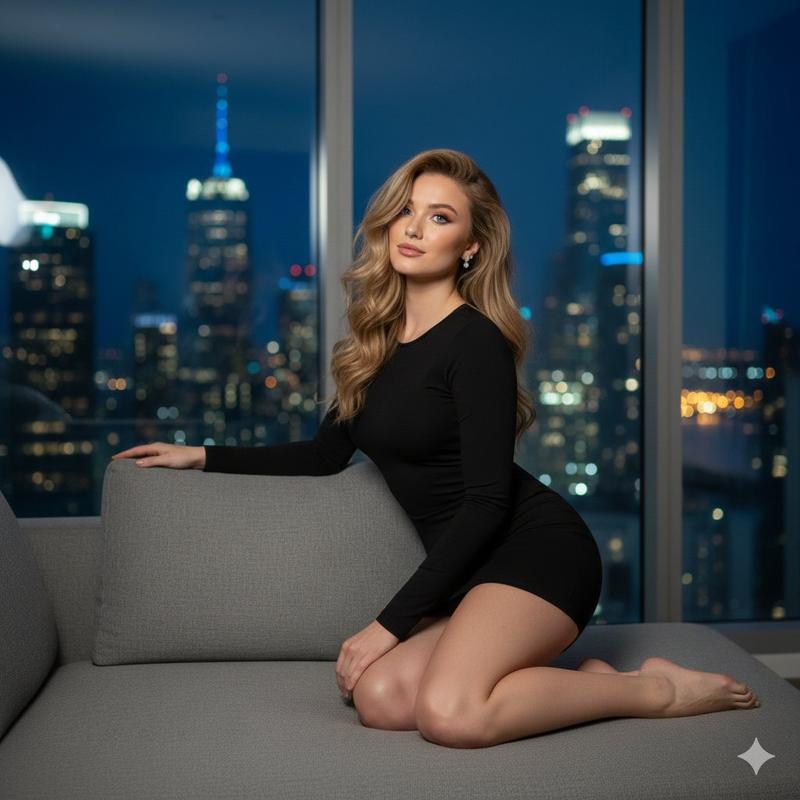
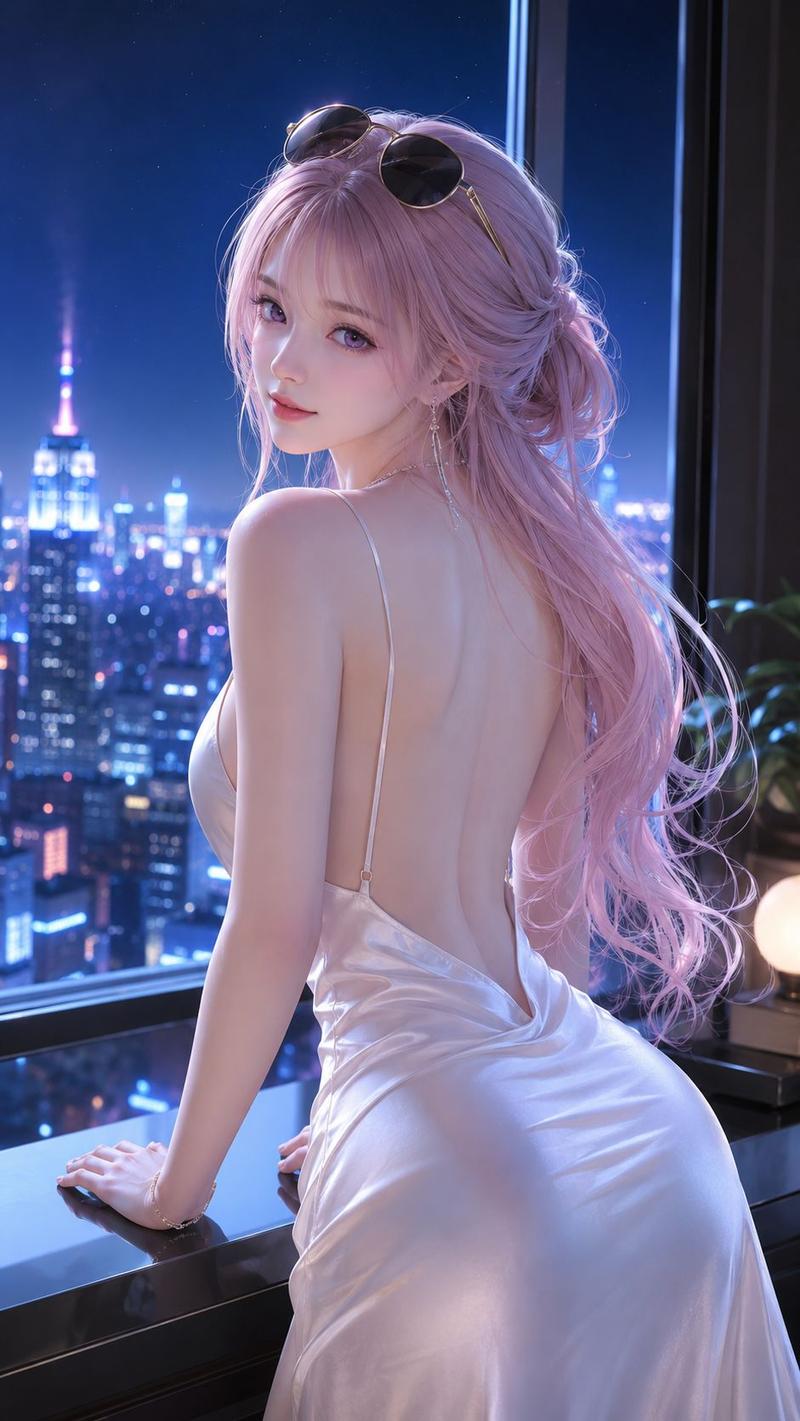
A stunning mid-20s Japanese or Korean woman. wearing a lingerie outfit, lying on a bed with side-lying arrangement, body turned along one side; head angled close to one shoulder. The central scene is a broad panoramic floor-to-ceiling glass wall, New York skyline, and soft white hotel bed with bedside props., under very dark late-night interior ambience with cool blue night-toned subject light, captured as an editorial film still with f/5.6-style balanced depth of field, transparent Japanese portrait color grade, airy low-contrast tonality.
Category
Photography & Realism
Model
grok-imagine
Creator
Nailai7981
Views1
Source ID
2074152360696545727
Published
Jul 6, 2026

Guide

About "Night hotel lingerie portrait: GPT Image 2 prompt"

What is this prompt for?

"Night hotel lingerie portrait: GPT Image 2 prompt" AI image prompt for grok-imagine (Photography & Realism). A stunning mid-20s Japanese or Korean woman. wear…

The full copyable prompt and example visuals above are ready for AI image generation or one-click recreate in Picva.

How to use this prompt

  1. Step 1

    Open the prompt detail

    Review the example visuals, category, and full prompt text for "Night hotel lingerie portrait: GPT Image 2 prompt".

  2. Step 2

    Copy the prompt

    Copy the prompt body from this page, or load it directly in Studio.

  3. Step 3

    Pick a model (grok-imagine)

    Prefer grok-imagine. If you switch models, keep subject and composition and tweak style terms.

  4. Step 4

    Generate and export

    Recreate the look in Picva, or export into your workflow for editing and publishing.

FAQ

What is the "Night hotel lingerie portrait: GPT Image 2 prompt" prompt?
It is an AI image-generation prompt for grok-imagine in the Photography & Realism category. This page includes the full prompt text, example visuals, and a one-click recreate path in Picva.
How do I use this prompt to generate an image?
Copy the prompt from this page, or use Generate / Studio. Paste it into a compatible image model, or recreate the look in Picva with optional reference images.
Which model is this prompt for?
This page lists grok-imagine. Most descriptive prompts also transfer to nearby image models such as GPT Image, Flux, or Midjourney with light style tweaks.
Can I use the result commercially?
You can usually copy the prompt for creation, but commercial use of the final image depends on the model terms, reference-image rights, and the generated content. Follow the source author and platform rules.